Best Digital Asset Management Software for Universities for 2026: Our 5 Vetted Picks
Best digital asset management software for universities: 5 tools compared on price, free plans and fit. Short verdicts, no fluff. Current for November 2026.
- Editor's choiceWiden Collective
Centralizing assets and automating workflows
Starts atPricing on requestVisit widen.comFull review - Great alternative
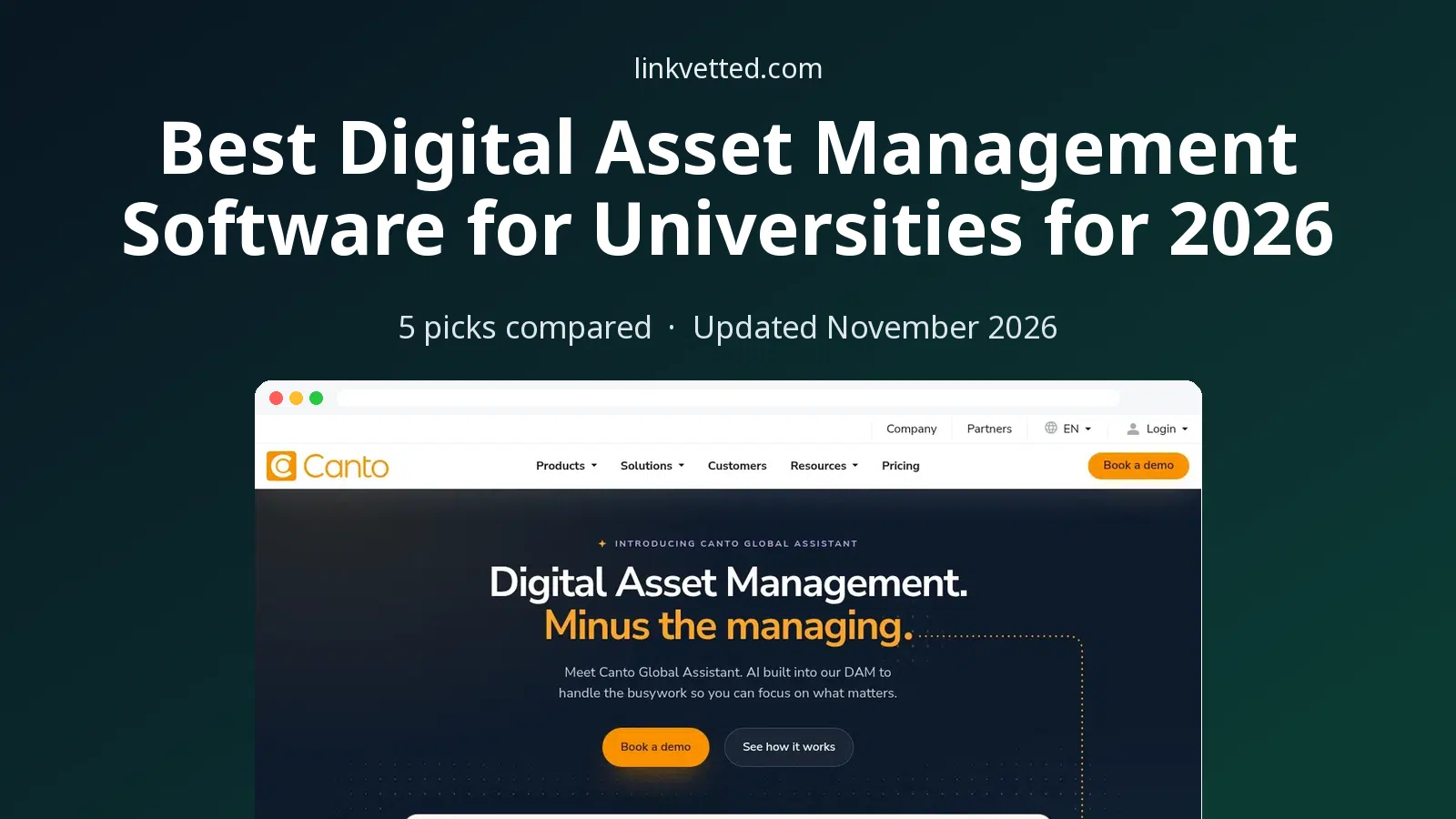
 Canto
Organizing and sharing departmental collections
Starts atPricing on requestVisit canto.comFull review - Also consider
 Brandfolder
Usability-first campus adoption
Starts atPricing on requestVisit brandfolder.comFull review
Direct answer
Widen Collective is the first pick on this list for Centralizing assets and automating workflows. Canto fits organizing and sharing departmental collections; Brandfolder fits usability-first campus adoption. The other 2 tools in the list cover narrower or pricier cases. None of these vendors publish plan prices, so pricing is on request for every option.
TL;DR:
- Widen Collective takes the first slot, best suited to Centralizing assets and automating workflows.
- Widen Collective, Bynder and the 3 others all need a premium plan or a trial, since no free plan is listed.
- Bynder suits large university marketing and brand teams.
- Canto comes with a trade-off: enterprise workflow depth should be confirmed.
Last checked November 2026. Pricing on request: vendors did not publish plan prices when this guide was last checked (November 2026), so ask each vendor for a written quote.
Quick comparison
| Tool | Best for | Starts at | Free plan? | |
|---|---|---|---|---|
| Widen Collective | Centralizing assets and automating workflows | Pricing on request | Free trial | Visit |
| Canto | Organizing and sharing departmental collections | Pricing on request | Free trial | Visit |
| Brandfolder | Usability-first campus adoption | Pricing on request | Not stated | Visit |
| Orange Logic Cortex | Configurable enterprise DAM deployments | Pricing on request | Not stated | Visit |
 Bynder | Large university marketing and brand teams | Pricing on request | Not stated | Visit |
Digital Asset Management Software for Universities compared in detail
LinkVetted put together this guide to digital asset management software for universities for readers who want a clear shortlist without reading every vendor page. It compares 5 tools on starting price, free plans, who each one suits and where each one falls short.
Widen Collective
Best for: Centralizing assets and automating workflows
For Centralizing assets and automating workflows, Widen Collective is a natural candidate. Universities with modest requirements might start with Canto or Brandfolder.
What to check first: Enterprise scope may be more than small units need.
In practice, Widen Collective, presented as Acquia DAM, is an enterprise digital asset management system for centralizing assets, automating workflows and delivering on-brand content everywhere. As for the details, the workflow automation angle appeals to teams managing recurring publishing cycles and several approvers. Pricing for Widen Collective is not stated here, so ask the vendor for current figures. Trial and free access: Free trial.
- Automate workflows for on-brand content
- Enterprise delivery across channels
- Workflow design needs upfront planning
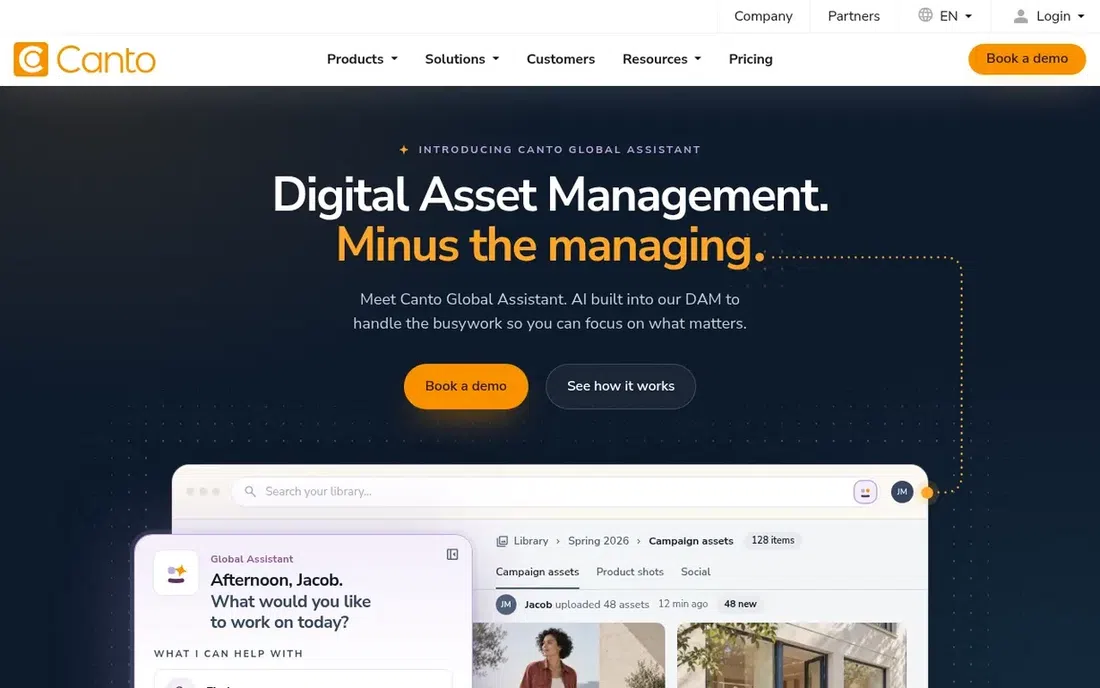
Canto makes the most sense for organizing and sharing departmental collections. Canto's messaging centers on ease of organizing and sharing instead of deep enterprise workflow automation, so institutions with complicated approval chains should verify capabilities.
Check the vendor site for Canto pricing; none is listed in this comparison. Free plan details: Free trial.
Where it falls short: Enterprise workflow depth should be confirmed.
- Sharing made central to the product
- Capable focus on organizing and finding assets
- Large multi-campus deployments need careful scoping
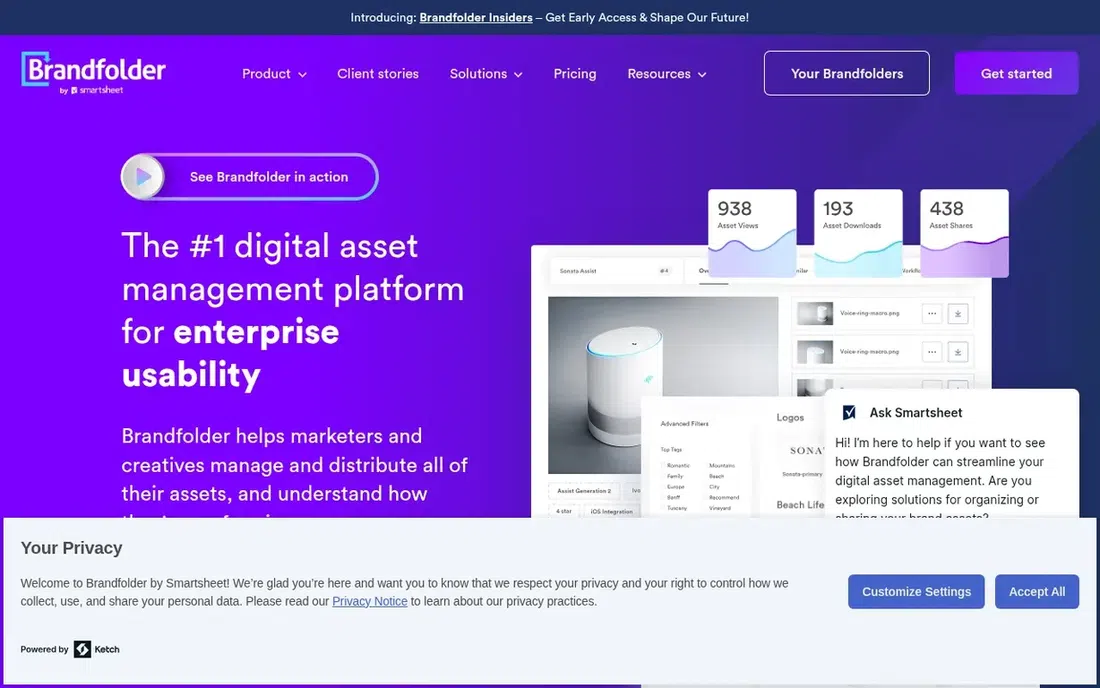
Choose Brandfolder for usability-first campus adoption. That usability emphasis matters in higher education, where faculty, student services and athletics staff may all have to find approved logos, photos and templates without training.
What to check first: May need extras for complicated enterprise needs.
Universities prioritizing fast adoption across non-technical users often place this kind of product on their shortlist. Check the vendor site for Brandfolder pricing; none is listed in this comparison. Free access: Not stated.
- Distribute and analyze assets in one place
- Run
- Analytics and workflow depth should be verified per institution
Orange Logic Cortex
Best for: Configurable enterprise DAM deployments
Orange Logic Cortex was built for configurable enterprise DAM deployments. Institutions that expect to tailor metadata, permissions and delivery to plenty of audiences should bundle this kind of system in a shortlist and request an in-depth walkthrough.
Worth adding: universities wanting a more standardized, usability-led experience may prefer Brandfolder or Bynder. No starting price is listed for Orange Logic Cortex here; confirm pricing on the vendor site. Free access: Not stated.
Points against: Public homepage detail is restricted, so request a walkthrough.
- Digital asset management software focus
- Enterprise-oriented system
- Custom deployments may need dedicated technical resources
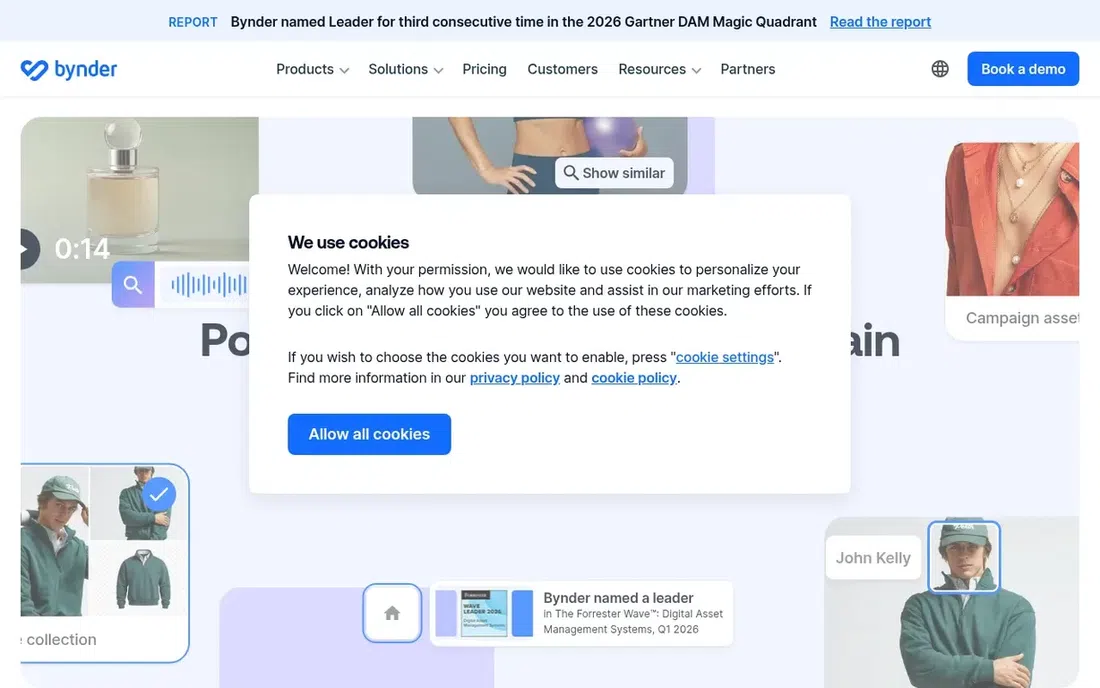
Bynder is built with large university marketing and brand teams in mind. Bynder presents itself as an easy-to-learn enterprise DAM product built to produce, run and distribute content at scale. Teams needing a connected system for distributing approved content widely will find the positioning relevant, especially where several departments draw on one shared brand library.
Where it is weaker: Wide feature set may exceed small department needs.
More specifically, confirm integration and workflow details straight with the vendor before committing. In practice, institutions wanting a lighter starting point for a narrow collection might look at Canto or Brandfolder instead. Bynder does not show a starting price in this comparison, so check the vendor site for current pricing. Trial and free access: Not stated.
- Positioned as an interconnected DAM system
- Supports managing content at scale
- Enterprise focus can suit centralized teams better than single faculties
How the list was put together
LinkVetted used vendor pricing pages and product documentation as the base, then compared plans, free access and documented limits for 5 tools. Figures are shown as the vendors publish them. Billing terms, seat minimums and add-ons can change the real cost. The order reflects how well each tool fits the most common buying scenario for digital asset management software for universities, then price clarity, then free plan access. It is a starting point, not a verdict.
Things to verify first
- Request quotes from Widen Collective, Bynder and the others; the list shows no fixed prices.
- Take the trial from Widen Collective and Canto and push a live task through it before you pay.
- Before choosing Widen Collective, weigh its main limit: enterprise scope may be more than small units need.
- Let daily users try Brandfolder on real work; their feedback beats any feature checklist.
- The entry price of Canto is only the starting point; model the full cost with seats and extras.
FAQ
Is Widen Collective the right pick for everyone comparing digital asset management software for universities?
No single tool suits every team. Widen Collective comes first because it fits Centralizing assets and automating workflows, while Canto suits organizing and sharing departmental collections and Brandfolder suits usability-first campus adoption. Match the tool to your own size, budget and workflow before deciding.
How are the tools for digital asset management software for universities ordered?
Widen Collective sits first and Bynder last because the order follows typical fit for digital asset management software for universities, then price clarity and free access. It is a judgement call, so read each profile for fit and limits.
Does any tool for digital asset management software for universities here have a free plan?
A permanent free plan is not offered by Widen Collective, Bynder or the other tools here. Widen Collective, Canto offer a trial. Plan a short evaluation period instead.
What should a university look for in digital asset management software?
Look for solid search and metadata so staff can find approved logos, photos and templates rapidly. Workflow and approval features matter if plenty of teams publish on a regular basis.
Can smaller departments use enterprise DAM products?
They can, but the scope may exceed what a single department needs. Confirm configuration and support choices with the vendor before committing to an institution-wide rollout.
Do these tools publish their prices?
No. None of the tools, from Widen Collective to Bynder, shows a fixed starting price here, so budget time for quotes.
Sources
- https://www.widen.com
- https://www.canto.com
- https://brandfolder.com
- https://www.orangelogic.com
- https://www.bynder.com