Best Digital Asset Management Software in 2026: 8 Tools Compared
Compare the best digital asset management software for 2026, with asset search, brand portals, AI tagging, and pricing for marketing and creative teams today.
- Editor's choice
 Bynder
Brand portals and governance for growing brands
Starts atSee websiteVisit bynder.comFull review - Great alternative
 Brandfolder
Asset analytics and campaign distribution
Starts atSee websiteVisit brandfolder.comFull review - Also consider
 Canto
Approachable DAM for mid-market teams
Starts atSee websiteVisit canto.comFull review
TL;DR:
- Bynder and Brandfolder suit brand-led teams that need portals and usage insight.
- Canto suits mid-market teams that want fast search without a long rollout.
- Cloudinary and Pics.io suit teams that already live in developer or Google Drive workflows.
- Most enterprise DAM pricing is quote based, so budget for a sales conversation, not a price page.
Quick comparison
| Tool | Best for | Starts at | Free plan? | |
|---|---|---|---|---|
| Bynder | Brand portals and governance for growing brands | See website | No | Visit |
| Brandfolder | Asset analytics and campaign distribution | See website | No | Visit |
| Canto | Approachable DAM for mid-market teams | See website | No | Visit |
 Cloudinary | Developer-led media plus DAM | Free | Yes | Visit |
 Acquia DAM | Structured metadata and Drupal teams | See website | No | Visit |
 Aprimo | Regulated teams and content operations | See website | No | Visit |
 MediaValet | Video heavy teams with unlimited users | See website | No | Visit |
 Pics.io | Small teams that want DAM on Google Drive | From $100 per month | Free trial | Visit |
The best digital asset management software
Digital asset management software stores, tags, and shares images, videos, logos, and documents so teams stop hunting through shared drives. The tools below differ on search quality, brand controls, portals for partners, and price transparency. We compared how fast a new user can find the right approved file, how well each tool handles permissions, and whether pricing is published or quote based.
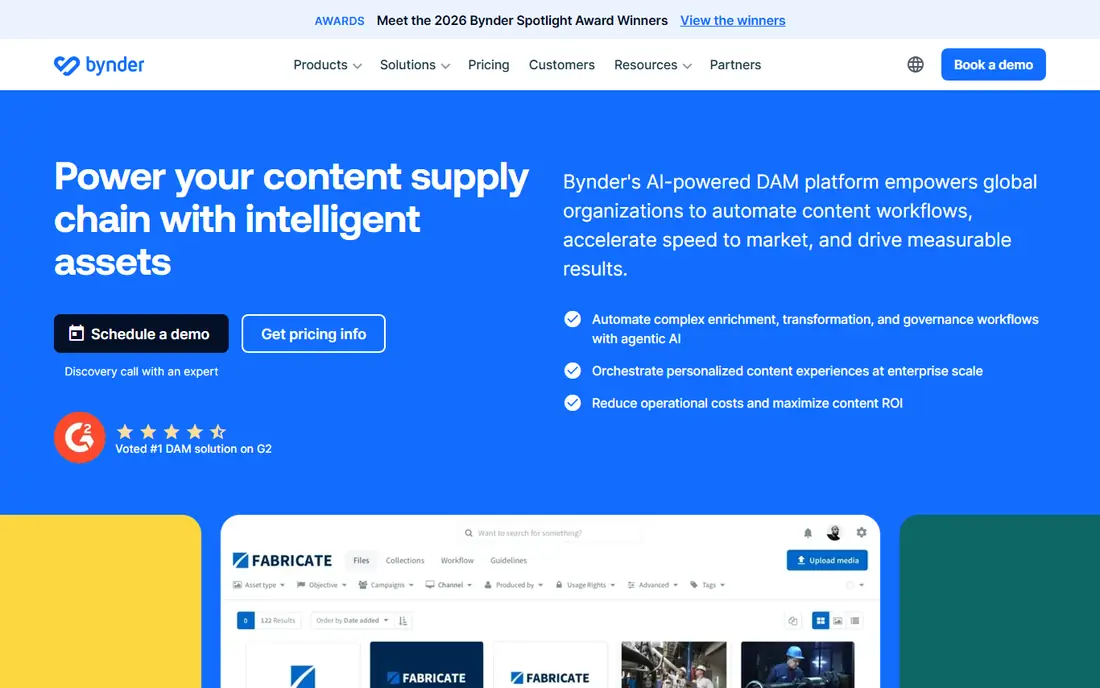
Bynder is a leading DAM for brands that need approved assets shared safely with agencies, retailers, and regional teams. Brand portals let partners find the right logo or campaign file without asking marketing for it, and permissions control who can download what. AI search helps when a library grows into thousands of files with messy names. The main barrier is price transparency, since plans are quote based and setup takes planning.
The catch is worth naming plainly, and it sits in the limits below. Test the tool on one real workflow before you move a whole team or budget across, and check the current limits on the vendor page first. A short trial with your own leads, contracts, or files tells you more than any feature list.
- Brand portals for partners
- AI search and tagging
- Content delivery options
- Quote based pricing
- Implementation and setup time for larger teams
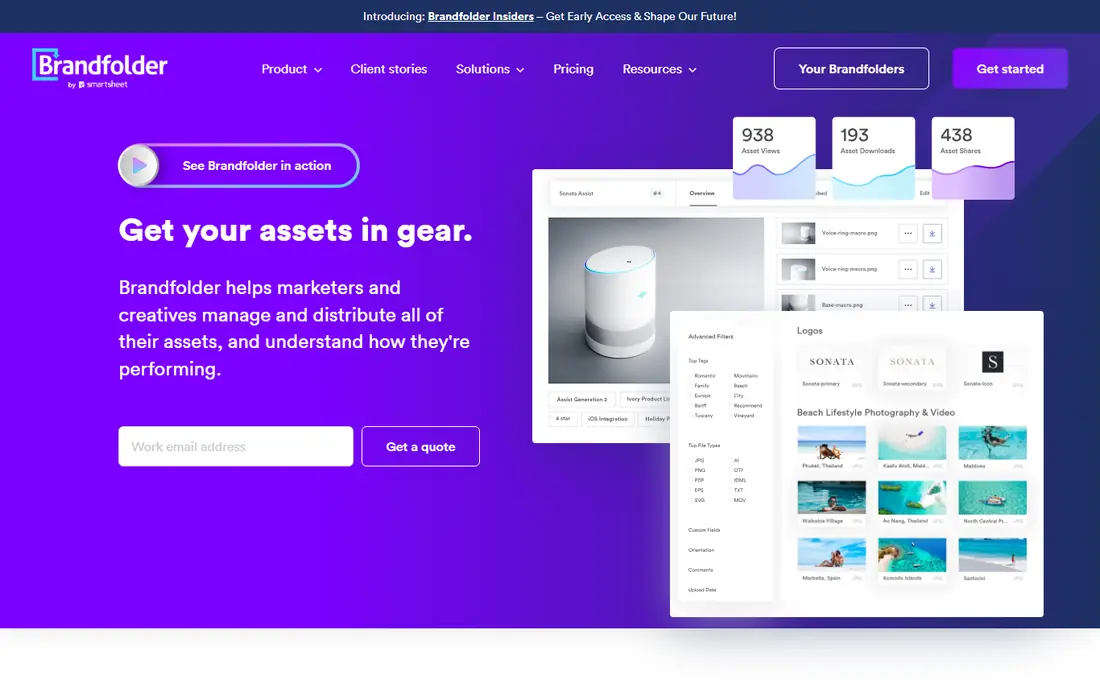
Brandfolder suits marketing teams that want to know which assets actually get used, not just stored. Usage analytics show which files partners and campaigns pull, which helps retire stale assets and prove the value of new shoots. AI tagging and distribution tools speed campaign launches. Pricing is largely quote based, and per seat models can grow with team size, so confirm the full annual cost before rollout.
Before you commit, weigh that weakness against the strength above. If the weakness touches the task you do most often, keep looking down this list. If it touches a task you do rarely, the strength may still win. Either way, start with the free plan or trial and confirm the price for your team size.
- Asset usage analytics
- AI tagging
- CDN powered distribution for campaigns
- Quote based for most teams
- Per seat costs can rise with larger teams
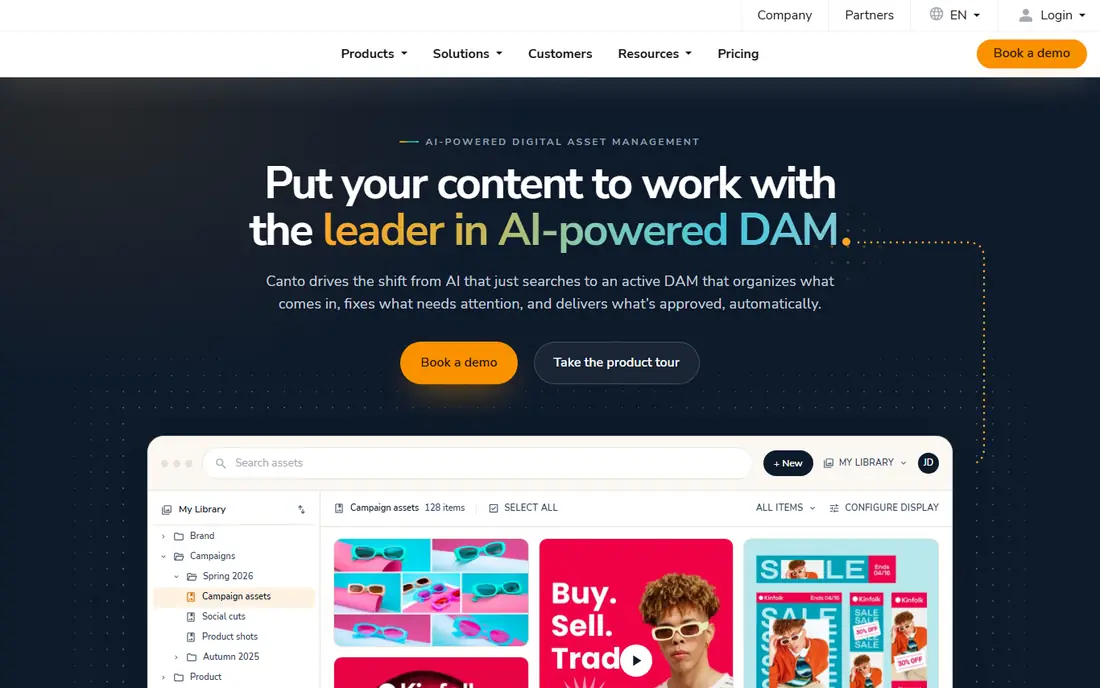
Canto is a good fit for mid-market teams that want a DAM up and running without a long enterprise project. Search is fast, auto-tagging reduces manual work, and sharing links make it easy to send approved files to partners. The interface is approachable for non-technical users, which helps adoption. Pricing is not published, so a quote is needed, and teams with strict governance needs should check the higher tiers.
That weakness matters most at scale, so plan for it early. Ask the vendor what happens when volume grows, seats are added, or a second team joins. The answer to that question often decides the choice better than the headline feature set, and it is worth getting in writing.
- Fast visual search
- AI auto-tagging
- Simple sharing links for teams
- Pricing is not published
- Some enterprise governance features cost more
Cloudinary suits developer-led teams that need DAM plus image and video delivery in one pipeline. Transformations such as resizing, cropping, and background removal happen through the API, and a free plan lets a small team start. It is less of a pure brand governance DAM than Bynder or Brandfolder, so teams that need deep approval workflows should check the enterprise DAM features closely. Usage based pricing also needs monitoring.
The catch is worth naming plainly, and it sits in the limits below. Test the tool on one real workflow before you move a whole team or budget across, and check the current limits on the vendor page first. A short trial with your own leads, contracts, or files tells you more than any feature list.
- Media API and transformations
- Auto-tagging
- CDN delivery for images and video
- DAM depth is lighter than pure DAM platforms on enterprise plans
- Usage based costs need care
Acquia DAM, formerly Widen, suits teams that care about structured metadata, taxonomy, and consistent asset governance. Tiered plans state user and storage limits, which helps planning, even though prices are quote based. Drupal and Acquia users gain extra value from the ecosystem links. Teams without a taxonomy plan may find setup slower, since good metadata is what makes search work well over time.
Before you commit, weigh that weakness against the strength above. If the weakness touches the task you do most often, keep looking down this list. If it touches a task you do rarely, the strength may still win. Either way, start with the free plan or trial and confirm the price for your team size.
- Strong metadata and taxonomy controls
- Tiered plans with set users and storage
- Wide integrations
- Quote based pricing
- Setup suits teams with a clear taxonomy plan
Aprimo fits regulated industries and larger content operations that need DAM plus workflow, compliance, and planning in one system. Its strength is joining asset storage to the work around it, such as approvals, rights, and campaign tasks. That breadth comes with enterprise pricing and a larger implementation scope. Smaller teams that only need storage and search will find simpler and cheaper DAM tools in this list.
That weakness matters most at scale, so plan for it early. Ask the vendor what happens when volume grows, seats are added, or a second team joins. The answer to that question often decides the choice better than the headline feature set, and it is worth getting in writing.
- Content operations plus DAM
- Compliance workflows
- AI agents for tagging and tasks
- Quote based enterprise pricing
- Implementation scope can be large
MediaValet suits video heavy teams that want to share large libraries with many partners without per seat penalties. Unlimited users on every plan is a real advantage for agencies, retailers, and regional teams that all need access. Video workflows and portals help distribute finished assets at scale. Pricing is quote based and storage based, so get a clear estimate for your library size before signing.
The catch is worth naming plainly, and it sits in the limits below. Test the tool on one real workflow before you move a whole team or budget across, and check the current limits on the vendor page first. A short trial with your own leads, contracts, or files tells you more than any feature list.
- Unlimited users on every plan
- Video focused workflows
- Portal sharing for partners
- Quote based pricing
- Storage based costs need clear estimates
Pics.io suits small teams that already store files in Google Drive and do not want a painful migration. It adds DAM search, tagging, and permissions on top of existing storage, so adoption is faster than a full platform move. AI visual search helps find similar images without perfect keywords. Enterprise governance and deep workflow features are lighter than larger DAM platforms, so growing teams should check limits early.
Before you commit, weigh that weakness against the strength above. If the weakness touches the task you do most often, keep looking down this list. If it touches a task you do rarely, the strength may still win. Either way, start with the free plan or trial and confirm the price for your team size.
- DAM layer on Google Drive or Amazon S3
- AI visual search
- No large migration needed
- Fewer enterprise governance features
- Cost rises with team size and storage
How we picked these
We compared official product pages, search and tagging features, portal and permission controls, and pricing transparency. We favoured tools that make an approved file easy to find and hard to misuse, since those two goals decide DAM success. We also noted whether pricing is published, because a DAM budget built on a price page is very different from one built on a quote. Where pricing was quote based, we said so rather than inventing a number.
How to choose digital asset management software
Start with the search problem. If your team cannot find the right file in a minute, the DAM has failed, no matter how many features it lists.
Audit your library before you buy
Count your assets, file types, and current folder chaos before a demo. A team with 500 images has different needs from a team with 100,000 videos. Bring a sample of messy files to the trial and test search, tagging, and download permissions on real work.
Test search with a new user
Ask someone outside marketing to find three approved files without help. If they need training to succeed, adoption will suffer. Good DAM search uses AI tagging, visual search, and clear metadata, not just exact file names.
Set permissions and expiry rules early
Decide who can view, download, and share each asset type, and when campaign assets expire. Brand portals help partners self-serve, but only if permissions are set before launch. Review rights and licences for stock and talent images as part of setup.
Compare total cost, not just the plan
Add storage, users, portals, AI features, and implementation to the quote. Some DAM tools charge per seat, others by storage or active users, and those models favour different team shapes. Get the full annual figure for your team size and library before you shortlist.
FAQ
What is digital asset management software?
Digital asset management software stores, organises, and shares digital files such as images, videos, logos, and documents. It adds search, tagging, permissions, and version control so teams can find and use approved assets without hunting through shared drives.
What is the best digital asset management software for small business?
Pics.io suits small teams on Google Drive, Cloudinary suits developer-led small teams with a free plan, and Canto suits mid-market teams that want an approachable DAM. Larger brand teams should look at Bynder or Brandfolder for portals and governance.
How much does digital asset management software cost?
Small team tools start from around 100 dollars per month, while enterprise DAM is usually quote based and can reach tens of thousands of dollars a year. Storage, user model, and AI features change the total, so ask for a full annual quote for your library.
Do I need DAM if I already use Google Drive?
Google Drive stores files well, but it lacks DAM search, approval, rights, and portal controls at scale. Pics.io adds a DAM layer to Drive, while a full DAM suits teams that share assets with many partners and need usage tracking.
What is the difference between DAM and cloud storage?
Cloud storage holds files, while DAM adds metadata, AI tagging, search, permissions, version control, and brand portals. Storage answers where a file lives, while DAM answers which approved version to use, who can share it, and whether it is still current.