5 Incident Response Automation Tools Worth Shortlisting in 2026
5 best incident response automation tools, compared on pricing, free plans and best-fit use. The weak spots sit next to the strengths. Updated for 2026.
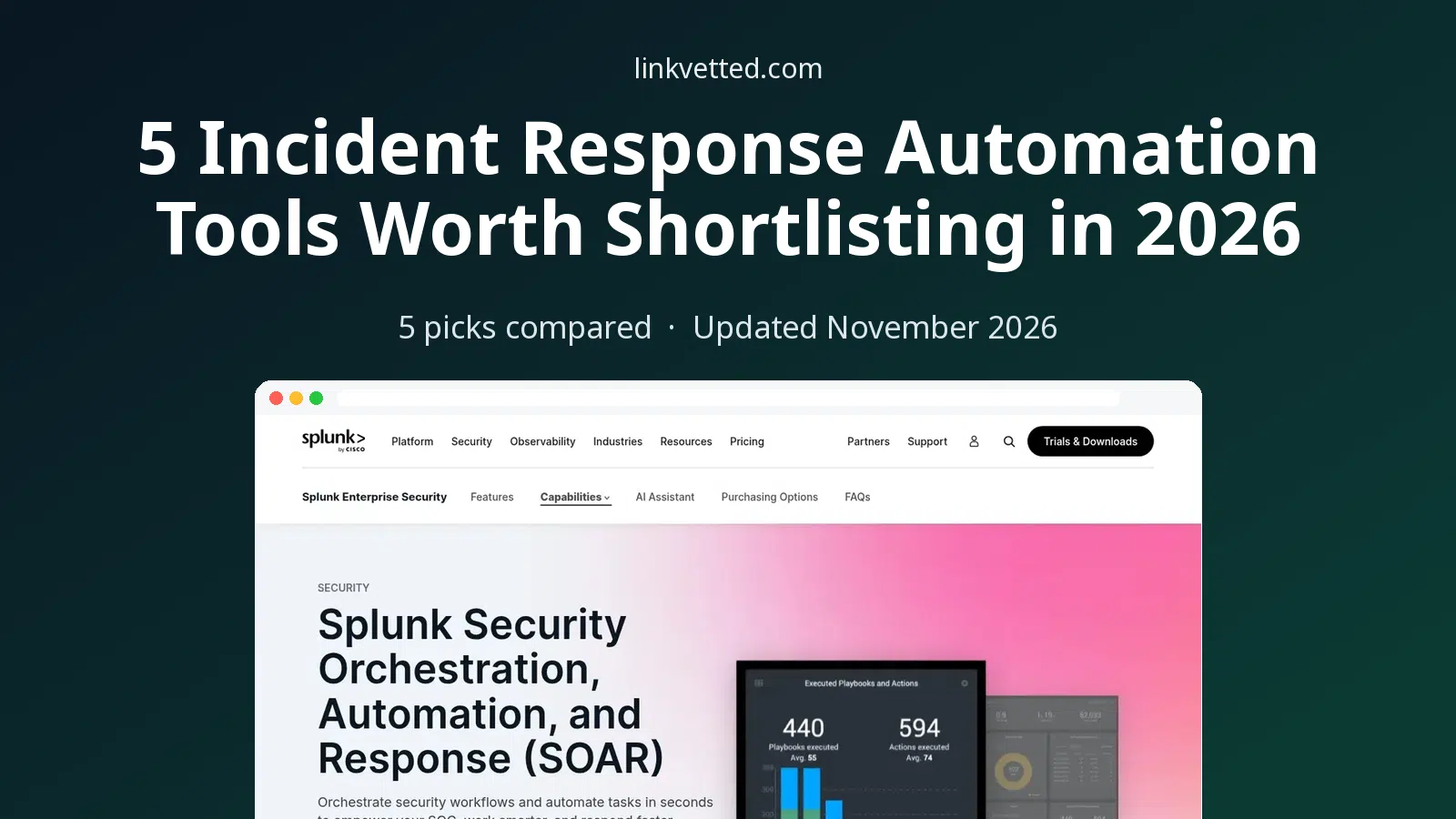
- Editor's choiceTines
Adaptable workflow automation and AI agents
Starts atPricing on requestVisit tines.comFull review - Great alternative
 Splunk SOAR
Splunk-centric teams automating repetitive tasks
Starts atPricing on requestVisit splunk.comFull review - Also considerTorq
AI-driven SOC triage and response at scale
Starts atPricing on requestVisit torq.ioFull review
Direct answer
Start with Tines if you need adaptable workflow automation and AI agents. If your case is different, Splunk SOAR suits Splunk-centric teams automating repetitive tasks and Torq suits AI-driven SOC triage and response at scale. The remaining 2 options are covered below with pricing notes and limits. None of these vendors publish plan prices, so pricing is on request for every option.
TL;DR:
- Tines takes the first slot, best suited to flexible workflow automation and AI agents.
- Swimlane Turbine is the one to check for scalable automation across SOC and compliance.
- Before buying Palo Alto Networks Cortex XSOAR, weigh this: full value relies on integration setup.
- No starting price is shown for any of the 5 tools, Tines and Swimlane Turbine included, so plan time for sales calls.
Last checked November 2026. Pricing on request: vendors did not publish plan prices when this guide was last checked (November 2026), so ask each vendor for a written quote.
Quick comparison
| Tool | Best for | Starts at | Free plan? | |
|---|---|---|---|---|
| Tines | Adaptable workflow automation and AI agents | Pricing on request | Not stated | Visit |
| Splunk SOAR | Splunk-centric teams automating repetitive tasks | Pricing on request | Not stated | Visit |
| Torq | AI-driven SOC triage and response at scale | Pricing on request | Not stated | Visit |
| Palo Alto Networks Cortex XSOAR | Unified SOC automation and case management | Pricing on request | Not stated | Visit |
| Swimlane Turbine | Scalable automation across SOC and compliance | Pricing on request | Not stated | Visit |
Incident Response Automation Tools, one by one
LinkVetted put together this guide to incident response automation tools for readers who want a clear shortlist without reading every vendor page. It compares 5 tools on starting price, free plans, who each one suits and where each one falls short.
Tines
Best for: Adaptable workflow automation and AI agents
Tines makes the most sense for adaptable workflow automation and AI agents. Tines provides a secure environment for AI agents, apps and automation, positioning itself as a complete environment for enterprise automation.
Points against: Needs workflow design skills.
It is known for adaptable, no-code-style workflow building that security and other teams use to link tools and automate repetitive steps. Building and maintaining automations takes time and design discipline. Tines does not show a starting price in this comparison, so check the vendor site for current pricing. Free access: Not stated.
- General-purpose automation beyond security
- Supports AI agents alongside workflows
- Less of a full case management suite
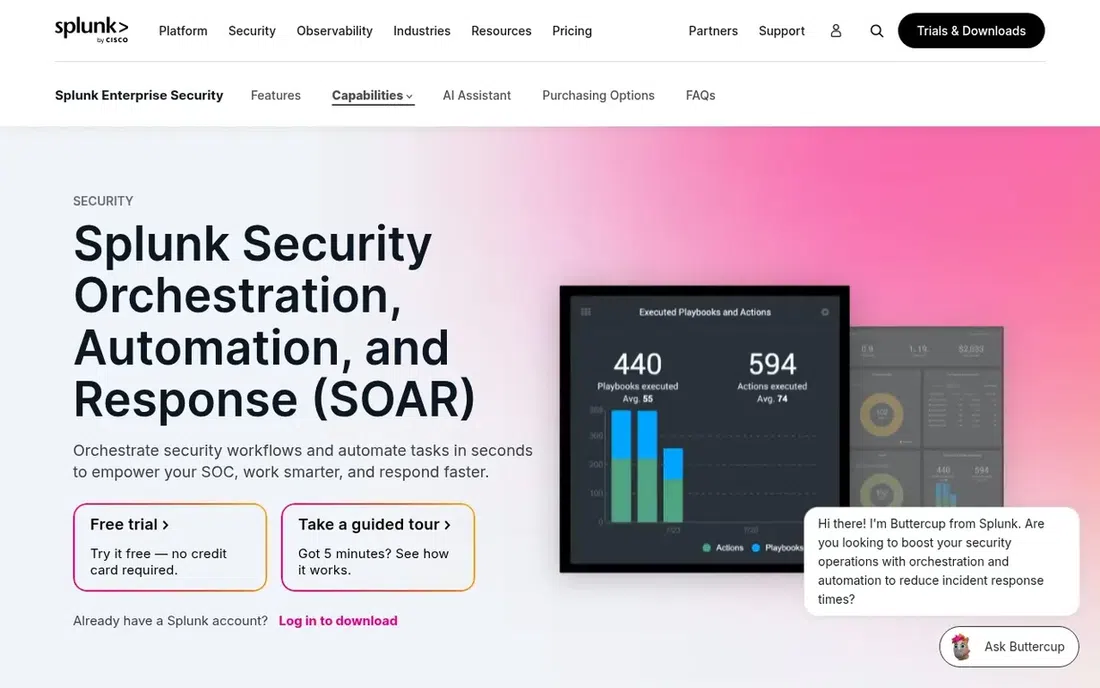
Splunk SOAR was built for Splunk-centric teams automating repetitive tasks. Splunk SOAR is security orchestration, automation and response software built to automate repetitive tasks and help teams investigate and respond to incidents rapidly. The vendor positions it around productivity gains for security operations.
Watch-outs: Playbook building takes planning.
Its appeal is most solid for Splunk-centered environments; mixed or non-Splunk stacks may see less benefit from tight integration. From a buyer's view, getting real value needs up-front playbook design and continuing maintenance. Beyond that, if your team is standardized on another SIEM and wants automation tightly bound to that system, compare alternatives native to your stack first. Pricing for Splunk SOAR is not stated here, so ask the vendor for current figures. Trial and free access: Not stated.
- Suits the wider Splunk security stack
- Accelerates investigation and response
- Most natural fit is within Splunk environments
Torq
Best for: AI-driven SOC triage and response at scale
In short, Torq is for AI-driven SOC triage and response at scale. Organizations with strict, highly deterministic process requirements may want more conventional automation. If your priority is straightforward, transparent task automation instead of agentic AI, a workflow-focused tool could be a more comfortable fit.
An AI-agent-centric model raises questions of oversight, guardrails and change management that teams should plan for. It targets teams that want to scale SOC capacity whereas triaging, investigating and responding to threats quicker. No starting price is listed for Torq here; confirm pricing on the vendor site. Free options: Not stated.
Watch-outs: AI-centric approach needs governance.
- Investigation and response
- Covers triage
- Most useful for teams ready to adopt agents
Palo Alto Networks Cortex XSOAR
Best for: Unified SOC automation and case management
Think of Palo Alto Networks Cortex XSOAR for unified SOC automation and case management. Cortex XSOAR from Palo Alto Networks is a security operations system that brings together incident response, threat intelligence and workflow automation. Its stated goal is to enhance SOC efficiency and reduce remediation time through automatic, repeatable processes.
Where it is weaker: Can be complicated for smaller teams.
Best features of Palo Alto Networks Cortex XSOAR: threat intel and automation. In practice, the product's strength in breadth can translate into setup effort, since automation value relies on how well integrations and playbooks are configured. If you chiefly need light task automation instead of a full case management product, a more straightforward workflow tool may be the better starting point. No starting price is listed for Palo Alto Networks Cortex XSOAR here; confirm pricing on the vendor site. Free options: Not stated.
- Wide playbook-driven workflows
- Merges incident response
- Full value relies on integration setup
Swimlane Turbine
Best for: Scalable automation across SOC and compliance
Swimlane Turbine is designed for scalable automation across SOC and compliance. Teams with narrow needs may not use much of its scope.
If your requirement is a tightly focused incident response tool instead of an enterprise-wide automation product, a narrower choice may deliver value with less overhead. Pricing for Swimlane Turbine is not stated here, so ask the vendor for current figures. Free plan details: Not stated.
Trade-offs to know: Wide scope can mean more configuration.
- Compliance and vulnerability work
- Agentic AI automation product
- Automation maturity affects results
How we chose
The comparison looks at four things: starting price, free access, how well the feature set matches incident response automation tools, and the main limit of each tool. Seat minimums, billing terms and add-ons can move the real cost, so the starting prices here are a guide and not a quote. The ranking is editorial: typical fit first, then clear pricing, then free access. If your needs are unusual, read the profiles rather than relying on position.
A buyer's checklist
- Ask each vendor, from Tines to Swimlane Turbine, for a written quote; none of them publishes a starting price.
- Read the limits listed for Tines first: less of a full case management suite.
- Price Torq for your actual team size; headline prices rarely include add-ons or overage.
- Map your must-have features to a specific Splunk SOAR plan before you compare prices.
- Make sure Tines lets you export your data in a format another tool can read.
FAQ
Does any tool for incident response automation tools here have a free plan?
A permanent free plan is not offered by Tines, Swimlane Turbine or the other tools here. Plan a short evaluation period instead.
Do these tools publish their prices?
No. None of the tools, from Tines to Swimlane Turbine, shows a fixed starting price here, so budget time for quotes.
What should I look for in an incident response automation tool?
Prioritize integration coverage with your existing security stack, playbook adaptability and clear audit trails for automatic actions. Also consider how much setup and maintenance your team can absorb, since automation value relies on well-designed workflows.
Can I try these options before paying?
Not by default. None of the tools, from Tines to Swimlane Turbine, lists a free plan or a free trial here, so ask each vendor for a demo before committing.
How are the tools for incident response automation tools ordered?
The order follows typical fit for incident response automation tools, with Tines first and Swimlane Turbine last, then price clarity and free access. It is editorial judgement, not a score, so another team could rank the tools differently.
Sources
- https://www.tines.com
- https://www.splunk.com/en_us/products/splunk-security-orchestration-and-automation.html
- https://torq.io
- https://www.paloaltonetworks.com/cortex/cortex-xsoar
- https://swimlane.com/platform