Best Intranet Software for Distributed Companies in 2026: Prices, Free Plans and 6 Picks
6 best intranet software for distributed companies, with entry costs, free tiers and the buyer each one serves. Every pick includes one clear drawback. No hype.
- Editor's choice
 Microsoft SharePoint
Microsoft 365 content and file governance
Starts atPricing on requestVisit microsoft.comFull review - Great alternative
 Unily
Large enterprise employee experience
Starts atPricing on requestVisit unily.comFull review - Also consider
 Happeo
Small and medium businesses seeking simple launch
Starts atPricing on requestVisit happeo.comFull review
Direct answer
Our first pick is Microsoft SharePoint, best for Microsoft 365 content and file governance. For a different need, Unily covers large enterprise employee experience and Happeo covers small and medium businesses seeking simple launch. The full list of 6 tools follows, with free plan facts. None of these vendors publish plan prices, so pricing is on request for every option.
TL;DR:
- Microsoft SharePoint takes the first slot, best suited to Microsoft 365 content and file governance.
- For open knowledge and project collaboration, Confluence is worth a look.
- Neither Microsoft SharePoint nor Confluence, nor any of the other 4 tools, has a permanent free plan; trials and quotes are the norm.
- No starting price is shown for any of the 6 tools, Microsoft SharePoint and Confluence included, so plan time for sales calls.
Last checked November 2026. Pricing on request: vendors did not publish plan prices when this guide was last checked (November 2026), so ask each vendor for a written quote.
Quick comparison
| Tool | Best for | Starts at | Free plan? | |
|---|---|---|---|---|
| Microsoft SharePoint | Microsoft 365 content and file governance | Pricing on request | Not stated | Visit |
| Unily | Large enterprise employee experience | Pricing on request | No | Visit |
| Happeo | Small and medium businesses seeking simple launch | Pricing on request | Not stated | Visit |
 Simpplr | AI-driven employee experience and support | Pricing on request | Free trial | Visit |
 Workvivo | AI-native employee experience and knowledge sharing | Pricing on request | No | Visit |
 Confluence | Open knowledge and project collaboration | Pricing on request | Not stated | Visit |
Intranet Software for Distributed Companies compared in detail
This LinkVetted guide covers 6 intranet software for distributed companies. Each profile lists a starting price, free plan details, strengths and drawbacks, so you can drop poor fits quickly.
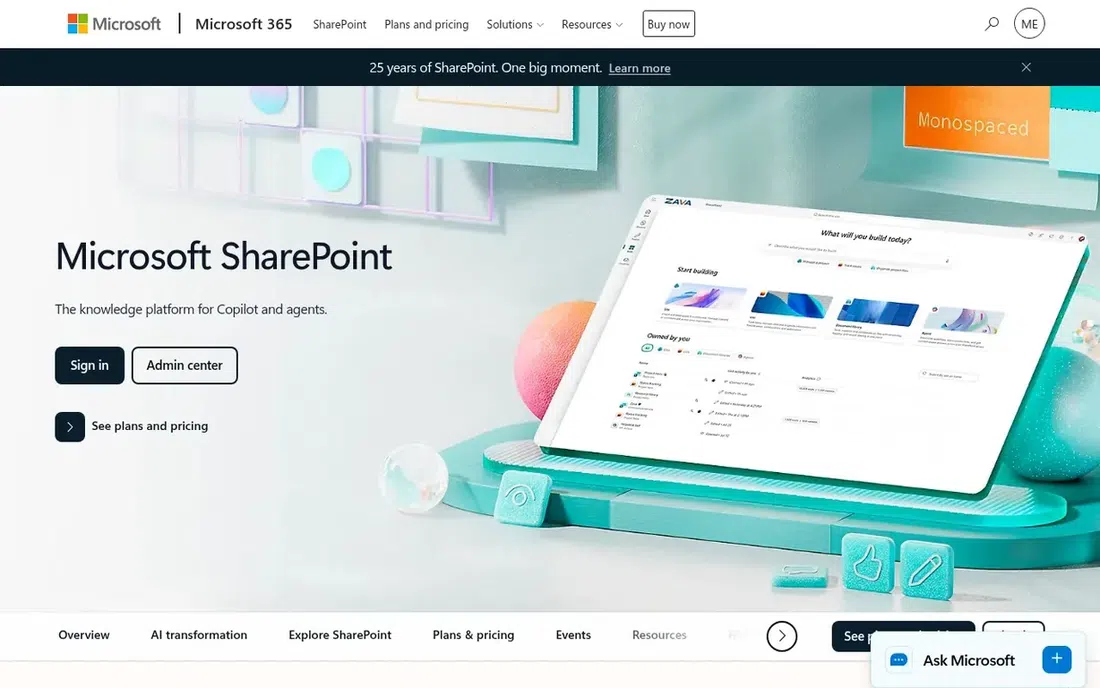
Microsoft SharePoint is a good fit for Microsoft 365 content and file governance. SharePoint rewards planning: without structure and governance, sites and libraries multiply and become hard to navigate.
Also, if you want quicker launch and a lighter experience layer, consider a dedicated intranet product. Check the vendor site for Microsoft SharePoint pricing; none is listed in this comparison. Free access: Not stated.
Watch-outs: Interface can feel heavy for casual users.
- Capable content management and file sharing
- Deep integration across Microsoft 365
- Setup and governance can be complicated
Where Unily fits: large enterprise employee experience. It targets firms that need a substantial digital workplace to link employees across many locations and functions, with the structure and governance expectations that come with enterprise-scale communication and engagement needs.
Its enterprise orientation can be more than a smaller or more straightforward organization needs, and rollout may need dedicated planning and resources. Check the vendor site for Unily pricing; none is listed in this comparison. There is no free plan with Unily.
Where it is weaker: Enterprise orientation may overwhelm smaller businesses.
- Enterprise-grade employee experience focus
- Targeted at organizational velocity
- Implementation can demand significant effort
Happeo works best for small and medium firms seeking easy launch. It keeps verified company knowledge centralized, relevant and searchable by connecting to the tools teams already use. That makes it a practical fit for expanding distributed businesses that want a trustworthy single source of knowledge without a long, complicated deployment.
In practice, since it leans on connecting existing tools, the experience depends partly on that ecosystem. More specifically, very large enterprises with complicated governance needs may outgrow its positioning. Worth adding: if you need deep enterprise customization, compare broader systems before choosing. This comparison lists no price for Happeo; ask the vendor. As for free access: Not stated.
Limits to weigh: Feature scope relies on connected tools.
- Easy-to-launch intranet positioning
- Centralizes verified knowledge and links existing tools
- May lack depth for very large enterprises
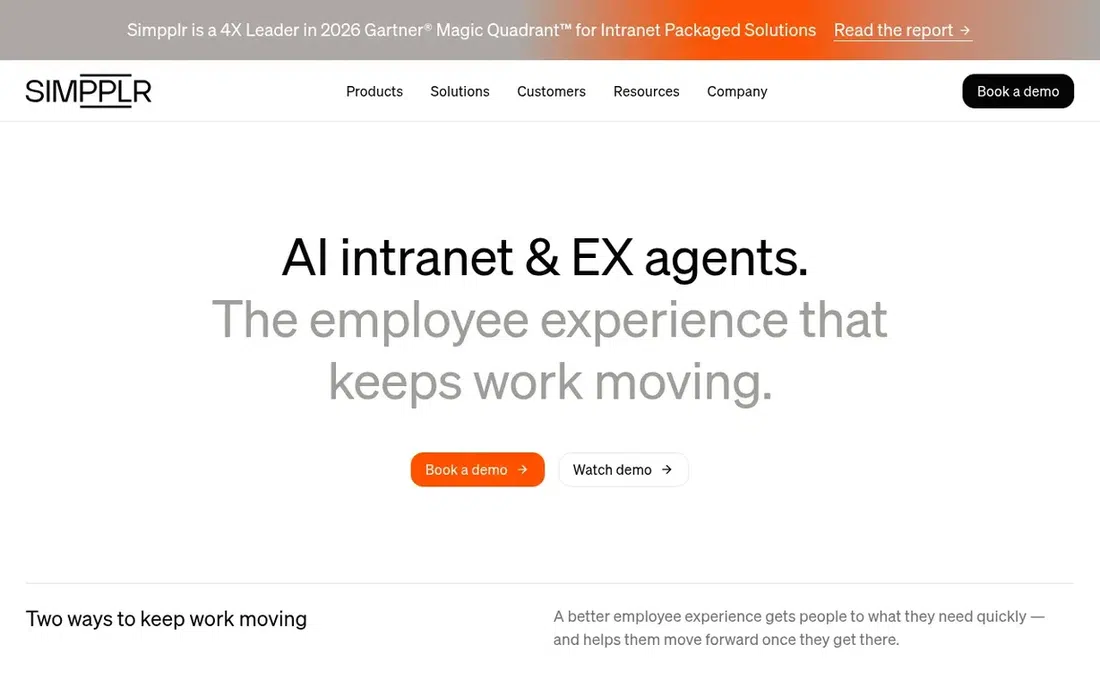
Simpplr was built for AI-driven employee experience and support. Specialized EX agents help employees stay informed, find what they need, get support and move everyday needs forward. Its emphasis on employee experience means teams wanting only a light documentation tool may find it more than they need.
Drawbacks to consider: Employee-experience focus may exceed simple needs.
Confirm which capabilities your scenario needs before committing. As for the details, organizations with highly technical, wiki-style knowledge needs should weigh a workspace-centric tool. In practice, Simpplr is an AI-powered intranet and employee experience system. Simpplr shows no starting price here, so confirm the cost on the vendor site. Free plan details: Free trial.
- Focus on keeping staff informed
- AI agents help employees find answers and support
- Less suited as a pure project wiki
Workvivo is designed for AI-native employee experience and knowledge sharing. Workvivo is an AI-native employee experience product that aims to enable people, unlock knowledge and deepen understanding.
Trade-offs to know: Experience focus may not suit pure documentation.
Its strength lies in employee experience and engagement instead of acting as a heavy document management system. In practice, organizations needing strict content governance may pair it with other tools. Workvivo shows no starting price here, so confirm the cost on the vendor site. Workvivo has no free plan.
- AI-native employee experience approach
- Emphasis on knowledge and understanding
- Fit varies with company culture
Confluence is designed for open knowledge and project collaboration. Confluence is a team workspace built around creating and sharing knowledge. Pages and spaces provide distributed teams a shared home for project documentation, decisions and reference material, and built-in AI can draft, summarize and surface answers so work moves quicker.
If your priority is a curated communications front door, an employee-experience system may fit better. Since it is open and collaborative, Confluence can become disorganized without clear ownership and page hygiene. It is lighter on formal employee-experience features like refined company news hubs. Pricing for Confluence is not stated here, so ask the vendor for current figures. Free plan details: Not stated.
Drawbacks to consider: Less centred on company-wide communications.
- AI helps draft
- Solid space and page structure for shared knowledge
- Can grow cluttered without governance
How these tools were picked
Things to verify first
- Confirm the entry price with every vendor: no tool from Microsoft SharePoint to Confluence shows a fixed starting price.
- Take the trial from Simpplr and push a live task through it before you pay.
- Read the limits listed for Microsoft SharePoint first: setup and governance can be complicated.
- Confirm minimum seats and billing terms with Microsoft SharePoint before you commit to an annual plan.
- A short pilot of Workvivo with your real workflow tells you more than a feature table.
FAQ
How are the tools for intranet software for distributed companies ordered?
The order follows typical fit for intranet software for distributed companies, with Microsoft SharePoint first and Confluence last, then price clarity and free access. It is editorial judgement, not a score, so another team could rank the tools differently.
Does any tool for intranet software for distributed companies here have a free plan?
No tool in this list, Microsoft SharePoint and Confluence included, has a permanent free plan. Simpplr offer a trial. Trials and quotes are the usual route, so plan a short evaluation period.
Is Microsoft SharePoint the right pick for everyone comparing intranet software for distributed companies?
No single tool suits every team. Microsoft SharePoint comes first because it fits Microsoft 365 content and file governance, while Unily suits large enterprise employee experience and Happeo suits small and medium companies seeking easy launch. Match the tool to your own size, budget and workflow before deciding.
Do these tools publish their prices?
No. None of the tools, from Microsoft SharePoint to Confluence, shows a fixed starting price here, so budget time for quotes.
Is Confluence or SharePoint better for a distributed intranet?
Confluence fits teams wanting an open, collaborative knowledge workspace, whereas SharePoint suits organizations standardized on Microsoft 365 for content and file governance. Both can serve as an intranet backbone. The better choice relies on your existing tool ecosystem and governance needs.
Sources
- https://www.microsoft.com/en-us/microsoft-365/sharepoint/collaboration
- https://www.unily.com
- https://www.happeo.com
- https://www.simpplr.com
- https://www.workvivo.com
- https://www.atlassian.com/software/confluence