Best Internal Office Communication Software (2026): 5 Picks Checked on Vendor Pages
Weighing the best internal office communication software? We lined up 5 products by cost, free access and fit. Each tool gets a one-line verdict. Plain facts.
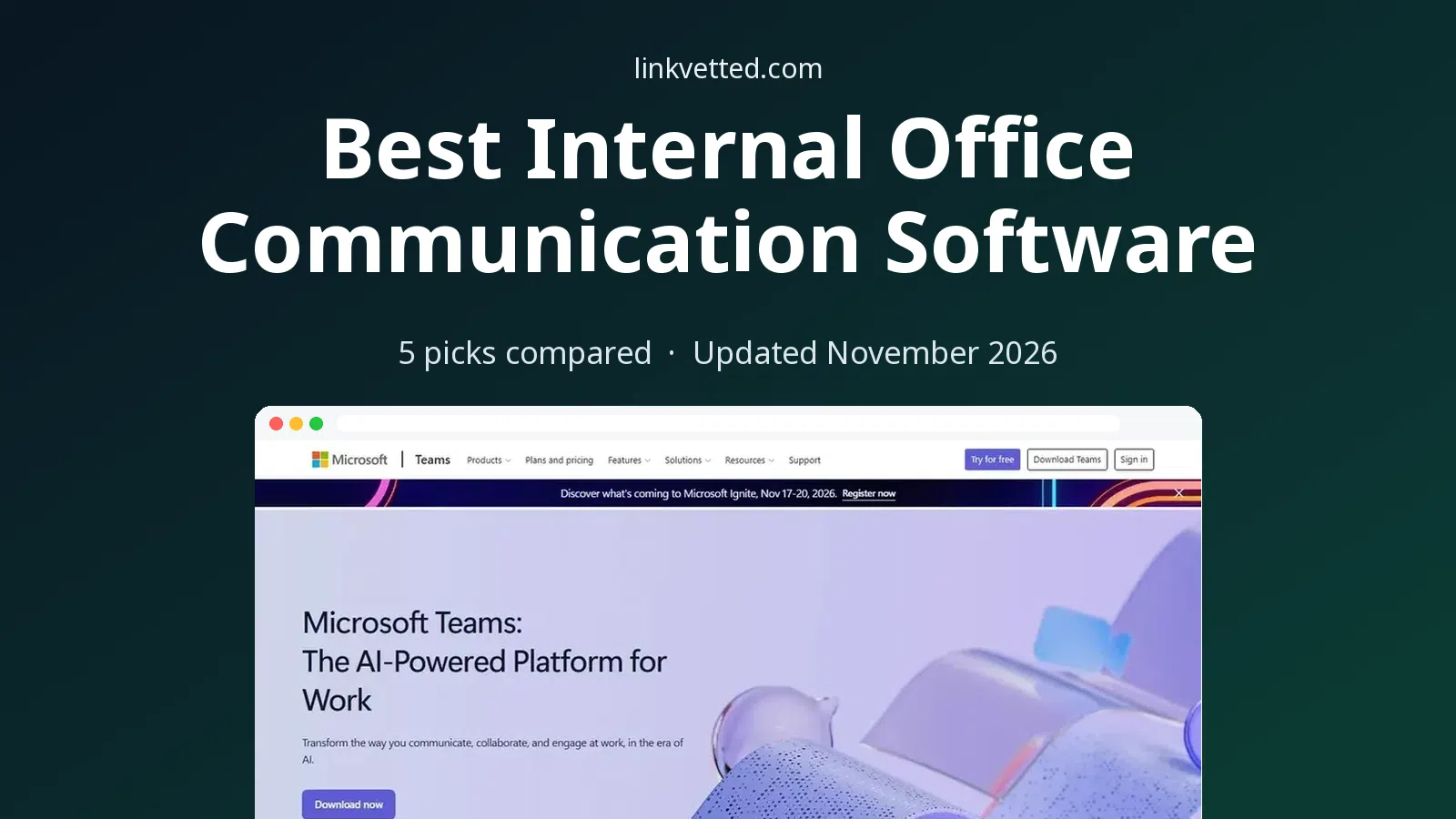
- Editor's choice
 Microsoft Teams
Teams already in Microsoft 365
Starts atSee websiteVisit microsoft.comFull review - Great alternative
 Cisco Webex
AI-assisted collaboration and devices
Starts atSee websiteVisit webex.comFull review - Also consider
 Rocket.Chat
Secure government and defense collaboration
Starts atSee websiteVisit rocket.chatFull review
Direct answer
Microsoft Teams is the first pick on this list for Teams already in Microsoft 365. Listed starting prices: Slack from $4.38 per user a month. Cisco Webex is the stronger choice for AI-assisted collaboration and devices, while Rocket.Chat suits secure government and defense collaboration. The remaining 2 options are covered below with prices and limits.
TL;DR:
- The list opens with Microsoft Teams, aimed at Teams already in Microsoft 365.
- One limit worth knowing about Cisco Webex: wide product surface to learn.
- For the cheapest start, look at Slack: $4.38 per user per month.
- Zoom Workplace suits meetings-led collaboration.
Last checked November 2026. Prices and plan details were read from the vendors' own pages in November 2026; vendors change plans often, so confirm the current price on the vendor site before you buy.
Quick comparison
| Tool | Best for | Starts at | Free plan? | |
|---|---|---|---|---|
| Microsoft Teams | Teams already in Microsoft 365 | See website | Not stated | Visit |
| Cisco Webex | AI-assisted collaboration and devices | See website | Yes | Visit |
| Rocket.Chat | Secure government and defense collaboration | See website | Not stated | Visit |
 Slack | Channel-based chat with automation | $4.38 per user a month | Yes | Visit |
 Zoom Workplace | Meetings-led collaboration | See website | Not stated | Visit |
The 5 tools in detail
This LinkVetted guide covers 5 options for internal office communication software. Each profile lists a starting price, free plan details, strengths and drawbacks, so you can drop poor fits quickly.
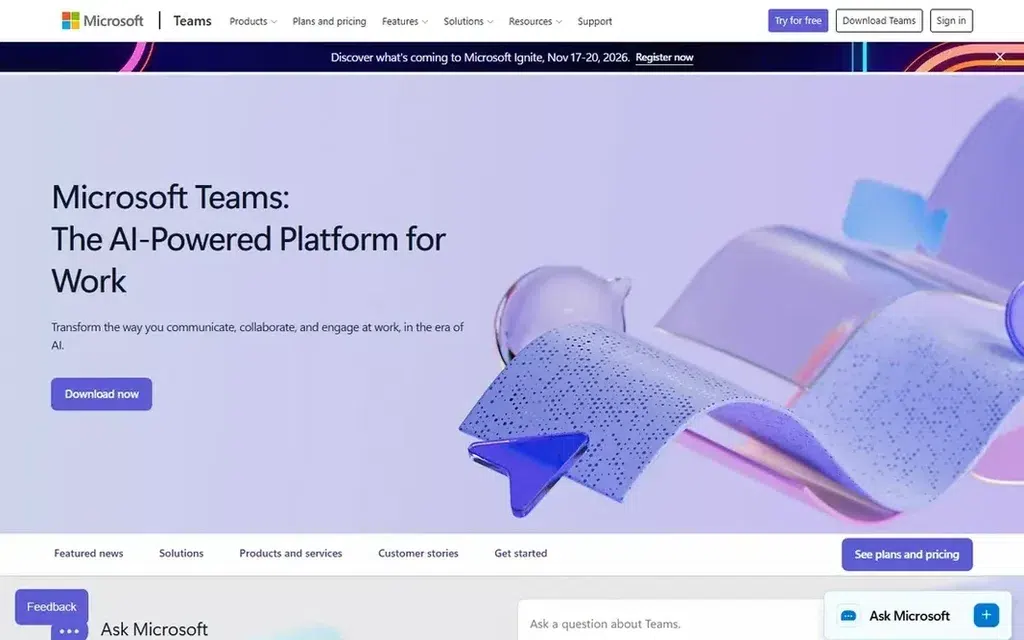
Microsoft Teams is a good fit for Teams already in Microsoft 365. If your organization runs on Google Workspace instead, a Google-native choice may be more straightforward.
Downsides: Interface can feel dense for newcomers.
Upsides: Fits Microsoft-centric workplaces.
For everyday use, Microsoft Teams is a collaboration hub that merges chat, meetings and file access. Its homepage describes tools and files always available in one place, meant to help people link naturally, stay organized and bring ideas to life. Microsoft Teams shows no starting price here, so confirm the cost on the vendor site. Free access: Not stated.
- Meetings and files in one place
- Aimed at natural connection and organization
- Heaviest value inside Microsoft 365
Cisco Webex is aimed squarely at AI-assisted collaboration and devices. Cisco Webex is a collaboration product that handles AI-powered collaboration, customer experience, devices and product solutions. Its homepage positions it as a wide suite instead of a single chat app.
In practice, the breadth of the offering means setup and administration can take more planning than a straightforward chat tool. In practice, Teams that only need light internal messaging may not use most of the system. If your priority is a narrow, fast-to-deploy chat product, compare more straightforward choices before standardizing on a full suite. Cisco Webex shows no starting price here, so confirm the cost on the vendor site. Free access exists with Cisco Webex.
What to check first: Configuration can need admin effort.
- Product approach to meetings and messaging
- AI-powered collaboration features
- Wide product surface to learn
Rocket.Chat makes the most sense for secure government and defense collaboration. Rocket.Chat is a secure collaboration system for defense and government, offering messaging, voice, video and governed AI in one place.
Watch-outs: Niche focus on regulated sectors.
It fits public-sector and regulated organizations that require a single secure environment spanning several groups, and that value governed AI features within their communication stack. Check the vendor site for Rocket.Chat pricing; none is listed in this comparison. On free options: Not stated.
- Voice and video in one product
- Messaging
- Deployment planning may be involved
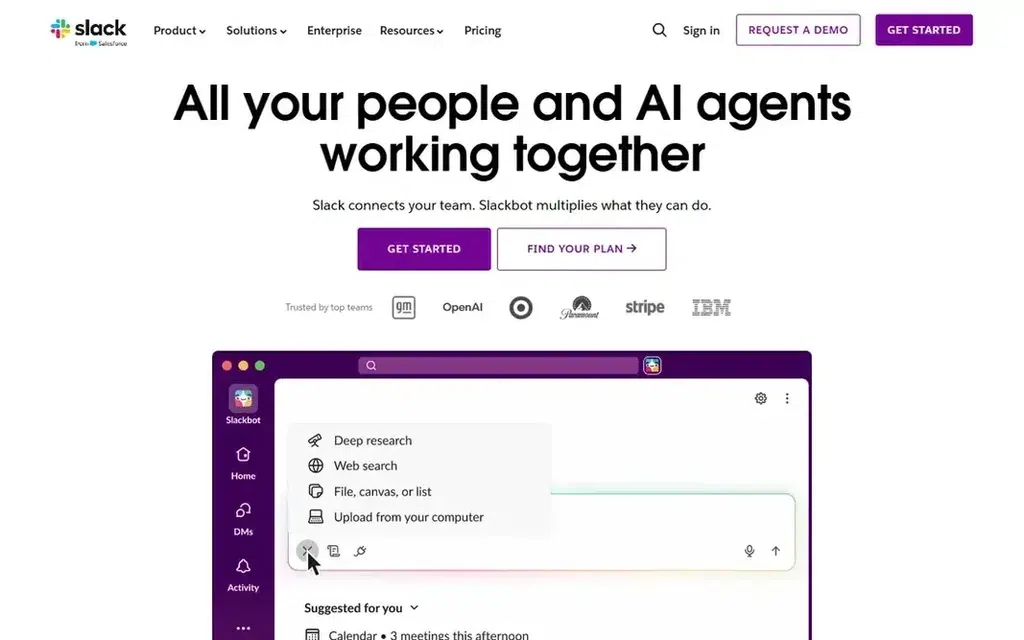
Slack is built with channel-based chat with automation in mind. Smaller teams with straightforward needs may find the feature set broader than necessary, and organizations deeply tied to another suite may prefer a tool already bundled with it. Compare setup effort and admin needs before choosing.
Slack is a chat-centered work system built around channels, direct messages and integrations. As for the details, the product is most handy when a team commits to it as the central communication layer, since value relies on adoption. Slack cost at the entry level: $4.38 per user per month. Slack has a free plan.
The main drawbacks: Best value inside its own ecosystem.
- AI features and workflow automation
- Organized channels and direct messages
- Feature depth can overwhelm small teams
Zoom Workplace is built with meetings-led collaboration in mind. Zoom Workplace is a collaboration system centered on video meetings and extended with chat, VoIP phone, webinars, whiteboard, contact center and events.
Also, feature overlap across modules can complicate administration. No starting price is listed for Zoom Workplace here; confirm pricing on the vendor site. Free plan details: Not stated.
Limits to weigh: Chat is one part of a bigger suite.
Strengths: One product for numerous workflows.
- Video meetings and chat together
- Whiteboard and webinar tools
- Wide scope may be more than needed
How we chose
The comparison looks at four things: starting price, free access, how well the feature set matches internal office communication software, and the main limit of each tool. Plan names, prices and limits change often. Treat the figures here as a starting point and verify them with the vendor. The sequence is a judgement call: typical use case first, then pricing transparency, then free access. Use the profiles to check fit.
Pre-purchase checklist
- Ask Microsoft Teams, Cisco Webex, Rocket.Chat and Zoom Workplace for a written quote, since no starting price is shown.
- Check what the free option really includes: Cisco Webex and Slack offer a free plan, and usage caps differ.
- Before choosing Microsoft Teams, weigh its main limit: heaviest value inside Microsoft 365.
- The entry price of Cisco Webex is only the starting point; model the full cost with seats and extras.
- See whether Zoom Workplace offers onboarding or training, and whether it is included in the price.
FAQ
Is Microsoft Teams the right pick for everyone comparing internal office communication software?
No single tool suits every team. Microsoft Teams comes first because it fits Teams already in Microsoft 365, while Cisco Webex suits AI-assisted collaboration and devices and Rocket.Chat suits secure government and defense collaboration. Match the tool to your own size, budget and workflow before deciding.
Do these tools publish their prices?
Not all of them. Microsoft Teams, Cisco Webex, Rocket.Chat and Zoom Workplace publish no starting price, so expect a quote request for those. The rest, Slack included, show a starting price, though seats and billing terms still change the final cost.
Can I try these options before paying?
Often, yes. Cisco Webex and Slack have a free plan. Use your own data and a real task during the test, and check what the free tier or trial limits before you rely on it. For the full picture, the cards above cover all 5 entries of this internal office communication software list, including price, free plan and limits.
How are the tools for internal office communication software ordered?
Microsoft Teams sits first and Zoom Workplace last because the order follows typical fit for internal office communication software, then price clarity and free access. It is a judgement call, so read each profile for fit and limits.
Sources
- https://www.microsoft.com/en-us/microsoft-teams/group-chat-software
- https://www.webex.com
- https://rocket.chat
- https://slack.com
- https://www.zoom.com