The 6 Best In House Legal Management Software in 2026, Ranked
Best in house legal management software in 2026: 6 tools with starting prices, free plans and limits. Honest caveats for every entry. Jump to the table.

- Editor's choice
 SimpleLegal
Legal spend and vendor management
Starts atSee websiteVisit simplelegal.comFull review - Great alternative
 Filevine
Legal AI and case-centric workflows
Starts atSee websiteVisit filevine.comFull review - Also consider
 PracticePanther
Automating firm processes and billing
Starts at$49 per user a monthVisit practicepanther.comFull review
Direct answer
SimpleLegal leads the list, best for legal spend and vendor management. Listed starting prices: PracticePanther from $49 per user a month and MyCase from $50 per user a month. For a different need, Filevine covers legal AI and case-centric workflows and PracticePanther covers automating firm processes and billing. All 6 tools are compared below on price, free plan and limits.
TL;DR:
- This list starts with SimpleLegal, which is built for legal spend and vendor management.
- Check the limits for Filevine before you commit: AI framing may need closer evaluation.
- SimpleLegal, Litify and the 4 others all need a premium plan or a trial, since no free plan is listed.
- Starting prices begin at $49 per user per month with PracticePanther.
Last checked November 2026. Prices and plan details were read from the vendors' own pages in November 2026; vendors change plans often, so confirm the current price on the vendor site before you buy.
Quick comparison
| Tool | Best for | Starts at | Free plan? | |
|---|---|---|---|---|
| SimpleLegal | Legal spend and vendor management | See website | Not stated | Visit |
| Filevine | Legal AI and case-centric workflows | See website | Free trial | Visit |
| PracticePanther | Automating firm processes and billing | $49 per user a month | Free trial | Visit |
 MyCase | Small businesses managing cases and billing | $50 per user a month | Free trial | Visit |
 Smokeball | Productivity through automatic time tracking | See website | Not stated | Visit |
| Litify | All-in-one product with native AI workflows | See website | Not stated | Visit |
In House Legal Management Software, one by one
Short on time? The summary and table above give the quick view of 6 tools for in house legal management software, and the profiles that follow give the detail behind each entry.
Think of SimpleLegal for legal spend and vendor management. Teams building a legal operations function frequently start with exactly these spend and matter basics. More specifically, choose SimpleLegal when legal spend control and vendor oversight are the primary objectives.
Watch-outs: Narrower scope than full ELM suites.
Worth adding: SimpleLegal by Onit simplifies legal operations, letting teams run spend, matters, and vendors efficiently. Its homepage concentrates on the core legal operations workload, which fits departments that want clearer control over outside counsel costs and vendor relationships without a sprawling product. In practice, smaller teams should confirm the feature depth matches their volume. This comparison lists no price for SimpleLegal; ask the vendor. On free options: Not stated.
Strengths: Runs spend, matters, vendors.
- Part of the Onit family
- Simplifies legal operations
- Enterprise features may suit bigger teams best
For legal AI and case-centric workflows, Filevine is a natural candidate. Filevine presents LOIS as a legal AI system for law businesses and legal teams.
In daily use, legal teams that want a modern product with an AI-first message may find it worth a closer look during evaluation. On top of that, choose Filevine when case-centric legal AI is the core interest. Check the vendor site for Filevine pricing; none is listed in this comparison. As for free access: Free trial.
Where it falls short: AI framing may need closer evaluation.
- Case workflow orientation
- Presented as a legal AI system
- Enterprise legal operations scope is less clear from the homepage
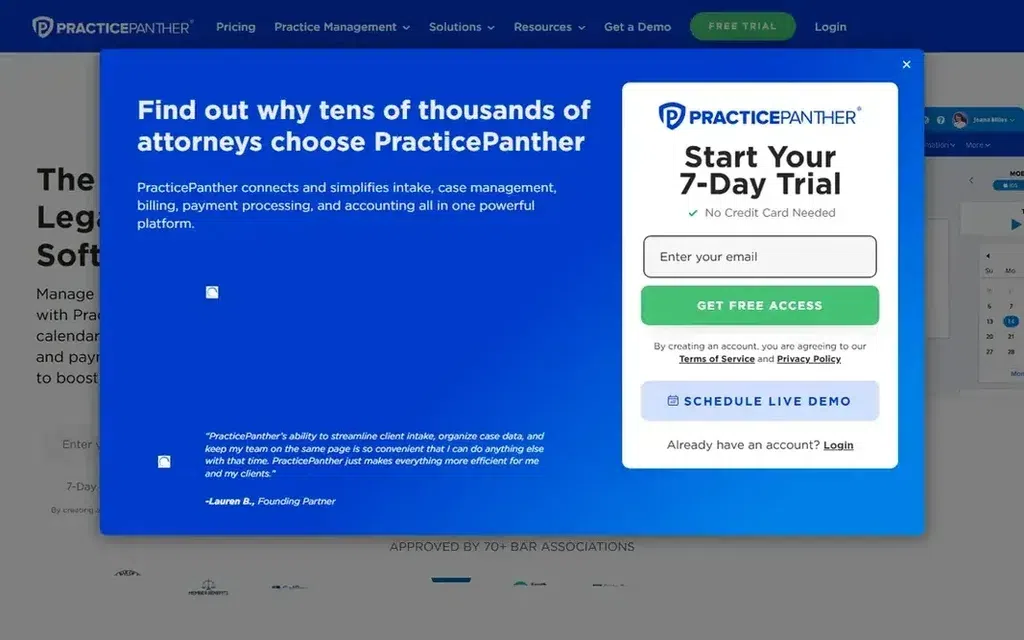
In short, PracticePanther is for automating firm processes and billing. PracticePanther is legal practice management software that, per its homepage, automates firm processes, billing, time tracking, and more.
Honest limits: Less depth in legal spend management.
The product's automation angle appeals to teams trying to standardize how matters move from intake through invoicing without adding separate tools for each step. PracticePanther is built around law firm operations, so corporate legal departments seeking e-billing, vendor scorecards, or contract lifecycle management may need a different system. Entry price for PracticePanther: $49 per user per month. As for free access: Free trial.
- Billing and time tracking included
- Practice management orientation
- Firm-centric instead of department-centric
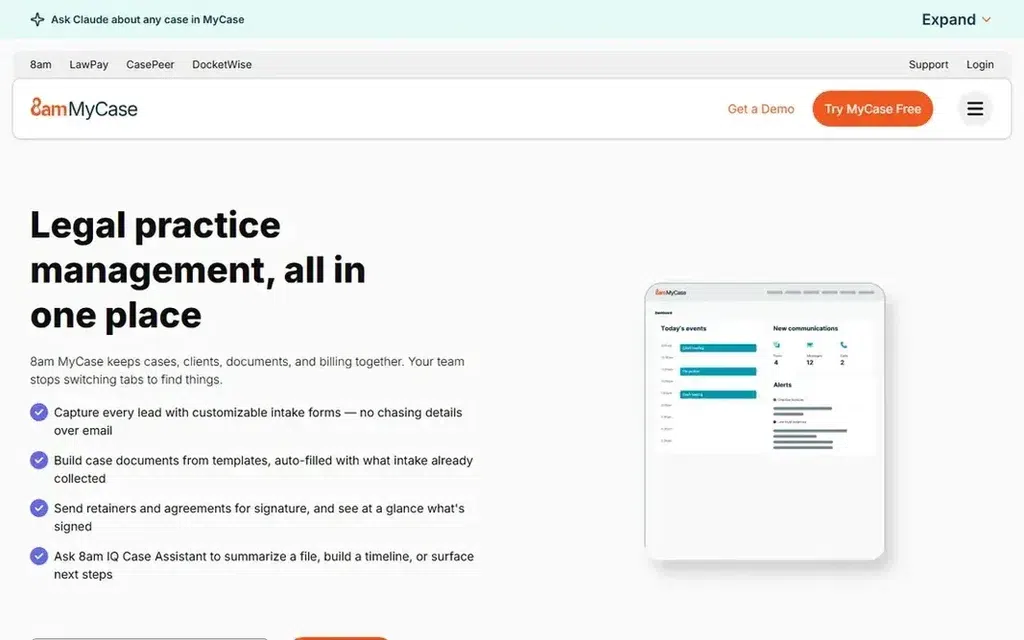
Think of MyCase for small firms managing cases and billing. Since MyCase is framed around firm profitability and case management, it is less oriented toward corporate legal departments that require e-billing, vendor management, or enterprise reporting. For everyday use, choose MyCase when a compact practice management suite is the primary need.
In-house teams may find it handy for managing outside counsel work at an entry-level level. But its center of gravity is the private practice workflow. What you pay to start with MyCase: $50 per user per month. Free access: Free trial.
Points against: Geared toward law businesses instead of corporate legal departments.
Main advantages: Cases, clients, billing.
- Payments in one place
- Built around running a profitable firm
- Restricted enterprise legal operations depth

Pick Smokeball if this describes you: productivity through automatic time tracking. The productivity and billing emphasis means Smokeball is less tailored to in-house departments that require spend analytics, invoice review, or vendor management.
For everyday use, Smokeball positions itself as legal practice management software that boosts productivity through automatic time tracking, document automation, and trust and billing software. Its homepage emphasizes productivity gains, making it a practical choice where time capture and document generation are the biggest pain points. No starting price is listed for Smokeball here; confirm pricing on the vendor site. Free access: Not stated.
Trade-offs to know: Productivity focus fits businesses more than departments.
- Automatic time tracking
- Trust and billing software
- Enterprise legal operations features are limited
Litify
Best for: All-in-one product with native AI workflows
Litify targets all-in-one product with native AI workflows. Litify describes itself as an all-in-one legal software that turns legal operations into impact, with native AI workflows handling complicated legal work so businesses or legal departments can scale.
Limits to weigh: Wide scope may need configuration effort.
Both law businesses and in-house departments are addressed in the homepage positioning. This comparison lists no price for Litify; ask the vendor. Trial and free access: Not stated.
- Native AI workflows
- Designed for businesses and legal departments
- Spend management specifics are not in-depth on the homepage
Selection criteria
Questions to settle before buying
- Get a written quote from SimpleLegal, Filevine, Smokeball and Litify; the list shows no starting price for them.
- Take the trial from Filevine, PracticePanther and MyCase and push a live task through it before you pay.
- Read the limits listed for SimpleLegal first: narrower scope than full ELM suites.
- Look at which plan of PracticePanther unlocks the features you need; entry tiers are often cut down.
- Let daily users try Filevine on real work; their feedback beats any feature checklist.
FAQ
What is the cheapest option for in house legal management software in this list?
On published monthly entry prices, PracticePanther is the lowest here at $49 per user per month. Entry price is only part of the cost, because seats, add-ons and billing terms can change the total. Prices, free plan details and limits for all 6 tools in this in house legal management software roundup sit on the individual cards above.
Where does AI fit into in-house legal management software?
AI can help with document-heavy tasks, but you should verify which workflows are actually supported. Treat AI claims as one evaluation criterion among matter, spend, and contract features.
Does any tool for in house legal management software here have a free plan?
No tool in this list, SimpleLegal and Litify included, has a permanent free plan. Filevine, PracticePanther, MyCase offer a trial. Trials and quotes are the usual route, so plan a short evaluation period.
How are the tools for in house legal management software ordered?
SimpleLegal sits first and Litify last because the order follows typical fit for in house legal management software, then price clarity and free access. It is a judgement call, so read each profile for fit and limits.
Do these tools publish their prices?
Not all of them. SimpleLegal, Filevine, Smokeball and Litify publish no starting price, so expect a quote request for those. The rest, PracticePanther included, show a starting price, though seats and billing terms still change the final cost.
Sources
- https://www.simplelegal.com
- https://www.filevine.com
- https://www.practicepanther.com
- https://www.mycase.com
- https://www.smokeball.com
- https://www.litify.com