6 Hybrid Cloud Storage Solutions for Startups Worth Shortlisting in 2026
Weighing the best hybrid cloud storage solutions for startups? We lined up 6 products by cost, free access and fit. Short verdicts, no fluff. No hype.
- Editor's choiceAmazon S3
Object storage for data lakes and backups
Starts atPricing on requestVisit aws.amazon.comFull review - Great alternativeHPE GreenLake
Simplifying hybrid cloud operations
Starts atPricing on requestVisit hpe.comFull review - Also considerIBM Storage
Integrating storage with existing IT
Starts atPricing on requestVisit ibm.comFull review
Direct answer
If you need object storage for data lakes and backups, Amazon S3 is the first tool to look at here. For a different need, HPE GreenLake covers simplifying hybrid cloud operations and IBM Storage covers integrating storage with existing IT. All 6 tools are compared below on fit, free plan and limits. None of these vendors publish plan prices, so pricing is on request for every option.
TL;DR:
- Amazon S3 takes the first slot, best suited to object storage for data lakes and backups.
- Pricing across the list, from Amazon S3 to Microsoft Azure, is by quote only.
- Microsoft Azure fits startups building apps on a wide cloud product.
- Pure Storage comes with a trade-off: enterprise focus may exceed early needs.
- A permanent free plan is missing from all 6 tools, Amazon S3 and Microsoft Azure included; plan for a trial or a premium start.
Last checked November 2026. Pricing on request: vendors did not publish plan prices when this guide was last checked (November 2026), so ask each vendor for a written quote.
Quick comparison
| Tool | Best for | Starts at | Free plan? | |
|---|---|---|---|---|
| Amazon S3 | Object storage for data lakes and backups | Pricing on request | Not stated | Visit |
| HPE GreenLake | Simplifying hybrid cloud operations | Pricing on request | Not stated | Visit |
| IBM Storage | Integrating storage with existing IT | Pricing on request | Not stated | Visit |
| Pure Storage | Unified data product for apps and analytics | Pricing on request | Not stated | Visit |
| Dell PowerScale | Scale-out NAS for unstructured data | Pricing on request | Not stated | Visit |
 Microsoft Azure | Startups building apps on a wide cloud product | Pricing on request | Free trial | Visit |
The full hybrid cloud storage solutions for startups list
Short on time? The summary and table above give the quick view of 6 hybrid cloud storage solutions for startups, and the profiles that follow give the detail behind each entry.
Amazon S3
Best for: Object storage for data lakes and backups
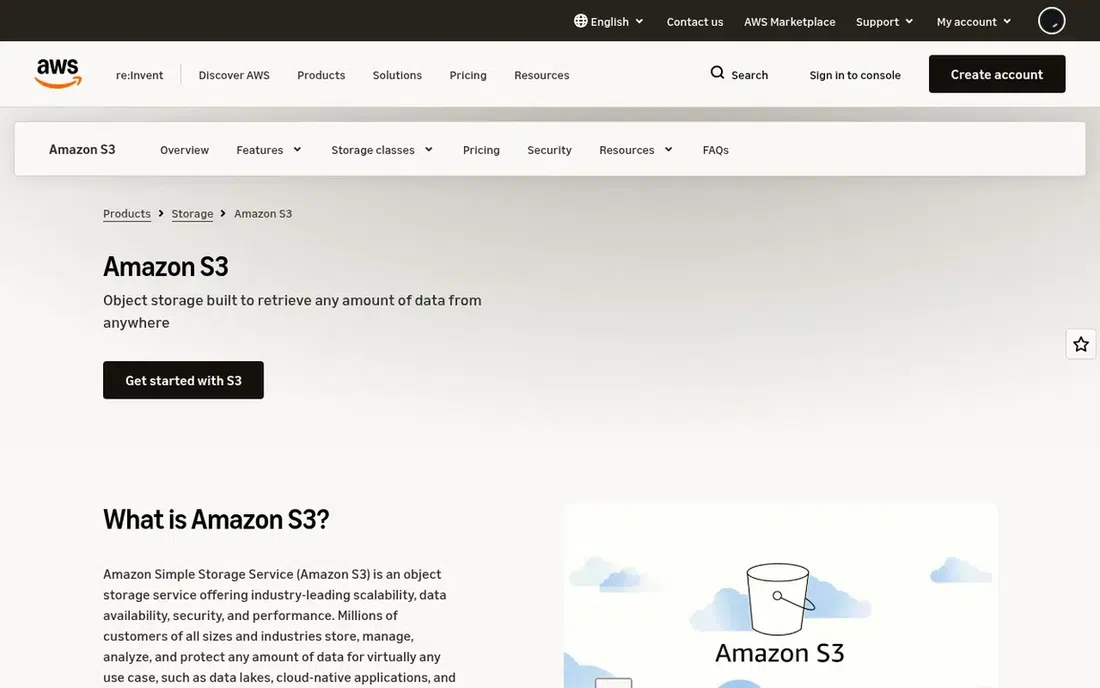
Pick Amazon S3 if this describes you: object storage for data lakes and backups. Startups that create large volumes of unstructured data, or that require dependable backup and archive storage, can build on S3 whereas keeping the rest of their stack elsewhere. Beyond that, S3 is object storage instead of a complete computing system, so teams still need other services for compute and applications.
Honest limits: Configuration choices can be complicated.
Its plenty of configuration choices can be daunting for newcomers, and usage-based billing needs watching. If a startup wants storage tightly bundled with a broader product, Azure or Google Cloud may fit better. No starting price is listed for Amazon S3 here; confirm pricing on the vendor site. On free options: Not stated.
- Strong security and performance focus
- Aimed at scalability and availability
- Not a full product
HPE GreenLake
Best for: Simplifying hybrid cloud operations
Pick HPE GreenLake if this describes you: simplifying hybrid cloud operations. A startup with no on-premises footprint may not need it yet.
Where it falls short: Most useful for teams with IT operations.
Pricing for HPE GreenLake is not stated here, so ask the vendor for current figures. As for free access: Not stated.
- Brings together and secures data
- Geared toward reducing IT complexity
- Product scope takes onboarding effort
IBM Storage
Best for: Integrating storage with existing IT
IBM Storage was built for integrating storage with existing IT. Startups that inherit infrastructure, or that plan a hybrid model with enterprise-grade data services, may find the integration focus handy as they link on-premises systems with cloud resources.
What to check first: May be more than early startups need.
Its homepage emphasizes transforming and enhancing business storage instead of starting from zero. Check the vendor site for IBM Storage pricing; none is listed in this comparison. Trial and free access: Not stated.
- Broad enterprise storage lineup
- Refreshes current IT investments
- Enterprise orientation
Pure Storage
Best for: Unified data product for apps and analytics
Pick Pure Storage if this describes you: unified data product for apps and analytics. Pure Storage presents an enterprise data cloud that brings together data for apps, analytics, and AI. Its homepage emphasizes making data simple to run and getting AI-ready rapidly.
Adopting it normally means planning infrastructure and data management practices. Beyond that, the positioning is enterprise-oriented, so a very early startup may find the scope bigger than needed. More specifically, startups with expanding analytics or AI ambitions, or those moving from scattered storage to a single managed system, may find the unified approach appealing as their data footprint expands beyond straightforward object storage. Check the vendor site for Pure Storage pricing; none is listed in this comparison. Free access: Not stated.
Points against: Needs infrastructure planning.
- Enterprise data cloud positioning
- Brings together data across the business
- Enterprise focus may exceed early needs
Dell PowerScale
Best for: Scale-out NAS for unstructured data
For scale-out NAS for unstructured data, Dell PowerScale is a natural candidate. PowerScale centers on hardware and on-premises administration, so it demands storage skills and capital planning that some startups prefer to avoid. Also, Dell PowerScale is an adaptable, secure scale-out NAS option for unstructured data.
Its homepage lists all-flash, hybrid, archive, and multicloud choices, which hands startups a path to keep file-based data on premises whereas connecting to cloud services. In practice, teams with large unstructured datasets, for example media, research, or engineering files, can scale capacity as projects grow without redesigning storage from scratch. Check the vendor site for Dell PowerScale pricing; none is listed in this comparison. Trial and free access: Not stated.
Drawbacks to consider: Hardware-centric approach.
- Adaptable scale-out NAS design
- Multicloud support
- Needs storage administration skills
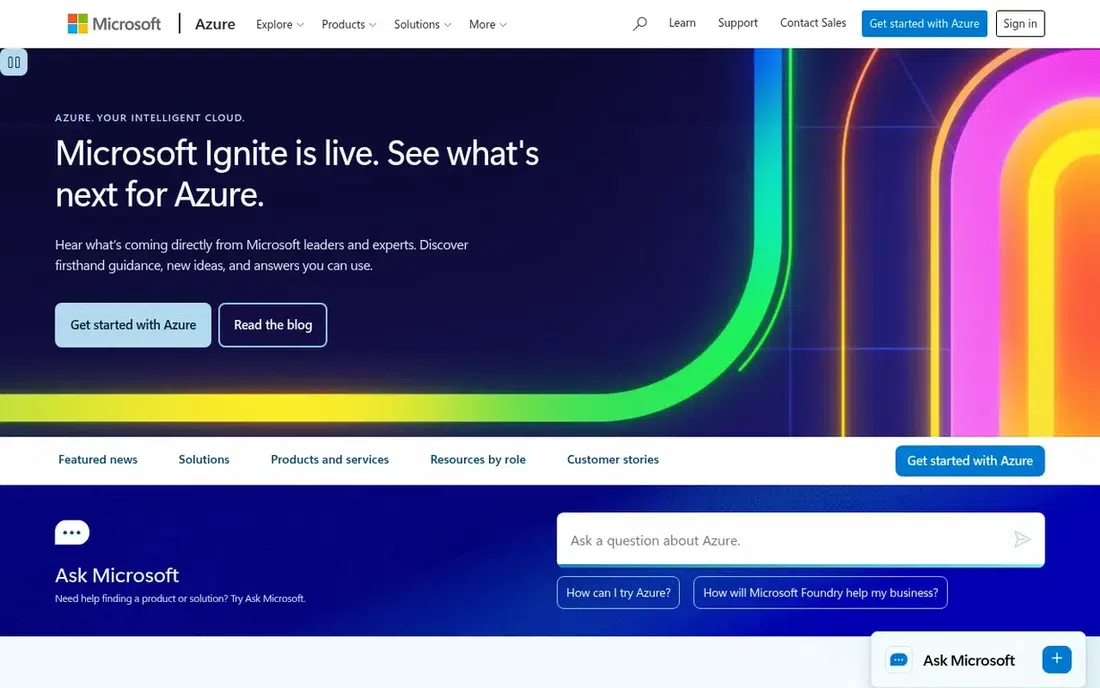
Microsoft Azure is built with startups building apps on a wide cloud product in mind. Microsoft Azure is a cloud computing product that pairs storage with compute, networking, and application services.
What to check first: Requires cloud skills to configure well.
For startups that expect to build and scale applications, Azure lets storage sit alongside the rest of the stack, which can ease architecture as the team grows and cuts the have to stitch together separate providers. Pricing for Microsoft Azure is not stated here, so ask the vendor for current figures. Free access: Free trial.
- Cost savings emphasis for organizations
- Broad system beyond storage
- Service breadth can overwhelm small teams
How these tools were picked
Selection started from tools commonly considered for hybrid cloud storage solutions for startups, then narrowed to 6 that have clear pricing information or a clear quote process. Seat minimums, billing terms and add-ons can move the real cost, so the starting prices here are a guide and not a quote. The ranking is editorial: typical fit first, then clear pricing, then free access. If your needs are unusual, read the profiles rather than relying on position.
What to confirm before you sign up
- Confirm the entry price with every vendor: no tool from Amazon S3 to Microsoft Azure shows a fixed starting price.
- Use real work to test the free trial from Microsoft Azure, rather than a demo project.
- Read the limits listed for Amazon S3 first: object storage only, not a full product.
- Read the plan comparison for Amazon S3 carefully; key features often start on a higher tier.
- Add up seats, add-ons and usage charges for Microsoft Azure before comparing it with cheaper entries.
FAQ
Do these tools publish their prices?
No. None of the tools, from Amazon S3 to Microsoft Azure, shows a fixed starting price here, so budget time for quotes.
Can I try these tools before paying?
Often, yes. Microsoft Azure offers a free trial. Use your own data and a real task during the test, and check what the free tier or trial limits before you rely on it.
When does on-premises storage still make sense for a startup?
On-premises or hybrid storage can help when teams work with large unstructured files, need local performance, or must keep certain data in house. Dell PowerScale, Pure Storage, and IBM Storage address those cases, though they need more administration than cloud-only choices.
How are the tools for hybrid cloud storage solutions for startups ordered?
Amazon S3 sits first and Microsoft Azure last because the order follows typical fit for hybrid cloud storage solutions for startups, then price clarity and free access. It is a judgement call, so read each profile for fit and limits.
Does any tool for hybrid cloud storage solutions for startups here have a free plan?
A permanent free plan is not offered by Amazon S3, Microsoft Azure or the other tools here. Microsoft Azure offer a trial. Plan a short evaluation period instead.
How should a startup evaluate hybrid cloud storage costs?
Look beyond the storage itself at data movement, redundancy choices, and administration time. Comparing documented features on vendor sites before committing helps avoid surprises.
Sources
- https://aws.amazon.com/s3
- https://www.hpe.com/us/en/greenlake.html
- https://www.ibm.com/storage
- https://www.purestorage.com
- https://www.dell.com/en-us/dt/storage/powerscale.htm
- https://azure.microsoft.com