Best Group Messaging App for Work in 2026: Prices, Free Plans and 5 Picks
5 tools for the best group messaging app for work, compared on pricing, free plans and best-fit use. Cost notes and weak points included. Clear verdicts.
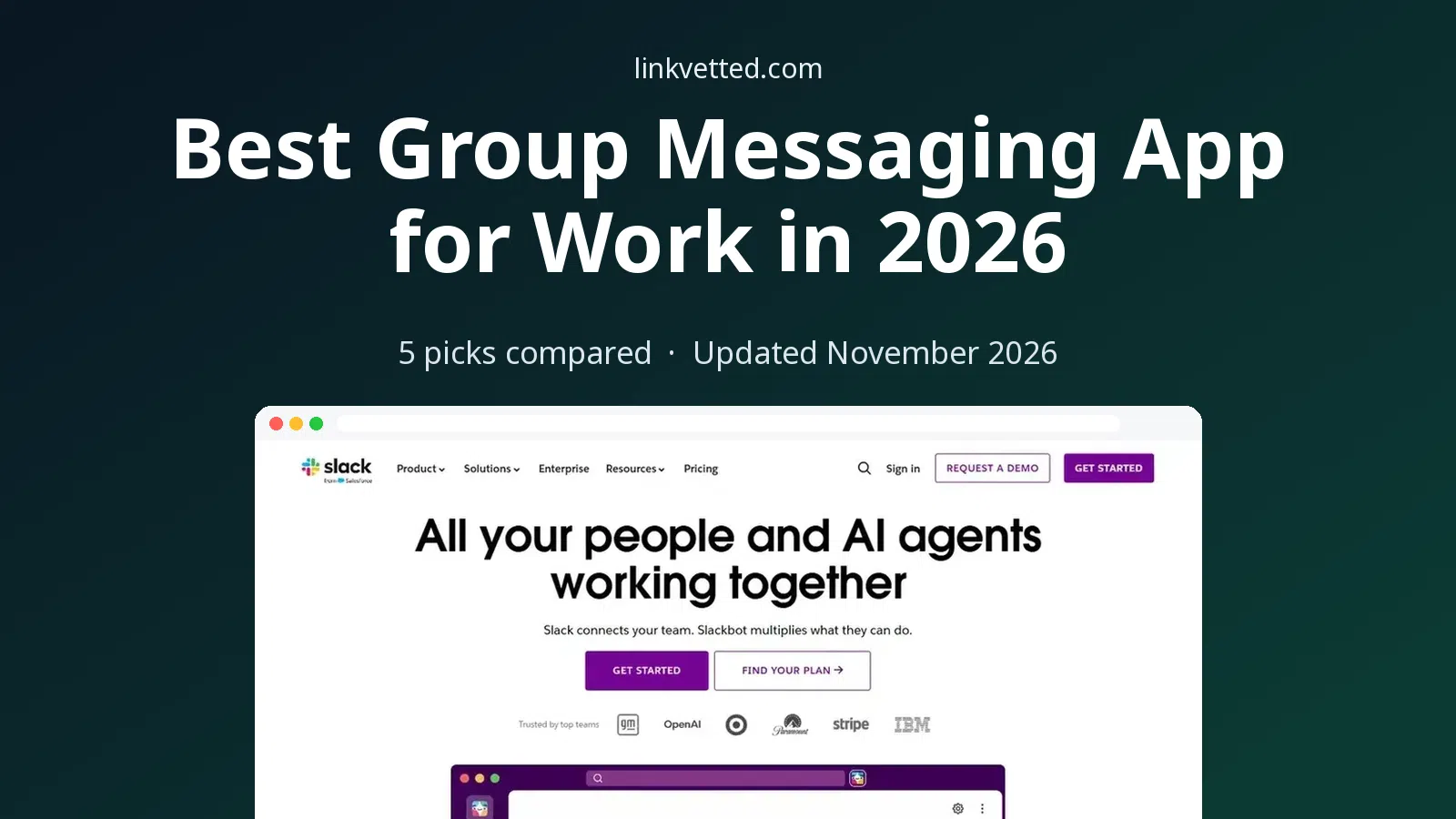
- Editor's choice
 Rocket.Chat
Secure collaboration for government and defense
Starts atSee websiteVisit rocket.chatFull review - Great alternative
 Mattermost
Self-hosted, high-security collaboration
Starts atSee websiteVisit mattermost.comFull review - Also consider
 Cisco Webex
AI-assisted collaboration with meeting and device support
Starts atSee websiteVisit webex.comFull review
Direct answer
This list puts Rocket.Chat first for secure collaboration for government and defense. Listed starting prices: Slack from $4.38 per user a month. Mattermost is better for self-hosted, high-security collaboration, and Cisco Webex is better for AI-assisted collaboration with meeting and device support. The remaining 2 options are covered below with prices and limits.
TL;DR:
- Rocket.Chat takes the first slot, best suited to secure collaboration for government and defense.
- Zoom Team Chat is the one to check for messaging inside the Zoom Workplace product.
- The lowest published monthly entry price here is $4.38 per user per month, from Slack.
- 2 of 5 tools offer a free plan: Cisco Webex, Slack.
- One limit worth knowing about Rocket.Chat: niche focus may not suit general teams.
Last checked November 2026. Prices and plan details were read from the vendors' own pages in November 2026; vendors change plans often, so confirm the current price on the vendor site before you buy.
Quick comparison
| Tool | Best for | Starts at | Free plan? | |
|---|---|---|---|---|
| Rocket.Chat | Secure collaboration for government and defense | See website | Not stated | Visit |
| Mattermost | Self-hosted, high-security collaboration | See website | Not stated | Visit |
| Cisco Webex | AI-assisted collaboration with meeting and device support | See website | Yes | Visit |
 Slack | Refined messaging with automation and AI | $4.38 per user a month | Yes | Visit |
 Zoom Team Chat | Messaging inside the Zoom Workplace product | See website | Not stated | Visit |
Group Messaging App for Work profiles
This LinkVetted guide covers 5 options for group messaging app for work. Each profile lists a starting price, free plan details, strengths and drawbacks, so you can drop poor fits quickly.
Rocket.Chat makes the most sense for secure collaboration for government and defense. Consider Rocket.Chat when cross-organization security and oversight are central to your collaboration requirements.
What Rocket.Chat does well: Messaging.
It suits public-sector and regulated organizations that require a single secure collaboration product with governance controls and multi-organization support. Rocket.Chat shows no starting price here, so confirm the cost on the vendor site. Free options: Not stated. Watch-outs: Deployment and governance need planning.
- Voice and video in one product
- Security-focused positioning
- Niche focus may not suit general teams
Mattermost is built with self-hosted, high-security collaboration in mind. Mattermost describes zero-trust collaboration, automation and AI in private cloud, self-hosted and air-gapped environments, designed for national security, critical infrastructure and regulated enterprises. It is made for organizations that require control over where data lives and how access is governed.
For everyday use, pick Mattermost when data control and isolation are requirements, not preferences. Beyond that, organizations comfortable with standard cloud messaging may find the setup overhead unnecessary. Pricing for Mattermost is not stated here, so ask the vendor for current figures. As for free access: Not stated.
Trade-offs to know: Less plug-and-play than cloud apps.
- Suited to regulated environments
- Self-hosted and private cloud choices
- Needs technical administration
Cisco Webex makes the most sense for AI-assisted collaboration with meeting and device support. Cisco Webex supplies AI-powered collaboration, customer experience tools, devices and product options for organizations. From a buyer's view, the product spans plenty of products, and administration can be involved for smaller teams.
Messaging sits alongside meetings and calling, so teams can move from chat to a call within one environment. For everyday use, consider Webex when meetings, calling and hardware are central to how your teams work. Cisco Webex shows no starting price here, so confirm the cost on the vendor site. A free plan is available with Cisco Webex.
Limits to weigh: Feature set can feel complicated.
- AI-powered collaboration features
- Meetings
- Best value for meeting-heavy organizations
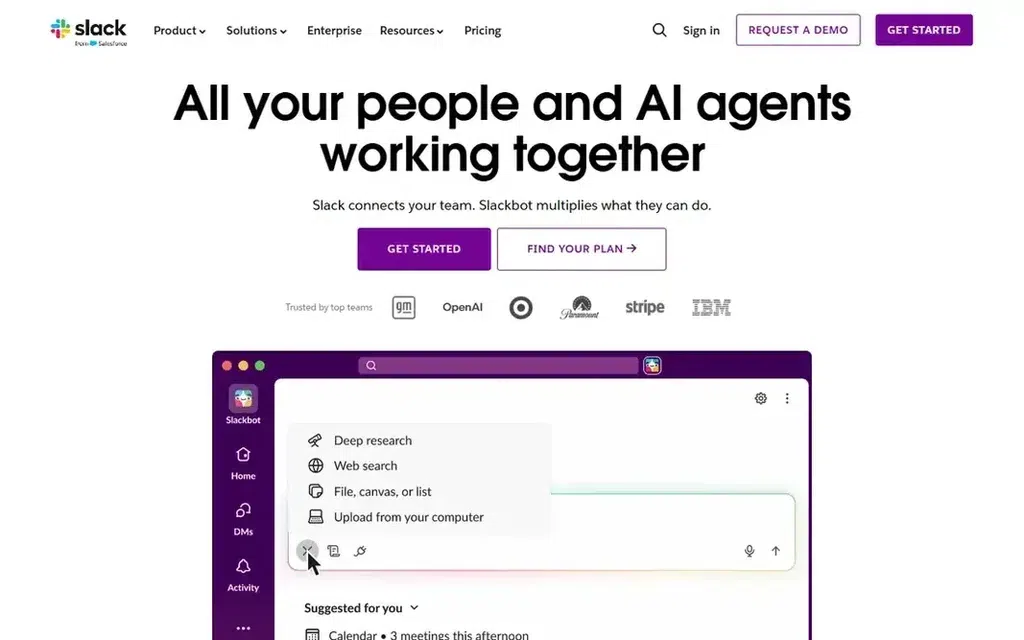
Choose Slack for refined messaging with automation and AI. Slack presents itself as an AI work system for managing projects, automating workflows and connecting teams securely.
The main drawbacks: Can feel busy without channel rules.
In daily use, conversations are organized into channels, and automation features help route updates and routine tasks. Beyond that, organizations deeply tied to Microsoft or Google suites may prefer a messaging tool bundled with those systems. Slack pricing: $4.38 per user per month. Free access exists with Slack.
- Wide app integrations
- Capable channel-based organization
- Costs scale with team size
For messaging inside the Zoom Workplace system, Zoom Team Chat is a natural candidate. Zoom Team Chat lets teams link and collaborate with instant messaging integrated into the Zoom Workplace product. Also, as a messaging product, it is less of a standalone hub than dedicated chat systems.
Drawbacks to consider: Messaging depth trails dedicated chat apps.
Its appeal relies on existing Zoom use. From a buyer's view, for organizations already running meetings on Zoom, it keeps conversations and calls in one place, reducing the have to switch apps. This comparison lists no price for Zoom Team Chat; ask the vendor. As for free access: Not stated.
- Instant messaging for teams
- Familiar Zoom environment
- Most attractive to existing Zoom users
How the list was put together
What to confirm before you sign up
- Ask Rocket.Chat, Mattermost, Cisco Webex and Zoom Team Chat for a written quote, since no starting price is shown.
- Look at free plan limits closely: Cisco Webex and Slack have one, and the caps decide whether it is usable for real work.
- Read the limits listed for Rocket.Chat first: niche focus may not suit general teams.
- See whether Cisco Webex offers onboarding or training, and whether it is included in the price.
- Confirm minimum seats and billing terms with Slack before you commit to an annual plan.
FAQ
Is Rocket.Chat the right pick for everyone comparing group messaging app for work?
No single tool suits every team. Rocket.Chat comes first because it fits secure collaboration for government and defense, while Mattermost suits self-hosted, high-security collaboration and Cisco Webex suits AI-assisted collaboration with meeting and device support. Match the tool to your own size, budget and workflow before deciding.
Which group messaging app is a good match for most workplaces?
For most readers this guide would start with Rocket.Chat, built for secure collaboration for government and defense. Mattermost is the alternative for self-hosted, high-security collaboration, and Cisco Webex for AI-assisted collaboration with meeting and device support. The right answer depends on budget and workflow.
Can I try these tools before paying?
Often, yes. Cisco Webex and Slack have a free plan. Use your own data and a real task during the test, and check what the free tier or trial limits before you rely on it.
How should we evaluate a work messaging app before buying?
Start with your existing software stack, then check security and hosting choices, integration needs and administrative effort. Confirm current features and terms on the vendor's site before committing.
How are the tools for group messaging app for work ordered?
The order follows typical fit for group messaging app for work, with Rocket.Chat first and Zoom Team Chat last, then price clarity and free access. It is editorial judgement, not a score, so another team could rank the tools differently.
Do these tools publish their prices?
Not all of them. Rocket.Chat, Mattermost, Cisco Webex and Zoom Team Chat publish no starting price, so expect a quote request for those. The rest, Slack included, show a starting price, though seats and billing terms still change the final cost.
Sources
- https://rocket.chat
- https://mattermost.com
- https://www.webex.com
- https://slack.com
- https://www.zoom.com/en/products/team-chat