Best Group Calendar App for Clubs (2026): 5 Picks Checked on Vendor Pages
Best group calendar app for clubs, compared. 5 tools with published prices, free plans and limits. Short, factual notes on every option. Read before you buy.
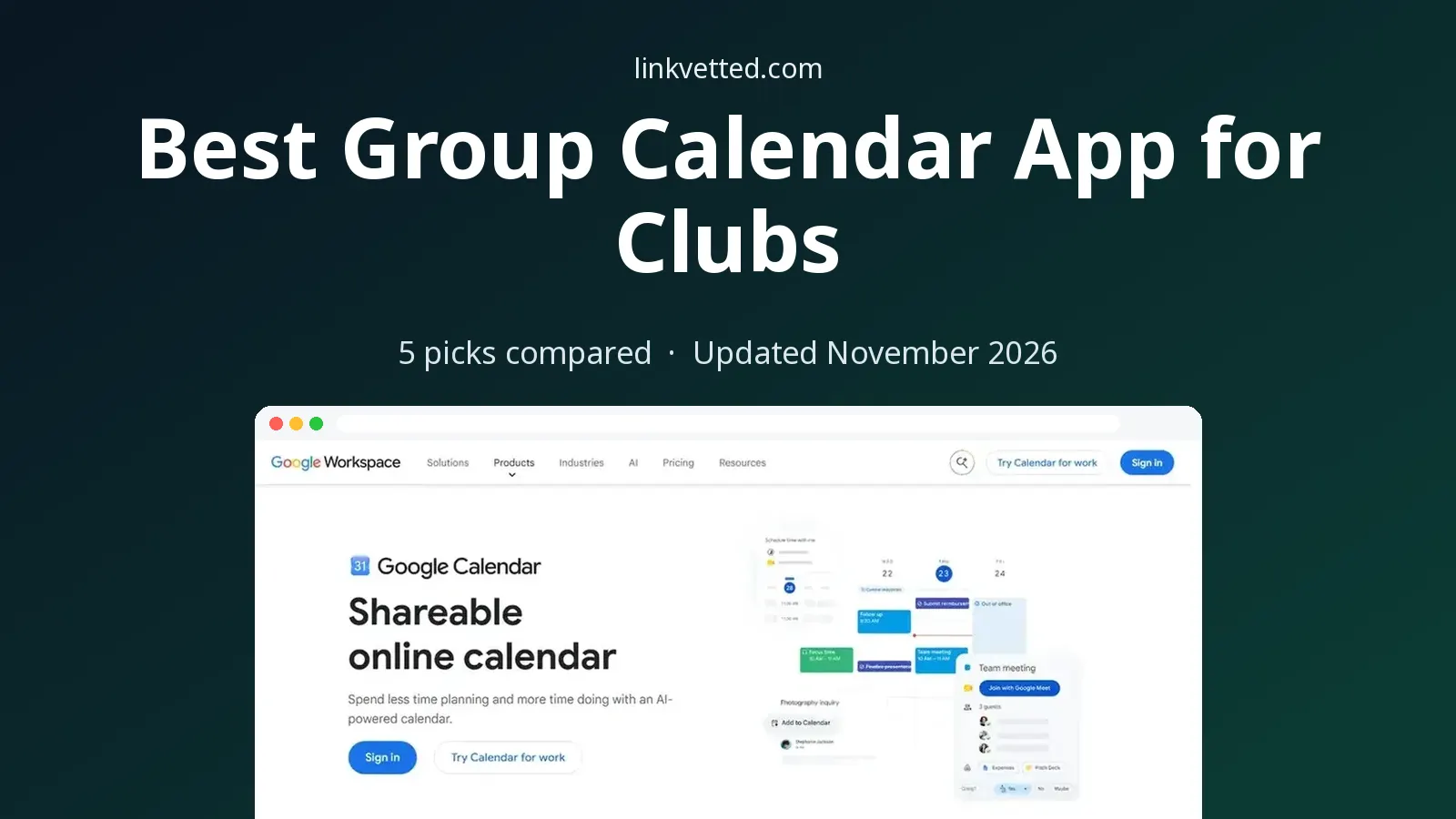
- Editor's choice
 Reclaim.ai
Automatic scheduling for busy organizers
Starts at$10 per seat per monthVisit reclaim.aiFull review - Great alternative
 Zoho Calendar
Business-style team calendars
Starts atSee websiteVisit zoho.comFull review - Also consider
 Google Calendar
Shared club calendars and event invites
Starts atSee websiteVisit calendar.google.comFull review
Direct answer
Reclaim.ai is the first pick on this list for automatic scheduling for busy organizers. Listed starting prices: Reclaim.ai from $10 per seat per month, Morgen from $10 per seat a month and Motion from $19 per seat a month. Zoho Calendar is better for business-style team calendars, and Google Calendar is better for shared club calendars and event invites. All 5 tools are compared below on price, free plan and limits.
TL;DR:
- The list opens with Reclaim.ai, aimed at automatic scheduling for busy organizers.
- Only Reclaim.ai offers a free plan among these 5 tools.
- For AI-driven tasks, projects and calendars, Motion is worth a look.
- Before buying Zoho Calendar, weigh this: best value inside the Zoho suite.
- Reclaim.ai is the lowest-priced starter here at $10 per seat per month.
Last checked November 2026. Prices and plan details were read from the vendors' own pages in November 2026; vendors change plans often, so confirm the current price on the vendor site before you buy.
Quick comparison
| Tool | Best for | Starts at | Free plan? | |
|---|---|---|---|---|
| Reclaim.ai | Automatic scheduling for busy organizers | $10 per seat per month | Yes | Visit |
| Zoho Calendar | Business-style team calendars | See website | Not stated | Visit |
| Google Calendar | Shared club calendars and event invites | See website | Not stated | Visit |
 Morgen | Unifying several calendars and tasks | $10 per seat a month | Free trial | Visit |
 Motion | AI-driven tasks, projects and calendars | $19 per seat a month | Free trial | Visit |
Our 5 group calendar app for clubs
Choosing group calendar app for clubs usually comes down to price, fit and limits. This LinkVetted guide sets 5 tools side by side on those three points, with the facts kept short and checkable.
Reclaim.ai was built for automatic scheduling for busy organizers. Club volunteers with packed schedules may use it to block time for planning and admin around their day jobs.
On cost, Reclaim.ai starts like this: $10 per seat per month. You can start on Reclaim.ai without paying.
Honest limits: Needs an existing calendar system. What works well: habits and breaks.
- Works with Google and Outlook calendars
- Guards focus time automatically
- Targeted at work scheduling
Zoho Calendar makes the most sense for business-style team calendars. Zoho Calendar is positioned as a powerful online business calendar for teams, helping users organize schedules, collaborate and run events.
Trade-offs to know: Best value inside the Zoho suite.
More specifically, clubs that run like small organizations, with committees and shared responsibilities, may appreciate the team-first framing. More specifically, the business focus may feel heavier than a casual club needs, and the experience is most solid within the Zoho ecosystem. This comparison lists no price for Zoho Calendar; ask the vendor. Free plan details: Not stated.
- Aimed at team collaboration
- Suits the wider Zoho ecosystem
- Interface can feel business-oriented
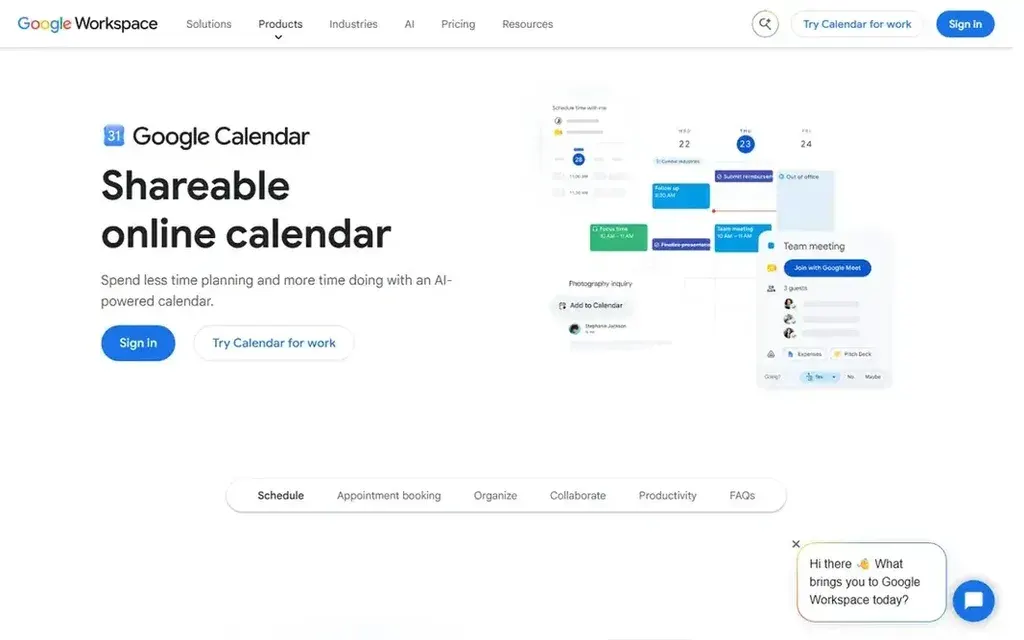
Google Calendar serves shared club calendars and event invites. Google Calendar is a shareable online calendar made for scheduling meetings and appointments. For everyday use, the free experience is general-purpose instead of club-specific, so features like member roles or event chat rely on other tools.
Strengths: Works alongside Google Workspace tools.
Drawbacks to consider: Advanced controls need Workspace setup. From a buyer's view, members can build calendars for the club, share them with the group and send invites for meetings and activities. Clubs already using Google Workspace get tighter integration with documents and mail. Check the vendor site for Google Calendar pricing; none is listed in this comparison. Free plan details: Not stated.
- Simple calendar sharing with members
- Familiar interface for most users
- Restricted built-in group chat
For unifying several calendars and tasks, Morgen is a natural candidate. Morgen describes itself as an AI daily planner for calendars and tasks, offering planning across all your calendars and task managers with time blocking and focus time.
Downsides: Planning focus over club coordination.
Club organizers who handle multiple calendars and to-do lists may use it to plan their own workload around club duties. On cost, Morgen starts like this: $10 per seat per month. On free options: Free trial.
- Consolidates calendars in one app
- Daily planning with time blocking
- Not designed for group sharing first
Motion serves AI-driven tasks, projects and calendars. Motion presents itself as an AI-powered superapp for work, combining AI projects, tasks, calendar, meetings, docs and notes.
Watch-outs: Heavy for straightforward club needs.
It fits organized groups that want tasks and calendar in one place. What you pay to start with Motion: $19 per seat per month. Trial and free access: Free trial.
- Merges calendar with tasks and projects
- AI-assisted scheduling and workflows
- Work-oriented instead of community-focused
Selection criteria
Questions to settle before buying
- Ask Zoho Calendar and Google Calendar for a written quote, since no starting price is shown.
- Look at the free plan from Reclaim.ai closely: its caps decide whether it is usable for real work.
- Run a trial of Morgen and Motion with real work before paying for a year; your own workflow is the best test.
- Read the limits listed for Reclaim.ai first: pitched at work scheduling.
- Verify that exporting from Google Calendar is possible on your plan and covers all your records.
- Add up seats, add-ons and usage charges for Morgen before comparing it with cheaper entries.
FAQ
Is Reclaim.ai the right pick for everyone comparing group calendar app for clubs?
No single tool suits every team. Reclaim.ai comes first because it fits automated scheduling for busy organizers, while Zoho Calendar suits business-style team calendars and Google Calendar suits shared club calendars and event invites. Match the tool to your own size, budget and workflow before deciding.
What makes a calendar app a decent match for a club?
A decent club calendar makes sharing events straightforward, lets members see updates and supports recurring meetings. Communication features and admin controls help as the group grows.
How are the group calendar app for clubs ordered?
The order follows typical fit for group calendar app for clubs, with Reclaim.ai first and Motion last, then price clarity and free access. It is editorial judgement, not a score, so another team could rank the tools differently.
Which group calendar app for clubs have a free plan?
Reclaim.ai is the only tool in this list with a free plan. Free plans usually cap users, projects or features, so check the limits on the vendor page. Several others offer a trial instead.
Can I try these tools before paying?
Often, yes. Reclaim.ai has a free plan and Morgen and Motion offer a free trial. Use your own data and a real task during the test, and check what the free tier or trial limits before you rely on it.
Sources
- https://reclaim.ai
- https://www.zoho.com/calendar
- https://calendar.google.com
- https://www.morgen.so
- https://www.usemotion.com