Best Google Workspace Communication Tools (2026): 6 Picks Checked on Vendor Pages
6 best Google workspace communication tools, compared on pricing, free plans and best-fit use. Costs and caveats sit beside each pick. Updated November 2026.
- Editor's choice
 Cisco Webex
AI-powered collaboration with devices
Starts atSee websiteVisit webex.comFull review - Great alternative
 Miro
Visual collaboration and brainstorming
Starts at$8 per member per monthVisit miro.comFull review - Also consider
 Slack
Channel-based team chat and workflows
Starts at$4.38 per user per monthVisit slack.comFull review
Direct answer
For AI-powered collaboration with devices, Cisco Webex is where this list starts. Listed starting prices: Miro from $8 per member per month, Slack from $4.38 per user per month and Asana from $10.99 per user a month. Miro is the stronger choice for visual collaboration and brainstorming, while Slack suits channel-based team chat and workflows. The full list of 6 tools follows, with prices and free plan facts.
TL;DR:
- Cisco Webex is the opening pick, best for AI-powered collaboration with devices.
- A free plan is available from 4 of the 6 tools: Cisco Webex, Miro, Slack, Asana.
- The lowest published monthly entry price here is $4.38 per user per month, from Slack.
- Asana is the one to check for work and project management.
Last checked November 2026. Prices and plan details were read from the vendors' own pages in November 2026; vendors change plans often, so confirm the current price on the vendor site before you buy.
Quick comparison
| Tool | Best for | Starts at | Free plan? | |
|---|---|---|---|---|
| Cisco Webex | AI-powered collaboration with devices | See website | Yes | Visit |
| Miro | Visual collaboration and brainstorming | $8 per member per month | Yes | Visit |
| Slack | Channel-based team chat and workflows | $4.38 per user per month | Yes | Visit |
 Google Workspace | Native email, chat, meetings and files | See website | Not stated | Visit |
 Microsoft Teams | Chat, meetings and calling with Microsoft 365 | See website | Not stated | Visit |
 Asana | Work and project management | $10.99 per user a month | Yes | Visit |
The best Google workspace communication tools
LinkVetted put together this guide to Google workspace communication tools for readers who want a clear shortlist without reading every vendor page. It compares 6 tools on starting price, free plans, who each one suits and where each one falls short.
Cisco Webex makes the most sense for AI-powered collaboration with devices. Cisco Webex is described as AI-powered collaboration, customer experience and devices from Cisco.
It suits organizations that want an enterprise collaboration system and may already use Cisco networking or device infrastructure. Check the vendor site for Cisco Webex pricing; none is listed in this comparison. Cisco Webex has a free plan.
Where it is weaker: Wide system can be complicated.
Strengths: Customer experience tools.
- Calling and messaging
- Meetings
- Best fit for Cisco-oriented environments
Miro targets visual collaboration and brainstorming. Miro is described as an AI innovation workspace that helps teams accelerate product development from ideation to launch.
The main drawbacks: Not a primary chat or email tool.
Beyond that, Teams without visual planning needs may not use it on a regular basis. Entry price for Miro: $8 per member per month. Miro offers a free plan.
- Visual workspace for ideation
- Breaks down tool silos
- Best used alongside a communication suite
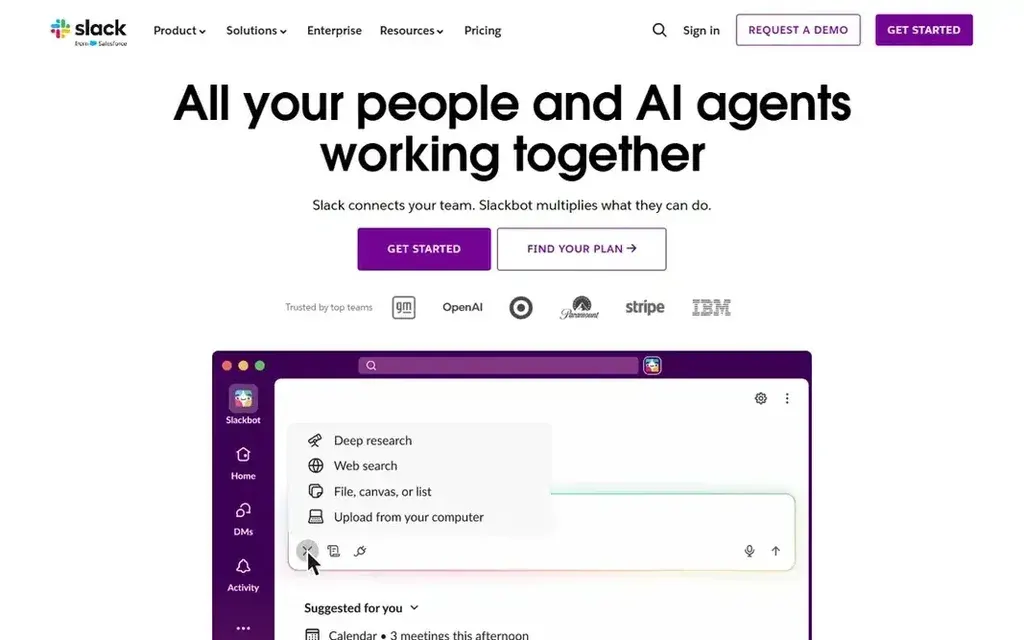
Slack is designed for channel-based team chat and workflows. Slack is described as an AI work system and productivity tool for managing projects, automating workflows and connecting teams securely.
What to check first: Can fragment communication from email.
It organizes conversation into channels, which helps teams keep project discussions, announcements and direct messages in separate, searchable spaces. Slack is not part of Google Workspace, so teams relying on Gmail and Google Chat may end up with overlapping communication channels. What you pay to start with Slack: $4.38 per user per month. Slack offers a free plan.
- Channel organization for projects
- AI work system positioning
- Separate from Google Workspace natively
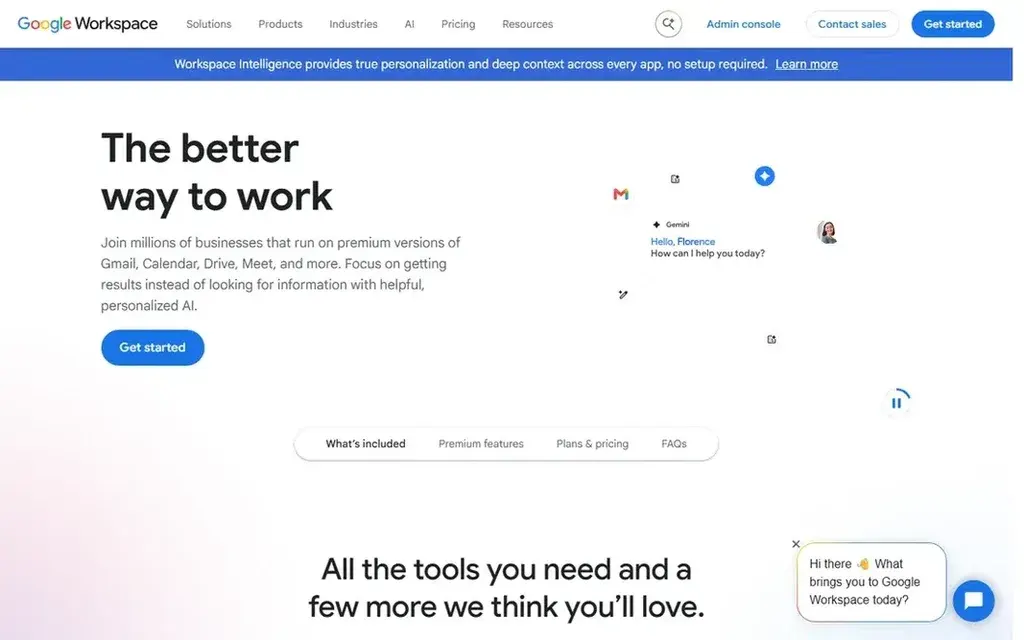
Pick Google Workspace if this describes you: native email, chat, meetings and files. Google Workspace is a suite of secure, online productivity and collaboration tools from Google. It brings Gmail, Google Chat, Google Meet and Drive together so teams can message, meet and share files without switching between separate products.
Since the communication tools are bundled with productivity apps, teams that require deep external chat integrations or highly customized workflows may find it less adaptable. Pick something else if your organization standardizes on Microsoft 365 or needs a standalone chat product with a large app directory. Pricing for Google Workspace is not stated here, so ask the vendor for current figures. On free options: Not stated.
Trade-offs to know: Less adaptable for non-Google workflows.
What Google Workspace does well: Gmail.
- Chat and Meet in one suite
- Secure online productivity focus
- Tied to Google account management
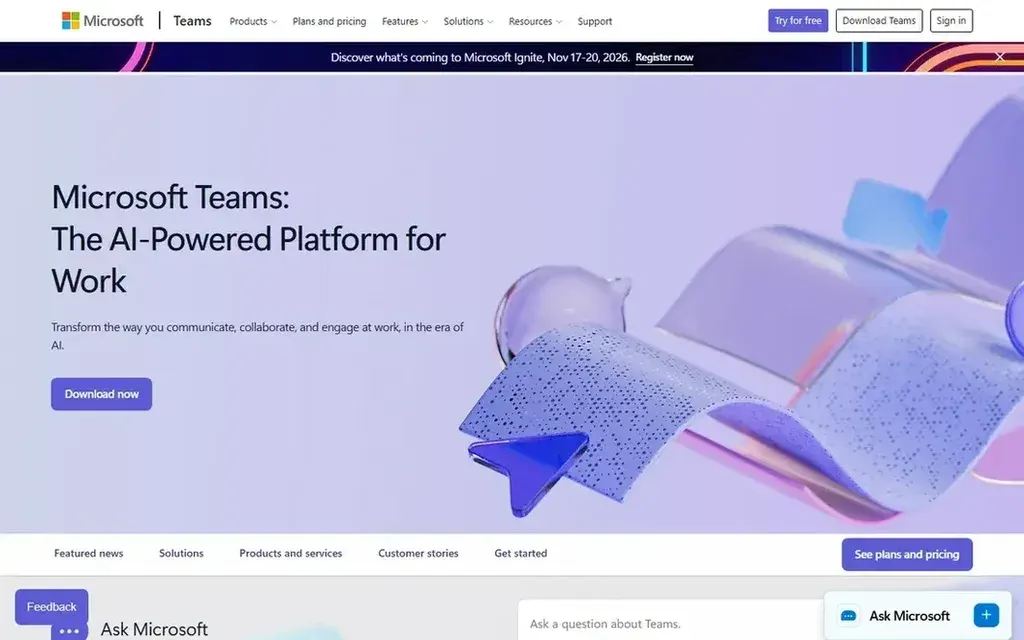
Microsoft Teams serves chat, meetings and calling with Microsoft 365. The homepage emphasizes that tools and files are always available in one place, helping teams link naturally and stay organized.
Watch-outs: Interface can feel dense for new users.
Consider a more straightforward chat tool if calling and meetings are not priorities. Also, new users at times find the interface dense because it merges chat, meetings, calling and file collaboration. Check the vendor site for Microsoft Teams pricing; none is listed in this comparison. As for free access: Not stated.
- Made for organized teamwork
- Chat
- Best value inside Microsoft 365
Asana targets work and project management. Teams without defined workflows may find setup takes effort before the tool pays off.
Honest limits: Not a chat or video tool.
Consider it when project tracking and automation are the central gaps in your current stack. Starting cost for Asana: $10.99 per user per month. Free access exists with Asana.
- Clear project tracking
- Plan and automate workflows
- Needs setup and process discipline
How we compared the tools
For each of the 6 tools we noted price, free plan or trial, fit for Google workspace communication tools and the main limit, using vendor pages and documentation. Treat prices as a snapshot: vendors change plans often, so check the vendor site for the figure that applies today. Order on the page follows fit for the typical buyer first, then price transparency and free access. Your own requirements should decide the final pick.
What to check before you buy
- Ask Cisco Webex, Google Workspace and Microsoft Teams for a written quote, since no starting price is shown.
- Look at free plan limits closely: Cisco Webex, Miro, Slack and Asana have one, and the caps decide whether it is usable for real work.
- Read the limits listed for Cisco Webex first: wide system can be complicated.
- Price Cisco Webex for your actual team size; headline prices rarely include add-ons or overage.
- Ask Google Workspace whether prices are locked for the first term and what happens at renewal.
FAQ
Do these tools publish their prices?
Not all of them. Cisco Webex, Google Workspace and Microsoft Teams publish no starting price, so expect a quote request for those. The rest, Miro included, show a starting price, though seats and billing terms still change the final cost.
Which options for Google workspace communication tools have a free plan?
Cisco Webex, Miro, Slack and Asana offer a free plan in this list. Free plans usually cap users, projects or features, so check the limits on the vendor page.
How are the tools for Google workspace communication tools ordered?
The order follows typical fit for Google workspace communication tools, with Cisco Webex first and Asana last, then price clarity and free access. It is editorial judgement, not a score, so another team could rank the tools differently.
Do I need a separate chat tool if I use Google Workspace?
A separate tool like Slack may make sense if your team wants channel-based workflows or a large app directory. Compare how much overlap you can tolerate before adding another communication app.
How should a small team choose among these tools?
Start with the communication modes you use most, for example email, chat and video meetings, and favor a tool that handles them without duplication. Then check integrations with your existing accounts and how much administration you can manage.
Is Cisco Webex the right pick for everyone comparing Google workspace communication tools?
No single tool suits every team. Cisco Webex comes first because it fits AI-powered collaboration with devices, while Miro suits visual collaboration and brainstorming and Slack suits channel-based team chat and workflows. Match the tool to your own size, budget and workflow before deciding.
Sources
- https://www.webex.com
- https://miro.com
- https://slack.com
- https://workspace.google.com
- https://www.microsoft.com/en-us/microsoft-teams/group-chat-software
- https://asana.com