The 6 Best Productivity Software with Google Workspace Integration in 2026, Ranked
Best productivity software with google workspace integration: 6 tools compared on price, free plans and fit. Each pick lists its main limit. Prices checked.
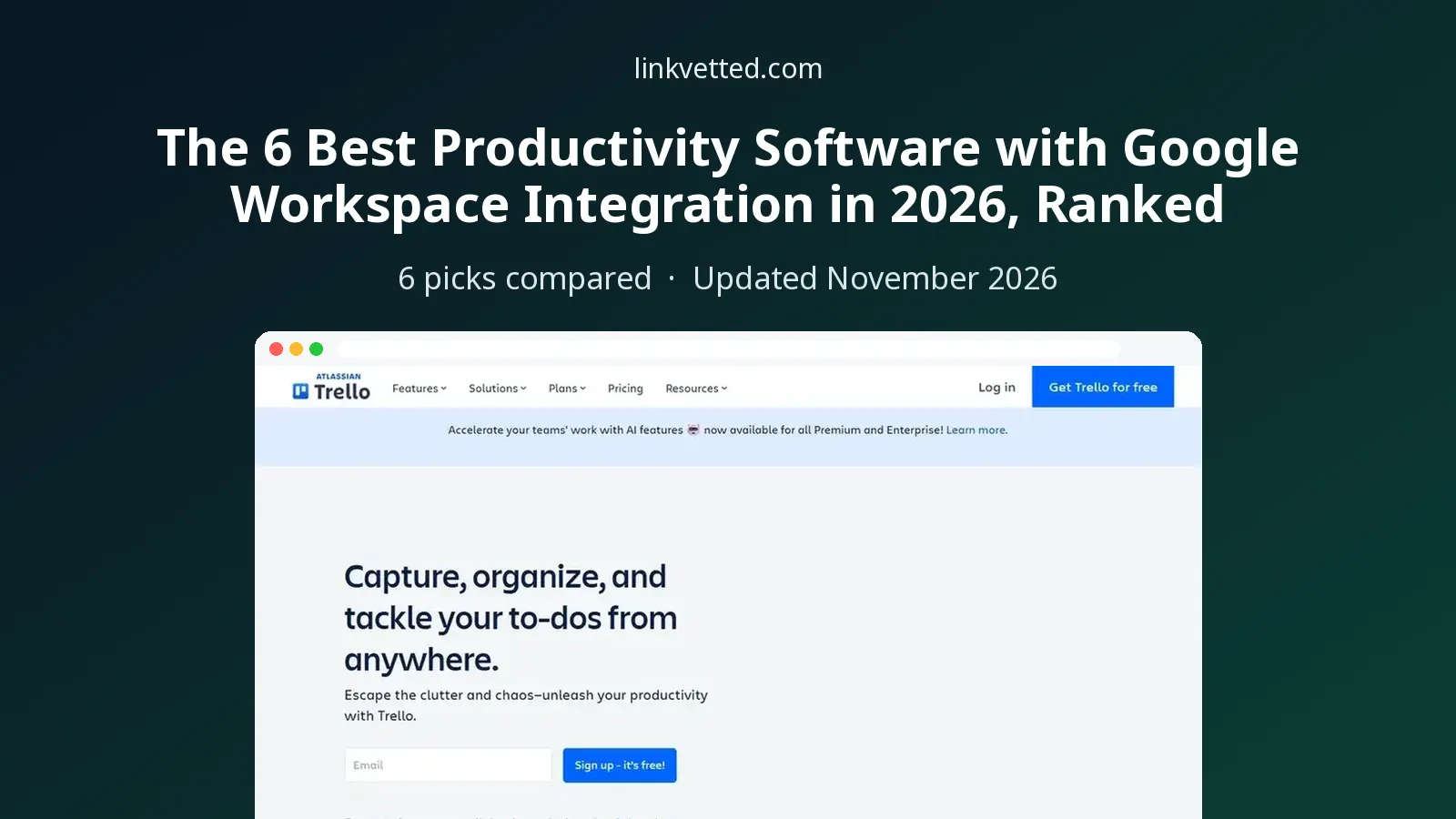
- Editor's choice
 Slack
Chat-centric teams connecting projects and workflows
Starts at$4.38 per user per monthVisit slack.comFull review - Great alternative
 Trello
Straightforward visual task and to-do tracking
Starts at$5 per user per monthVisit trello.comFull review - Also consider
 Asana
Structured project and workflow management
Starts at$10.99 per user per monthVisit asana.comFull review
Direct answer
If you need chat-centric teams connecting projects and workflows, Slack is the first tool to look at here. Listed starting prices: Slack from $4.38 per user per month, Trello from $5 per user per month and Asana from $10.99 per user per month. Trello fits straightforward visual task and to-do tracking; Asana fits structured project and workflow management. The other 3 tools in the list cover narrower or pricier cases.
TL;DR:
- Number one here is Slack, a fit for chat-centric teams connecting projects and workflows.
- Check the limits for ClickUp before you commit: feature depth can overwhelm new users.
- Free plans are common here: 6 of 6 tools have one, including Slack, Trello, Asana and ClickUp.
- monday.com suits AI-assisted work orchestration across teams.
- Slack has the lowest monthly starting price in this list: $4.38 per user per month.
Last checked November 2026. Prices and plan details were read from the vendors' own pages in November 2026; vendors change plans often, so confirm the current price on the vendor site before you buy.
Quick comparison
| Tool | Best for | Starts at | Free plan? | |
|---|---|---|---|---|
| Slack | Chat-centric teams connecting projects and workflows | $4.38 per user per month | Yes | Visit |
| Trello | Straightforward visual task and to-do tracking | $5 per user per month | Yes | Visit |
| Asana | Structured project and workflow management | $10.99 per user per month | Yes | Visit |
 ClickUp | Consolidating tasks, docs, goals, and chat | $9 per user a month | Yes | Visit |
 Notion | Docs, search, and automation in one workspace | $10 per member a month | Yes | Visit |
 monday.com | AI-assisted work orchestration across teams | $9 per seat a month | Yes | Visit |
Productivity Software with Google Workspace Integration profiles
Choosing productivity software with google workspace integration usually comes down to price, fit and limits. This LinkVetted guide sets 6 tools side by side on those three points, with the facts kept short and checkable.
Slack works best for chat-centric teams connecting projects and workflows. Slack is not a substitute for in-depth project planning, so complicated schedules and dependencies still need a dedicated tool.
The main drawbacks: Not a full project planning tool.
Also, heavy conversation volume can also bury important updates without decent channel habits. Price to start with Slack: $4.38 per user per month. Slack has a free plan.
- Workflow automation in chat
- Secure team connection
- Conversation volume can overwhelm
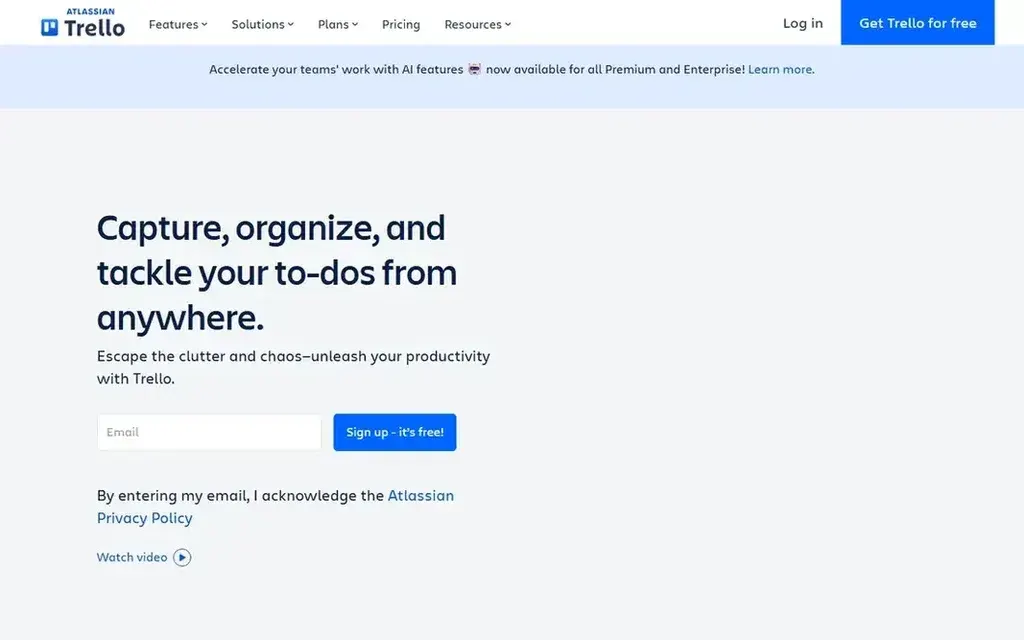
Where Trello fits: straightforward visual task and to-do tracking. Trello is a visual tool for capturing, organizing, and tackling to-dos, built around boards, Inbox, and Planner views that work from anywhere, including mobile. Trello is the better fit when clarity and fast adoption matter most.
Pick something more structured when workflows span numerous teams or need strict process control. Worth adding: groups already using Google Workspace for files and calendars can keep Trello as the light task layer. On cost, Trello starts like this: $5 per user per month. Trello includes a free tier.
What to check first: Large boards can get cluttered.
- Inbox and Planner views
- Boards are simple to grasp
- Restricted for complicated dependencies
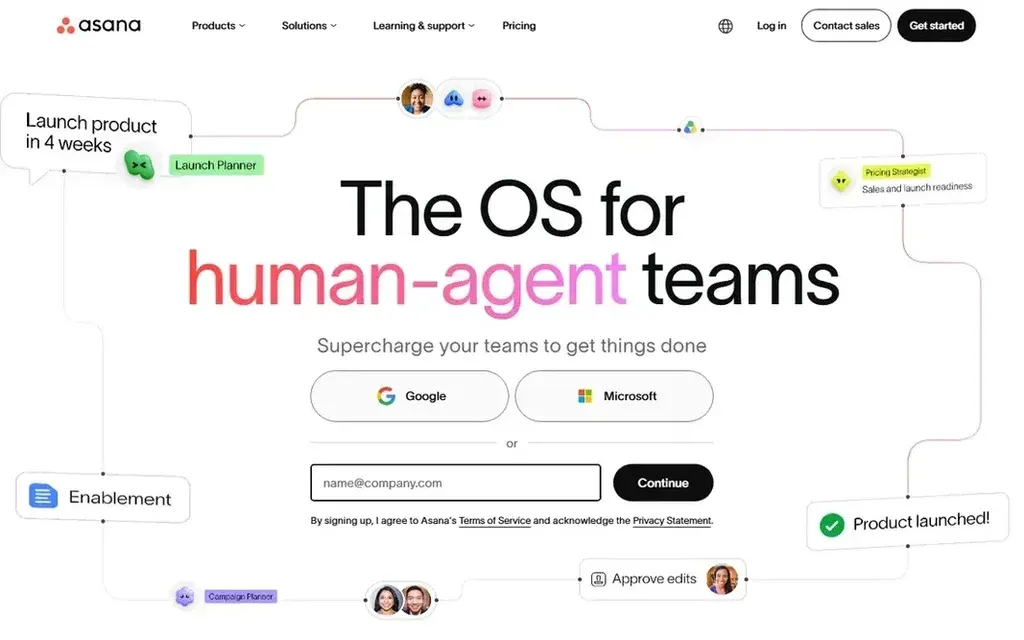
Asana was built for structured project and workflow management. Asana is work management software for planning, automating, and executing critical workflows across teams and AI agents.
Limits to weigh: Setup takes planning.
More specifically, teams coordinating several workstreams whereas relying on Google Workspace for documents and email commonly use Asana as the planning layer. Starting cost for Asana: $10.99 per user per month. Asana has a free plan.
- Automation for critical workflows
- Clear work and project tracking
- Can feel heavy for straightforward task lists
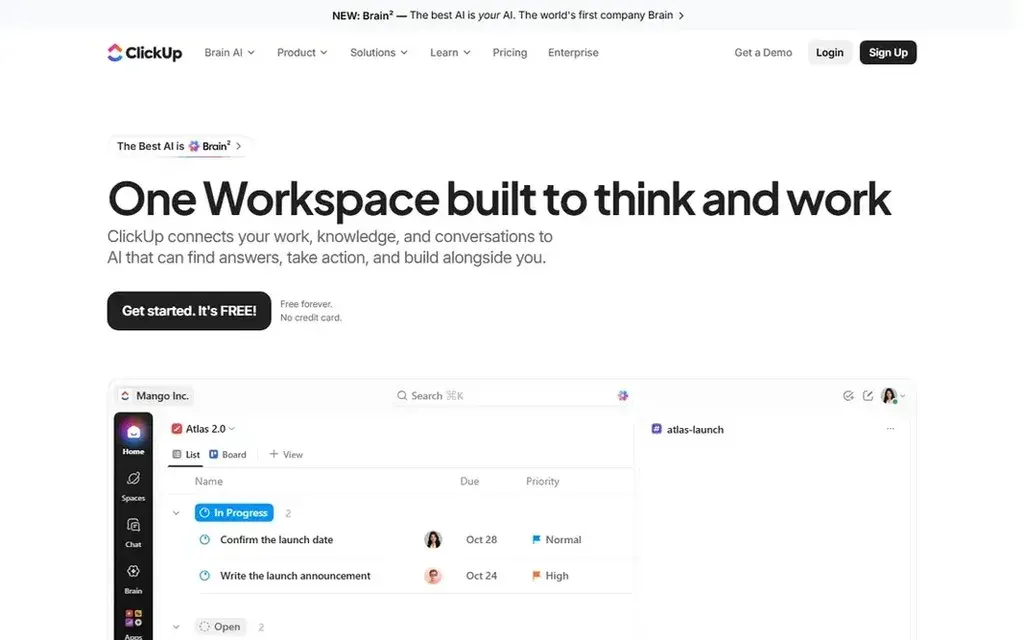
Choose ClickUp for consolidating tasks, docs, goals, and chat. Organizations using Google Workspace for storage and email can treat ClickUp as the central hub for planning and execution.
Where it is weaker: Configuration takes time.
It suits teams that would rather consolidate multiple tools than stitch them together. ClickUp pricing: $9 per user per month. ClickUp includes a free tier.
- Chat together
- Wide feature coverage
- Feature depth can overwhelm new users
Notion serves docs, search, and automation in one workspace. Notion fits best when documentation and planning live side by side.
In practice, groups relying on Google Workspace for email and files frequently use Notion as the knowledge and planning layer. Notion pricing: $10 per member per month. You can start on Notion without paying.
Limits to weigh: Can become sprawling without conventions.
- Automation for busywork
- Adaptable pages and databases
- Adaptable structure needs discipline
monday.com is built with AI-assisted work orchestration across teams in mind. Smaller groups may prefer a more straightforward board tool.
The range of configuration choices can slow down teams that just want to start working. Organizations using Google Workspace for documents and mail can treat monday.com as the execution layer. What you pay to start with monday.com: $9 per seat per month. You can start on monday.com without paying.
Where it is weaker: Can feel wide for small teams.
- Adaptable board-based structure
- One workspace for execution
- Plenty of choices to configure
How these tools were picked
Selection started from tools commonly considered for productivity software with google workspace integration, then narrowed to 6 that have clear pricing information or a clear quote process. Plan names, prices and limits change often. Treat the figures here as a starting point and verify them with the vendor. Order on the page follows fit for the typical buyer first, then price transparency and free access. Your own requirements should decide the final pick.
What to check before you buy
- Confirm the entry price on the vendor page: Slack starts at $4.38 per user per month, but seat counts and billing terms change the total.
- Read the fine print on the free plans from Slack, Trello, Asana and others; seat, project and feature caps differ.
- Read the limits listed for Slack first: not a full project planning tool.
- Ask Trello which support channels and response times come with the plan you would buy.
- Get the contract term, renewal terms and any onboarding fees from Slack in writing.
FAQ
Which tool is a good match for project planning with Google Workspace?
This list starts with Slack, which fits chat-centric teams connecting projects and workflows. For other needs, Trello is aimed at straightforward visual task and to-do tracking, and Asana at structured project and workflow management. Check each tool's price and main limit first.
What is the cheapest option for productivity software with google workspace integration in this list?
On published monthly entry prices, Slack is the lowest here at $4.38 per user per month. Entry price is only part of the cost, because seats, add-ons and billing terms can change the total. Prices, free plan details and limits for all 6 tools in this productivity software with Google Workspace integration roundup sit on the individual cards above.
Can I try these tools before paying?
Often, yes. Slack, Trello, Asana and others have a free plan. Use your own data and a real task during the test, and check what the free tier or trial limits before you rely on it.
Which options for productivity software with google workspace integration have a free plan?
6 of the 6 tools have a free plan, including Slack, Trello, Asana and ClickUp. Free plans usually cap users, projects or features, so check the limits on the vendor page.
Do these tools publish their prices?
Yes. Every tool from Slack to monday.com shows a starting price, though seats, add-ons and billing terms still change the final cost.
Sources
- https://slack.com
- https://trello.com
- https://asana.com
- https://clickup.com
- https://www.notion.so
- https://monday.com