Best Google Workspace Academic Software for 2026: Our 6 Vetted Picks
Compare 6 picks for the best google workspace academic software, with prices, free plans and who each fits. Details on cost, catches and fit. Quick to scan.
- Editor's choice
 Turnitin
Academic integrity and feedback
Starts atSee websiteVisit turnitin.comFull review - Great alternative
 Grammarly
Writing assistance and improvement
Starts at$12 USDVisit grammarly.comFull review - Also consider
 Canvas LMS
Approachable course management
Starts atSee websiteVisit instructure.comFull review
Direct answer
Our first pick is Turnitin, best for academic integrity and feedback. Listed starting prices: Grammarly from $12 USD. For a different need, Grammarly covers writing assistance and improvement and Canvas LMS covers approachable course management. The other 3 tools in the list cover narrower or pricier cases.
TL;DR:
- Turnitin sits first on this list: academic integrity and feedback.
- Before buying Turnitin, weigh this: may need student training.
- For Turnitin, Canvas LMS, Zoom and others, you have to request a quote because no starting price is shown.
- Moodle fits configurable learning ecosystems.
Last checked November 2026. Prices and plan details were read from the vendors' own pages in November 2026; vendors change plans often, so confirm the current price on the vendor site before you buy.
Quick comparison
| Tool | Best for | Starts at | Free plan? | |
|---|---|---|---|---|
| Turnitin | Academic integrity and feedback | See website | Not stated | Visit |
| Grammarly | Writing assistance and improvement | $12 USD | Yes | Visit |
| Canvas LMS | Approachable course management | See website | Not stated | Visit |
 Zoom | Dependable video collaboration | See website | Not stated | Visit |
| Microsoft 365 Education | All-in-one productivity for classrooms | See website | Not stated | Visit |
 Moodle | Configurable learning ecosystems | See website | Not stated | Visit |
Tool-by-tool breakdown
LinkVetted put together this guide to google workspace academic software for readers who want a clear shortlist without reading every vendor page. It compares 6 tools on starting price, free plans, who each one suits and where each one falls short.
In short, Turnitin is for academic integrity and feedback. Select Turnitin when academic integrity and efficient feedback are priorities, and ensure it aligns with your existing products. Turnitin may need orientation for students and instructors to use effectively, and integration depth can vary based on the setup.
Where it falls short: Integration with Google Workspace varies.
It is not a full LMS but a specialized tool. More specifically, Turnitin can connect with Google Workspace and learning management systems to fit into existing workflows, making it right for institutions centred on maintaining academic standards. In practice, Turnitin is a suite of solutions that promote academic integrity, simplify grading and feedback, deter plagiarism, and boost student outcomes. It is often used in educational institutions to check originality and offer constructive feedback. Pricing for Turnitin is not stated here, so ask the vendor for current figures. As for free access: Not stated.
- Promotes original work
- Deters plagiarism
- May require student training
In short, Grammarly is for writing assistance and improvement. Grammarly provides AI writing assistance with personalized guidance and text generation on any app or website. It helps students and educators boost clarity, grammar, and tone in their writing.
In daily use, Grammarly may not completely grasp discipline-specific terminology or advanced academic conventions, and its advanced features need a subscription. Grammarly can be used alongside Google Workspace to enhance documents and emails, making it a handy tool for academic writing support across disciplines. Grammarly pricing: $12 USD. Free access exists with Grammarly.
Honest limits: Advanced features need subscription.
- Works across apps and websites
- Personalized AI writing guidance
- May not catch discipline-specific errors
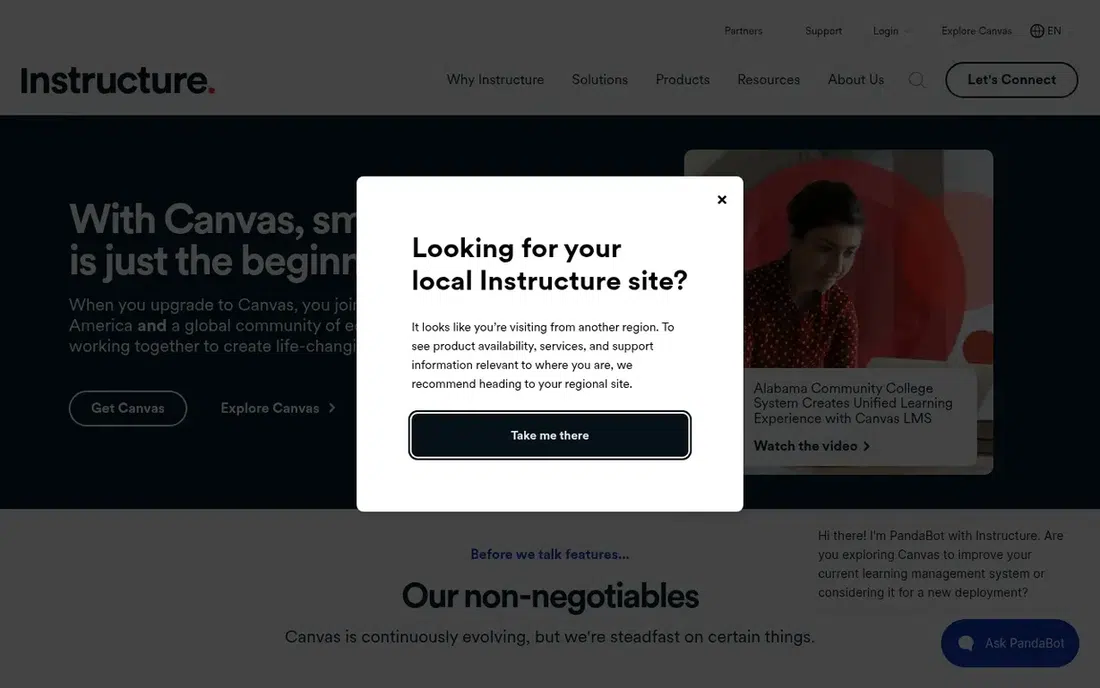
Think of Canvas LMS for approachable course management. It supports course creation, assignments, grading, and communication, making it a good fit for educators who prioritize simplicity. Choose Canvas LMS when you value a clean, easy-to-learn experience over broad configurability.
Also, Canvas LMS may not offer the same depth of customization as some competitors, and advanced functionality frequently needs external integrations. Institutions with highly specialized needs might find the standard feature set limiting. No starting price is listed for Canvas LMS here; confirm pricing on the vendor site. Free plan details: Not stated.
Watch-outs: Advanced features need extras.
- Easy-to-learn interface eases teaching
- Widely adopted in education
- Customization choices may be restricted
Think of Zoom for steady video collaboration. Zoom is a collaboration product offering video meetings, chat, VoIP phone, webinars, whiteboard, contact center, and events.
Zoom links up with Google Workspace, making it simple to schedule and join meetings from within Google tools. This comparison lists no price for Zoom; ask the vendor. As for free access: Not stated.
Trade-offs to know: Free version has meeting limits.
- Trusted video meetings
- Comes with chat, phone, webinars
- Advanced features require premium plans
Microsoft 365 Education
Best for: All-in-one productivity for classrooms
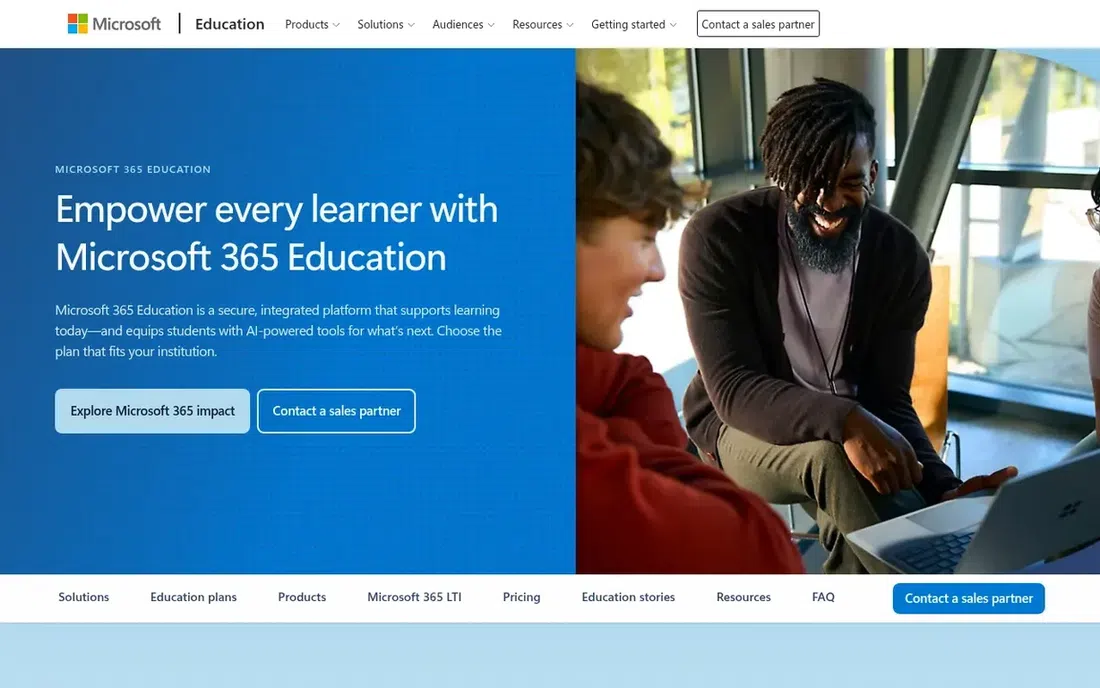
Microsoft 365 Education is a good fit for all-in-one productivity for classrooms. It gives you a familiar environment for creating documents, presentations, and spreadsheets, and it can complement Google Workspace by offering extra desktop-based capabilities.
Watch-outs: Some features overlap with Google Workspace.
Worth adding: Whereas Microsoft 365 Education is feature-rich, it may duplicate some functionality already available in Google Workspace, potentially leading to redundancy. As for the details, consider Microsoft 365 Education when you need advanced desktop applications and deeper integration with Microsoft services. Pricing for Microsoft 365 Education is not stated here, so ask the vendor for current figures. Free plan details: Not stated.
- Connects with Google Workspace
- Full suite including Office 365 tools
- May need training for full adoption
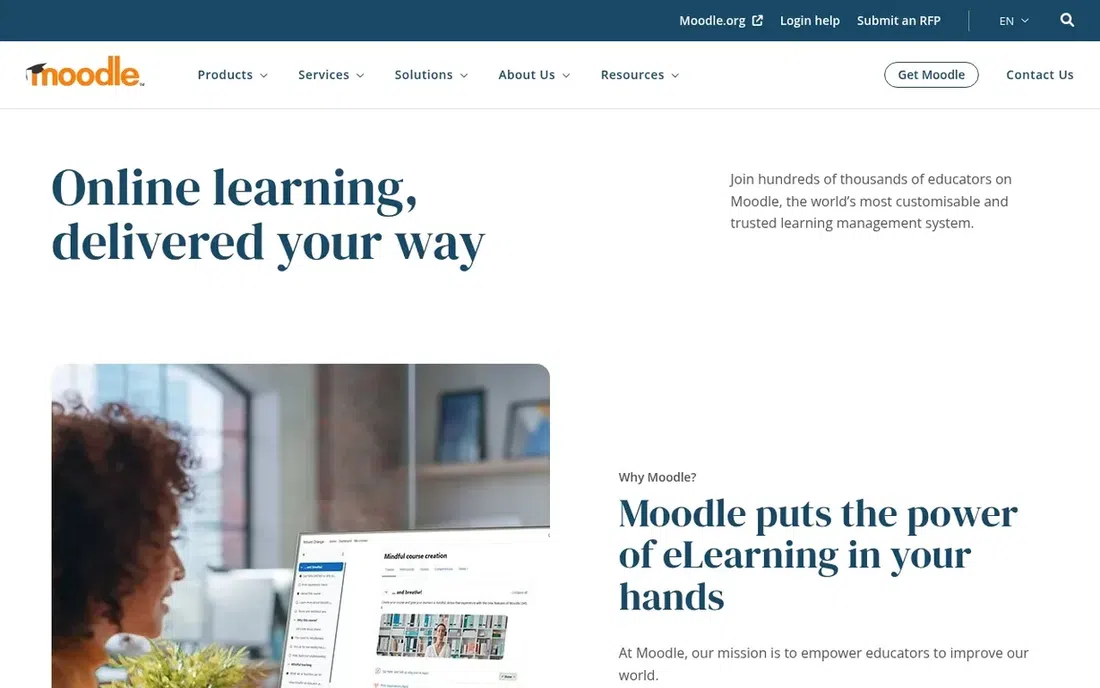
Moodle serves configurable learning ecosystems. Moodle is a learning management system known for its customizability and broad adoption in education, enterprise, and public sector organizations. It permits institutions to build a tailored learning ecosystem with broad plugins and themes.
Points against: Needs technical expertise for setup.
Worth adding: institutions without dedicated IT support may find it challenging. Moodle's adaptability includes a steeper ramp-up time and frequently needs technical expertise to set up and maintain. Opt for Moodle when customization and open-source control are top priorities, and you have the resources to handle it. This comparison lists no price for Moodle; ask the vendor. On free options: Not stated.
- Highly customizable
- Open-source adaptability
- Steeper ramp-up time
Our selection method
Before you commit
- Ask Turnitin, Canvas LMS, Zoom and others for a written quote, since no starting price is shown.
- Look at the free plan from Grammarly closely: its caps decide whether it is usable for real work.
- Before choosing Turnitin, weigh its main limit: may require student training.
- Confirm you can export your data from Grammarly, so leaving later does not mean losing records.
- Total up the real monthly cost of Microsoft 365 Education, including add-ons, extra users and usage-based fees.
FAQ
Which options for google workspace academic software have a free plan?
Grammarly is the only tool in this list with a free plan. Free plans usually cap users, projects or features, so check the limits on the vendor page.
Is Turnitin the right pick for everyone comparing google workspace academic software?
No single tool suits every team. Turnitin comes first because it fits academic integrity and feedback, while Grammarly suits writing assistance and improvement and Canvas LMS suits user-friendly course management. Match the tool to your own size, budget and workflow before deciding.
How can I ensure these tools are accessible for all students?
Accessibility features vary by tool, so review each vendor's accessibility documentation and compliance with standards like WCAG. In daily use, numerous vendors offer accessibility guides and support resources.
How are the tools for google workspace academic software ordered?
Turnitin sits first and Moodle last because the order follows typical fit for google workspace academic software, then price clarity and free access. It is a judgement call, so read each profile for fit and limits.
Do these tools publish their prices?
Not all of them. Turnitin, Canvas LMS, Zoom and others publish no starting price, so expect a quote request for those. The rest, Grammarly included, show a starting price, though seats and billing terms still change the final cost.
Sources
- https://www.turnitin.com
- https://www.grammarly.com
- https://www.instructure.com/canvas
- https://zoom.us
- https://www.microsoft.com/en-us/education/products/microsoft-365
- https://moodle.com