Best Git Based Documentation Platforms in 2026: Prices, Free Plans and 6 Picks
6 best git based documentation platforms, with entry costs, free tiers and the buyer each one serves. Includes honest limits for each tool. Details below.
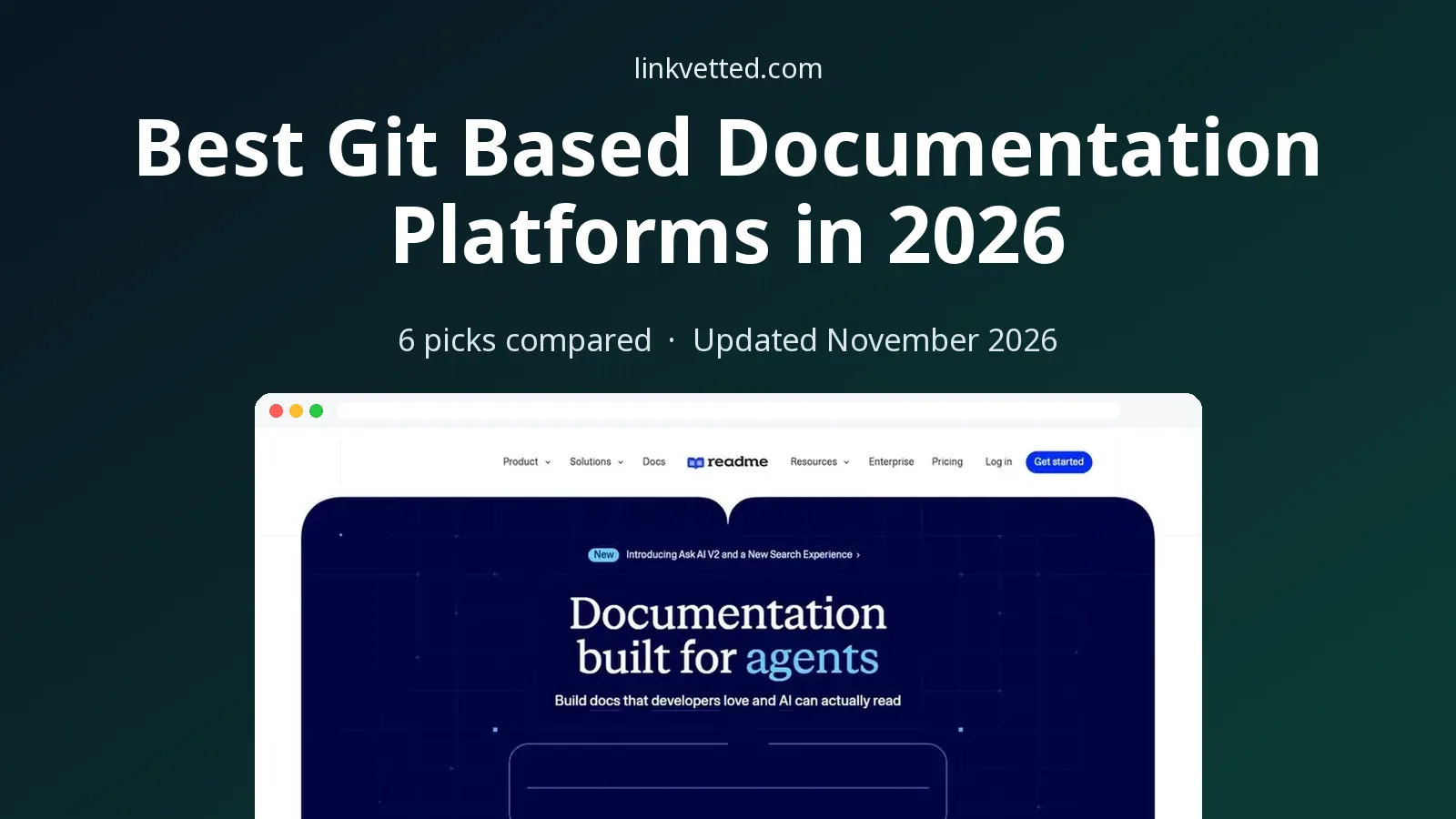
- Editor's choice
 ReadMe
Interactive API reference documentation
Starts atSee websiteVisit readme.comFull review - Great alternative
 MkDocs
Straightforward Markdown project documentation
Starts atSee websiteVisit mkdocs.orgFull review - Also considerAntora
Multi repository versioned documentation
Starts atSee websiteVisit antora.orgFull review
Direct answer
This list puts ReadMe first for interactive API reference documentation. Listed starting prices: GitBook from $65 per site per month. Alternatives: MkDocs for straightforward Markdown project documentation, and Antora for multi repository versioned documentation. Prices, free plans and limits for all 6 tools follow.
TL;DR:
- ReadMe sits first on this list: interactive API reference documentation.
- GitBook is the only tool of the 6 with a free plan.
- The main caution on MkDocs: fewer built-in interactive features.
- GitBook is the lowest-priced starter here at $65 per site per month.
Last checked November 2026. Prices and plan details were read from the vendors' own pages in November 2026; vendors change plans often, so confirm the current price on the vendor site before you buy.
Quick comparison
| Tool | Best for | Starts at | Free plan? | |
|---|---|---|---|---|
| ReadMe | Interactive API reference documentation | See website | Not stated | Visit |
| MkDocs | Straightforward Markdown project documentation | See website | Not stated | Visit |
| Antora | Multi repository versioned documentation | See website | Not stated | Visit |
| VuePress | Vue powered static documentation sites | See website | Not stated | Visit |
 GitBook | Hosted docs with AI features | $65 per site per month | Yes | Visit |
 Docusaurus | React teams building docs sites | See website | Not stated | Visit |
Our 6 git based documentation platforms
LinkVetted compared 6 git based documentation platforms. The goal is a practical shortlist: published prices, free plan facts, best-fit use cases and honest limits for every entry.
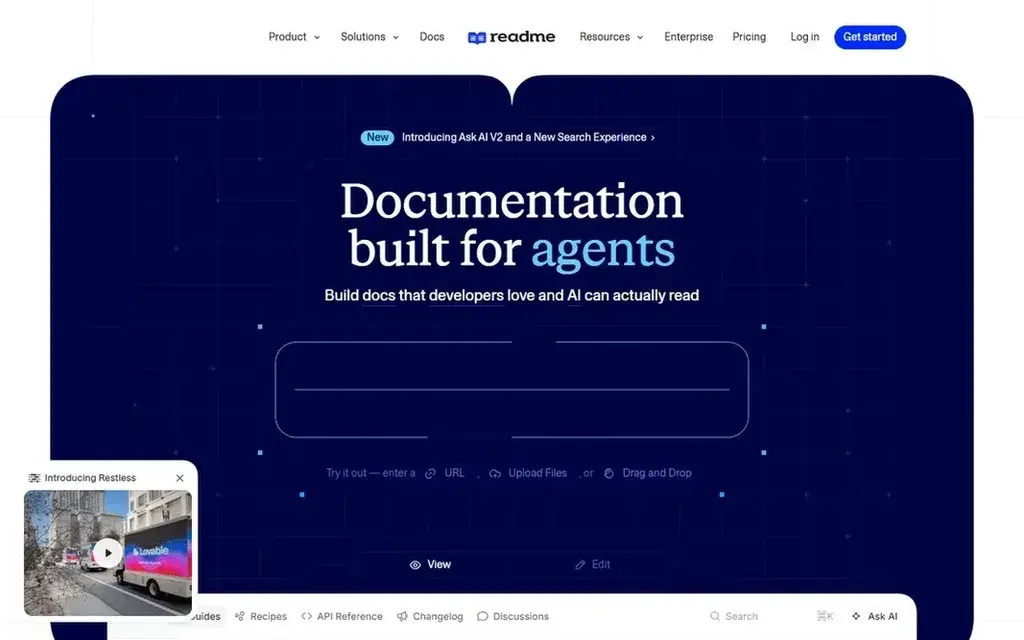
ReadMe makes the most sense for interactive API reference documentation. ReadMe describes itself as developer friendly API documentation, helping teams produce interactive API references that developers enjoy using.
Teams wanting a general purpose static generator they completely control should look at Docusaurus or MkDocs. In daily use, ReadMe is oriented toward API documentation rather than wide internal wikis or marketing content, so mixed content sites may need another tool. Pricing for ReadMe is not stated here, so ask the vendor for current figures. Trial and free access: Not stated.
Watch-outs: Narrower fit for general product docs.
- Developer friendly API docs focus
- Interactive documentation experience
- Hosted approach limits build customization
Pick MkDocs if this describes you: straightforward Markdown project documentation. MkDocs builds project documentation from Markdown files, keeping authoring straightforward and readable for anyone who can write plain text.
Honest limits: Fewer built-in interactive features.
It suits open source projects and internal teams that want light, version controlled docs without a heavy toolchain. No starting price is listed for MkDocs here; confirm pricing on the vendor site. Free access: Not stated.
- Straightforward static site output
- Documentation written in plain Markdown
- Theming and plugins need setup work
Antora
Best for: Multi repository versioned documentation
Where Antora fits: multi repository versioned documentation. That multi repository model is its defining strength.
Worth adding: Antora expects comfort with AsciiDoc and a more involved build setup than single repository tools. This comparison lists no price for Antora; ask the vendor. Free options: Not stated.
Drawbacks to consider: AsciiDoc knowledge is expected.
- Asciidoctor based toolchain
- Supports remixing and releasing content
- Setup is more involved than single repo tools
VuePress
Best for: Vue powered static documentation sites
VuePress works best for Vue powered static documentation sites. VuePress is a Vue powered static site generator that turns Markdown content into documentation sites. It is a reasonable choice for front end teams that want a static docs site with a familiar component model.
In practice, projects that are framework agnostic or React based are typically better served by Docusaurus or MkDocs. Beyond that, VuePress leans on Vue familiarity, so teams outside that ecosystem may find the extension path less natural. Check the vendor site for VuePress pricing; none is listed in this comparison. Free plan details: Not stated.
Honest limits: Ecosystem is Vue oriented.
- Markdown centered authoring
- Vue-powered static site generation
- Smaller plugin range than some generators
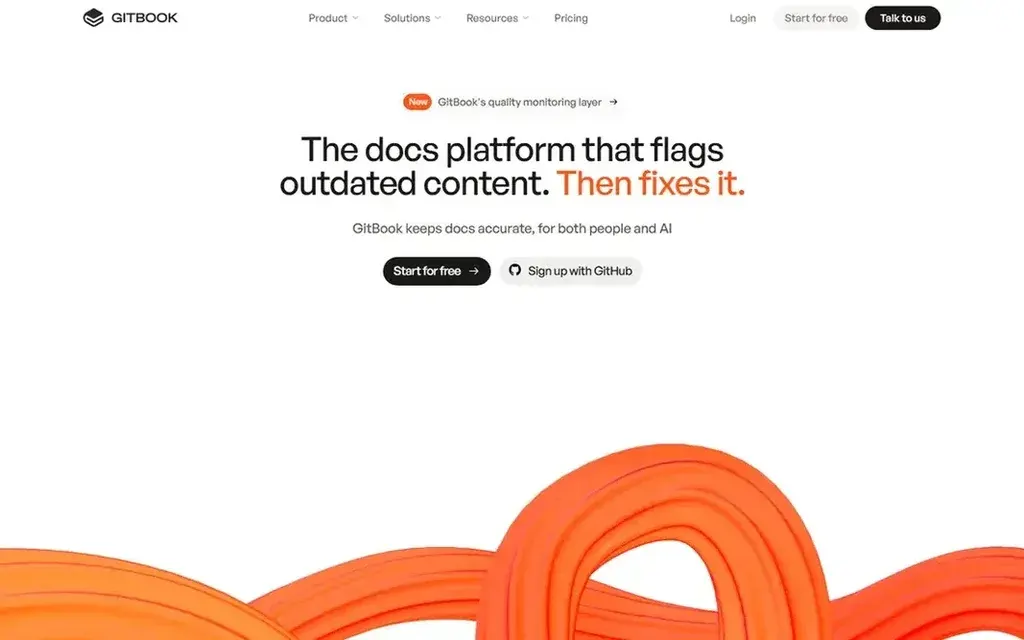
GitBook was built for hosted docs with AI features. GitBook presents itself as a documentation product made for humans and AI, with git based content workflows at its core.
Honest limits: Hosted model cuts infrastructure control.
The starting price for GitBook: $65 per site per month. You can start on GitBook without paying.
- GitBook Agent helps keep content accurate
- Connects documentation to git workflows
- Less suited to fully self-managed static builds

Docusaurus works best for React teams building docs sites. Docusaurus is an optimized site generator built in React that helps teams move fast and write content. It is aimed at documentation websites, blogs, marketing pages and more, all from one codebase.
Watch-outs: You handle hosting and builds yourself.
Docusaurus assumes familiarity with JavaScript build tooling, which can slow down non-technical writers. If you want a managed editing experience without maintaining a build pipeline, a hosted system like GitBook is the better match. No starting price is listed for Docusaurus here; confirm pricing on the vendor site. Free access: Not stated.
Main advantages: Optimized static site generator in React; Manages docs.
- Blogs and marketing pages
- Quick to start writing content
- Needs JavaScript tooling familiarity
Selection criteria
For each of the 6 tools we noted price, free plan or trial, fit for git based documentation platforms and the main limit, using vendor pages and documentation. Prices and plan limits come from vendor pages and can change, so confirm them on the vendor site before you buy. Order on the page follows fit for the typical buyer first, then price transparency and free access. Your own requirements should decide the final pick.
A buyer's checklist
- Get a written quote from ReadMe, MkDocs, Antora and others; the list shows no starting price for them.
- Look at the free plan from GitBook closely: its caps decide whether it is usable for real work.
- Before choosing ReadMe, weigh its main limit: narrower fit for general product docs.
- Check whether the features you need in VuePress sit on the entry plan or only on higher tiers.
- Work out what GitBook costs with your real seat count, add-ons and usage, not just the entry price.
FAQ
How are the tools for git based documentation platforms ordered?
ReadMe sits first and Docusaurus last because the order follows typical fit for git based documentation platforms, then price clarity and free access. It is a judgement call, so read each profile for fit and limits.
Which options for git based documentation platforms have a free plan?
GitBook is the only tool in this list with a free plan. Free plans usually cap users, projects or features, so check the limits on the vendor page.
Should I choose a hosted system or a static site generator?
Static generators like Docusaurus, MkDocs and VuePress provide you full control of the build and hosting but need you to maintain the pipeline.
What makes a documentation system git based?
A git based product keeps documentation content in a git repository, so changes go through commits and pull requests like code. Some tools sync straight with your repository, whereas static generators build the site from files kept in the repo.
Do these tools publish their prices?
Not all of them. ReadMe, MkDocs, Antora and others publish no starting price, so expect a quote request for those. The rest, GitBook included, show a starting price, though seats and billing terms still change the final cost.
Is ReadMe the right pick for everyone comparing git based documentation platforms?
No single tool suits every team. ReadMe comes first because it fits interactive API reference documentation, while MkDocs suits simple Markdown project documentation and Antora suits multi repository versioned documentation. Match the tool to your own size, budget and workflow before deciding.
Sources
- https://readme.com
- https://www.mkdocs.org
- https://antora.org
- https://vuepress.vuejs.org
- https://www.gitbook.com
- https://docusaurus.io