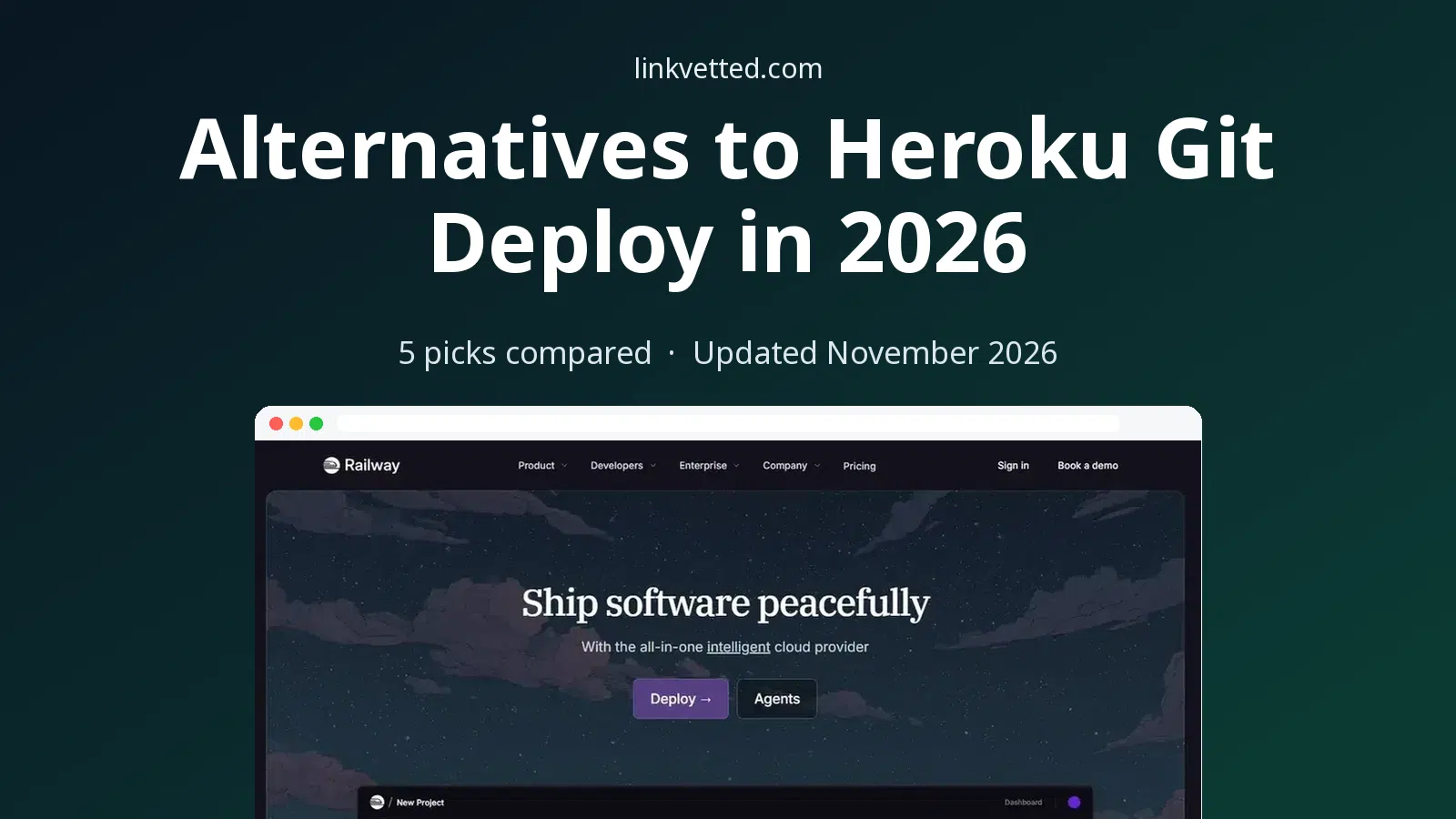
Alternatives to Heroku Git Deploy in 2026: The 5 Best Options Side by Side
5 products for alternatives to heroku git deploy, ranked by fit, with starting costs and free tiers. Every tool lists pros and cons. Read the profiles.
- Editor's choice
 DigitalOcean App Platform
Straightforward code-to-production app deployment
Starts atSee websiteVisit digitalocean.comFull review - Great alternative
 Railway
Full-stack apps with databases in one place
Starts at$5 minimum usageVisit railway.comFull review - Also consider
 Netlify
Building and running apps at any scale
Starts at$9 per monthVisit netlify.comFull review
Direct answer
Start with DigitalOcean App Platform if you need straightforward code-to-production app deployment. Listed starting prices: Railway from $5 minimum usage, Netlify from $9 per month and Render from $25 a month. Railway fits full-stack apps with databases in one place; Netlify fits building and running apps at any scale. Details, prices and limits for the rest of the 5 tools are below.
TL;DR:
- Top of the list is DigitalOcean App Platform, which targets straightforward code-to-production app deployment.
- What to know about Render first: wide scope may feel heavy for tiny projects.
- For apps on hardware-isolated VMs, Fly.io is worth a look.
- For the cheapest start, look at Fly.io: $2.19 per month.
Last checked November 2026. Prices and plan details were read from the vendors' own pages in November 2026; vendors change plans often, so confirm the current price on the vendor site before you buy.
Quick comparison
| Tool | Best for | Starts at | Free plan? | |
|---|---|---|---|---|
| DigitalOcean App Platform | Straightforward code-to-production app deployment | See website | Not stated | Visit |
| Railway | Full-stack apps with databases in one place | $5 minimum usage | Yes | Visit |
| Netlify | Building and running apps at any scale | $9 per month | Yes | Visit |
 Render | Deploying and scaling apps on easy-to-learn infrastructure | $25 a month | Yes | Visit |
 Fly.io | Apps on hardware-isolated VMs | $2.19 per month | Free trial | Visit |
Heroku Git Deploy profiles
If you are comparing Heroku Git Deploy, this page covers 5 tools in one place: what each is best for, what it costs to start, whether it has a free plan, and the main limit to know about.
DigitalOcean App Platform
Best for: Straightforward code-to-production app deployment
DigitalOcean App Platform serves straightforward code-to-production app deployment. DigitalOcean App Platform is presented as a way to build, deploy and scale apps rapidly using a simple, economical option, going from code to production in just a handful of clicks.
Worth adding: the emphasis on simplicity makes it a candidate for small teams that found Heroku git deploy convenient and want to keep that ease. In practice, choose App Platform when a fast, uncomplicated path from code to production is the priority. DigitalOcean App Platform shows no starting price here, so confirm the cost on the vendor site. As for free access: Not stated.
Trade-offs to know: Fewer VM-level controls described.
- Build
- Go from code to production in a handful of clicks
- Less emphasis on agent workloads
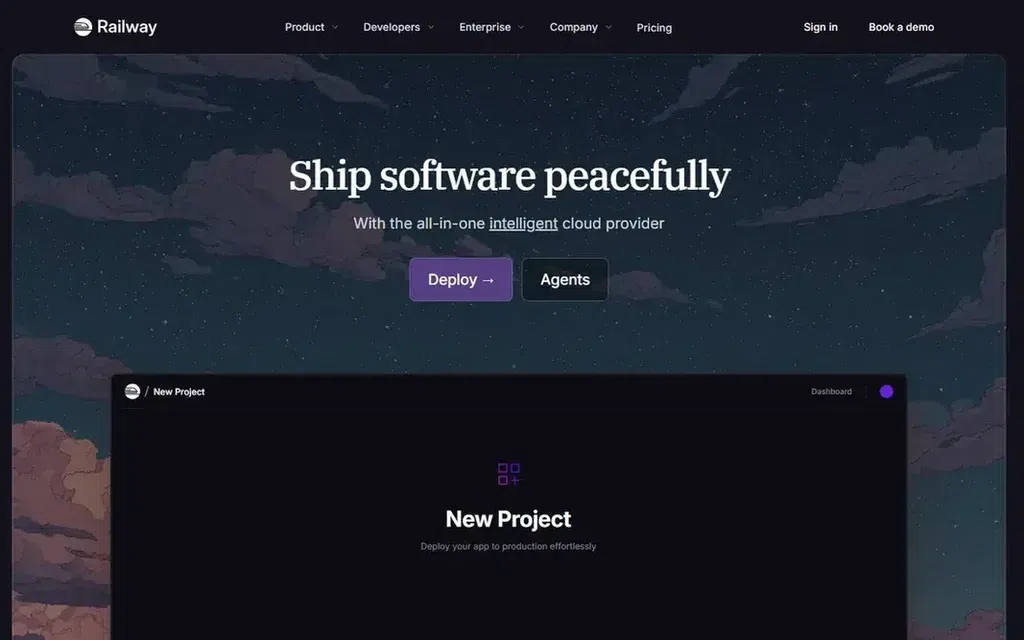
Railway is aimed squarely at full-stack apps with databases in one place. Pick Railway when databases and app hosting should live together. Worth adding: Railway presents itself as an all-in-one intelligent cloud provider and a full-stack cloud for deploying web apps, servers, databases and more, with automatic scaling, monitoring and security.
It is a reasonable fit for full-stack projects migrating away from Heroku git deploy. If you need hardware-level control over virtual machines, Fly.io is the closer match. Railway pricing: $5 minimum usage. A free plan is available with Railway.
Limits to weigh: Less concentrated on static frontend delivery.
- Security included in the system
- Full-stack cloud for apps
- All-in-one scope can take time to learn
For building and running apps at any scale, Netlify is a natural candidate. Netlify says it is where apps come to life, letting you start with a prompt, an agent or code and giving you what you have to build, share and run your app at any scale. Worth adding: Netlify's messaging centers on creating and running apps instead of low-level infrastructure, so teams needing hardware-isolated VMs should look to Fly.io.
Those wanting databases bundled with hosting may favor Railway. Choose Netlify when varied entry points and app sharing matter to your workflow. Price to start with Netlify: $9 per month. A free plan is available with Netlify.
Drawbacks to consider: Less emphasis on low-level VM control.
- Broad entry points for different workflows
- Share and run apps at any scale
- General-purpose server hosting is not the focus
Think of Render for deploying and scaling apps on easy-to-learn infrastructure. Render describes itself as the cloud for builders, offering infrastructure to deploy and scale any app or agent from your first user onward.
Its pitch centers on easy-to-learn cloud infrastructure for the modern web, which makes it a natural comparison point for teams leaving Heroku git deploy. Since Render aims to handle numerous workloads, teams with very straightforward static sites may find more focused choices simpler to navigate. Starting cost for Render: $25 per month. Render includes a free tier.
Where it is weaker: Wide scope may feel heavy for tiny projects.
- Supports apps and agents
- Easy-to-learn cloud infrastructure for modern web apps
- Feature depth varies by service type
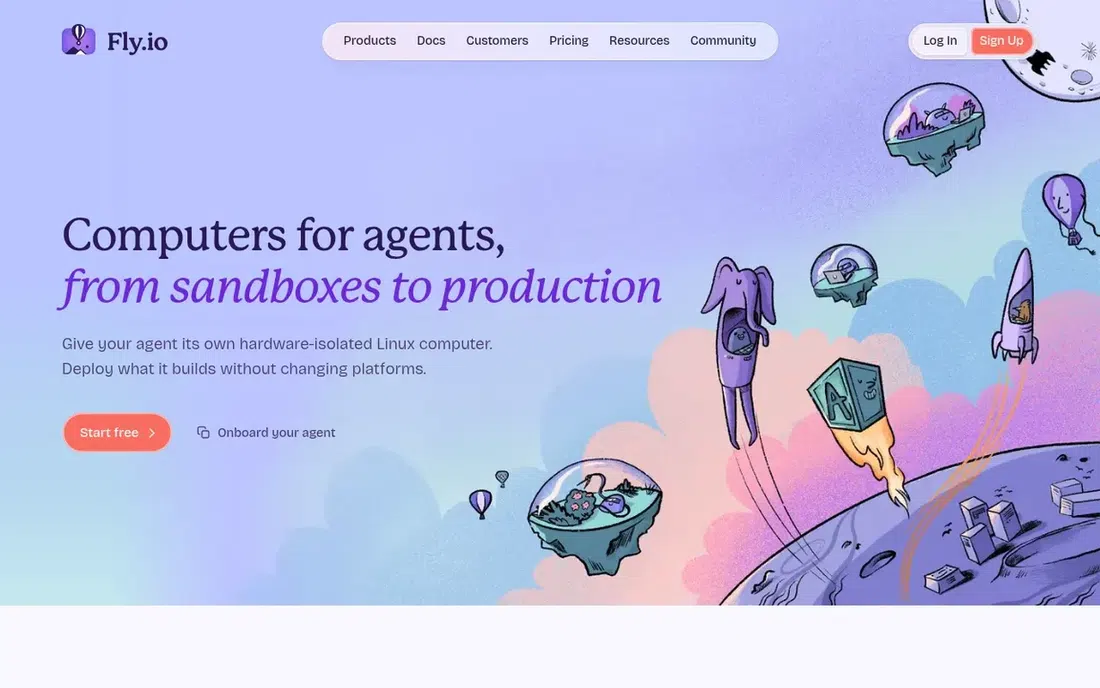
In short, Fly.io is for apps on hardware-isolated VMs. Fly.io markets deployment of apps, agents and databases on hardware-isolated VMs, with billing based on the seconds they run. That model appeals to teams that want more solid isolation and finer control than an usual platform-as-a-service supplies.
If your priority is an all-in-one dashboard with managed databases, Railway is a better fit. The VM-centric approach carries a steeper ramp-up time, and teams that want the simplest possible git push experience may find it less turnkey. Fly.io cost at the entry level: $2.19 per month. Trial and free access: Free trial.
Downsides: Not geared toward purely static sites.
- Billing tied to seconds run
- Hardware-isolated VMs for apps and databases
- VM-level model assumes more operational knowledge
How these tools were picked
We compared the tools on published pricing, free plan or trial availability, feature coverage for Heroku Git Deploy, and the limits each vendor documents. Treat prices as a snapshot: vendors change plans often, so check the vendor site for the figure that applies today. Tools are placed by general fit for Heroku Git Deploy, with price clarity and free access as tie-breakers. A different team can reasonably rank them differently.
What to confirm before you sign up
- Ask DigitalOcean App Platform for a written quote, since no starting price is shown.
- Check what the free option really includes: Railway, Netlify and Render offer a free plan, and usage caps differ.
- Use real work to test the free trial from Fly.io, rather than a demo project.
- Read the limits listed for DigitalOcean App Platform first: less emphasis on agent workloads.
- Read the plan comparison for DigitalOcean App Platform carefully; key features often start on a higher tier.
- Involve the people who will use Fly.io daily; a short pilot beats a long feature checklist.
FAQ
When should I choose Fly.io over the other systems?
Fly.io runs apps, agents and databases on hardware-isolated VMs, which fits teams that want more solid isolation and runtime control. If you prefer an all-in-one dashboard with managed databases, Railway may fit better.
How are the tools for Heroku Git Deploy ordered?
DigitalOcean App Platform sits first and Fly.io last because the order follows typical fit for Heroku Git Deploy, then price clarity and free access. It is a judgement call, so read each profile for fit and limits.
Can I try these tools before paying?
Often, yes. Railway, Netlify and Render have a free plan and Fly.io offers a free trial. Use your own data and a real task during the test, and check what the free tier or trial limits before you rely on it.
Do these tools publish their prices?
Not all of them. DigitalOcean App Platform publishes no starting price, so expect a quote request for it. The rest, Railway included, show a starting price, though seats and billing terms still change the final cost.
What is the cheapest option for Heroku Git Deploy in this list?
On published monthly entry prices, Fly.io is the lowest here at $2.19 per month. Entry price is only part of the cost, because seats, add-ons and billing terms can change the total.
Sources
- https://www.digitalocean.com/products/app-platform
- https://railway.com
- https://www.netlify.com
- https://render.com
- https://fly.io