Best Git Tower Alternatives for 2026 (5 Compared)
Need Git Tower alternatives? We compare 5 tools on cost, free access and who each suits. Weak spots flagged for every entry. Current for November 2026.
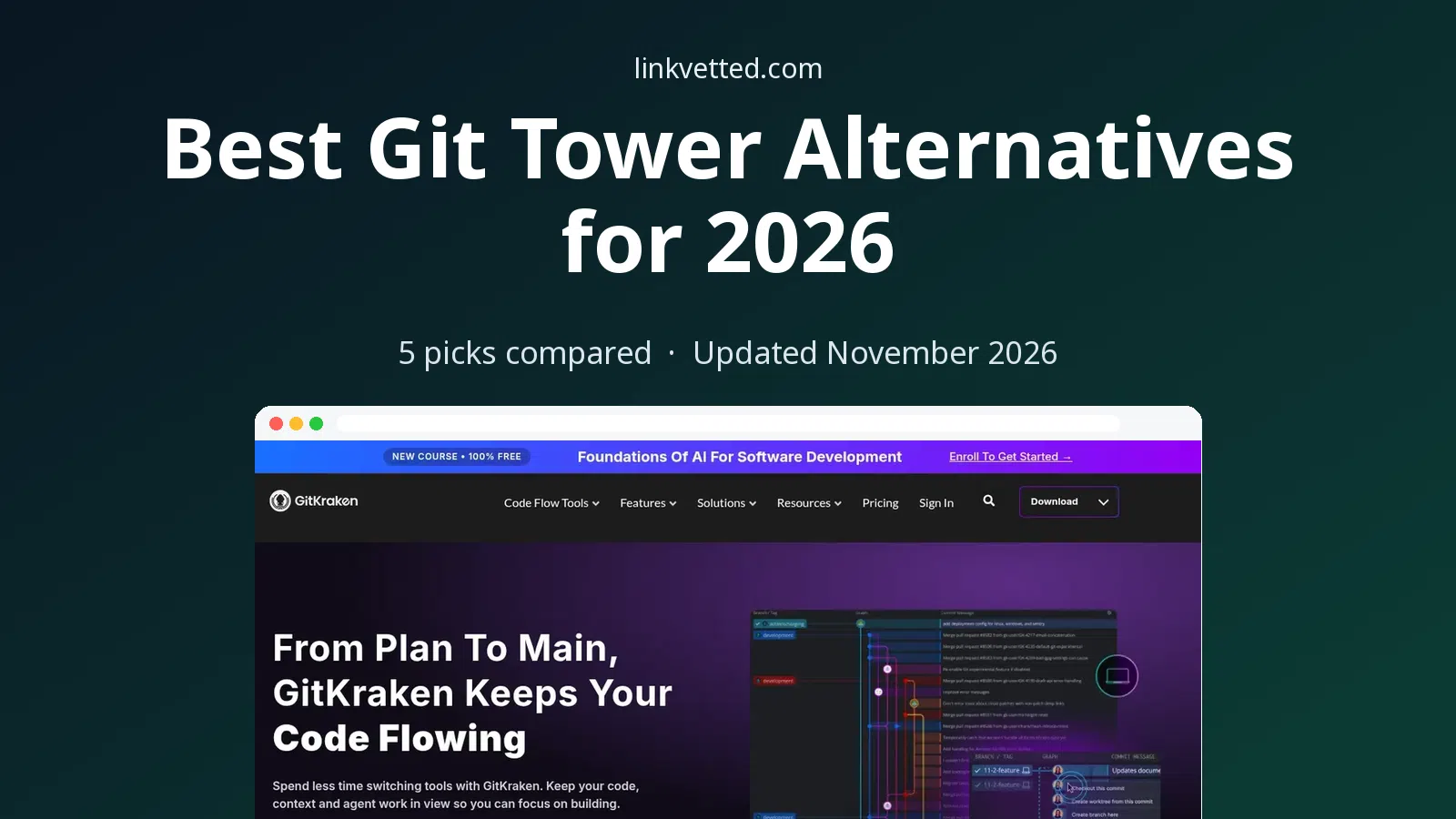
- Editor's choiceGitKraken
Developers wanting Jira and editor integration
Starts atSee websiteVisit gitkraken.comFull review - Great alternativeSublime Merge
Developers wanting speed and precise staging
Starts atSee websiteVisit sublimemerge.comFull review - Also considerGitHub Desktop
Beginners working primarily on GitHub
Starts at$4 per user per monthVisit desktop.github.comFull review
Direct answer
GitKraken is the first pick on this list for developers wanting Jira and editor integration. Listed starting prices: GitHub Desktop from $4 per user per month. Alternatives: Sublime Merge for developers wanting speed and precise staging, and GitHub Desktop for beginners working primarily on GitHub. The full list of 5 tools follows, with prices and free plan facts.
TL;DR:
- The list opens with GitKraken, aimed at developers wanting Jira and editor integration.
- For professionals concentrated on clean commit history, SmartGit is worth a look.
- GitHub Desktop stands alone as the one tool in this list with a free plan.
- Sourcetree comes with a trade-off: can feel heavy on large repositories.
Last checked November 2026. Prices and plan details were read from the vendors' own pages in November 2026; vendors change plans often, so confirm the current price on the vendor site before you buy.
Quick comparison
| Tool | Best for | Starts at | Free plan? | |
|---|---|---|---|---|
| GitKraken | Developers wanting Jira and editor integration | See website | Free trial | Visit |
| Sublime Merge | Developers wanting speed and precise staging | See website | Not stated | Visit |
| GitHub Desktop | Beginners working primarily on GitHub | $4 per user per month | Yes | Visit |
| Sourcetree | Teams wanting a full visual Git client | See website | Not stated | Visit |
| SmartGit | Professionals concentrated on clean commit history | See website | Not stated | Visit |
Our 5 picks for Git Tower
Choosing Git Tower usually comes down to price, fit and limits. This LinkVetted guide sets 5 tools side by side on those three points, with the facts kept short and checkable.
GitKraken
Best for: Developers wanting Jira and editor integration

GitKraken is built with developers wanting Jira and editor integration in mind. Since the product spans multiple tools, the experience can feel feature-heavy for someone who only wants a straightforward commit and push interface.
This comparison lists no price for GitKraken; ask the vendor. Free options: Free trial.
What to check first: Integration focus may not suit everyone.
- GitLens for VS Code
- Jira integration
- Plenty of features can feel busy
Sublime Merge
Best for: Developers wanting speed and precise staging
Sublime Merge is a good fit for developers wanting speed and precise staging. If you need hand-holding through entry-level version control, a more straightforward client may be the better start.
Downsides: Interface assumes Git familiarity.
Those already familiar with Sublime Text frequently find the experience consistent. In practice, the client assumes a working knowledge of Git concepts, so newcomers may find it less guided than entry-level tools. Sublime Merge shows no starting price here, so confirm the cost on the vendor site. As for free access: Not stated.
- Commit editing
- Line-by-line staging
- Less guided than beginner clients
GitHub Desktop
Best for: Beginners working primarily on GitHub
For beginners working primarily on GitHub, GitHub Desktop is a natural candidate. GitHub Desktop is a desktop client for straightforward collaboration, built around GitHub workflows.
What to check first: Narrower scope than full Git suites.
In daily use, if your work extends beyond GitHub-centered flows, a more general Git client could be a better fit. Pick GitHub Desktop when simplicity and GitHub alignment are the priorities. Price to start with GitHub Desktop: $4 per user per month. Free access exists with GitHub Desktop.
- Suits GitHub-centered workflows
- Straightforward interface
- Less suited to complicated multi-service setups
Sourcetree
Best for: Teams wanting a full visual Git client
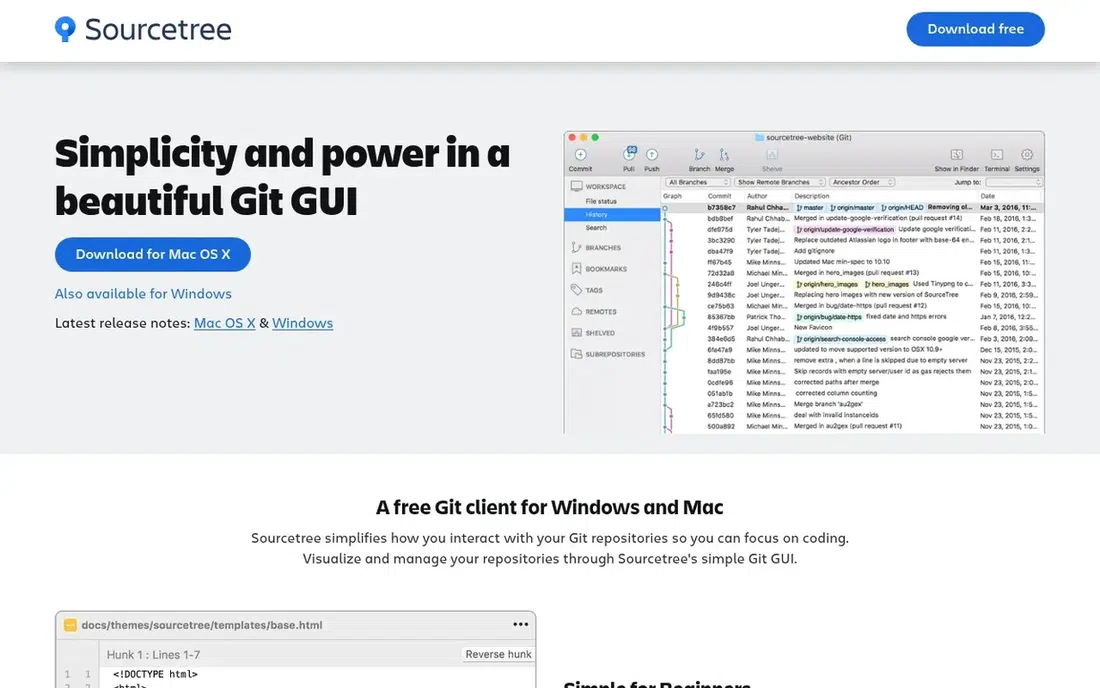
Sourcetree targets teams wanting a full visual Git client. Those moving away from another GUI often find its layout familiar and its scope wide enough for daily work.
The client is feature-dense, which can slow down newcomers and make large repositories feel heavier to navigate. This comparison lists no price for Sourcetree; ask the vendor. Trial and free access: Not stated.
The main drawbacks: Interface may overwhelm beginners.
- Broad Git GUI feature set
- Visual history and branching
- Can feel heavy on large repositories
SmartGit
Best for: Professionals concentrated on clean commit history
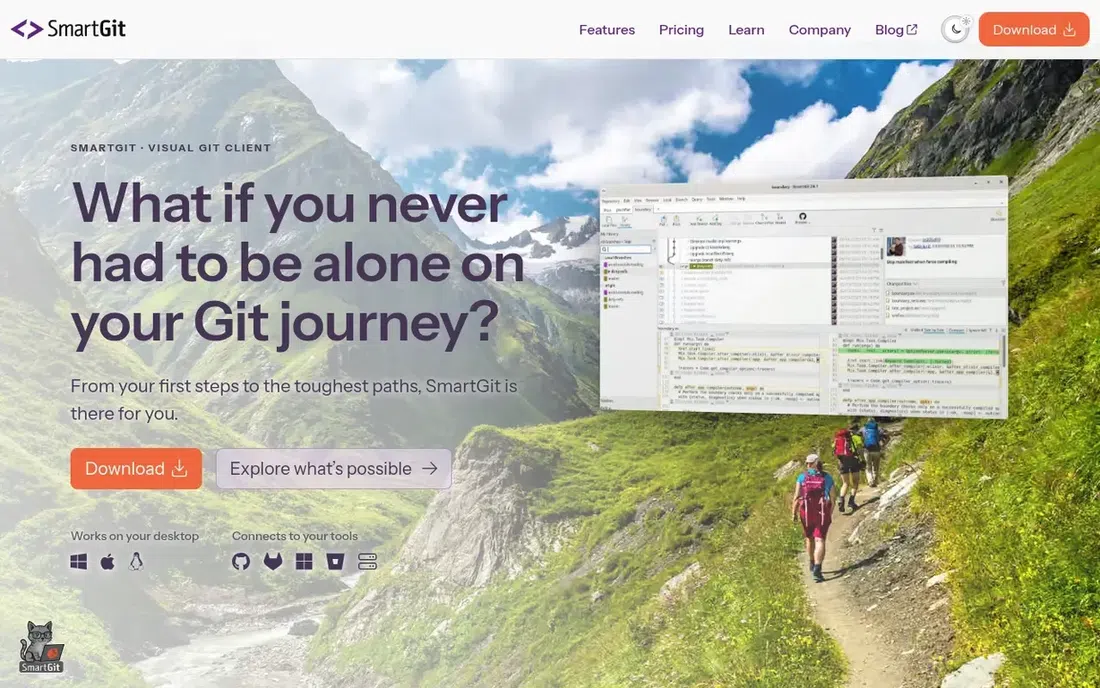
For professionals centred on clean commit history, SmartGit is a natural candidate. If you want the simplest possible path to entry-level version control, a lighter client could be a better start. In practice, the emphasis on professional workflows means the interface can feel technical, and beginners may need time to learn its choices.
More specifically, pick SmartGit when history clarity and commit discipline matter most. On top of that, SmartGit is a cross-platform Git client from Syntevo geared toward professionals and teams, with visual history, clean commits and smooth Git workflows as its stated focus. No starting price is listed for SmartGit here; confirm pricing on the vendor site. On free options: Not stated.
Drawbacks to consider: Advanced choices may intimidate beginners.
- Cross-platform client
- Emphasis on clean commits
- Interface can feel technical
How the list was put together
Each tool was reviewed on what its vendor publishes: price, plan limits, core features and stated drawbacks. We did not run hands-on tests. Treat prices as a snapshot: vendors change plans often, so check the vendor site for the figure that applies today. Tools are placed by general fit for Git Tower, with price clarity and free access as tie-breakers. A different team can reasonably rank them differently.
Things to verify first
- Get a written quote from GitKraken, Sublime Merge, Sourcetree and SmartGit; the list shows no starting price for them.
- Test the free plan from GitHub Desktop against your real workload before relying on it.
- Run a trial of GitKraken with real work before paying for a year; your own workflow is the best test.
- Read the limits listed for GitKraken first: numerous features can feel busy.
- Before rolling out GitKraken, verify the integrations your workflow depends on.
- Confirm minimum seats and billing terms with Sublime Merge before you commit to an annual plan.
FAQ
What is the cheapest option for Git Tower in this list?
On published monthly entry prices, GitHub Desktop is the lowest here at $4 per user per month. Entry price is only part of the cost, because seats, add-ons and billing terms can change the total.
What should teams with Jira workflows consider?
GitKraken flags Git integration for Jira alongside its desktop client and GitLens for VS Code. If your team does not use Jira, more straightforward clients may cut overhead.
Do these tools publish their prices?
Not all of them. GitKraken, Sublime Merge, Sourcetree and SmartGit publish no starting price, so expect a quote request for those. The rest, GitHub Desktop included, show a starting price, though seats and billing terms still change the final cost.
How are the tools for Git Tower ordered?
GitKraken sits first and SmartGit last because the order follows typical fit for Git Tower, then price clarity and free access. It is a judgement call, so read each profile for fit and limits.
Which options for Git Tower have a free plan?
GitHub Desktop is the only tool in this list with a free plan. Free plans usually cap users, projects or features, so check the limits on the vendor page. One other tool offers a trial instead.
Sources
- https://www.gitkraken.com
- https://www.sublimemerge.com
- https://desktop.github.com
- https://www.sourcetreeapp.com
- https://www.syntevo.com/smartgit