Best Flat File Database Software in 2026: Prices, Free Plans and 6 Picks
Weighing the best flat file database software? We lined up 6 products by cost, free access and fit. Strengths and weak spots are spelled out. Straight answers.
- Editor's choice
 NocoDB
Turning SQL databases into no-code apps
Starts at$12 per seat a monthVisit nocodb.comFull review - Great alternative
 Notion
Databases blended with docs and wikis
Starts at$10 per member per monthVisit notion.comFull review - Also considerMicrosoft Lists
Straightforward tracking inside Microsoft 365
Starts at$18.00 per user per monthVisit microsoft.comFull review
Direct answer
NocoDB leads the list, best for turning SQL databases into no-code apps. Listed starting prices: NocoDB from $12 per seat a month, Notion from $10 per member per month and Microsoft Lists from $18.00 per user per month. Notion fits databases blended with docs and wikis; Microsoft Lists fits straightforward tracking inside Microsoft 365. Prices, free plans and limits for all 6 tools follow.
TL;DR:
- Top of the list is NocoDB, which targets turning SQL databases into no-code apps.
- The lowest published monthly entry price here is $10 per member per month, from Notion.
- 3 of 6 tools offer a free plan: NocoDB, Notion, Airtable.
- The main caution on Notion: large workspaces need careful organization.
- Smartsheet fits governed project and process tracking.
Last checked November 2026. Prices and plan details were read from the vendors' own pages in November 2026; vendors change plans often, so confirm the current price on the vendor site before you buy.
Quick comparison
| Tool | Best for | Starts at | Free plan? | |
|---|---|---|---|---|
| NocoDB | Turning SQL databases into no-code apps | $12 per seat a month | Yes | Visit |
| Notion | Databases blended with docs and wikis | $10 per member per month | Yes | Visit |
| Microsoft Lists | Straightforward tracking inside Microsoft 365 | $18.00 per user per month | Free trial | Visit |
 Airtable | Adaptable relational bases with automation | $20 per user a month | Yes | Visit |
 Coda | Docs, tables, and apps combined | See website | Not stated | Visit |
 Smartsheet | Governed project and process tracking | $12 per Member/month | Not stated | Visit |
Flat File Database Software compared in detail
Choosing flat file database software usually comes down to price, fit and limits. This LinkVetted guide sets 6 tools side by side on those three points, with the facts kept short and checkable.
NocoDB works best for turning SQL databases into no-code apps. NocoDB immediately turns your database into a no-code system, per its homepage. It links to an existing SQL database and presents the data through a spreadsheet-like interface.
So teams can collaborate on records without writing queries. Understanding the underlying schema still helps when configuring views and access. On top of that, since it builds on an existing database, it is less handy for teams starting from nothing and expecting a standalone tool. What you pay to start with NocoDB: $12 per seat per month. You can start on NocoDB without paying.
Honest limits: Assumes an existing database to link.
- Works on top of existing databases
- No-code interface over SQL data
- Fewer standalone database-building features
Notion makes the most sense for databases blended with docs and wikis. Database capabilities are intentionally more straightforward than those of dedicated database systems, so heavy relational modeling or large record volumes can strain the setup. As for the details, Notion describes itself as an AI workspace where teams get more done, with custom agents, cross-app search, and automation.
Its databases live alongside pages, so records and documentation share one workspace. Pick Notion when documentation and databases should live together, not when database depth is the priority. The starting price for Notion: $10 per member per month. Notion includes a free tier.
Limits to weigh: Database features are more straightforward than dedicated tools.
- Databases sit beside pages and docs
- Adaptable workspace structure
- Large workspaces need careful organization
Microsoft Lists
Best for: Straightforward tracking inside Microsoft 365
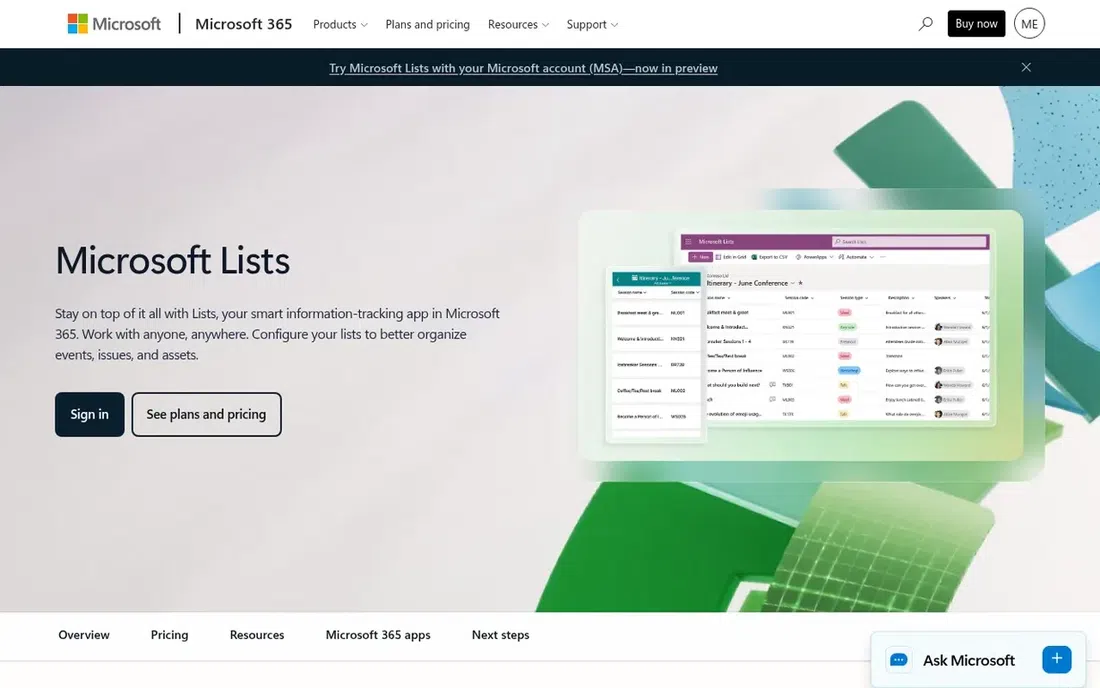
Microsoft Lists is aimed squarely at simple tracking inside Microsoft 365. Teams outside the Microsoft ecosystem may find integration less convenient.
Beyond that, Microsoft Lists is an app for tracking information and organizing work in a straightforward, smart, and adaptable way, as its homepage describes. Choose Microsoft Lists when straightforward tracking inside existing Microsoft tools is the primary requirement. The starting price for Microsoft Lists: $18.00 per user per month. Free plan details: Free trial.
Where it is weaker: Best value inside the Microsoft ecosystem.
- Suits Microsoft 365 environments
- Adaptable views for everyday records
- Fewer app-building choices
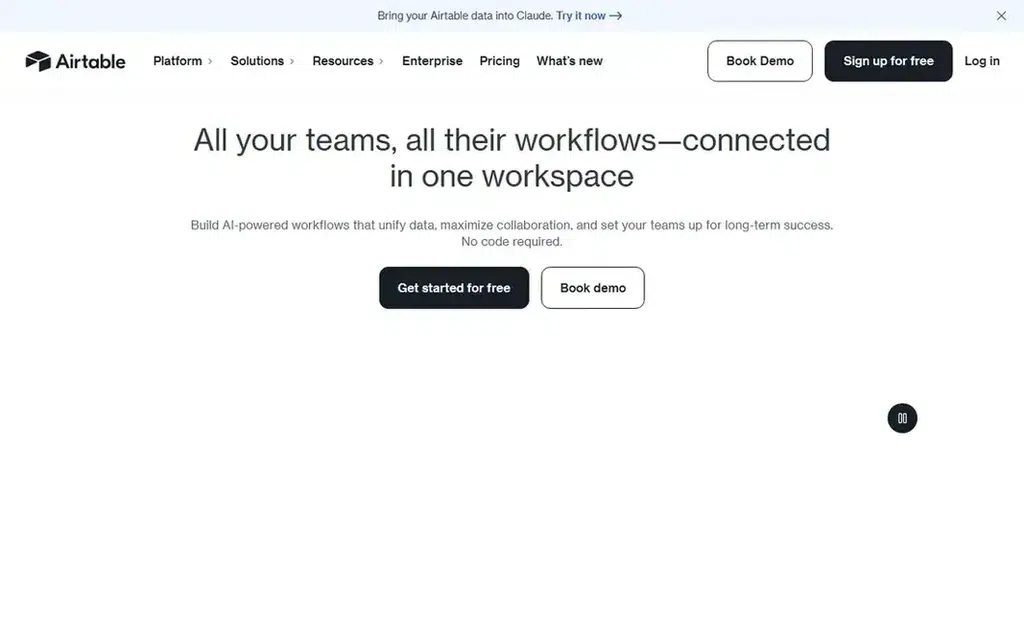
Airtable is built with adaptable relational bases with automation in mind. Its homepage emphasizes AI workflows, apps, and agents, positioning it as a workspace for teams that want to build light business tools without code.
Watch-outs: Advanced needs may need extras.
Also, choose Airtable when adaptability and quick app building matter more than rigid structure. The adaptability can become a drawback when bases sprawl across plenty of linked tables and automations, since governance and cleanup take continuing effort. Starting cost for Airtable: $20 per user per month. You can start on Airtable without paying.
- Solid live collaboration
- Built-in automation and app building
- Large bases can grow complicated to run
Coda is designed for docs, tables, and apps combined. Tables act as the data layer inside documents, so teams can build trackers, hubs, and light tools together.
Where it is weaker: Structure may overwhelm straightforward use cases.
Straightforward list tracking may not justify the setup. The combined doc-and-table model takes planning, and complicated documents can become hard to navigate without conventions. Check the vendor site for Coda pricing; none is listed in this comparison. On free options: Not stated.
- Blends docs with spreadsheet structure
- Supports app-like workflows
- Can need setup effort for complicated docs
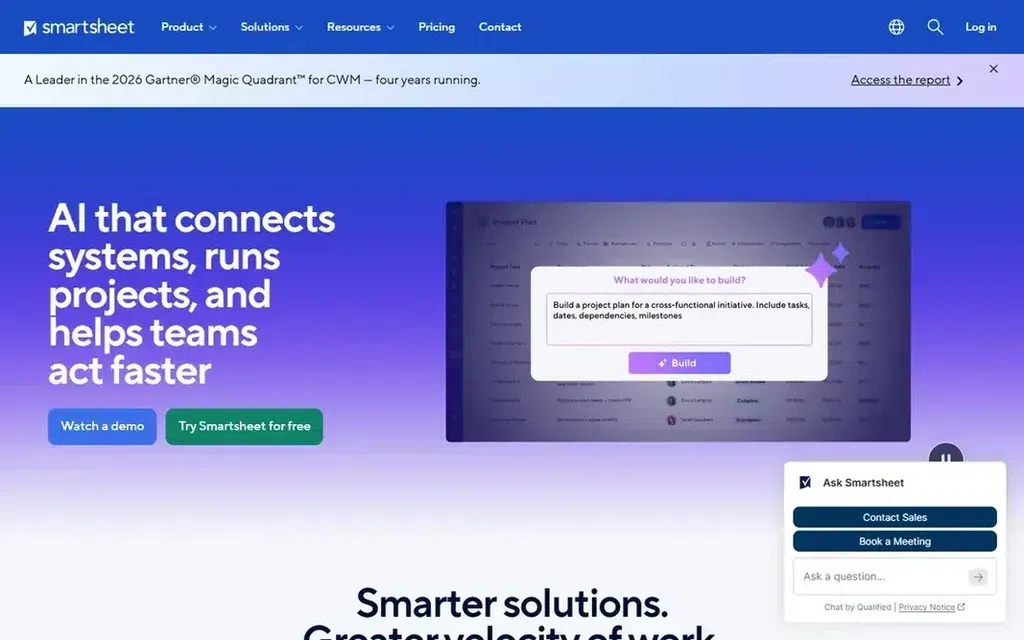
Smartsheet works best for governed project and process tracking. Records live in sheet-style grids that support project plans, trackers, and process workflows. From a buyer's view, pick Smartsheet when accountability, visibility, and process discipline are the priority.
Honest limits: Less suited to freeform database design.
Since it leans toward execution and governance, it is less natural for teams that want to design freeform relational databases or light content apps. Also, casual users may find the structure heavier than needed. Entry price for Smartsheet: $12 per Member/month. On free options: Not stated.
- Fits enterprise execution work
- Governance and visibility features
- Interface can feel formal for casual use
How we built this list
We compared the tools on published pricing, free plan or trial availability, feature coverage for flat file database software, and the limits each vendor documents. Where a price is missing, the vendor does not list one publicly or ties it to a quote. Always confirm before budgeting. Position on the page reflects fit for a typical buyer first, with price clarity and free access breaking ties. Treat it as a guide, not a ruling.
Things to verify first
- Ask Coda for a written quote, since no starting price is shown.
- Read the fine print on the free plans from NocoDB, Notion and Airtable; seat, project and feature caps differ.
- Take the trial from Microsoft Lists and push a live task through it before you pay.
- Before choosing NocoDB, weigh its main limit: assumes an existing database to link.
- Find out what support NocoDB includes on your plan, and whether onboarding help costs extra.
- Ask whether Smartsheet integrates with your current software, and whether that comes standard or as an add-on.
FAQ
Is NocoDB the right pick for everyone comparing flat file database software?
No single tool suits every team. NocoDB comes first because it fits turning SQL databases into no-code apps, while Notion suits databases blended with docs and wikis and Microsoft Lists suits simple tracking inside Microsoft 365. Match the tool to your own size, budget and workflow before deciding.
Can I try these options before paying?
Often, yes. NocoDB, Notion and Airtable have a free plan and Microsoft Lists offers a free trial. Use your own data and a real task during the test, and check what the free tier or trial limits before you rely on it.
What is a flat file database?
A flat file database keeps records in a single table instead of across numerous linked tables. In practice, some also support relations between tables when you need more structure.
How are the tools for flat file database software ordered?
The order follows typical fit for flat file database software, with NocoDB first and Smartsheet last, then price clarity and free access. It is editorial judgement, not a score, so another team could rank the tools differently.
Do these tools publish their prices?
Not all of them. Coda publishes no starting price, so expect a quote request for it. The rest, NocoDB included, show a starting price, though seats and billing terms still change the final cost.
Can these tools replace spreadsheets?
Plenty of teams use them alongside or rather than spreadsheets for shared records, since they add views, access control, and automation. The right choice relies on how much structure and governance you need.
Sources
- https://nocodb.com
- https://www.notion.com
- https://www.microsoft.com/en-us/microsoft-365/microsoft-lists
- https://www.airtable.com
- https://coda.io
- https://www.smartsheet.com