Field Service Management Software for Startups in 2026: The 6 Best Options Side by Side
Compare 6 best field service management software for startups, with prices, free plans and who each fits. Plus the drawbacks of each tool. Read the profiles.
- Editor's choice
 ServiceM8
Trade contractors wanting straightforward job tracking
Starts at$29 a monthVisit servicem8.comFull review - Great alternative
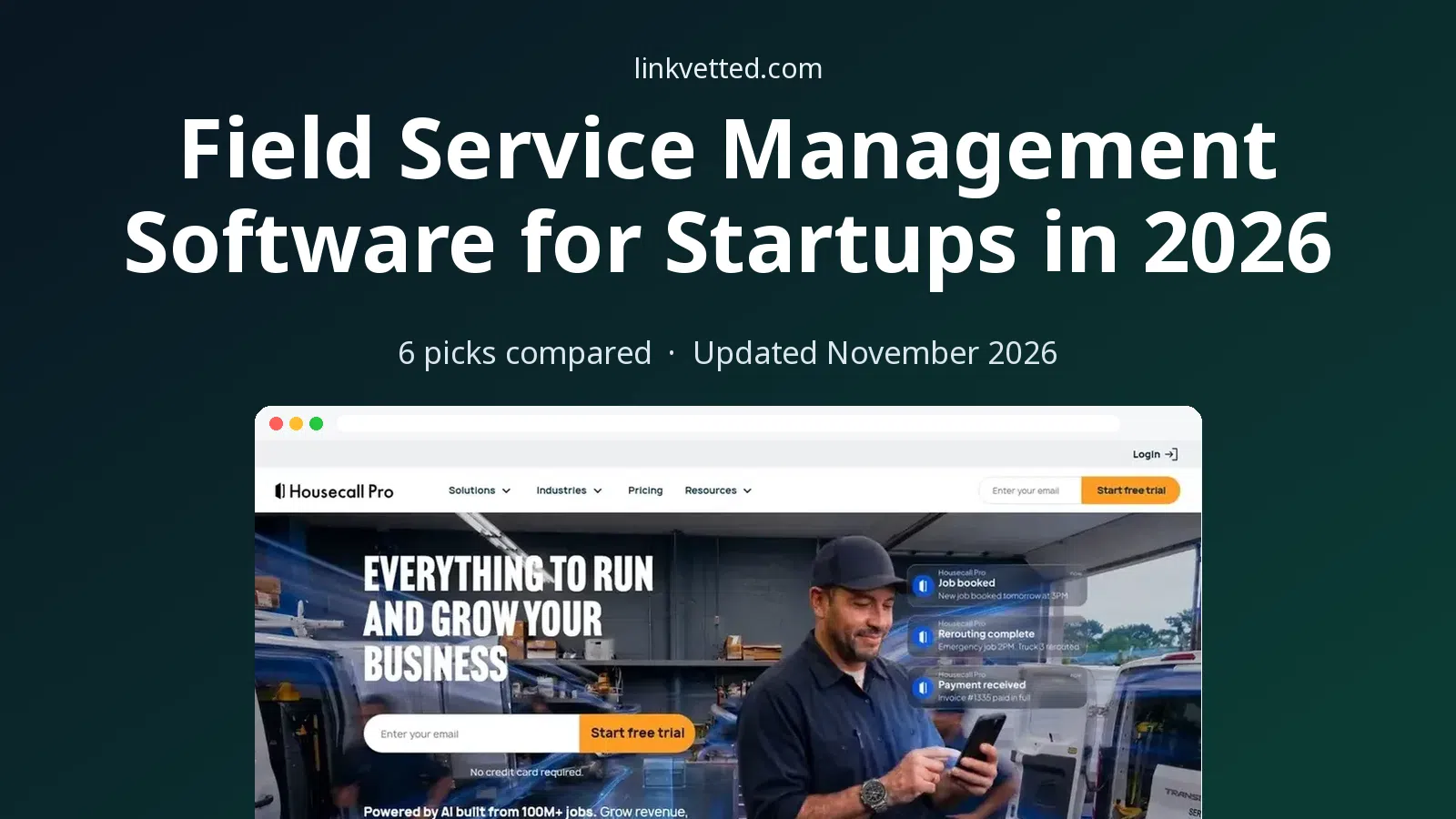
 Housecall Pro
Home service startups wanting a wide product
Starts at$59 a monthVisit housecallpro.comFull review - Also consider
 FieldEdge
Tracking customers, dispatches, and service history
Starts atSee websiteVisit fieldedge.comFull review
Direct answer
ServiceM8 comes first here, mainly for trade contractors wanting straightforward job tracking. Listed starting prices: ServiceM8 from $29 a month, Housecall Pro from $59 a month and Kickserv from $60 a month. Alternatives: Housecall Pro for home service startups wanting a wide product, and FieldEdge for tracking customers, dispatches, and service history. Prices, free plans and limits for all 6 tools follow.
TL;DR:
- This list starts with ServiceM8, which is built for trade contractors wanting straightforward job tracking.
- A fair warning about Housecall Pro: wide feature set can take time to learn.
- ServiceM8 is the only tool of the 6 with a free plan.
- RepairShopr suits repair shops needing ticketing and invoicing.
Last checked November 2026. Prices and plan details were read from the vendors' own pages in November 2026; vendors change plans often, so confirm the current price on the vendor site before you buy.
Quick comparison
| Tool | Best for | Starts at | Free plan? | |
|---|---|---|---|---|
| ServiceM8 | Trade contractors wanting straightforward job tracking | $29 a month | Yes | Visit |
| Housecall Pro | Home service startups wanting a wide product | $59 a month | Free trial | Visit |
| FieldEdge | Tracking customers, dispatches, and service history | See website | No | Visit |
 Jobber | Startups wanting an all-in-one service app | See website | Not stated | Visit |
 Kickserv | Home service startups managing jobs and payments | $60 a month | Free trial | Visit |
 RepairShopr | Repair shops needing ticketing and invoicing | $59.99 per month | Not stated | Visit |
Field Service Management Software for Startups, one by one
LinkVetted compared 6 field service management software for startups. The goal is a practical shortlist: published prices, free plan facts, best-fit use cases and honest limits for every entry.
ServiceM8 is built with trade contractors wanting straightforward job tracking in mind. ServiceM8 provides smart job management software, described as job tracking and CRM for trade contractors and home service companies.
Where it falls short: Teams with complicated project work should check fit.
For everyday use, for a startup in the trades, that combination of job tracking and customer records can replace paper and spreadsheets without a heavy system. In practice, startups with bigger crews or complicated project billing may need more than job tracking. Starting cost for ServiceM8: $29 per month. You can start on ServiceM8 without paying.
- Job tracking and CRM for trade contractors
- Focus on cutting paperwork
- Trade-focused scope may not fit every service niche
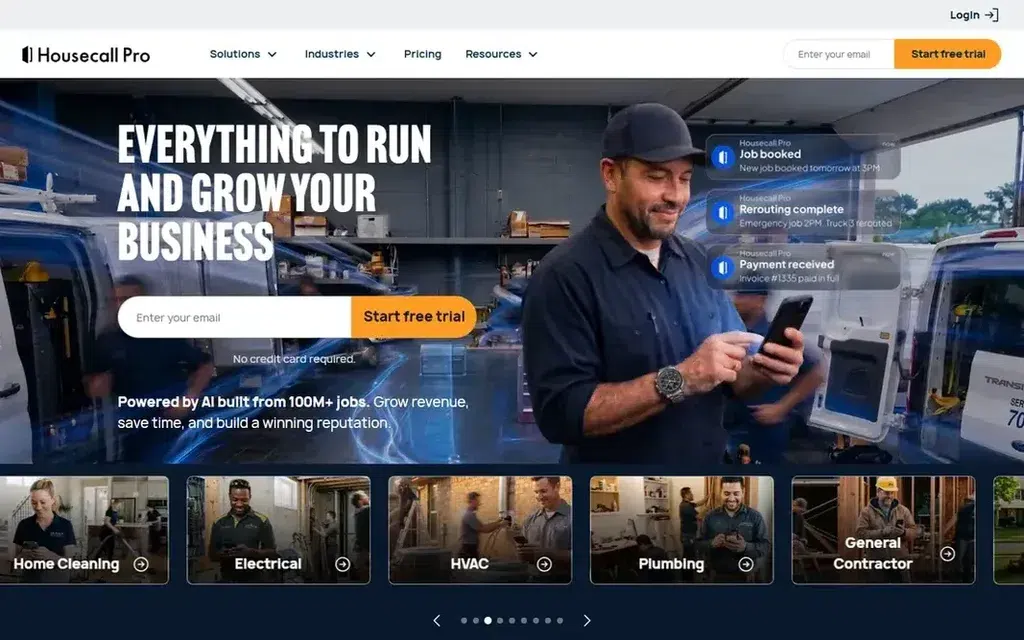
Housecall Pro is aimed squarely at home service startups wanting a broad platform. Housecall Pro is described as a software option for home service companies, with a focus on field service professionals. The homepage positions it as a system for managing home service operations.
The main drawbacks: May be more than a very small team needs.
If your focus is trade contracting instead of home services, compare a trade-oriented choice. For a startup in home services, it provides a way to centralize scheduling, customer records, and job workflows as the team grows. Starting cost for Housecall Pro: $59 per month. Free plan details: Free trial.
- Positioned as a software option for service teams
- Made for home service businesses
- Wide feature set can take time to learn
FieldEdge makes the most sense for tracking customers, dispatches, and service history. For a startup that needs a clear record of who was dispatched where and what was done, this focus on tracking can help build dependable processes early. In practice, a very small startup may find a tracking-focused system more than it needs at the outset.
The homepage points visitors to request a demo, so evaluating fit takes a conversation with the vendor. On top of that, FieldEdge offers field service management software with efficient ways to track customers, dispatches, service history, and more, based on its homepage. FieldEdge shows no starting price here, so confirm the cost on the vendor site. FieldEdge does not include a free plan.
The main drawbacks: May be more than a solo startup needs.
- Concentrated on field service management
- Tracks customers, dispatches
- Demo request is the stated next step
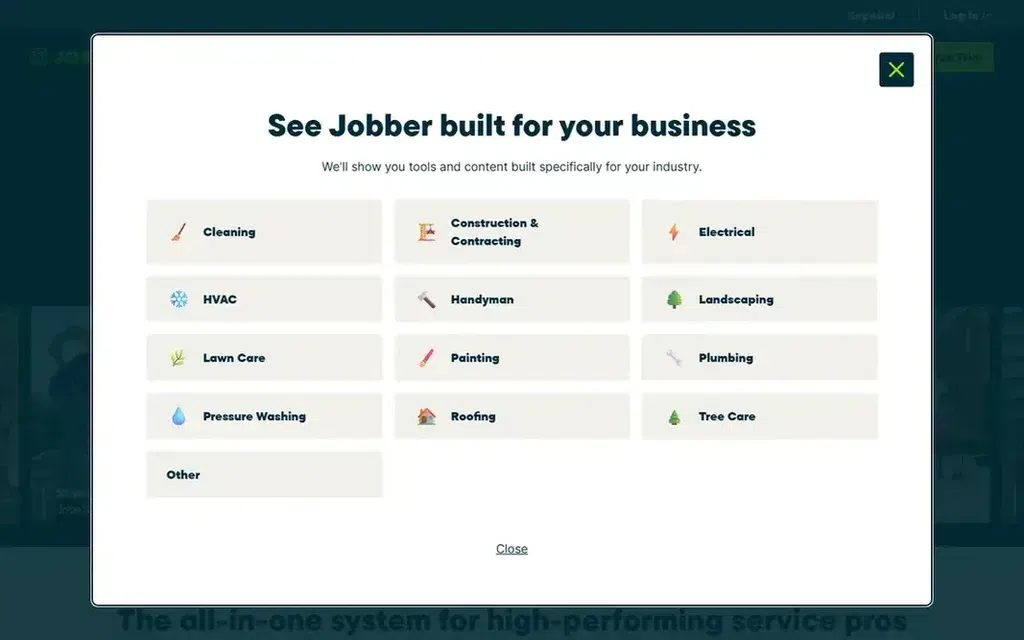
Jobber is built with startups wanting an all-in-one service app in mind. If your work is largely repair-shop ticketing instead of home service visits, a repair-focused tool may be a better fit.
Since Jobber includes a wide workflow, a very small startup may find some areas beyond its immediate needs. Pricing for Jobber is not stated here, so ask the vendor for current figures. On free options: Not stated.
Points against: Advanced needs may need add-ons.
- Merges quoting, scheduling, invoicing, payments
- Made for home and commercial service firms
- May be more than a solo operator needs at first
Kickserv serves home service startups managing jobs and payments. In practice, startups planning rapid growth may want to check how the software deals with more technicians and job types.
Trade-offs to know: Feature depth may be restricted for complicated operations.
Beyond that, a focused tool can be simpler to adopt. But teams with complicated scheduling or project needs should confirm that Kickserv includes them. On cost, Kickserv starts like this: $60 per month. On free options: Free trial.
- Concentrated on home service firms
- Spans core field service management
- Teams with specialized workflows should check fit
RepairShopr is a good fit for repair shops needing ticketing and invoicing. RepairShopr is computer repair shop software that offers invoicing, ticketing, POS, recurring invoices, billing, and CRM for computer repairing shops and more.
Downsides: Repair-shop focus may not fit general field service.
What users get: CRM for repair shops.
In daily use, a startup running a repair shop can use it to run tickets, bill customers, and keep records in one place. Also, startups doing home service work may find a service-oriented tool a better fit. The starting price for RepairShopr: $59.99 per month. Trial and free access: Not stated.
- Invoicing, ticketing
- Recurring invoices and billing
- Home service teams may need different workflows
How we built this list
The comparison looks at four things: starting price, free access, how well the feature set matches field service management software for startups, and the main limit of each tool. Where a price is missing, the vendor does not list one publicly or ties it to a quote. Always confirm before budgeting. Tools are placed by general fit for field service management software for startups, with price clarity and free access as tie-breakers. A different team can reasonably rank them differently.
A buyer's checklist
- Ask FieldEdge and Jobber for a written quote, since no starting price is shown.
- Test the free plan from ServiceM8 against your real workload before relying on it.
- Run a trial of Housecall Pro and Kickserv with real work before paying for a year; your own workflow is the best test.
- Read the limits listed for ServiceM8 first: trade-focused scope may not fit every service niche.
- Look at which plan of FieldEdge unlocks the features you need; entry tiers are often cut down.
- Confirm you can export your data from ServiceM8, so leaving later does not mean losing records.
FAQ
Is ServiceM8 the right pick for everyone comparing field service management software for startups?
No single tool suits every team. ServiceM8 comes first because it fits trade contractors wanting simple job tracking, while Housecall Pro suits home service startups wanting a broad platform and FieldEdge suits tracking customers, dispatches, and service history. Match the tool to your own size, budget and workflow before deciding.
What should a startup look for in field service management software?
Then check that the software can manage more technicians as you grow and that setup will not overwhelm a small team. Confirm details on each vendor site.
Can I try these tools before paying?
Often, yes. ServiceM8 has a free plan and Housecall Pro and Kickserv offer a free trial. Use your own data and a real task during the test, and check what the free tier or trial limits before you rely on it.
What is the cheapest option for field service management software for startups in this list?
On published monthly entry prices, ServiceM8 is the lowest here at $29 per month. Entry price is only part of the cost, because seats, add-ons and billing terms can change the total. All 6 picks in this field service management software for startups comparison list a starting price, free plan details and the main limits on their cards above.
Which options for field service management software for startups have a free plan?
ServiceM8 is the only tool in this list with a free plan. Free plans usually cap users, projects or features, so check the limits on the vendor page. Several others offer a trial instead. For the full picture, the cards above cover all 6 entries of this field service management software for startups list, including price, free plan and limits.
Sources
- https://www.servicem8.com
- https://www.housecallpro.com
- https://www.fieldedge.com
- https://www.getjobber.com
- https://www.kickserv.com
- https://www.repairshopr.com