Field Service Management Software for Schools in 2026: The 6 Best Options Side by Side
Best field service management software for schools, compared. 6 tools with published prices, free plans and limits. Every pick includes one clear drawback.
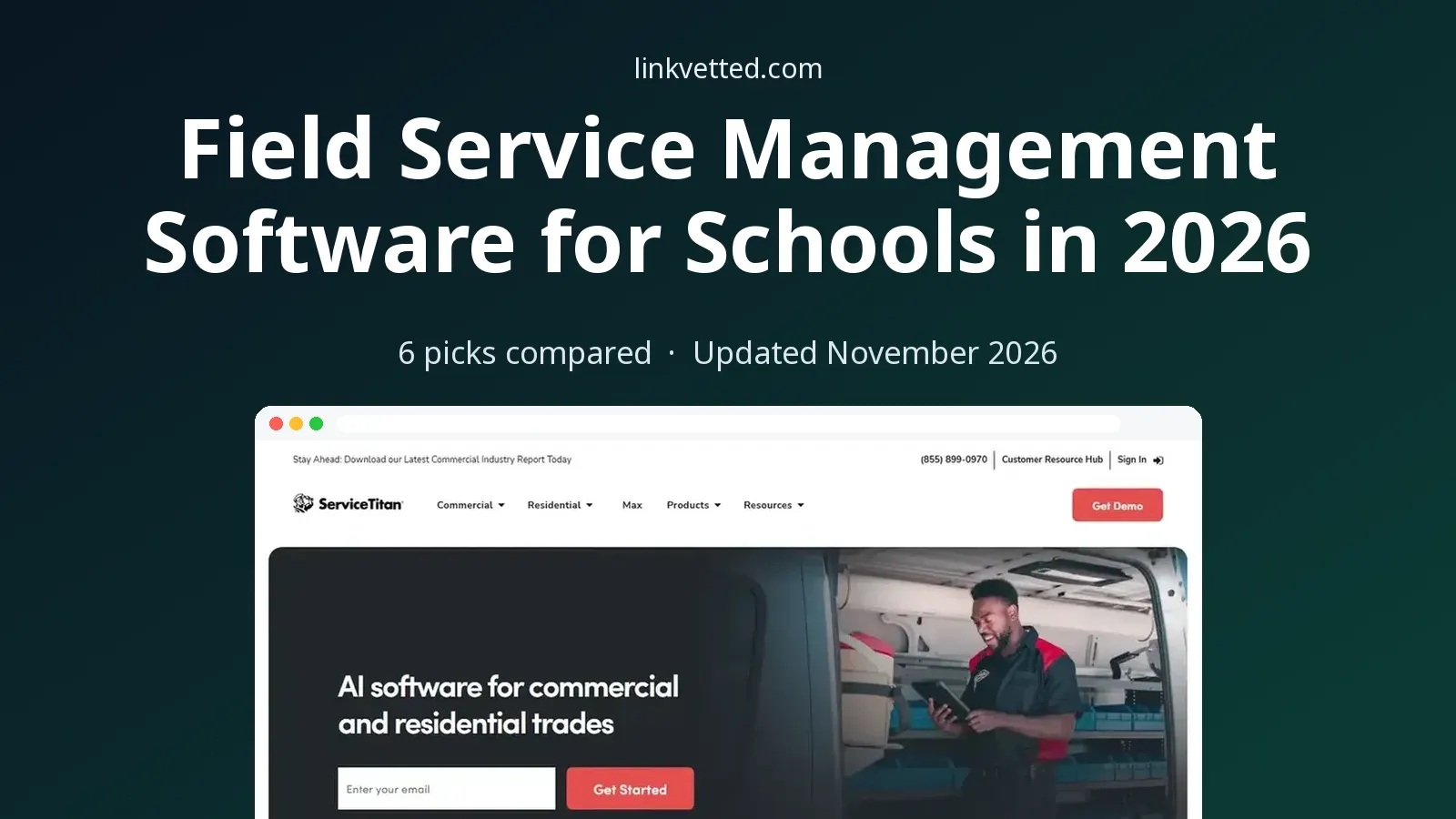
- Editor's choice
 FieldEdge
Tracking customers and service history
Starts atSee websiteVisit fieldedge.comFull review - Great alternative
 ServiceTitan
Trade contractors serving school facilities
Starts atSee websiteVisit servicetitan.comFull review - Also considerMicrosoft Dynamics 365 Field Service
Districts wanting AI-assisted scheduling
Starts atSee websiteVisit microsoft.comFull review
Direct answer
For tracking customers and service history, FieldEdge is where this list starts. Listed starting prices: Housecall Pro from $59 per month. If your case is different, ServiceTitan suits trade contractors serving school facilities and Microsoft Dynamics 365 Field Service suits districts wanting AI-assisted scheduling. Prices, free plans and limits for all 6 tools follow.
TL;DR:
- FieldEdge is the opening pick, best for tracking customers and service history.
- Starting prices begin at $59 per month with Housecall Pro.
- None of the 6 tools, from FieldEdge to Housecall Pro, has a free plan, so budget for a subscription or use a trial.
- One limit worth knowing about ServiceNow Field Service Management: configuration effort can be significant.
- For home service style maintenance operations, Housecall Pro is worth a look.
Last checked November 2026. Prices and plan details were read from the vendors' own pages in November 2026; vendors change plans often, so confirm the current price on the vendor site before you buy.
Quick comparison
| Tool | Best for | Starts at | Free plan? | |
|---|---|---|---|---|
| FieldEdge | Tracking customers and service history | See website | No | Visit |
| ServiceTitan | Trade contractors serving school facilities | See website | Free trial | Visit |
| Microsoft Dynamics 365 Field Service | Districts wanting AI-assisted scheduling | See website | Not stated | Visit |
| ServiceNow Field Service Management | Large districts with complicated workflows | See website | Not stated | Visit |
 Workiz | Straightforward dispatch for small teams | See website | Not stated | Visit |
 Housecall Pro | Home service style maintenance operations | $59 per month | Free trial | Visit |
The best field service management software for schools
Short on time? The summary and table above give the quick view of 6 field service management software for schools, and the profiles that follow give the detail behind each entry.
FieldEdge is built with tracking customers and service history in mind. FieldEdge supplies efficient ways to track customers, dispatches, service history and more through its field service management software. If you need campus-wide asset planning or deep workflow automation, compare with ServiceNow or Dynamics 365.
In daily use, schools working with contracted technicians can use it to keep repair records and dispatch details in one place. Its focus is trade service firms, so in-house school teams may find some functions irrelevant. FieldEdge shows no starting price here, so confirm the cost on the vendor site. No free plan comes with FieldEdge.
The main drawbacks: Geared toward trade service firms.
- Keeps service history organized
- Tracks customers and dispatches
- Restricted education-specific features

ServiceTitan works best for trade contractors serving school facilities. ServiceTitan is an all-in-one software made for home and commercial contractors to keep service visits and construction projects running smoothly.
The product is oriented toward trade contractors, so in-house school maintenance departments may find parts of it a poor fit. In practice, schools that depend on contracted trades, or facilities teams operating in a contractor-like model, can use it to coordinate visits and project work. ServiceTitan shows no starting price here, so confirm the cost on the vendor site. On free options: Free trial.
Where it is weaker: not in-house school teams.
- Manages construction projects alongside service
- All-in-one software for service visits
- Made for contractors
Microsoft Dynamics 365 Field Service
Best for: Districts wanting AI-assisted scheduling
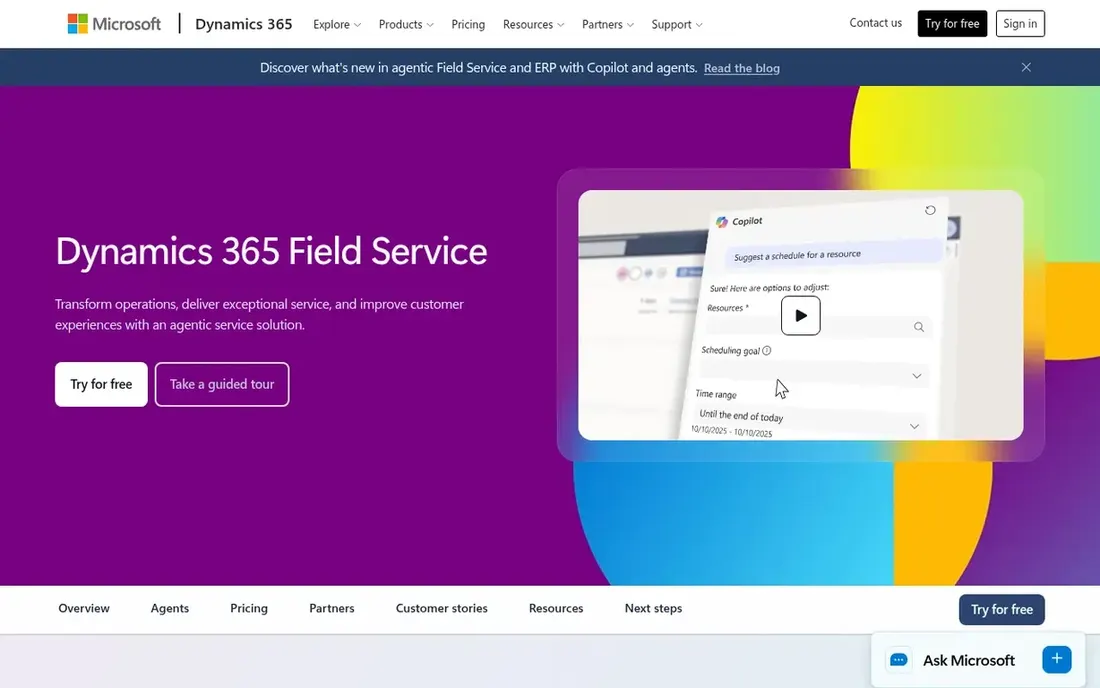
Where Microsoft Dynamics 365 Field Service fits: districts wanting AI-assisted scheduling. Adoption relies on comfort with the Microsoft system, and configuration choices need planning before rollout. In daily use, Microsoft Dynamics 365 Field Service offers AI-driven self-service scheduling, live data and automatic service reminders.
Downsides: Setup and licensing decisions take care.
Schools already using Microsoft tools may find it a natural extension for managing maintenance visits, inspections and repair jobs. Also, if your team lacks IT support or wants a very straightforward app, a lighter solution may serve better. Microsoft Dynamics 365 Field Service shows no starting price here, so confirm the cost on the vendor site. Free access: Not stated.
- Automatic service reminders
- Live data across service operations
- Needs Microsoft ecosystem planning
ServiceNow Field Service Management
Best for: Large districts with complicated workflows
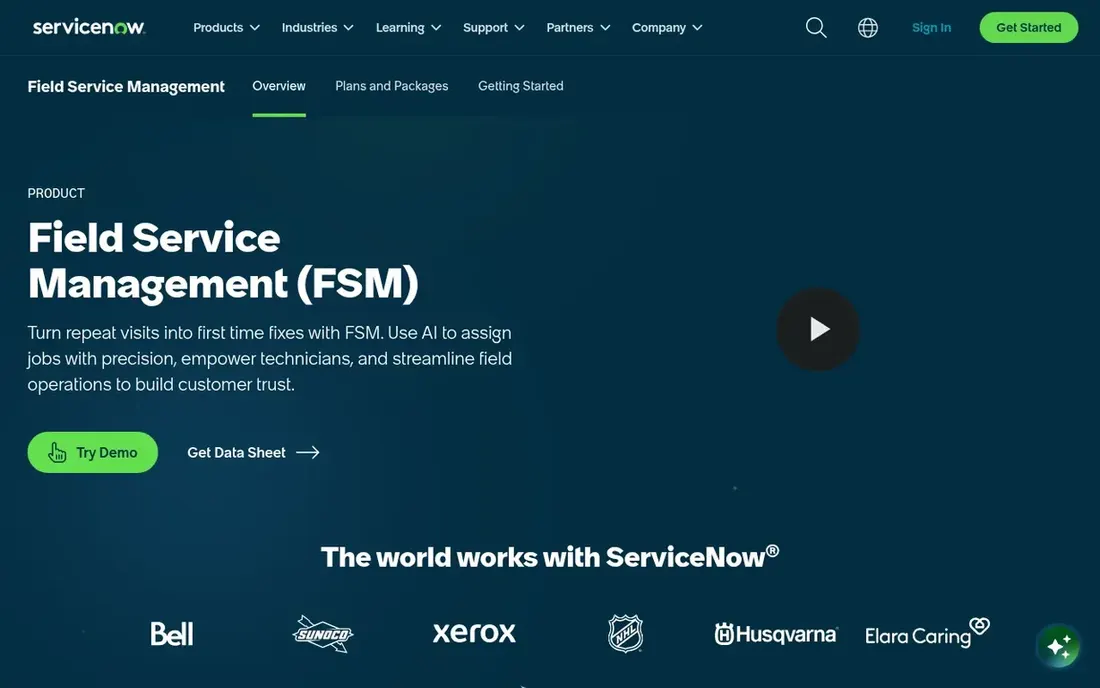
For large districts with complex workflows, ServiceNow Field Service Management is a natural candidate. It suits bigger districts or facilities departments with dedicated IT support and a need for consistent, auditable processes across campuses.
Points against: Configuration effort can be significant.
In practice, the product can need meaningful setup and administration, which may outweigh the benefits for a single school or a small maintenance crew. This comparison lists no price for ServiceNow Field Service Management; ask the vendor. As for free access: Not stated.
- Suits multi-site campus environments
- Digital workflows guide technicians and staff
- May feel heavy for small maintenance teams
Workiz targets straightforward dispatch for small teams. Consider enterprise products when multi-site coordination and audit trails are priorities.
Small school maintenance teams handling routine repairs and vendor visits can use it to keep jobs organized. On top of that, for large districts with complicated approval chains or broad reporting needs, Workiz may not go deep enough. Workiz does not show a starting price in this comparison, so check the vendor site for current pricing. Free access: Not stated.
Points against: Less depth for large institutions.
- Practical dispatch and job tracking
- Suited to smaller service operations
- Integration options may be limited
Housecall Pro is aimed squarely at home service style maintenance operations. School facilities teams that operate much like a service business, handling plenty of small jobs and outside vendors, may find its structure familiar and practical.
Beyond that, the product is shaped around home service firms, so education-specific reporting and approval chains may not align perfectly. What you pay to start with Housecall Pro: $59 per month. Free access: Free trial.
What to check first: May not match district procurement workflows.
- Designed for home service firms
- Widely used among field service professionals
- Trade-oriented instead of education-specific
How these tools were picked
Selection started from tools commonly considered for field service management software for schools, then narrowed to 6 that have clear pricing information or a clear quote process. Where a vendor does not publish a price, the entry says quote. Where a price depends on seats or billing term, the entry says so. Position on the page reflects fit for a typical buyer first, with price clarity and free access breaking ties. Treat it as a guide, not a ruling.
Before you commit
- Confirm the entry price on the vendor page. For FieldEdge, ServiceTitan, Microsoft Dynamics 365 Field Service and others that means a quote rather than a fixed price.
- Use real work to test the free trial from ServiceTitan and Housecall Pro, rather than a demo project.
- Before choosing FieldEdge, weigh its main limit: pitched at trade service firms.
- Confirm the exact Microsoft Dynamics 365 Field Service plan that includes your must-have features.
- Run a one or two week pilot of Workiz with the people who will use it every day.
FAQ
What is the cheapest option for field service management software for schools in this list?
On published monthly entry prices, Housecall Pro is the lowest here at $59 per month. Entry price is only part of the cost, because seats, add-ons and billing terms can change the total. Prices, free plan details and limits for all 6 tools in this field service management software for schools roundup sit on the individual cards above.
Does any tool for field service management software for schools here have a free plan?
No tool in this list, FieldEdge and Housecall Pro included, has a permanent free plan. ServiceTitan, Housecall Pro offer a trial. Trials and quotes are the usual route, so plan a short evaluation period.
Which field service software is a good match for a large school district?
FieldEdge is the pick this page puts first, mainly for tracking customers and service history. If your situation differs, ServiceTitan suits trade contractors serving school facilities, and Microsoft Dynamics 365 Field Service suits districts wanting AI-assisted scheduling. Compare price and limits before you decide.
Do these tools publish their prices?
Not all of them. FieldEdge, ServiceTitan, Microsoft Dynamics 365 Field Service and others publish no starting price, so expect a quote request for those. The rest, Housecall Pro included, show a starting price, though seats and billing terms still change the final cost.
Do schools need contractor-style software or an enterprise product?
Schools coordinating numerous outside vendors may benefit from contractor-style tools, whereas districts needing audit trails and multi-department approvals normally fare better with enterprise products like ServiceNow or Dynamics 365.
What should schools check before choosing field service software?
Confirm multi-site dispatch, mobile access for technicians, reporting for maintenance history and integration with existing systems. Also review how roles and approvals are configured so staff and contractors see only what they need.
Sources
- https://www.fieldedge.com
- https://www.servicetitan.com
- https://www.microsoft.com/en-us/dynamics-365/products/field-service
- https://www.servicenow.com/products/field-service-management.html
- https://www.workiz.com
- https://www.housecallpro.com