Best Email Filtering Software (2026): 6 Picks Checked on Vendor Pages
6 tools for the best email filtering software, compared on pricing, free plans and best-fit use. Weak spots flagged for every entry. Pick with confidence.
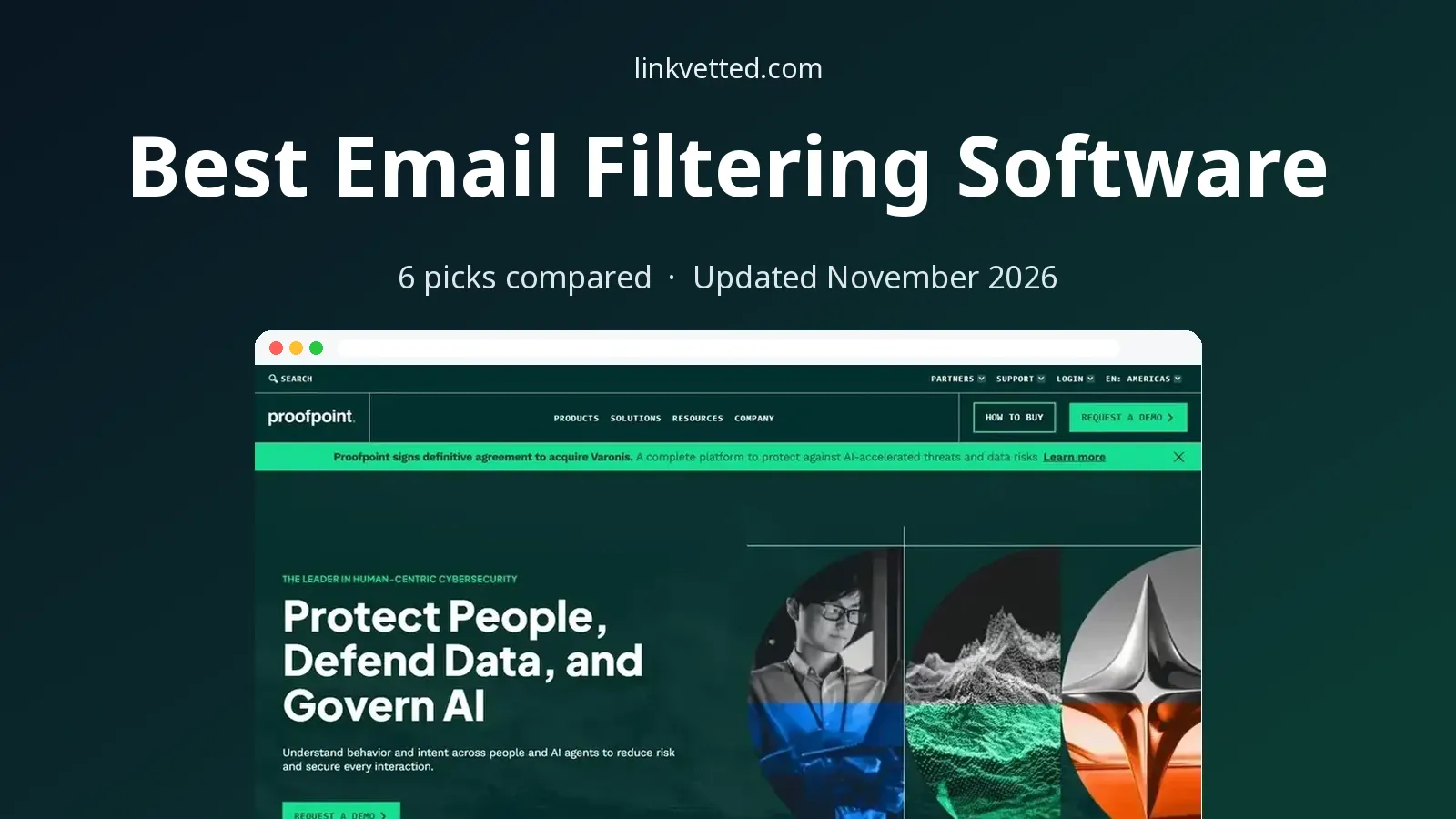
- Editor's choiceSophos Email
Microsoft 365 and Google Workspace filtering
Starts atPricing on requestVisit sophos.comFull review - Great alternative
 Abnormal Security
Behavioral AI threat detection
Starts atPricing on requestVisit abnormalsecurity.comFull review - Also considerProofpoint Email Protection
Wide email and data defense
Starts atPricing on requestVisit proofpoint.comFull review
Direct answer
Sophos Email leads the list, best for Microsoft 365 and Google Workspace filtering. For a different need, Abnormal Security covers behavioral AI threat detection and Proofpoint Email Protection covers wide email and data defense. The full list of 6 tools follows, with prices and free plan facts. None of these vendors publish plan prices, so pricing is on request for every option.
TL;DR:
- Sophos Email takes the first slot, best suited to Microsoft 365 and Google Workspace filtering.
- What to know about Abnormal Security first: detection-first instead of gateway-first.
- No starting price is shown for any of the 6 tools, Sophos Email and Check Point Harmony Email & Collaboration included, so plan time for sales calls.
- Neither Sophos Email nor Check Point Harmony Email & Collaboration, nor any of the other 4 tools, has a permanent free plan; trials and quotes are the norm.
- Check Point Harmony Email & Collaboration is the one to check for cloud email API-based protection.
Last checked November 2026. Pricing on request: vendors did not publish plan prices when this guide was last checked (November 2026), so ask each vendor for a written quote.
Quick comparison
| Tool | Best for | Starts at | Free plan? | |
|---|---|---|---|---|
| Sophos Email | Microsoft 365 and Google Workspace filtering | Pricing on request | Free trial | Visit |
| Abnormal Security | Behavioral AI threat detection | Pricing on request | Not stated | Visit |
| Proofpoint Email Protection | Wide email and data defense | Pricing on request | Not stated | Visit |
| Mimecast Email Security | Consolidated email and collaboration controls | Pricing on request | Not stated | Visit |
 Barracuda Email Protection | Email security within a wider portfolio | Pricing on request | Free trial | Visit |
| Check Point Harmony Email & Collaboration | Cloud email API-based protection | Pricing on request | Not stated | Visit |
Every option for email filtering software explained
LinkVetted compared 6 tools for email filtering software. The goal is a practical shortlist: published prices, free plan facts, best-fit use cases and honest limits for every entry.
Sophos Email
Best for: Microsoft 365 and Google Workspace filtering
In short, Sophos Email is for Microsoft 365 and Google Workspace filtering. Sophos Email guards against phishing and email threats with AI-powered security for Microsoft 365 and Google Workspace, and it ties into Sophos MDR visibility.
The stated focus on Microsoft 365 and Google Workspace means other mail environments need separate validation. Check the vendor site for Sophos Email pricing; none is listed in this comparison. Trial and free access: Free trial.
Trade-offs to know: Advanced needs may need extras.
- MDR visibility linkage
- Includes Microsoft 365 and Google Workspace
- Cloud productivity suite focus
Abnormal Security serves behavioral AI threat detection. It suits teams that want detection driven by learned communication patterns instead of static rules, especially where advanced phishing and impersonation attempts have slipped past conventional filters.
The emphasis is on behavioral detection instead of serving as a traditional gateway, so some organizations will pair it with existing filtering. Abnormal Security does not show a starting price in this comparison, so check the vendor site for current pricing. Trial and free access: Not stated.
What users get: identity and AI coverage.
Honest limits: Behavioral models need tuning time.
- Insider threat focus
- Detection-first instead of gateway-first
Proofpoint Email Protection
Best for: Wide email and data defense

Proofpoint Email Protection is built with wide email and data defense in mind. Proofpoint Email Protection sits within a system positioned around agentic security for people, data and AI. Its messaging emphasizes intent-based protection spanning collaboration channels and AI agents, which suits bigger organizations that want email filtering tied into a wider data protection strategy instead of a standalone spam gate.
The main drawbacks: Broad suite may exceed small needs.
For everyday use, organizations seeking only entry-level inbound filtering may find lighter tools simpler to run, whereas those needing layered data and AI protections should evaluate Proofpoint closely. For everyday use, the breadth of the product can mean more configuration than a smaller team wants to run. Check the vendor site for Proofpoint Email Protection pricing; none is listed in this comparison. Trial and free access: Not stated.
- Spans people and AI agents
- Focus on collaboration security
- Enterprise-oriented scope
Mimecast Email Security
Best for: Consolidated email and collaboration controls
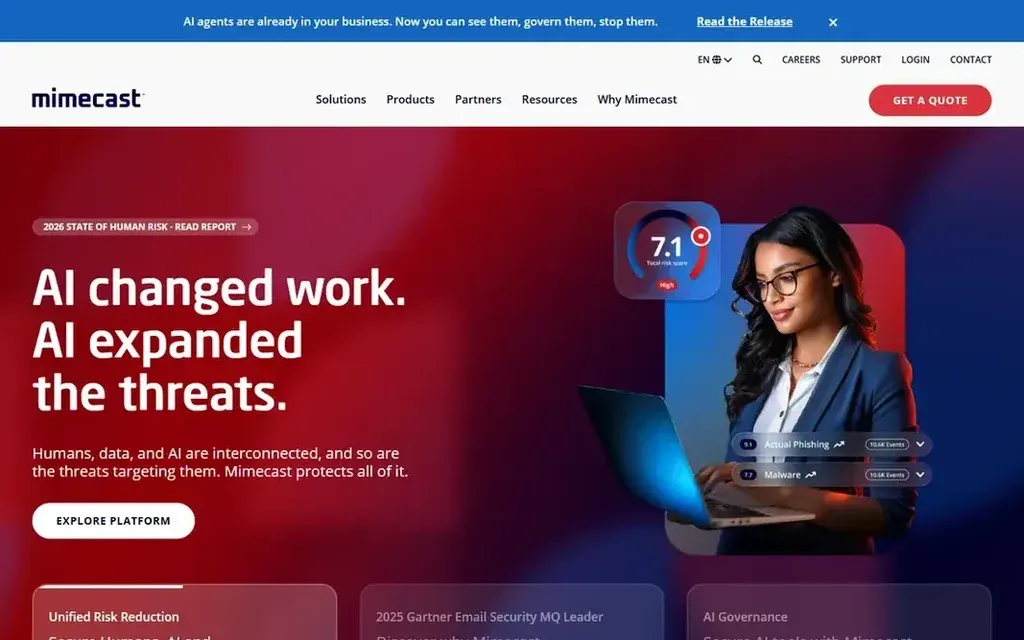
Mimecast Email Security works best for consolidated email and collaboration controls. Mimecast Email Security is presented as part of a product combining email and collaboration security, data protection, AI security, behavior management and data governance.
Drawbacks to consider: Feature depth may overwhelm small teams.
Worth adding: since the product spans multiple solution areas, scoping exactly which capabilities you need takes care. Check the vendor site for Mimecast Email Security pricing; none is listed in this comparison. Free options: Not stated.
- Email and collaboration security
- Data protection and governance
- Multi-module setup takes planning
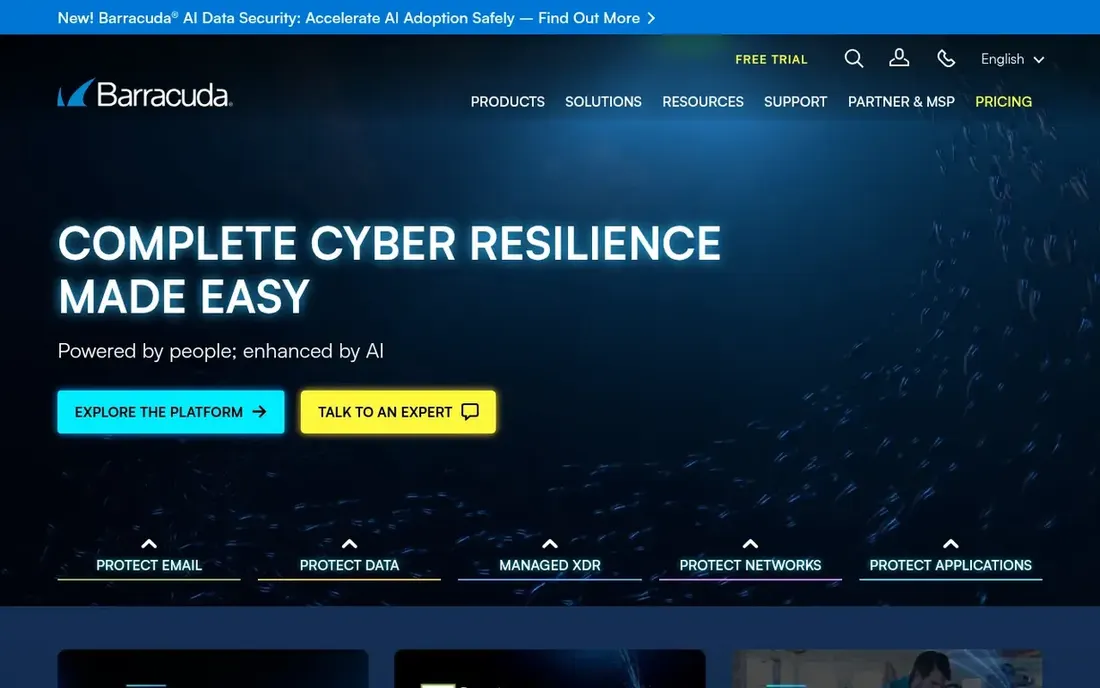
Choose Barracuda Email Protection for Email security within a wider portfolio. If your priority is a single-purpose filtering layer with minimal extras, compare Barracuda against more narrowly focused tools before deciding.
Downsides: Fit relies on your existing stack.
- Adjacent app and network security
- Straightforward positioning
- Portfolio breadth can complicate selection
Check Point Harmony Email & Collaboration
Best for: Cloud email API-based protection
Check Point Harmony Email & Collaboration works best for cloud email API-based protection. It suits cloud-first organizations that want filtering applied through an API-based approach alongside their existing email system.
Where it falls short: API deployment model may not suit all.
Check Point Harmony Email & Collaboration does not show a starting price in this comparison, so check the vendor site for current pricing. Trial and free access: Not stated.
- AI-powered phishing and malware defense
- Targets Microsoft 365 and Gmail
- Cloud-first scope
How we chose
The comparison looks at four things: starting price, free access, how well the feature set matches email filtering software, and the main limit of each tool. Seat minimums, billing terms and add-ons can move the real cost, so the starting prices here are a guide and not a quote. Position on the page reflects fit for a typical buyer first, with price clarity and free access breaking ties. Treat it as a guide, not a ruling.
Questions to settle before buying
- Ask each vendor, from Sophos Email to Check Point Harmony Email & Collaboration, for a written quote; none of them publishes a starting price.
- Run a trial of Sophos Email and Barracuda Email Protection with real work before paying for a year; your own workflow is the best test.
- Before choosing Sophos Email, weigh its main limit: cloud productivity suite focus.
- Ask the daily users to test Proofpoint Email Protection on a live task before you roll it out to everyone.
- List the apps you already depend on and check that Mimecast Email Security supports each one on the plan you would buy.
FAQ
How should a small team evaluate these products?
Start with the mail environment you run, then check how much administration each tool needs and which capabilities are included. Smaller teams frequently prefer narrower filtering scope, whereas bigger organizations may value consolidated products with response and governance features.
Should I choose a gateway or an API-based filter?
Gateway filtering inspects mail before delivery, whereas API-based tools work alongside cloud mail services like Microsoft 365 and Gmail. Your existing mail architecture normally determines which model suits, so confirm support before shortlisting.
How are the tools for email filtering software ordered?
Sophos Email sits first and Check Point Harmony Email & Collaboration last because the order follows typical fit for email filtering software, then price clarity and free access. It is a judgement call, so read each profile for fit and limits.
Does any tool for email filtering software here have a free plan?
No tool in this list, Sophos Email and Check Point Harmony Email & Collaboration included, has a permanent free plan. Sophos Email, Barracuda Email Protection offer a trial. Trials and quotes are the usual route, so plan a short evaluation period.
Do these tools publish their prices?
No. None of the tools, from Sophos Email to Check Point Harmony Email & Collaboration, shows a fixed starting price here, so budget time for quotes.
What does email filtering software actually block?
Filtering tools usually target phishing, malware attachments, malicious links and impersonation or business email compromise attempts. The mix of techniques varies, with some vendors emphasizing behavioral AI and others emphasizing threat intelligence or gateway rules.
Sources
- https://www.sophos.com/en-us/products/email-security
- https://abnormalsecurity.com
- https://www.proofpoint.com
- https://www.mimecast.com
- https://www.barracuda.com
- https://www.checkpoint.com/harmony/email-security