Best Email Encryption Software for Outlook in 2026: 5 Tools Compared
Weighing the best email encryption software for outlook? We lined up 5 products by cost, free access and fit. Plus the drawbacks of each tool. Pick by budget.
- Editor's choicePaubox Email Suite
HIPAA compliant email without portals
Starts atSee websiteVisit paubox.comFull review - Great alternativeMimecast Secure Messaging
Encrypted messaging with email security
Starts atSee websiteVisit mimecast.comFull review - Also considerMicrosoft Purview Message Encryption
Native encryption inside Microsoft 365
Starts atSee websiteVisit learn.microsoft.comFull review
Direct answer
If you need HIPAA compliant email without portals, Paubox Email Suite is the first tool to look at here. Listed starting prices: Virtru Email Protection from $119 a month. For a different need, Mimecast Secure Messaging covers encrypted messaging with email security and Microsoft Purview Message Encryption covers native encryption inside Microsoft 365. Prices, free plans and limits for all 5 tools follow.
TL;DR:
- Number one here is Paubox Email Suite, a fit for HIPAA compliant email without portals.
- Virtru Email Protection is the one to check for granular access control across apps.
- A fair warning about Mimecast Secure Messaging: Encryption is one piece of a bigger suite.
- The cheapest monthly starting price in the list is $119 per month, offered by Virtru Email Protection.
Last checked November 2026. Prices and plan details were read from the vendors' own pages in November 2026; vendors change plans often, so confirm the current price on the vendor site before you buy.
Quick comparison
| Tool | Best for | Starts at | Free plan? | |
|---|---|---|---|---|
| Paubox Email Suite | HIPAA compliant email without portals | See website | Yes | Visit |
| Mimecast Secure Messaging | Encrypted messaging with email security | See website | Not stated | Visit |
| Microsoft Purview Message Encryption | Native encryption inside Microsoft 365 | See website | Not stated | Visit |
 Barracuda Email Protection | Email security with encryption choices | See website | Free trial | Visit |
| Virtru Email Protection | Granular access control across apps | $119 a month | No | Visit |
Our 5 picks for email encryption software for outlook
Short on time? The summary and table above give the quick view of 5 tools for email encryption software for outlook, and the profiles that follow give the detail behind each entry.
Paubox Email Suite
Best for: HIPAA compliant email without portals
Paubox Email Suite works best for HIPAA compliant email without portals. Teams that want encryption bundled with wide threat protection or data governance may prefer a wider system, whereas healthcare buyers should confirm workflow details on the vendor site. In practice, Paubox Email Suite is positioned around HIPAA compliant email for modern healthcare, with the vendor emphasizing simple setup and no portals or passcodes for recipients.
Drawbacks to consider: Narrower focus than security suites.
That makes it a natural fit for clinics, providers and healthcare vendors that require to send protected health information over email without forcing recipients through additional steps. It works with existing email clients including Outlook. Its healthcare focus means organizations outside regulated health workflows may not need its specific strengths. Check the vendor site for Paubox Email Suite pricing; none is listed in this comparison. Paubox Email Suite offers a free plan.
- Simple setup emphasis
- Built around HIPAA compliant email
- Healthcare-centric positioning
Mimecast Secure Messaging
Best for: Encrypted messaging with email security
Mimecast Secure Messaging is a good fit for encrypted messaging with email security. Teams wanting a light Outlook-only encryption add-on may prefer a narrower product, whereas consolidation-minded buyers will see more value here.
Downsides: Needs product planning.
On top of that, Mimecast Secure Messaging is delivered through Mimecast's product, which the vendor frames as email and collaboration security, data protection, AI security, behavior management and data governance in one place. Since encryption is one component of a broader suite, evaluation should focus on the entire system instead of the messaging feature alone. Mimecast Secure Messaging does not show a starting price in this comparison, so check the vendor site for current pricing. Free access: Not stated.
- Part of a unified email security product
- Handles data protection and governance
- Encryption is one piece of a bigger suite
Microsoft Purview Message Encryption
Best for: Native encryption inside Microsoft 365
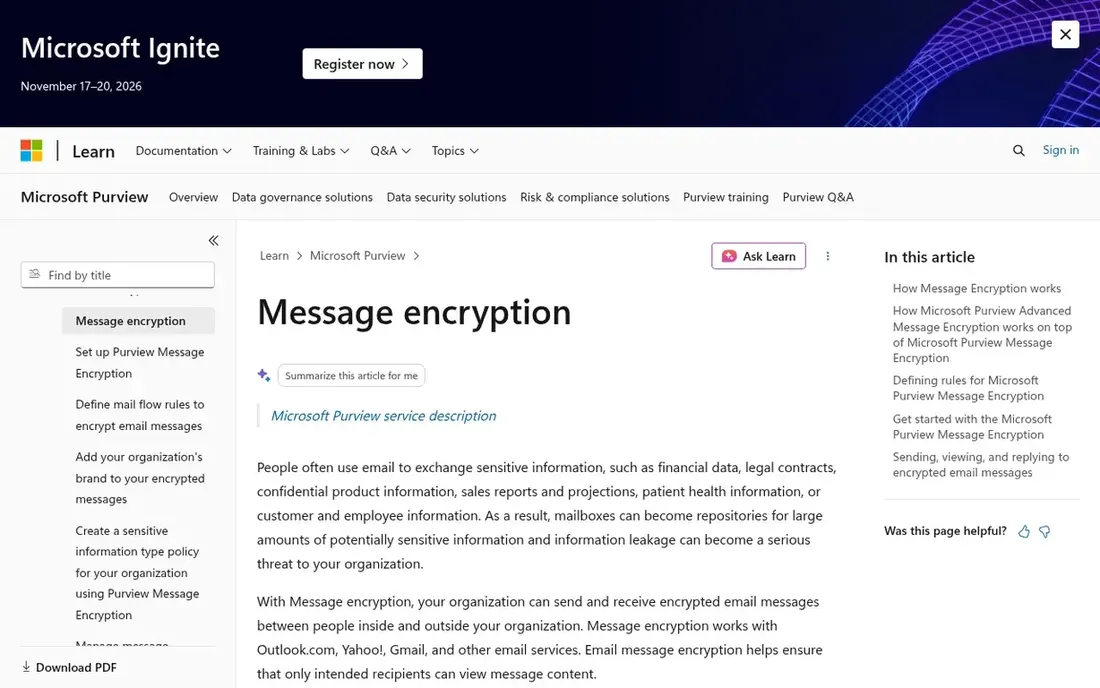
Microsoft Purview Message Encryption makes the most sense for native encryption inside Microsoft 365. Microsoft Purview Message Encryption is Microsoft's built-in approach for sending and receiving encrypted email between people inside and outside an organization. It is a practical default when policy, retention and identity already run through Microsoft tooling.
Its primary limitation is scope: value relies on your Microsoft licensing and tenant setup, and mixed environments may find it less adaptable than a dedicated encryption layer. As for the details, if you run Google Workspace or need encryption applied across plenty of non-Microsoft apps, a cross-platform product like Virtru may be a better fit. Pricing for Microsoft Purview Message Encryption is not stated here, so ask the vendor for current figures. Trial and free access: Not stated.
Drawbacks to consider: Setup relies on tenant configuration.
- Admin controls through Purview
- Encrypts messages to external recipients
- Tied to the Microsoft ecosystem
Think of Barracuda Email Protection for Email security with encryption choices. Buyers should confirm which encryption capabilities are included in the specific offering they evaluate, since the portfolio is broad.
Where it falls short: Encryption is part of a wider offering.
From a buyer's view, Barracuda Email Protection is part of Barracuda's portfolio spanning email protection, application protection, network security and data protection. Worth adding: if your only requirement is encrypting Outlook messages with minimal overhead, a dedicated encryption product may be a more direct choice. This comparison lists no price for Barracuda Email Protection; ask the vendor. Free access: Free trial.
- Wide email and data protection portfolio
- Fits midmarket and bigger buyers
- Feature fit varies by package
Virtru Email Protection
Best for: Granular access control across apps
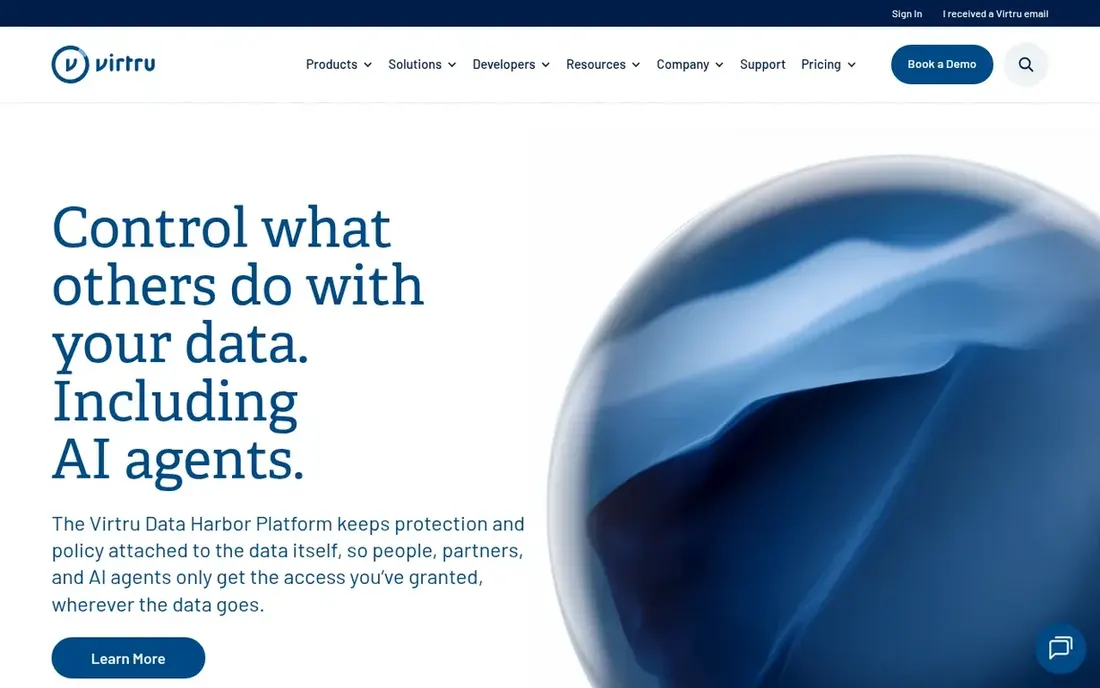
Virtru Email Protection works best for granular access control across apps. Virtru Email Protection is part of the Virtru Data Harbor Platform, which provides end-to-end encryption and access control for email, files and apps. In daily use, the vendor positions it for enterprise and defense-oriented buyers.
What to check first: Overlaps with native Microsoft features.
It works alongside Outlook instead of replacing it. Adding Virtru means another console and policy set to run, and teams already deep in Microsoft 365 should weigh whether native Purview encryption spans their needs. Virtru Email Protection pricing: $119 per month. Virtru Email Protection does not include a free plan.
- Works across collaboration tools
- Access controls and revocation choices
- Another layer to administer
How we built this list
The comparison looks at four things: starting price, free access, how well the feature set matches email encryption software for outlook, and the main limit of each tool. Figures are shown as the vendors publish them. Billing terms, seat minimums and add-ons can change the real cost. The order reflects how well each tool fits the most common buying scenario for email encryption software for outlook, then price clarity, then free plan access. It is a starting point, not a verdict.
Before you commit
- Ask Paubox Email Suite, Mimecast Secure Messaging, Microsoft Purview Message Encryption and Barracuda Email Protection for a written quote, since no starting price is shown.
- Look at the free plan from Paubox Email Suite closely: its caps decide whether it is usable for real work.
- Run a trial of Barracuda Email Protection with real work before paying for a year; your own workflow is the best test.
- Read the limits listed for Paubox Email Suite first: narrower focus than security suites.
- The entry price of Microsoft Purview Message Encryption is only the starting point; model the full cost with seats and extras.
- Map your must-have features to a specific Barracuda Email Protection plan before you compare prices.
FAQ
How do recipients read encrypted messages?
It relies on the tool. Some deliver encrypted mail that opens straight in the recipient's inbox, whereas others use a secure web experience.
Do these tools publish their prices?
Not all of them. Paubox Email Suite, Mimecast Secure Messaging, Microsoft Purview Message Encryption and Barracuda Email Protection publish no starting price, so expect a quote request for those. The rest, Virtru Email Protection included, show a starting price, though seats and billing terms still change the final cost.
Which tool is a good match for healthcare email encryption?
The first pick on this list is Paubox Email Suite, because it suits HIPAA compliant email without portals. Mimecast Secure Messaging is better for encrypted messaging with email security, and Microsoft Purview Message Encryption for native encryption inside Microsoft 365. Check price and limits against your own needs before choosing.
Can I try these tools before paying?
Often, yes. Paubox Email Suite has a free plan and Barracuda Email Protection offers a free trial. Use your own data and a real task during the test, and check what the free tier or trial limits before you rely on it.
Is Paubox Email Suite the right pick for everyone comparing email encryption software for outlook?
No single tool suits every team. Paubox Email Suite comes first because it fits HIPAA compliant email without portals, while Mimecast Secure Messaging suits encrypted messaging with email security and Microsoft Purview Message Encryption suits native encryption inside Microsoft 365. Match the tool to your own size, budget and workflow before deciding.
What is the cheapest option for email encryption software for outlook in this list?
On published monthly entry prices, Virtru Email Protection is the lowest here at $119 per month. Entry price is only part of the cost, because seats, add-ons and billing terms can change the total.
Sources
- https://www.paubox.com
- https://www.mimecast.com
- https://learn.microsoft.com/en-us/purview/ome
- https://www.barracuda.com
- https://www.virtru.com