Choosing Editor Software for YouTube in 2026: 6 Options Compared
Best editor software for YouTube: 6 contenders ranked by fit, with entry costs and free tiers. The weak spots sit next to the strengths. Details below.
- Editor's choice
 Final Cut Pro
Mac and iPad pro-quality editing
Starts atSee websiteVisit apple.comFull review - Great alternative
 CapCut
Quick AI-assisted edits and templates
Starts atSee websiteVisit capcut.comFull review - Also consider
 Adobe Premiere Pro
Professional editing and postproduction depth
Starts atSee websiteVisit adobe.comFull review
Direct answer
For Mac and iPad pro-quality editing, Final Cut Pro is where this list starts. Listed starting prices: CyberLink PowerDirector from $54.99 per month. CapCut fits quick AI-assisted edits and templates; Adobe Premiere Pro fits professional editing and postproduction depth. All 6 tools are compared below on price, free plan and limits.
TL;DR:
- Number one here is Final Cut Pro, a fit for Mac and iPad pro-quality editing.
- For the cheapest start, look at CyberLink PowerDirector: $54.99 per month.
- For all-in-one editing, color, and audio, DaVinci Resolve is worth a look.
- CapCut stands alone as the one tool in this list with a free plan.
Last checked November 2026. Prices and plan details were read from the vendors' own pages in November 2026; vendors change plans often, so confirm the current price on the vendor site before you buy.
Quick comparison
| Tool | Best for | Starts at | Free plan? | |
|---|---|---|---|---|
| Final Cut Pro | Mac and iPad pro-quality editing | See website | Not stated | Visit |
| CapCut | Quick AI-assisted edits and templates | See website | Yes | Visit |
| Adobe Premiere Pro | Professional editing and postproduction depth | See website | Not stated | Visit |
 Filmora | Easy-to-learn editing with AI features | See website | Not stated | Visit |
 CyberLink PowerDirector | AI tools and large asset library | $54.99 per month | Not stated | Visit |
 DaVinci Resolve | All-in-one editing, color, and audio | See website | Not stated | Visit |
Every option for editor software for YouTube explained
LinkVetted put together this guide to editor software for YouTube for readers who want a clear shortlist without reading every vendor page. It compares 6 tools on starting price, free plans, who each one suits and where each one falls short.
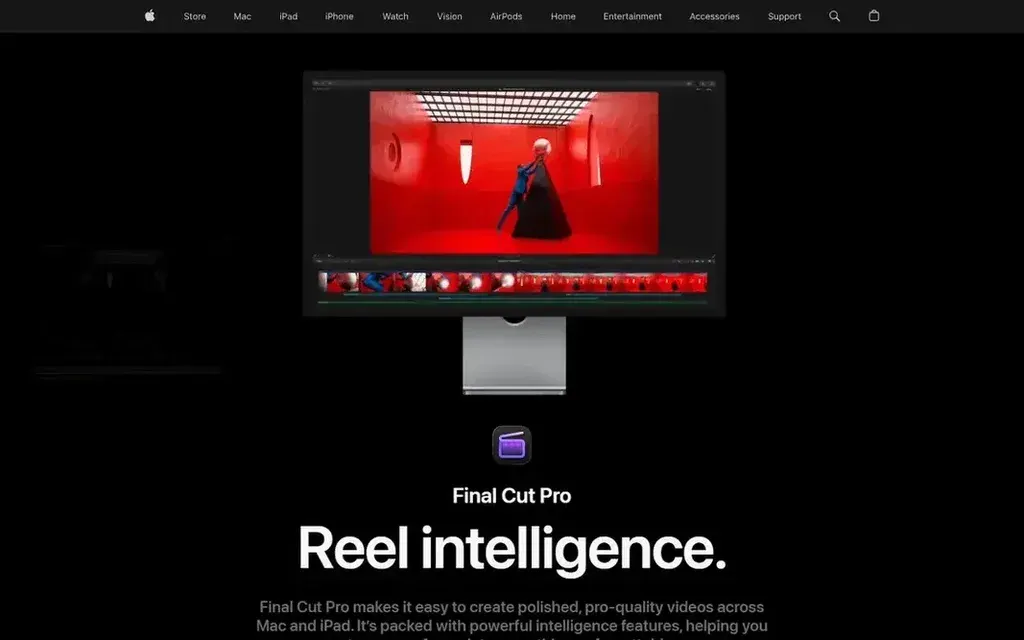
Final Cut Pro serves Mac and iPad pro-quality editing. For Mac and iPad users, it supplies a focused, pro-oriented workflow. Worth adding: Final Cut Pro is Apple's professional video editing application for Mac and iPad.
For everyday use, Final Cut Pro is not available on Windows or Linux, so it is not a choice for cross-platform teams. On top of that, if you edit on non-Apple machines or have to collaborate with Windows users, look at other tools. Pricing for Final Cut Pro is not stated here, so ask the vendor for current figures. As for free access: Not stated.
Drawbacks to consider: May need newer hardware for best results.
- Pro-quality video creation
- Feature-rich intelligence features
- Restricted to Apple devices
CapCut is aimed squarely at quick AI-assisted edits and templates. CapCut is an AI video editor made for editing YouTube and Instagram videos with smart templates and creative effects. It is available on desktop, mobile, and online, which makes it convenient for creators who move between devices.
CapCut is not made for deep postproduction like advanced color grading or complicated audio mixing. Also, CapCut performs well as a fast editor or as a companion for social clips. CapCut does not show a starting price in this comparison, so check the vendor site for current pricing. A free plan is available with CapCut.
Watch-outs: Template-driven style may feel limiting.
- Smart templates and creative effects
- Online access
- Less depth for complicated postproduction
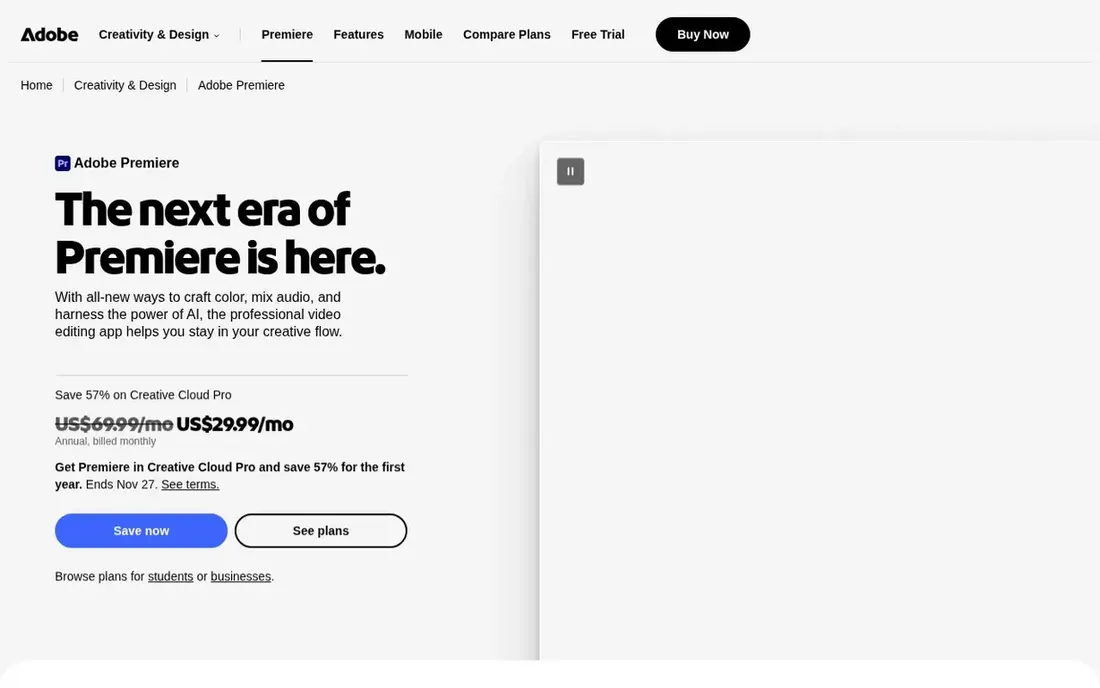
In short, Adobe Premiere Pro is for professional editing and postproduction depth. Adobe Premiere Pro is professional video editing and postproduction software. It spans editing, trimming, effects, audio mixing, and more, making it a fit for YouTube creators who want a full-featured timeline and room to grow.
Also, if you prefer a lighter, template-driven approach or work largely on mobile, a more straightforward editor might serve you better. On top of that, the homepage emphasizes professional editing and postproduction. As for the details, the depth of Premiere Pro can feel heavy for fast, straightforward YouTube edits, and it may demand a well-specified machine. Check the vendor site for Adobe Premiere Pro pricing; none is listed in this comparison. Free plan details: Not stated.
Watch-outs: Can be overwhelming for beginners.
- Thorough editing and trimming tools
- Deep postproduction workflow
- Needs a capable computer
Filmora is built with easy-to-learn editing with AI features in mind. Filmora from Wondershare is AI-powered video editing software for desktop and mobile. It gives you easy-to-learn timeline tools along with AI features, effects, captions, and audio tools.
Downsides: Advanced workflows may feel restricted.
Filmora may not match the depth of dedicated professional suites for complicated color or audio postproduction. On top of that, for numerous solo YouTube creators, Filmora's mix of timeline editing and AI assistance is a practical middle ground. The homepage positions it as accessible professional editing, which fits YouTube creators who want a balance of ease and capability without a steep ramp-up time. In practice, if you need highly specialized workflows or deep collaboration features, consider a more advanced editor. This comparison lists no price for Filmora; ask the vendor. Trial and free access: Not stated.
- AI features, effects, captions
- Desktop and mobile versions
- Some AI features may need learning
CyberLink PowerDirector is designed for AI tools and large asset library. The homepage describes it as a tool to make better videos quicker.
Drawbacks to consider: Feature set can be dense.
More specifically, PowerDirector is a solid choice when you want AI help and a substantial built-in asset library. Beyond that, if you prefer a minimal interface or only need entry-level cuts, a more straightforward editor could be less distracting. The starting price for CyberLink PowerDirector: $54.99 per month. On free options: Not stated.
- Large royalty-free asset library
- Pro-grade effects
- May need a modern computer
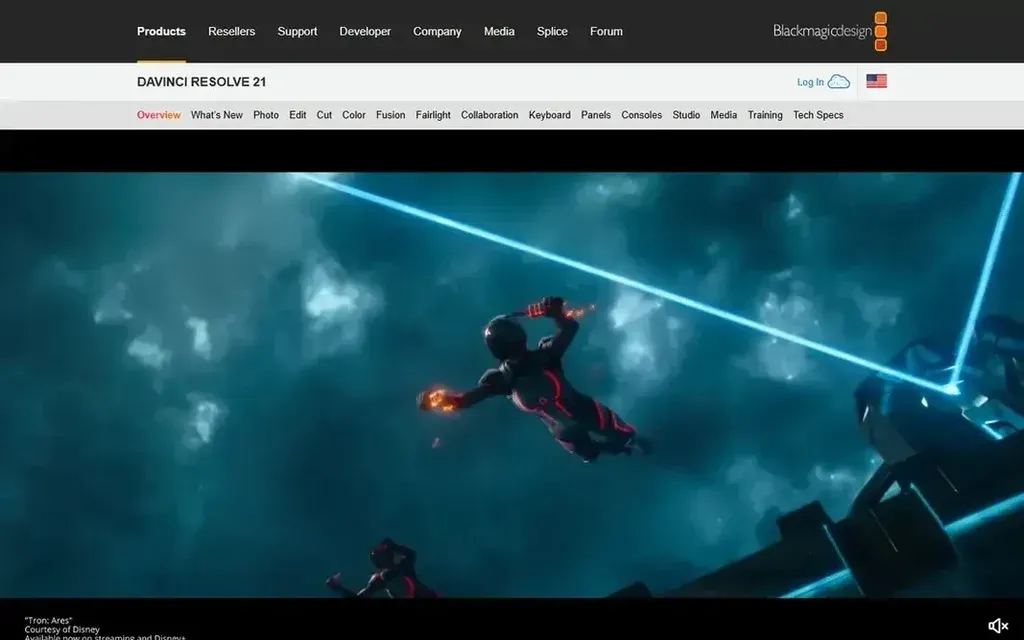
DaVinci Resolve was built for all-in-one editing, color, and audio. DaVinci Resolve from Blackmagic Design is professional video editing, color correction, visual effects, and audio postproduction combined in a single application. It is offered for Mac, Windows, and Linux, with free and premium versions.
As for the details, for YouTube creators who want color grading and audio work alongside editing, it gives you an integrated environment without switching between separate tools. Also, the breadth of Resolve means a steeper ramp-up time, notably for color and audio pages, and it benefits from a capable system. DaVinci Resolve does not show a starting price in this comparison, so check the vendor site for current pricing. Free options: Not stated.
The main drawbacks: Advanced features have a ramp-up time.
Upsides: Professional postproduction toolset.
- Audio in one app
- Available for Mac, Windows, Linux
- Needs solid hardware for smooth performance
Selection criteria
A buyer's checklist
- Ask Final Cut Pro, CapCut, Adobe Premiere Pro and others for a written quote, since no starting price is shown.
- Look at the free plan from CapCut closely: its caps decide whether it is usable for real work.
- Read the limits listed for Final Cut Pro first: restricted to Apple devices.
- Total up the real monthly cost of Adobe Premiere Pro, including add-ons, extra users and usage-based fees.
- Check whether DaVinci Resolve bills monthly or annually, and what cancelling early costs.
FAQ
Do these tools publish their prices?
Not all of them. Final Cut Pro, CapCut, Adobe Premiere Pro and others publish no starting price, so expect a quote request for those. The rest, CyberLink PowerDirector included, show a starting price, though seats and billing terms still change the final cost.
Which editor is a good match for YouTube beginners?
Final Cut Pro comes first here and is built for Mac and iPad pro-quality editing. Buyers with other needs may prefer CapCut (for quick AI-assisted edits and templates) or Adobe Premiere Pro (for professional editing and postproduction depth). Compare costs and limits first.
Can I try these tools before paying?
Often, yes. CapCut has a free plan. Use your own data and a real task during the test, and check what the free tier or trial limits before you rely on it. For the full picture, the cards above cover all 6 entries of this editor software for YouTube list, including price, free plan and limits.
Is Final Cut Pro the right pick for everyone comparing editor software for YouTube?
No single tool suits every team. Final Cut Pro comes first because it fits Mac and iPad pro-quality editing, while CapCut suits fast AI-assisted edits and templates and Adobe Premiere Pro suits professional editing and postproduction depth. Match the tool to your own size, budget and workflow before deciding.
Which options for editor software for YouTube have a free plan?
CapCut is the only tool in this list with a free plan. Free plans usually cap users, projects or features, so check the limits on the vendor page. Prices, free plan details and limits for all 6 tools in this editor software for YouTube roundup sit on the individual cards above.
Sources
- https://www.apple.com/final-cut-pro
- https://www.capcut.com
- https://www.adobe.com/products/premiere.html
- https://filmora.wondershare.com
- https://www.cyberlink.com/products/powerdirector-ultimate/overview_en_US.html
- https://www.blackmagicdesign.com/products/davinciresolve