Top 5 Editor Software for Remote Teams for 2026 (Prices and Free Plans)
5 best editor software for remote teams, with entry costs, free tiers and the buyer each one serves. Prices and drawbacks included. Read the profiles.
- Editor's choice
 Coda
Blending docs, spreadsheets, and apps
Starts atSee websiteVisit coda.ioFull review - Great alternative
 Quip
Salesforce-integrated document collaboration
Starts at$10 per user a monthVisit quip.comFull review - Also consider
 Zoho Writer
Free, approachable word processing
Starts atSee websiteVisit zoho.comFull review
Direct answer
This list puts Coda first for blending docs, spreadsheets, and apps. Listed starting prices: Quip from $10 per user a month and Notion from $10 per member per month. Look at Quip for Salesforce-integrated document collaboration, and at Zoho Writer for free, approachable word processing. The full list of 5 tools follows, with prices and free plan facts.
TL;DR:
- Top of the list is Coda, which targets blending docs, spreadsheets, and apps.
- Quip is the lowest-priced starter here at $10 per user per month.
- Zoho Writer, Notion: these are the 2 tools out of 5 that offer a free plan.
- The main caution on Quip: restricted standalone features without Salesforce.
Last checked November 2026. Prices and plan details were read from the vendors' own pages in November 2026; vendors change plans often, so confirm the current price on the vendor site before you buy.
Quick comparison
| Tool | Best for | Starts at | Free plan? | |
|---|---|---|---|---|
| Coda | Blending docs, spreadsheets, and apps | See website | Not stated | Visit |
| Quip | Salesforce-integrated document collaboration | $10 per user a month | No | Visit |
| Zoho Writer | Free, approachable word processing | See website | Yes | Visit |
 Notion | All-in-one workspace with AI agents | $10 per member per month | Yes | Visit |
 Google Docs | Live collaboration and PDF editing | See website | Not stated | Visit |
Tool-by-tool breakdown
If you are comparing editor software for remote teams, this page covers 5 tools in one place: what each is best for, what it costs to start, whether it has a free plan, and the main limit to know about.
Coda is aimed squarely at blending docs, spreadsheets, and apps. It is built for teams that require to handle projects, track data, and collaborate on documents in one place. If your team primarily writes and edits text without needing spreadsheet-like functionality or app-building, a more straightforward tool may be more appropriate.
The product needs time to learn and set up, which might not be a strong match for fast adoption. Remote teams with complicated workflows can benefit from Coda's capacity to produce custom tools without separate apps. Check the vendor site for Coda pricing; none is listed in this comparison. Free plan details: Not stated.
Watch-outs: May be overkill for entry-level document editing.
- Merges documents with spreadsheet structure
- Built-in AI for intelligence
- Steeper ramp-up time because of app-building features
Think of Quip for Salesforce-integrated document collaboration. Quip supplies live collaborative documents, spreadsheets, and chat embedded inside Salesforce to transform any business process.
Points against: Limited standalone features without Salesforce.
More specifically, for teams not using Salesforce, Quip's value proposition is substantially reduced, as its key benefits are tied to that ecosystem. Worth adding: the standalone document editing capabilities are less thorough than dedicated word processors. Price to start with Quip: $10 per user per month. Quip has no permanent free option.
- Live collaborative documents and spreadsheets
- Chat embedded within documents
- Less a good match for teams outside Salesforce ecosystem
Zoho Writer is aimed squarely at free, approachable word processing. Teams needing advanced formatting or deep integration with other business tools might outgrow Zoho Writer. Beyond that, Zoho Writer lacks some of the advanced AI and automation features found in other tools, which may limit efficiency for teams requiring sophisticated assistance.
Its integration with external apps is also less broad. It is completely free and works smoothly with DOCX and PDF formats, making it an economical choice for remote teams with budget constraints. Pricing for Zoho Writer is not stated here, so ask the vendor for current figures. You can start on Zoho Writer without paying.
Trade-offs to know: Restricted AI capabilities.
- Approachable interface for collaboration
- Works smoothly with DOCX and PDF
- Fewer advanced features compared to premium suites
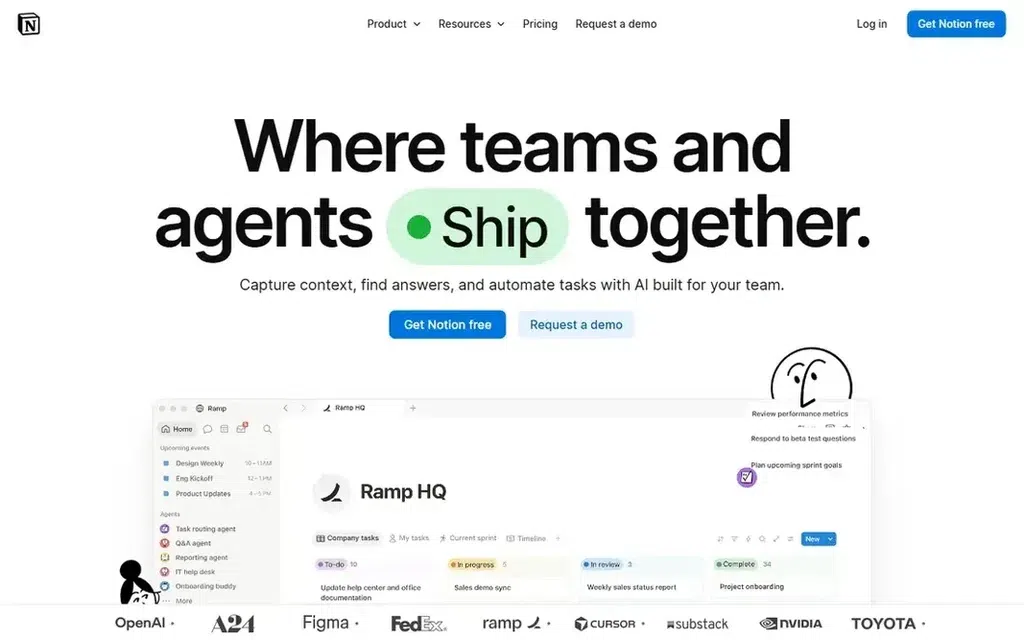
Choose Notion for all-in-one workspace with AI agents. Teams needing advanced formatting or print-ready layouts may prefer a traditional editor. On top of that, the AI features need configuration to be completely effective, which may not suit teams seeking out-of-the-box simplicity.
Highlights: Custom AI agents for automation.
Watch-outs: Needs setup to maximize AI features.
Notion's adaptability includes a ramp-up time, and its document editing is less specialized than dedicated word processors. It blends documents, databases, and collaboration tools into a single system. Notion starts at: $10 per member per month. A free plan is available with Notion.
- Merges docs, wikis
- Project management
- Can be overwhelming for straightforward document editing
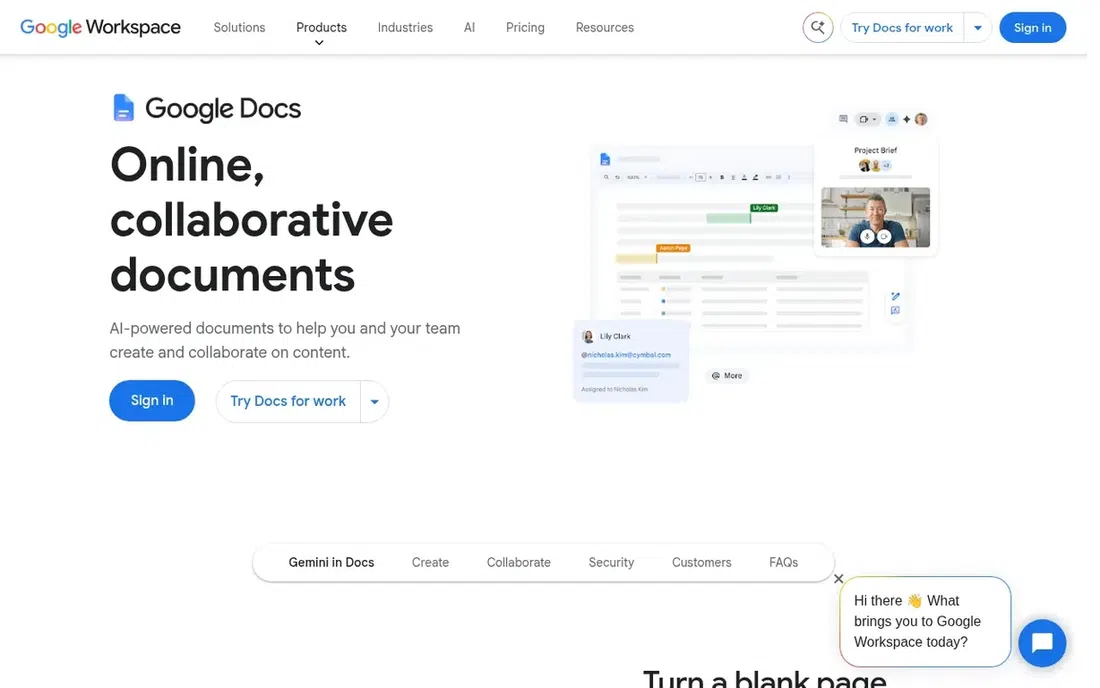
Google Docs is built with live collaboration and PDF editing in mind. It comes with AI tools to create drafts and templates, making it right for remote teams that need fast, shared document creation. The product is widely used for its simplicity and accessibility, and it suits teams already using Google Workspace.
That said, Google Docs may not satisfy teams needing complicated formatting or offline editing. Its feature set is simplified for collaboration instead of advanced publishing. Pricing for Google Docs is not stated here, so ask the vendor for current figures. Trial and free access: Not stated.
Where it falls short: Needs internet connection for full functionality.
- Live editing from any device
- Smooth integration with Google Workspace
- Advanced formatting is restricted
How we compared the tools
Selection started from tools commonly considered for editor software for remote teams, then narrowed to 5 that have clear pricing information or a clear quote process. Where a price is missing, the vendor does not list one publicly or ties it to a quote. Always confirm before budgeting. We ordered the tools by general fit, then by how clearly pricing is shown, then by free access. A buyer with unusual needs may reorder them.
Before you commit
- Ask Coda, Zoho Writer and Google Docs for a written quote, since no starting price is shown.
- Look at free plan limits closely: Zoho Writer and Notion have one, and the caps decide whether it is usable for real work.
- Before choosing Coda, weigh its main limit: steeper ramp-up time due to app-building features.
- A short pilot of Notion with your real workflow tells you more than a feature table.
- Confirm you can export your data from Zoho Writer, so leaving later does not mean losing records.
FAQ
Can I try these tools before paying?
Often, yes. Zoho Writer and Notion have a free plan. Use your own data and a real task during the test, and check what the free tier or trial limits before you rely on it. All 5 picks in this editor software for remote teams comparison list a starting price, free plan details and the main limits on their cards above.
What is the cheapest option for editor software for remote teams in this list?
On published monthly entry prices, Quip is the lowest here at $10 per user per month. Entry price is only part of the cost, because seats, add-ons and billing terms can change the total. For the full picture, the cards above cover all 5 entries of this editor software for remote teams list, including price, free plan and limits.
Which options for editor software for remote teams have a free plan?
On this list, Zoho Writer and Notion include a free plan. Caps on seats, usage or features are common, so test the free plan against your real workload.
Are there free choices for remote team editors?
Zoho Writer is completely free and supports DOCX and PDF formats. Other tools like Notion and Coda offer restricted free versions, but their advanced features generally need payment.
What is the best editor software for remote teams that require live collaboration?
Coda comes first here and is built for blending docs, spreadsheets, and apps. Buyers with other needs may prefer Quip (for Salesforce-integrated document collaboration) or Zoho Writer (for free, approachable word processing). Compare costs and limits first.
Is Coda the right pick for everyone comparing editor software for remote teams?
No single tool suits every team. Coda comes first because it fits blending docs, spreadsheets, and apps, while Quip suits Salesforce-integrated document collaboration and Zoho Writer suits free, user-friendly word processing. Match the tool to your own size, budget and workflow before deciding.
Sources
- https://coda.io
- https://quip.com
- https://www.zoho.com/writer
- https://www.notion.so
- https://workspace.google.com/products/docs