5 Best E-Signature Software for Medical Clinics for 2026, Vetted and Compared
Best E-Signature software for medical clinics in 2026: 5 contenders with entry costs and free tiers. Short, factual notes on every option. Reviewed this month.
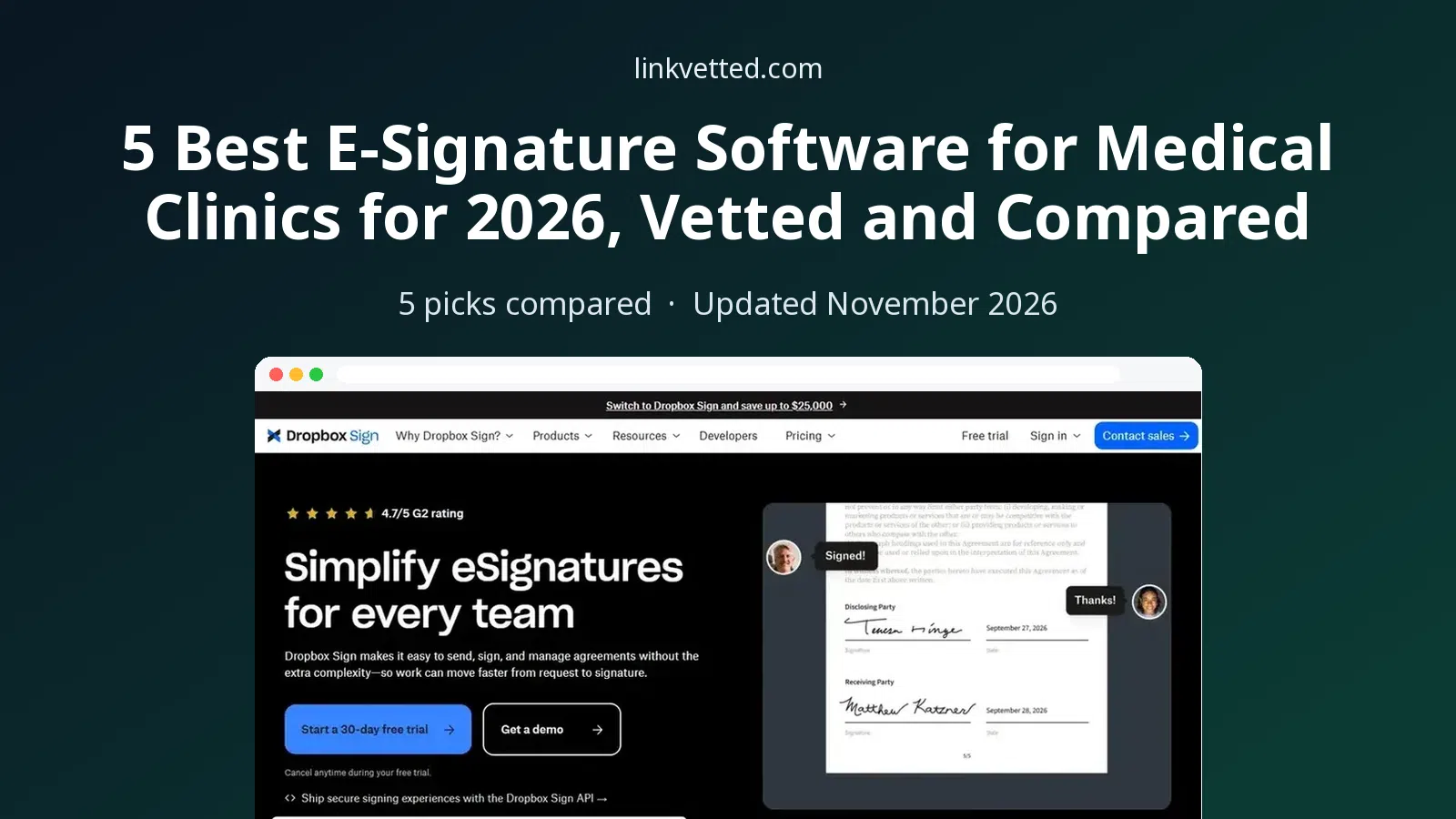
- Editor's choice
 Dropbox Sign
Straightforward, straightforward signature requests
Starts at$15 USD / moVisit sign.dropbox.comFull review - Great alternative
 Foxit eSign
Signing PDF and Word documents
Starts atSee websiteVisit foxit.comFull review - Also consider
 OneSpan Sign
Identity assurance in agreement workflows
Starts atSee websiteVisit onespan.comFull review
Direct answer
Dropbox Sign is the first pick on this list for straightforward, straightforward signature requests. Listed starting prices: Dropbox Sign from $15 USD / mo and DocuSign from $45 per user per month. Foxit eSign fits signing PDF and Word documents; OneSpan Sign fits identity assurance in agreement workflows. Details, prices and limits for the rest of the 5 tools are below.
TL;DR:
- Dropbox Sign takes the first slot, best suited to straightforward, straightforward signature requests.
- Starting prices begin at $45 per user per month with DocuSign.
- For clinics already using Adobe PDF tools, Adobe Acrobat Sign is worth a look.
- Neither Dropbox Sign nor Adobe Acrobat Sign, nor any of the other 3 tools, has a permanent free plan; trials and quotes are the norm.
- One limit worth knowing about Foxit eSign: less agreement management depth.
Last checked November 2026. Prices and plan details were read from the vendors' own pages in November 2026; vendors change plans often, so confirm the current price on the vendor site before you buy.
Quick comparison
| Tool | Best for | Starts at | Free plan? | |
|---|---|---|---|---|
| Dropbox Sign | Straightforward, straightforward signature requests | $15 USD / mo | Free trial | Visit |
| Foxit eSign | Signing PDF and Word documents | See website | Not stated | Visit |
| OneSpan Sign | Identity assurance in agreement workflows | See website | Not stated | Visit |
 DocuSign | Wide agreement management in clinics | $45 per user per month | Not stated | Visit |
 Adobe Acrobat Sign | Clinics already using Adobe PDF tools | See website | Not stated | Visit |
The best E-Signature software for medical clinics
Choosing E-Signature software for medical clinics usually comes down to price, fit and limits. This LinkVetted guide sets 5 tools side by side on those three points, with the facts kept short and checkable.
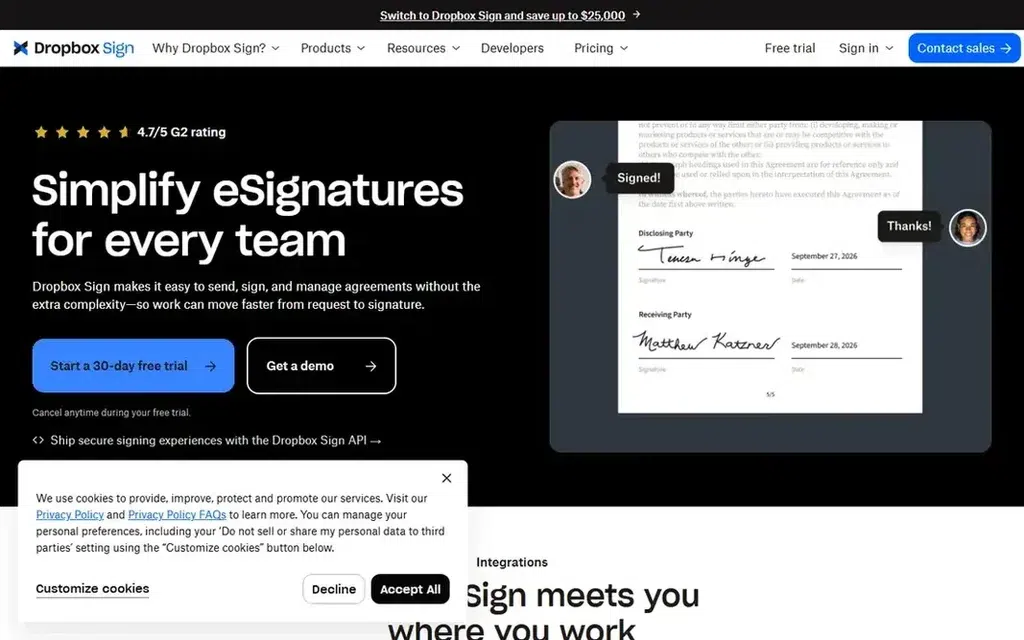
Where Dropbox Sign fits: simple, straightforward signature requests. Dropbox Sign, formerly HelloSign, concentrates on sending, receiving and managing legally binding electronic signatures. Its homepage frames the product around simplicity.
Where it is weaker: Deep customization is restricted.
In practice, the tool is oriented toward signature requests instead of full agreement lifecycle management, so clinics needing advanced workflow automation may outgrow it. Practices with complicated multi-step document processes should weigh broader systems. For a clinic, that translates to a short path from preparing a consent or intake form to collecting a patient signature, which fits front-desk staff who require a dependable routine without broad configuration. What you pay to start with Dropbox Sign: $15 USD / mo. Free plan details: Free trial.
- Handles legally binding signatures
- Straightforward send and receive workflow
- Narrower scope than full agreement systems
Pick Foxit eSign if this describes you: signing PDF and Word documents. Practices with heavy workflow requirements should compare broader platforms. On top of that, the product centers on document signing instead of full agreement lifecycle management, so clinics needing deep automation may have to combine it with other tools.
Drawbacks to consider: Less agreement management depth.
Clinics that largely circulate PDF forms, for example consent sheets and intake packets, can use it to collect signatures without changing how documents are prepared. Its homepage stresses simpler and more secure signing wherever you are. Pricing for Foxit eSign is not stated here, so ask the vendor for current figures. Free plan details: Not stated.
- Works across locations
- Send and receive signatures in one place
- Advanced needs may require another tool
Pick OneSpan Sign if this describes you: identity assurance in agreement workflows. Clinics with straightforward signing routines may find lighter tools simpler to adopt. In practice, for medical clinics, the identity assurance angle is relevant when confirming who signed a consent or financial agreement matters as much as capturing the signature itself.
The security and automation depth can translate into more setup work than a small practice wants. Its homepage notes integrations as well. OneSpan Sign shows no starting price here, so confirm the cost on the vendor site. As for free access: Not stated.
What to check first: May be more than small clinics need.
- Supports automation and smart forms
- Integration choices for existing systems
- Security focus can add complexity
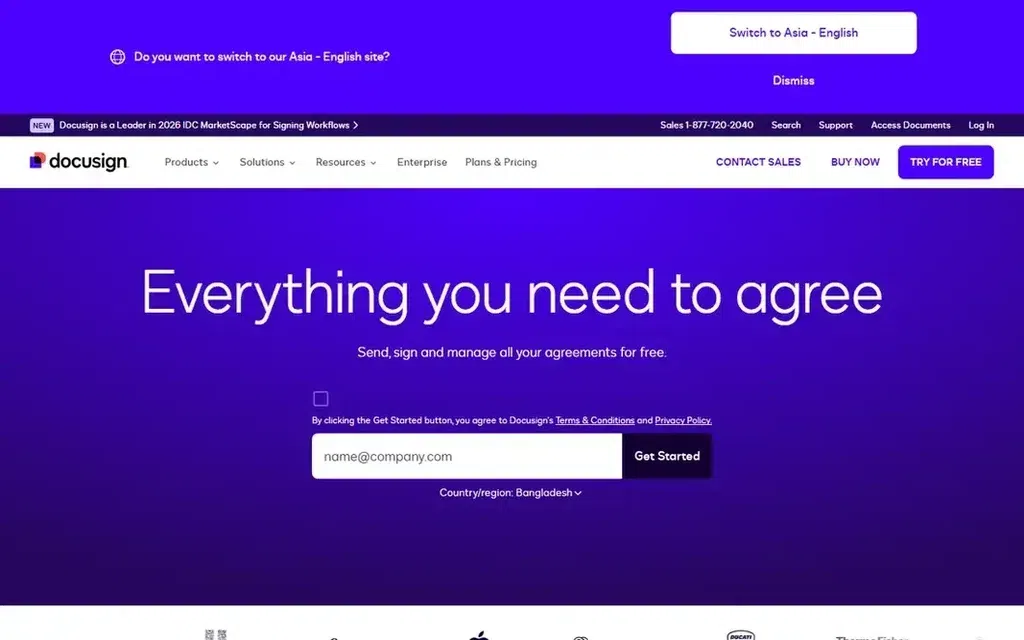
Choose DocuSign for wide agreement management in clinics. DocuSign is an electronic signature and agreement management product. Its homepage positions it around creating, committing to and managing agreements in one place, with electronic signing available.
Beyond that, clinics seeking only occasional signatures may find a more straightforward tool sufficient. Consider DocuSign when signature workflows are frequent and tied to broader document processes. The system is designed for organizations that want agreement management beyond entry-level signing, which can mean more configuration than a small practice needs. Worth adding: for a medical clinic, that means consent forms, intake documents and business agreements can move through a single, recognizable system that patients and staff likely have seen before. Entry price for DocuSign: $45 per user per month. Free plan details: Not stated.
Strengths: Deals with sending. The main drawbacks: Setup needs planning across staff.
- Widely recognized by patients
- Signing and tracking in one system
- Feature depth may exceed small clinic needs
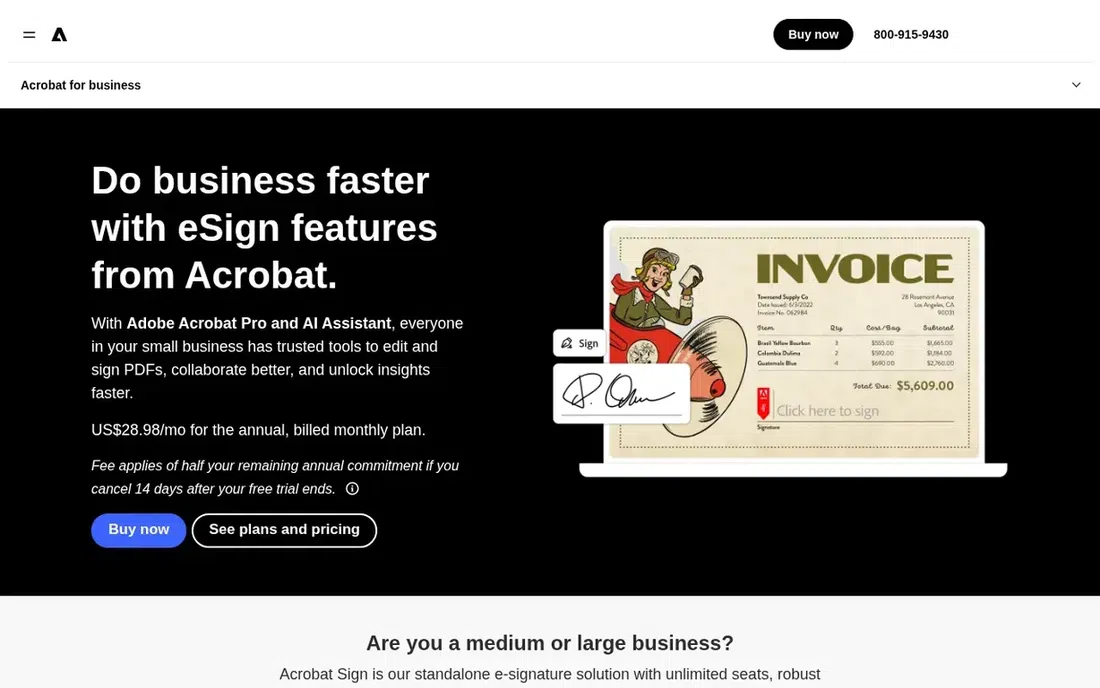
Choose Adobe Acrobat Sign for clinics already using Adobe PDF tools. Smaller practices with straightforward signing needs might prefer a lighter choice. In daily use, Adobe Acrobat Sign is Adobe's electronic signature offering for business document workflows.
For everyday use, choose Acrobat Sign when PDF-centric document handling is central to daily operations. On top of that, the value depends heavily on how much of the clinic already runs on Adobe products. Teams outside that ecosystem may not gain as much. Clinics that already prepare forms and records in Adobe Acrobat can keep signature steps close to the PDF tools staff use daily, which reduces the number of separate systems to learn. The homepage describes signing documents, collecting digital payments and accepting electronic signatures on a website. This comparison lists no price for Adobe Acrobat Sign; ask the vendor. Free options: Not stated.
Upsides: Supports electronic signatures on documents and websites.
Watch-outs: Advanced setup may need administrative help.
- Suits existing Adobe PDF workflows
- Familiar interface for Adobe users
- Best value relies on Adobe ecosystem use
How the list was put together
LinkVetted looked at what each vendor publishes: pricing, plan limits, feature coverage for E-Signature software for medical clinics and stated drawbacks. No hands-on testing is claimed. Prices and plan limits come from vendor pages and can change, so confirm them on the vendor site before you buy. Order on the page follows fit for the typical buyer first, then price transparency and free access. Your own requirements should decide the final pick.
Pre-purchase checklist
- Confirm the entry price on the vendor page. For Foxit eSign, OneSpan Sign and Adobe Acrobat Sign that means a quote rather than a fixed price.
- Take the trial from Dropbox Sign and push a live task through it before you pay.
- Read the limits listed for Dropbox Sign first: narrower scope than full agreement platforms.
- Confirm minimum seats and billing terms with Dropbox Sign before you commit to an annual plan.
- See whether Foxit eSign offers onboarding or training, and whether it is included in the price.
FAQ
What is the cheapest option for E-Signature software for medical clinics in this list?
On published monthly entry prices, DocuSign is the lowest here at $45 per user per month. Entry price is only part of the cost, because seats, add-ons and billing terms can change the total. Each of the 5 options in this E-Signature software for medical clinics guide has its own card above with the price, free plan and limits.
Can e-signature tools deal with patient consent forms?
Plenty of e-signature systems are built for sending, signing and tracking documents, which suits consent and intake forms. Clinics should confirm that the tool supports their form formats and keeps completed documents in a way that suits recordkeeping needs.
Does any tool for E-Signature software for medical clinics here have a free plan?
A permanent free plan is not offered by Dropbox Sign, Adobe Acrobat Sign or the other tools here. Dropbox Sign offer a trial. Plan a short evaluation period instead.
How are the tools for E-Signature software for medical clinics ordered?
Dropbox Sign sits first and Adobe Acrobat Sign last because the order follows typical fit for E-Signature software for medical clinics, then price clarity and free access. It is a judgement call, so read each profile for fit and limits.
How do clinics choose between straightforward and advanced e-signature tools?
Start with the volume and variety of documents the clinic signs. Mapping current processes before comparing tools helps avoid paying for features the clinic will not use.
Is Dropbox Sign the right pick for everyone comparing E-Signature software for medical clinics?
No single tool suits every team. Dropbox Sign comes first because it fits simple, straightforward signature requests, while Foxit eSign suits signing PDF and Word documents and OneSpan Sign suits identity assurance in agreement workflows. Match the tool to your own size, budget and workflow before deciding.
Sources
- https://sign.dropbox.com
- https://www.foxit.com/esign
- https://www.onespan.com/products/onespan-sign
- https://www.docusign.com
- https://www.adobe.com/sign.html