Best E-Signature APIS Software for Remote Teams in 2026: Prices, Free Plans and 5 Picks
Best e-signature apis software for remote teams, compared. 5 tools with published prices, free plans and limits. Concise write-ups of every option. No filler.
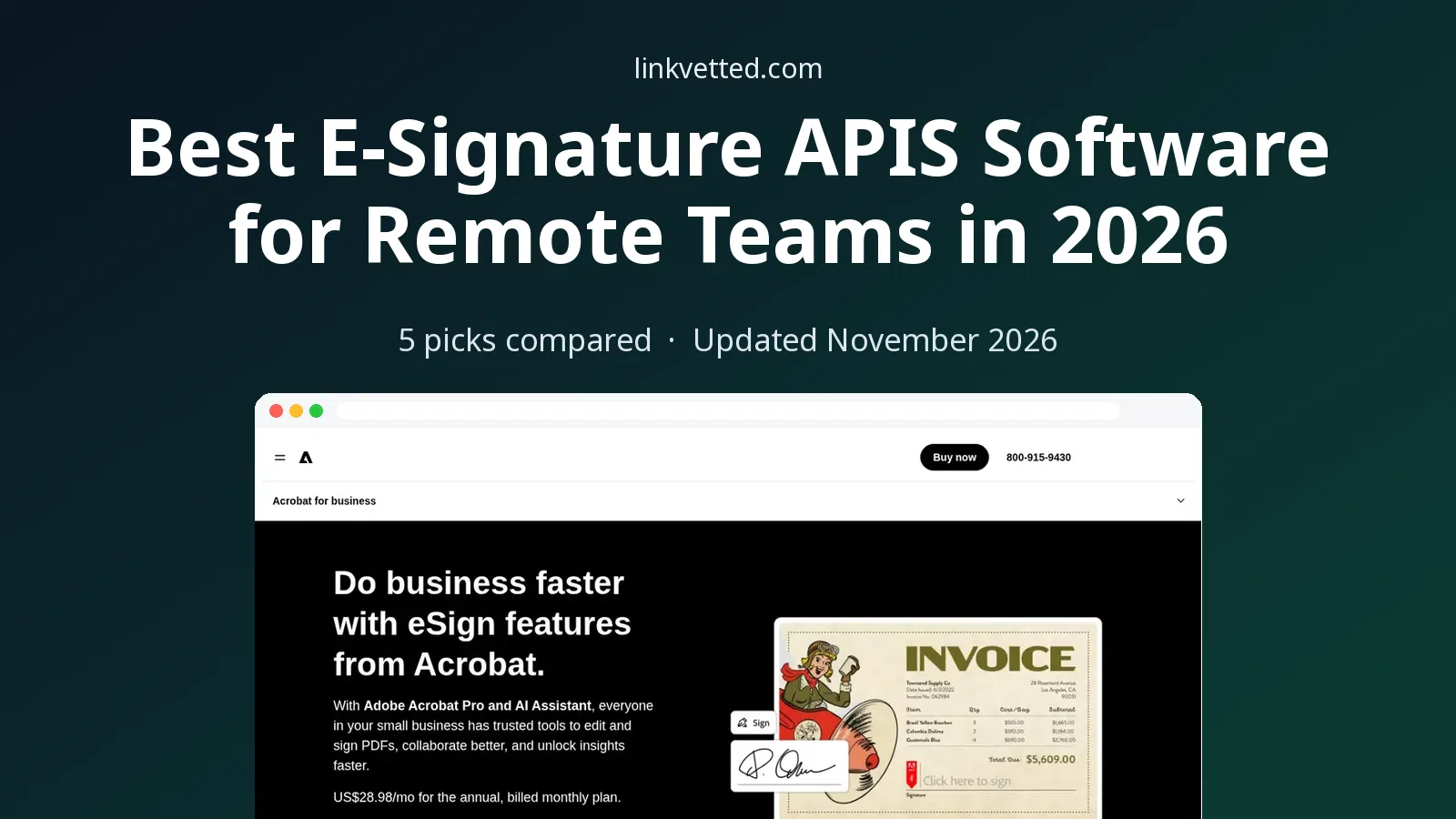
- Editor's choicePenske eSignature
Transportation-sector signing context
Starts atSee websiteVisit penske.comFull review - Great alternative
 Adobe Acrobat Sign
Teams already inside Adobe workflows
Starts atSee websiteVisit adobe.comFull review - Also consider
 Dropbox Sign
Straightforward sending and managing signatures
Starts at$15 USD / moVisit sign.dropbox.comFull review
Direct answer
Our first pick is Penske eSignature, best for transportation-sector signing context. Listed starting prices: Dropbox Sign from $15 USD / mo and SignWell from $10 a month. If your case is different, Adobe Acrobat Sign suits teams already inside Adobe workflows and Dropbox Sign suits simple sending and managing signatures. The full list of 5 tools follows, with prices and free plan facts.
TL;DR:
- Number one here is Penske eSignature, a fit for transportation-sector signing context.
- Only SignWell offers a free plan among these 5 tools.
- DocuSign eSignature suits wide integrations and mature API coverage.
- SignWell has the lowest monthly starting price in this list: $10 per month.
- One limit worth knowing about SignWell: lighter on advanced workflows.
Last checked November 2026. Prices and plan details were read from the vendors' own pages in November 2026; vendors change plans often, so confirm the current price on the vendor site before you buy.
Quick comparison
| Tool | Best for | Starts at | Free plan? | |
|---|---|---|---|---|
| Penske eSignature | Transportation-sector signing context | See website | Not stated | Visit |
| Adobe Acrobat Sign | Teams already inside Adobe workflows | See website | Not stated | Visit |
| Dropbox Sign | Straightforward sending and managing signatures | $15 USD / mo | Free trial | Visit |
 SignWell | Zero-setup signing for small teams | $10 a month | Yes | Visit |
| DocuSign eSignature | Wide integrations and mature API coverage | See website | Not stated | Visit |
E-Signature Apis Software for Remote Teams, one by one
Choosing e-signature apis software for remote teams usually comes down to price, fit and limits. This LinkVetted guide sets 5 tools side by side on those three points, with the facts kept short and checkable.
Penske eSignature
Best for: Transportation-sector signing context
For transportation-sector signing context, Penske eSignature is a natural candidate. Teams in logistics or fleet operations may encounter its e-signature offerings through those services instead of as a standalone developer API.
In practice, Penske Corporation is a closely held, diversified on-highway transportation services company whose subsidiaries include retail automotive, truck leasing, transportation logistics and related segments. Penske eSignature shows no starting price here, so confirm the cost on the vendor site. On free options: Not stated.
Where it is weaker: Restricted public e-signature detail.
- Relevant to fleet and logistics contexts
- Part of a diversified transportation company
- Not a general-purpose API vendor
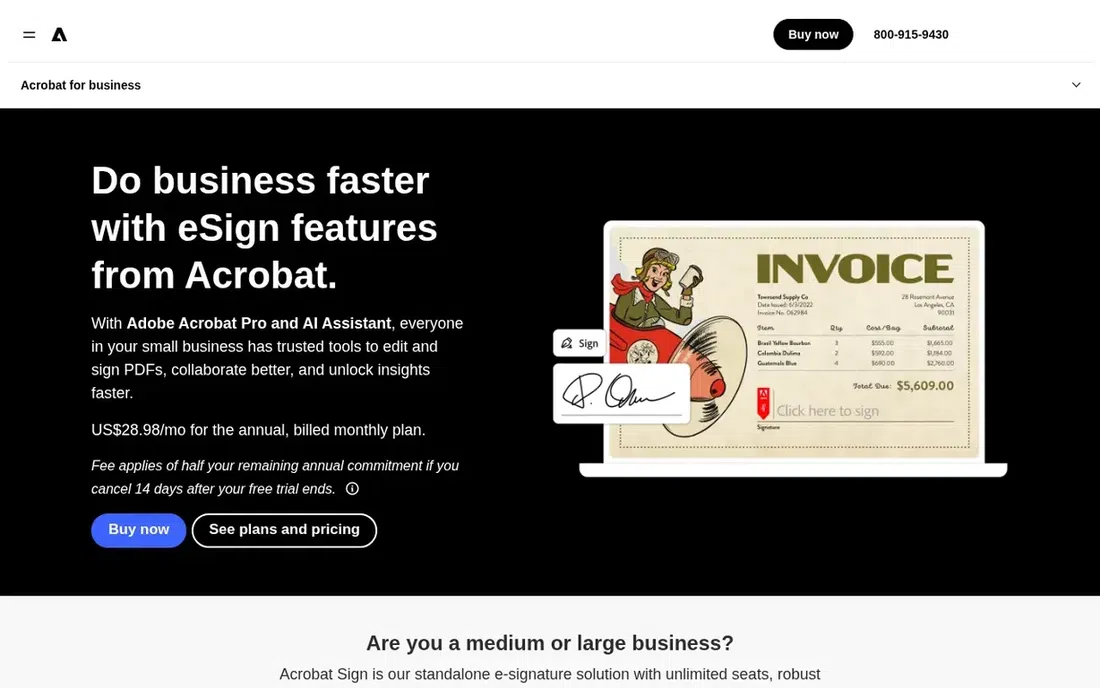
Think of Adobe Acrobat Sign for teams already inside Adobe workflows. Teams outside the Adobe ecosystem may find the surrounding product suite heavier than needed.
Trade-offs to know: Interface can feel dense.
No starting price is listed for Adobe Acrobat Sign here; confirm pricing on the vendor site. Free plan details: Not stated.
- Suits Acrobat document workflows
- Familiar to PDF-heavy teams
- Ecosystem lock-in risk
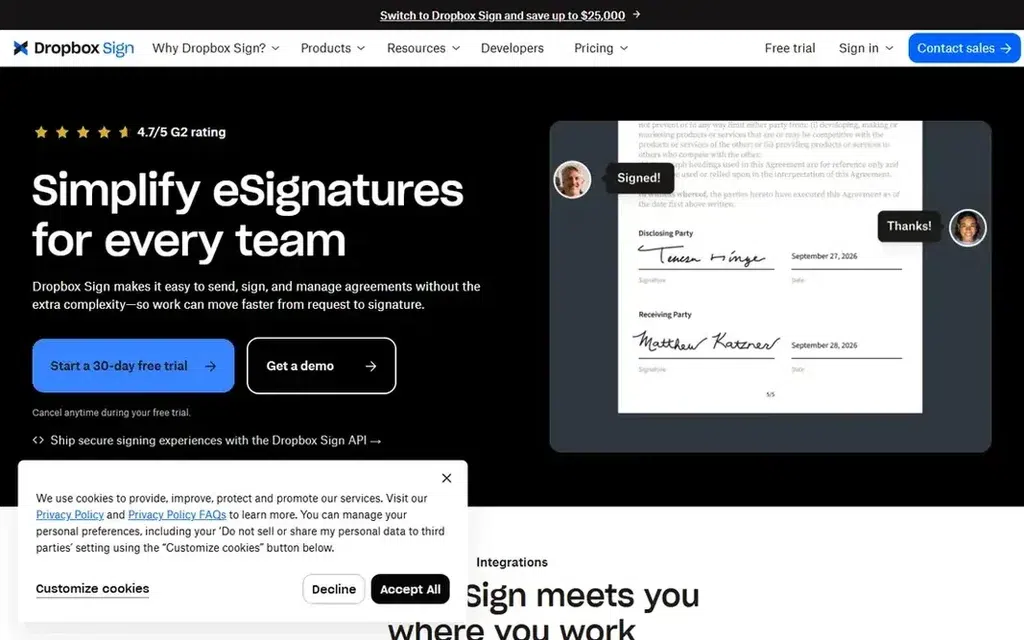
Dropbox Sign targets straightforward sending and managing signatures. Dropbox Sign, formerly HelloSign, centres on sending, receiving and managing legally binding electronic signatures. Its pitch is simplicity, which fits remote teams that want signing to work without heavy configuration.
Trade-offs to know: Fewer deep workflow choices.
Beyond that, teams already storing documents in Dropbox may find the fit natural. Teams needing complicated conditional routing or deep customization may find it less adaptable than bigger systems. Price to start with Dropbox Sign: $15 USD / mo. On free options: Free trial.
- Well known
- Formerly HelloSign
- Best value inside Dropbox use
SignWell is designed for zero-setup signing for small teams. SignWell markets electronic signature software built around zero-setup signing and quicker document turnaround.
Reasons to shortlist it: Aims to cut turnaround time.
Honest limits: Lighter on advanced workflows. Also, the emphasis is on simplicity instead of deep customization. For everyday use, teams needing complicated routing, identity assurance or deep integrations may outgrow it. The starting price for SignWell: $10 per month. Free access exists with SignWell.
- Positions around quick setup
- Straightforward signing experience
- Smaller integration footprint
DocuSign eSignature
Best for: Wide integrations and mature API coverage
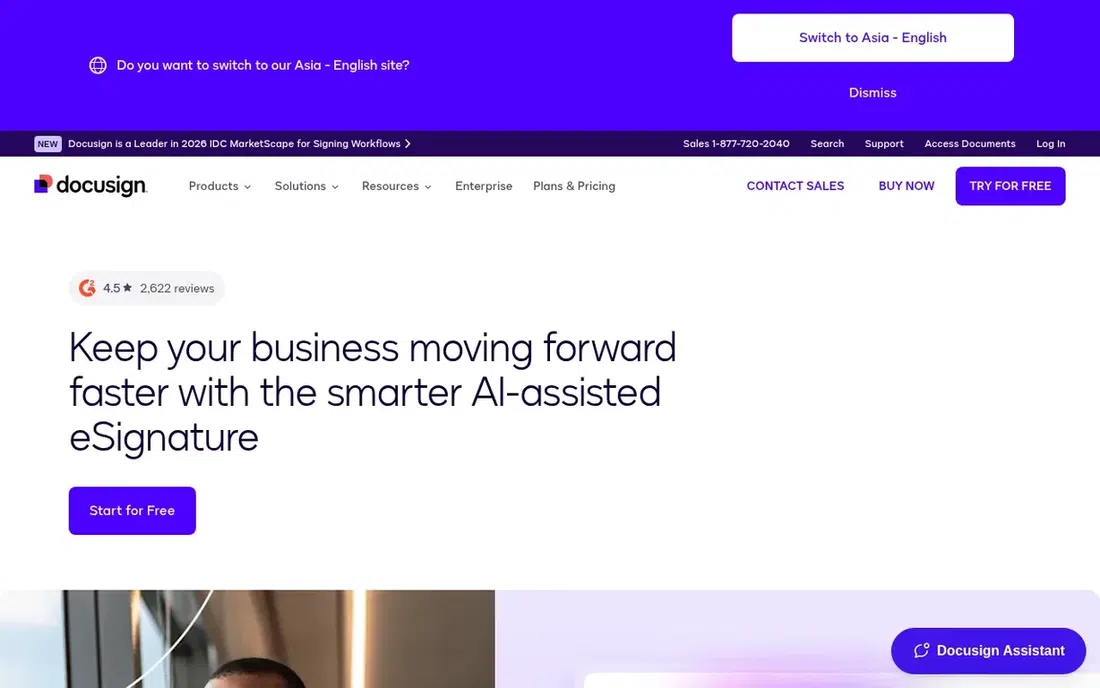
DocuSign eSignature is designed for wide integrations and mature API coverage. DocuSign eSignature is the flagship electronic signature product from Docusign, positioned around sending and signing agreements.
Watch-outs: Configuration takes planning.
If your needs are straightforward, a lighter tool for example SignWell or Dropbox Sign may get you moving quicker. This comparison lists no price for DocuSign eSignature; ask the vendor. As for free access: Not stated.
- Solid developer documentation
- Widely recognized e-signature brand
- Feature depth can feel complex
How these tools were picked
The comparison looks at four things: starting price, free access, how well the feature set matches e-signature apis software for remote teams, and the main limit of each tool. Treat prices as a snapshot: vendors change plans often, so check the vendor site for the figure that applies today. Tools are placed by general fit for e-signature apis software for remote teams, with price clarity and free access as tie-breakers. A different team can reasonably rank them differently.
Before you commit
- Get a written quote from Penske eSignature, Adobe Acrobat Sign and DocuSign eSignature; the list shows no starting price for them.
- Test the free plan from SignWell against your real workload before relying on it.
- Run a trial of Dropbox Sign with real work before paying for a year; your own workflow is the best test.
- Before choosing Penske eSignature, weigh its main limit: not a general-purpose API vendor.
- Map your must-have features to a specific Adobe Acrobat Sign plan before you compare prices.
- Price Dropbox Sign for your actual team size; headline prices rarely include add-ons or overage.
FAQ
What is the cheapest option for e-signature apis software for remote teams in this list?
On published monthly entry prices, SignWell is the lowest here at $10 per month. Entry price is only part of the cost, because seats, add-ons and billing terms can change the total.
How are the e-signature apis software for remote teams ordered?
The order follows typical fit for e-signature apis software for remote teams, with Penske eSignature first and DocuSign eSignature last, then price clarity and free access. It is editorial judgement, not a score, so another team could rank the tools differently.
Which e-signature apis software for remote teams have a free plan?
SignWell is the only tool in this list with a free plan. Free plans usually cap users, projects or features, so check the limits on the vendor page. One other tool offers a trial instead.
Can I try these tools before paying?
Often, yes. SignWell has a free plan and Dropbox Sign offers a free trial. Use your own data and a real task during the test, and check what the free tier or trial limits before you rely on it.
What should remote teams look for in an e-signature API?
Prioritize documented API coverage, clear authentication choices and reliable webhook or callback support so your systems stay in sync. Also check identity verification and audit trail features, since remote signing frequently needs more solid proof of who signed.
Sources
- https://www.penske.com
- https://www.adobe.com/sign.html
- https://sign.dropbox.com
- https://www.signwell.com
- https://www.docusign.com/products/electronic-signature