The 5 Best Drag and Drop App Builder Software for Remote Teams in 2026, Ranked
Comparing the best drag and drop app builder software for remote teams? 5 contenders, each with entry cost, free tier and best-fit buyer. Numbers first.

- Editor's choice
 Airtable
Workflows and apps around structured data
Starts at$20 per user a monthVisit airtable.comFull review - Great alternative
 Glide
Quick internal apps from spreadsheets
Starts at$25 per monthVisit glideapps.comFull review - Also consider
 Bubble
Visual building with deeper logic control
Starts atSee websiteVisit bubble.ioFull review
Direct answer
Airtable comes first here, mainly for workflows and apps around structured data. Listed starting prices: Airtable from $20 per user a month, Glide from $25 per month and Adalo from $65 a month. Glide is better for quick internal apps from spreadsheets, and Bubble is better for visual building with deeper logic control. All 5 tools are compared below on price, free plan and limits.
TL;DR:
- Airtable takes the first slot, best suited to workflows and apps around structured data.
- Free plans exist at 4 of 5 tools (Airtable, Glide, Adalo, Webflow).
- Webflow fits design-led sites with CMS and hosting.
- Before buying Bubble, weigh this: ramp-up time for advanced logic.
- The cheapest monthly starting price in the list is $15 per month, offered by Webflow.
Last checked November 2026. Prices and plan details were read from the vendors' own pages in November 2026; vendors change plans often, so confirm the current price on the vendor site before you buy.
Quick comparison
| Tool | Best for | Starts at | Free plan? | |
|---|---|---|---|---|
| Airtable | Workflows and apps around structured data | $20 per user a month | Yes | Visit |
| Glide | Quick internal apps from spreadsheets | $25 per month | Yes | Visit |
| Bubble | Visual building with deeper logic control | See website | Not stated | Visit |
 Adalo | Native mobile apps from one project | $65 a month | Yes | Visit |
 Webflow | Design-led sites with CMS and hosting | $15 a month | Yes | Visit |
Drag and Drop App Builder Software for Remote Teams, one by one
Short on time? The summary and table above give the quick view of 5 drag and drop app builder software for remote teams, and the profiles that follow give the detail behind each entry.
Where Airtable fits: workflows and apps around structured data. Airtable is noted for enterprise-ready AI workflows, apps and agents, with live collaboration and automation of repetitive tasks built around structured data.
Drawbacks to consider: Not a pure visual site designer.
Remote teams that already organize work in tables can layer app interfaces and automations on top of the same records. Entry price for Airtable: $20 per user per month. Free access exists with Airtable.
- Live collaboration on shared data
- Builds apps and agents on top of data
- Complicated bases need thoughtful structure
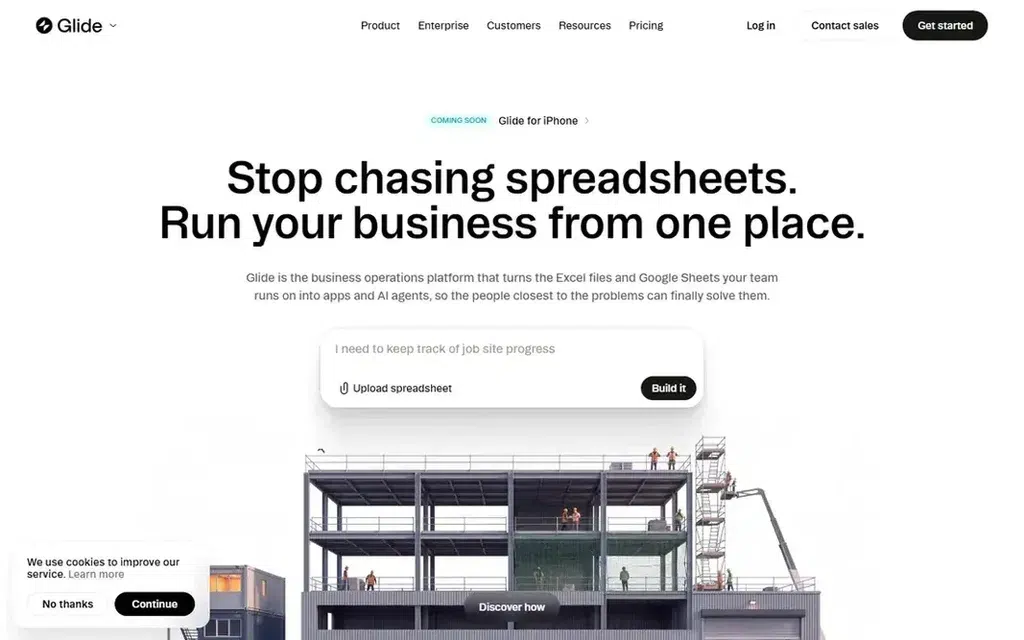
Glide makes the most sense for quick internal apps from spreadsheets. Check how your data sources and permissions map to your workflow before deciding.
Points against: Less pitched at public-facing sites.
In practice, Glide is oriented toward internal business use, so teams needing a public marketing site or highly custom consumer app may want another system. Glide starts at: $25 per month. A free plan is available with Glide.
- Custom business apps and agents
- Ready in minutes per vendor description
- Best suited to internal business apps
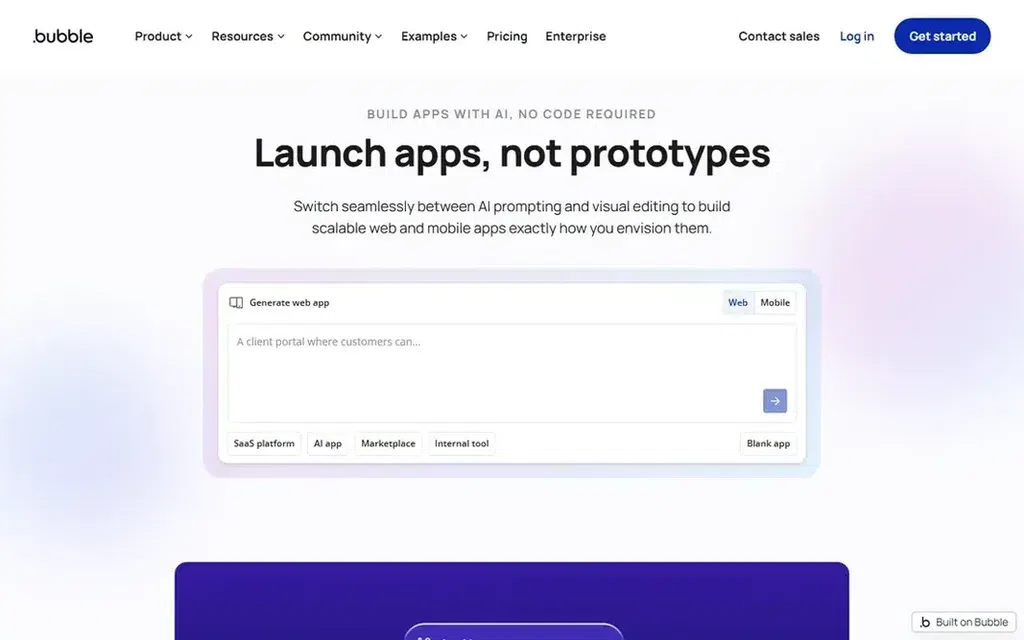
Bubble is built with visual building with deeper logic control in mind. The system includes design, database, logic and privacy rules in one environment, which fits remote teams that want to move from idea to a launched app whereas keeping control over how data and permissions work.
Also, the tradeoff is depth: teams with complicated requirements may find the ramp-up time steeper than more straightforward builders, and very advanced needs can call for technical help. No starting price is listed for Bubble here; confirm pricing on the vendor site. As for free access: Not stated.
Where it shines: AI-assisted building plus visual editing.
Trade-offs to know: Ramp-up time for advanced logic.
- Supports web and mobile app projects
- Logic and privacy rules
- Complicated apps need careful planning
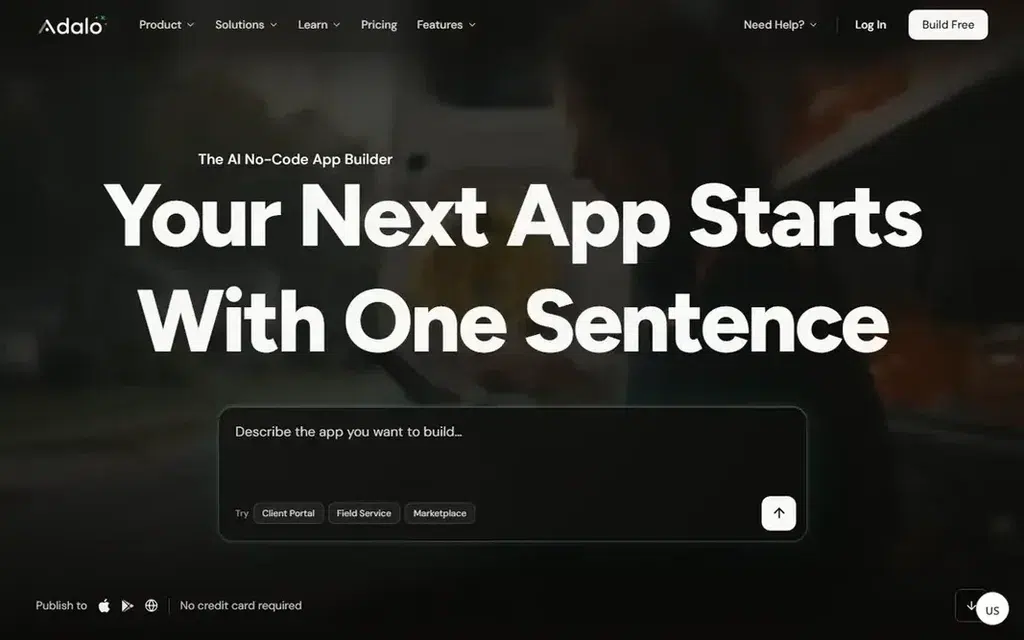
Adalo works best for native mobile apps from one project. Since the product leans mobile-first, teams building heavily web-based internal tools may prefer a different tool.
Where it falls short: Complicated custom logic can be restricted.
Worth adding: very custom logic and unusual integrations are worth checking against your requirements before committing. Adalo describes itself as an AI no-code app builder for iOS, Android and web. Adalo cost at the entry level: $65 per month. You can start on Adalo without paying.
- Android and web from one project
- Builds iOS
- Mobile-first focus may not suit all web needs
Webflow targets design-led sites with CMS and hosting. Webflow presents itself as an agentic web product for modern companies, handling design, build, optimization and AI search visibility with enterprise-grade security, CMS and hosting built in.
Remote design and marketing teams that want pixel-level control over a public site frequently gravitate here. Also, Webflow is oriented toward websites and content instead of internal business apps, and beginners may find the ramp-up time steeper than more straightforward builders. Webflow cost at the entry level: $15 per month. Webflow includes a free tier.
Upsides: Visual design and build environment; hosting and security built in.
Trade-offs to know: Steeper ramp-up time for beginners.
- Optimization and AI search features
- CMS
- Less suited to internal tool building
Selection criteria
The comparison looks at four things: starting price, free access, how well the feature set matches drag and drop app builder software for remote teams, and the main limit of each tool. Prices and plan limits come from vendor pages and can change, so confirm them on the vendor site before you buy. The order reflects how well each tool fits the most common buying scenario for drag and drop app builder software for remote teams, then price clarity, then free plan access. It is a starting point, not a verdict.
What to confirm before you sign up
- Ask Bubble for a written quote, since no starting price is shown.
- Read the fine print on the free plans from Airtable, Glide, Adalo and Webflow; seat, project and feature caps differ.
- Before choosing Airtable, weigh its main limit: not a pure visual site designer.
- Find out whether the entry plan of Airtable covers your must-haves or only a trimmed-down version.
- Let daily users try Bubble on real work; their feedback beats any feature checklist.
FAQ
Can I try these tools before paying?
Often, yes. Airtable, Glide, Adalo and Webflow have a free plan. Use your own data and a real task during the test, and check what the free tier or trial limits before you rely on it.
What is the cheapest option for drag and drop app builder software for remote teams in this list?
On published monthly entry prices, Webflow is the lowest here at $15 per month. Entry price is only part of the cost, because seats, add-ons and billing terms can change the total. Each of the 5 options in this drag and drop app builder software for remote teams guide has its own card above with the price, free plan and limits.
Do these tools publish their prices?
Not all of them. Bubble publishes no starting price, so expect a quote request for it. The rest, Airtable included, show a starting price, though seats and billing terms still change the final cost. All 5 picks in this drag and drop app builder software for remote teams comparison list a starting price, free plan details and the main limits on their cards above.
How are the drag and drop app builder software for remote teams ordered?
Airtable sits first and Webflow last because the order follows typical fit for drag and drop app builder software for remote teams, then price clarity and free access. It is a judgement call, so read each profile for fit and limits.
Which builder is a good match for a remote team without developers?
Airtable comes first here and is built for workflows and apps around structured data. Buyers with other needs may prefer Glide (for quick internal apps from spreadsheets) or Bubble (for visual building with deeper logic control). Compare costs and limits first.
Sources
- https://www.airtable.com
- https://www.glideapps.com
- https://bubble.io
- https://www.adalo.com
- https://webflow.com