Best Drag and Drop App Builder Software for Small Business in 2026: 5 Tools Compared
Best drag and drop app builder software for small business: 5 tools compared on price, free plans and fit. Honest caveats for every entry. Facts only.
- Editor's choice
 Zoho Creator
Custom apps and workflows in Zoho
Starts atSee websiteVisit zoho.comFull review - Great alternative
 Adalo
Native mobile and web publishing
Starts at$65 a monthVisit adalo.comFull review - Also consider
 Caspio
Compliance-minded custom business apps
Starts at$270 per monthVisit caspio.comFull review
Direct answer
If you need custom apps and workflows in Zoho, Zoho Creator is the first tool to look at here. Listed starting prices: Adalo from $65 a month, Caspio from $270 per month and Glide from $25 per month. Alternatives: Adalo for native mobile and web publishing, and Caspio for compliance-minded custom business apps. The full list of 5 tools follows, with prices and free plan facts.
TL;DR:
- The list opens with Zoho Creator, aimed at custom apps and workflows in Zoho.
- Starting prices begin at $25 per month with Glide.
- Only 2 of the 5 tools have a free plan (Adalo, Glide), so check the caps.
- Bubble is the one to check for visual building with room to grow.
- A fair warning about Adalo: native publishing brings setup steps.
Last checked November 2026. Prices and plan details were read from the vendors' own pages in November 2026; vendors change plans often, so confirm the current price on the vendor site before you buy.
Quick comparison
| Tool | Best for | Starts at | Free plan? | |
|---|---|---|---|---|
| Zoho Creator | Custom apps and workflows in Zoho | See website | Not stated | Visit |
| Adalo | Native mobile and web publishing | $65 a month | Yes | Visit |
| Caspio | Compliance-minded custom business apps | $270 per month | Free trial | Visit |
 Glide | Quick internal business apps | $25 per month | Yes | Visit |
 Bubble | Visual building with room to grow | See website | Not stated | Visit |
Our 5 picks for drag and drop app builder software for small business
LinkVetted put together this guide to drag and drop app builder software for small business for readers who want a clear shortlist without reading every vendor page. It compares 5 tools on starting price, free plans, who each one suits and where each one falls short.
Zoho Creator works best for custom apps and workflows in Zoho. Zoho Creator is an AI app development system that helps companies build custom applications, agents and workflows securely.
What to check first: Custom logic takes configuration.
The product is most natural for teams already invested in Zoho, and custom logic takes configuration instead of a fast drag. No starting price is listed for Zoho Creator here; confirm pricing on the vendor site. On free options: Not stated.
- Workflow building in the same place
- AI app development product
- Most natural for Zoho users
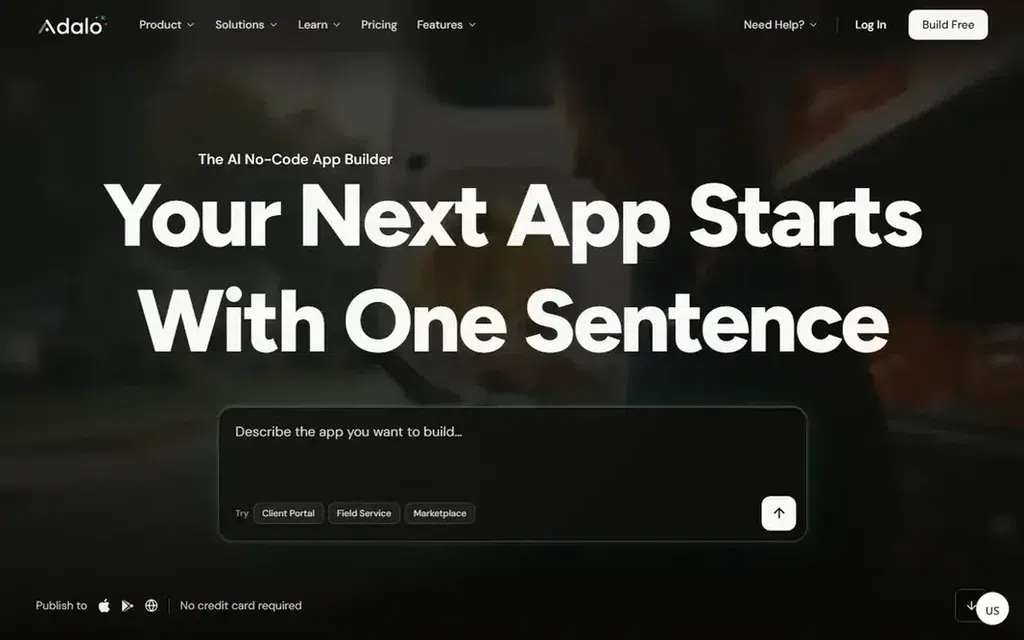
For native mobile and web publishing, Adalo is a natural candidate. If your app is chiefly an internal dashboard instead of a mobile product, a spreadsheet-driven builder may be more straightforward. Worth adding: Adalo is an AI no-code app builder for iOS, Android and web.
Its homepage says you can describe your app and Ada builds the screens, data and logic, then publish native apps for phones and the web from one project, no code required. Beyond that, publishing native apps typically brings store and product setup steps, and deep custom logic can push against a visual builder's limits. What you pay to start with Adalo: $65 per month. Adalo offers a free plan.
Drawbacks to consider: Complicated logic may need workarounds.
- Android and web apps
- Describe an app and Ada builds screens
- Native publishing brings setup steps
Caspio is built with compliance-minded custom business apps in mind. If you just want a fast internal tool, a more straightforward builder may be the quicker route.
Points against: Compliance focus layers on complexity.
Best features of Caspio: Certified HIPAA.
Caspio pricing: $270 per month. Trial and free access: Free trial.
- Unlimited users on the system
- SOC 2 Type II and GDPR compliance
- Enterprise framing may exceed small needs
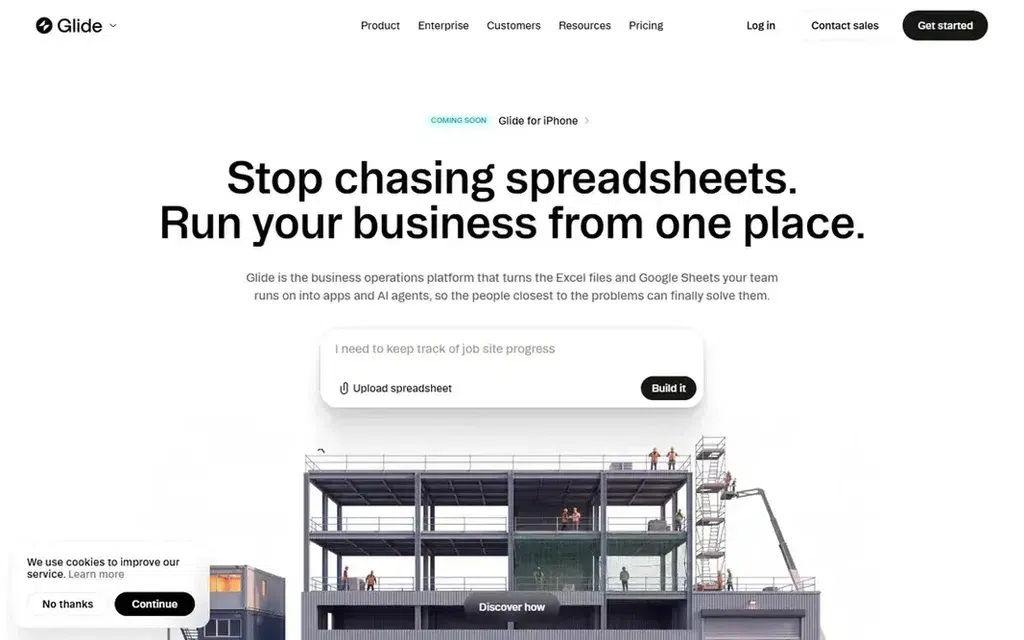
In short, Glide is for quick internal business apps. Glide describes itself as an AI app builder for internal business apps, letting you build custom apps and agents with AI from a spreadsheet or a prompt, ready in minutes instead of months.
Drawbacks to consider: Centred on internal instead of public apps.
On top of that, since Glide is framed around internal business apps, it may not be the right pick when you need a public-facing product. What you pay to start with Glide: $25 per month. A free plan is available with Glide.
- Builds from a spreadsheet or a prompt
- Apps and agents from the same builder
- Spreadsheet structure shapes the result
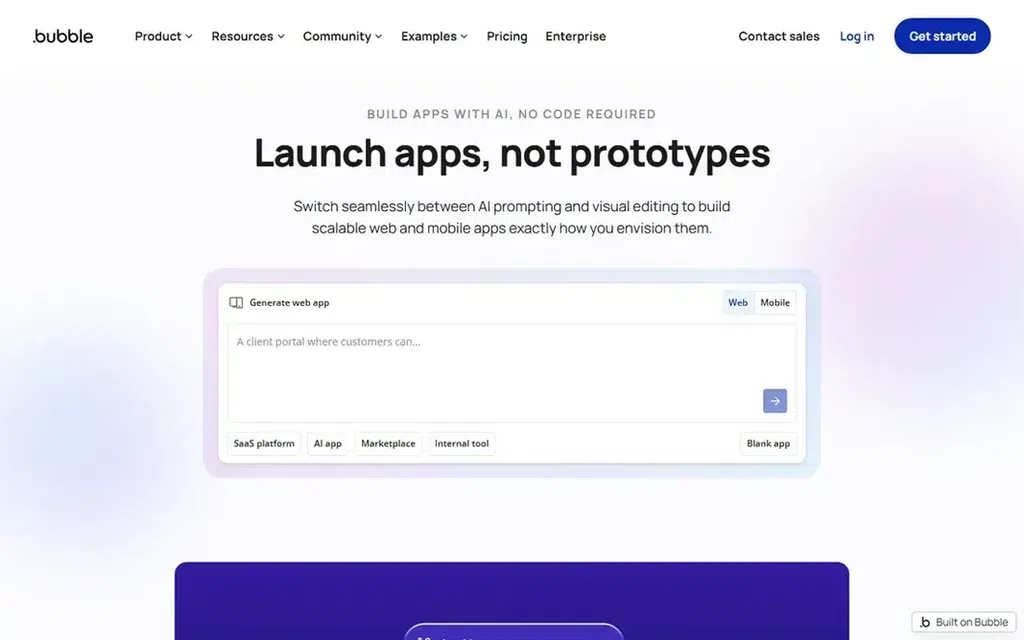
Choose Bubble for visual building with room to grow. Bubble positions itself as a no-code AI app builder where you can start with AI for speed and then edit visually for precision.
In practice, the homepage flags design, database, logic and privacy rules as core building blocks. For everyday use, if you only need a straightforward internal form or a sheet-driven tool, a lighter builder may get you there quicker. Bubble does not show a starting price in this comparison, so check the vendor site for current pricing. On free options: Not stated.
Limits to weigh: Logic depth takes learning time.
What works well: Manages database.
- Web and mobile app building
- Logic and privacy rules
- Complicated apps need careful structure
How we chose
Each tool was reviewed on what its vendor publishes: price, plan limits, core features and stated drawbacks. We did not run hands-on tests. Where a vendor does not publish a price, the entry says quote. Where a price depends on seats or billing term, the entry says so. Tools are placed by general fit for drag and drop app builder software for small business, with price clarity and free access as tie-breakers. A different team can reasonably rank them differently.
Before you commit
- Confirm the entry price on the vendor page. For Zoho Creator and Bubble that means a quote rather than a fixed price.
- Check what the free option really includes: Adalo and Glide offer a free plan, and usage caps differ.
- Take the trial from Caspio and push a live task through it before you pay.
- Before choosing Zoho Creator, weigh its main limit: most natural for Zoho users.
- Make sure Adalo lets you export your data in a format another tool can read.
- Let daily users try Caspio on real work; their feedback beats any feature checklist.
FAQ
Which options for drag and drop app builder software for small business have a free plan?
Adalo and Glide offer a free plan in this list. Free plans usually cap users, projects or features, so check the limits on the vendor page. One other tool offers a trial instead.
What should I check before choosing a builder?
If your field is regulated, verify that compliance certifications match your needs, and test a small app first to judge the ramp-up time.
Can I try these tools before paying?
Often, yes. Adalo and Glide have a free plan and Caspio offers a free trial. Use your own data and a real task during the test, and check what the free tier or trial limits before you rely on it.
Is Zoho Creator the right pick for everyone comparing drag and drop app builder software for small business?
No single tool suits every team. Zoho Creator comes first because it fits custom apps and workflows in Zoho, while Adalo suits native mobile and web publishing and Caspio suits compliance-minded custom business apps. Match the tool to your own size, budget and workflow before deciding.
Do these tools publish their prices?
Not all of them. Zoho Creator and Bubble publish no starting price, so expect a quote request for those. The rest, Adalo included, show a starting price, though seats and billing terms still change the final cost.
Sources
- https://www.zoho.com/creator
- https://www.adalo.com
- https://www.caspio.com
- https://www.glideapps.com
- https://bubble.io