Best Dynamic Security Testing for Cloud Apps in 2026: 9 Tools Compared
For best dynamic security testing for cloud apps, we compare 9 authorized DAST tools, prices, pipeline options and limits for teams that test their own apps.
- Editor's choice
 ZAP
Free baseline scanning
Starts atFreeVisit zaproxy.orgFull review - Great alternative
 Burp Suite Professional
Hands-on manual testing
Starts atSee websiteVisit portswigger.netFull review - Also consider
 Invicti
Proof-checked enterprise scans
Starts atSee websiteVisit invicti.comFull review
TL;DR:
- Dynamic testing scans a running cloud app, so it finds flaws that only show up when the app is live, such as broken authentication and injection issues.
- ZAP is the best free starting point, while Burp Suite Professional suits hands-on testers and Invicti suits teams that need proof-checked results at scale.
- StackHawk is the strongest fit for small teams that want scans inside their deployment pipeline without a large security team.
- Only test apps you own or have written permission to test. Scanning someone else's app without permission is not authorized testing.
Quick comparison
| Tool | Best for | Starts at | Free plan? | |
|---|---|---|---|---|
| ZAP | Free baseline scanning | Free | Yes | Visit |
| Burp Suite Professional | Hands-on manual testing | See website | Free trial | Visit |
| Invicti | Proof-checked enterprise scans | See website | No | Visit |
 Acunetix | Mid-size teams and compliance reports | See website | Free trial | Visit |
 StackHawk | Pipeline scans for developers | $10 per user per month | Yes | Visit |
 Bright Security | Developer-led API and web scans | See website | Free trial | Visit |
 Qualys Web App Scanning | Large estates with Qualys already in place | See website | No | Visit |
 Tenable Web App Scanning | Teams using Tenable for exposure management | See website | Free trial | Visit |
 Detectify | External attack surface plus app scans | See website | Free trial | Visit |
The best dynamic security testing for cloud apps
Dynamic application security testing, often called DAST, tests a running app from the outside, the way an attacker would. That approach suits cloud apps well, because it checks the deployed version, including its configuration, authentication and cloud front door, not just the source code. The tools below are for apps you own or are authorized to test, and each one notes where it fits best.
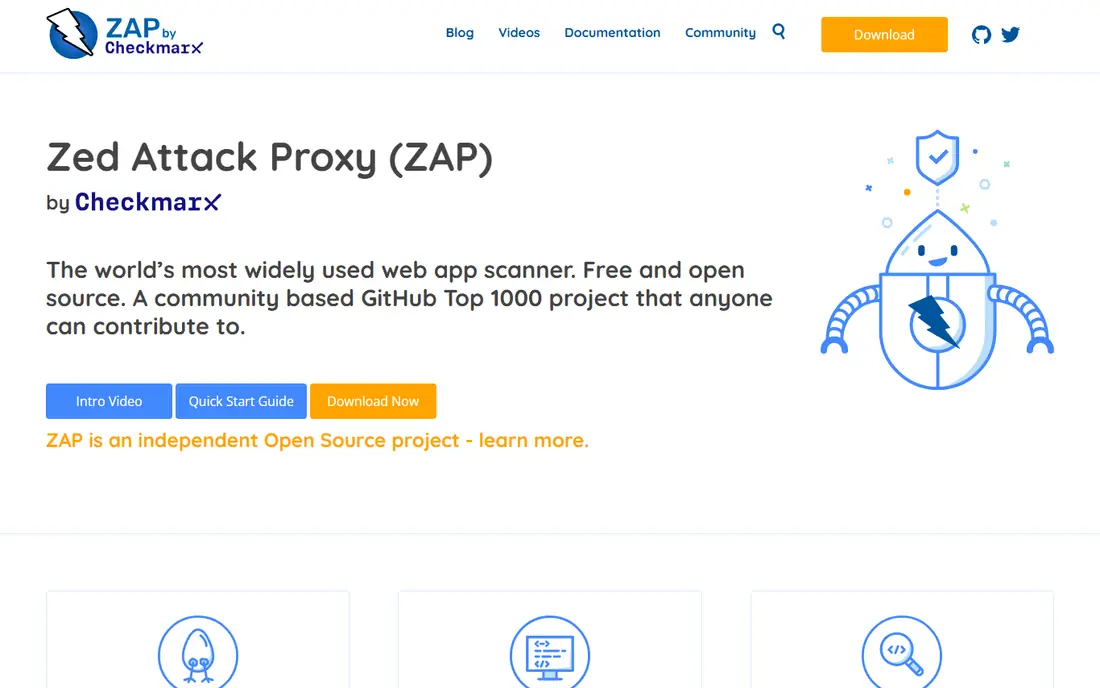
ZAP, formerly known as OWASP ZAP and now maintained as ZAP by Checkmarx, is the tool we suggest first for teams with no DAST budget. Its baseline scan spiders a running app and runs passive checks, which makes it safe to add to a pipeline early. The Automation Framework, Docker images and GitHub Actions cover most common setups without a paid license.
The cost of free is time. ZAP reports need review, and active scans need careful scope limits so they do not hit production data or third-party services. Teams with security skills get good value here. Teams that need polished reports and a support line should look at the paid tools below.
- Free and open source
- Strong automation and Docker support
- Large add-on library
- Needs tuning to cut false positives
- No vendor support contract
Burp Suite Professional is the standard tool for a tester who drives the scan by hand. Its proxy lets you inspect and change requests, its repeater lets you test one request in detail, and its scanner helps when you want automation on top of manual work. For cloud apps with complex login flows, multi-step forms or role-based access, that manual control finds issues that a fully automated scan can miss.
The limit is scale. Burp Pro is built around a person, not a fleet of nightly scans across hundreds of apps. Pricing is per user, so a large team pays for each tester. Pair it with a pipeline scanner such as ZAP or StackHawk if you need both manual depth and regular automated coverage.
- Best manual proxy and repeater workflow
- Large extension store
- Trusted by testers
- Automated scanning needs tester time
- Per-user pricing adds up
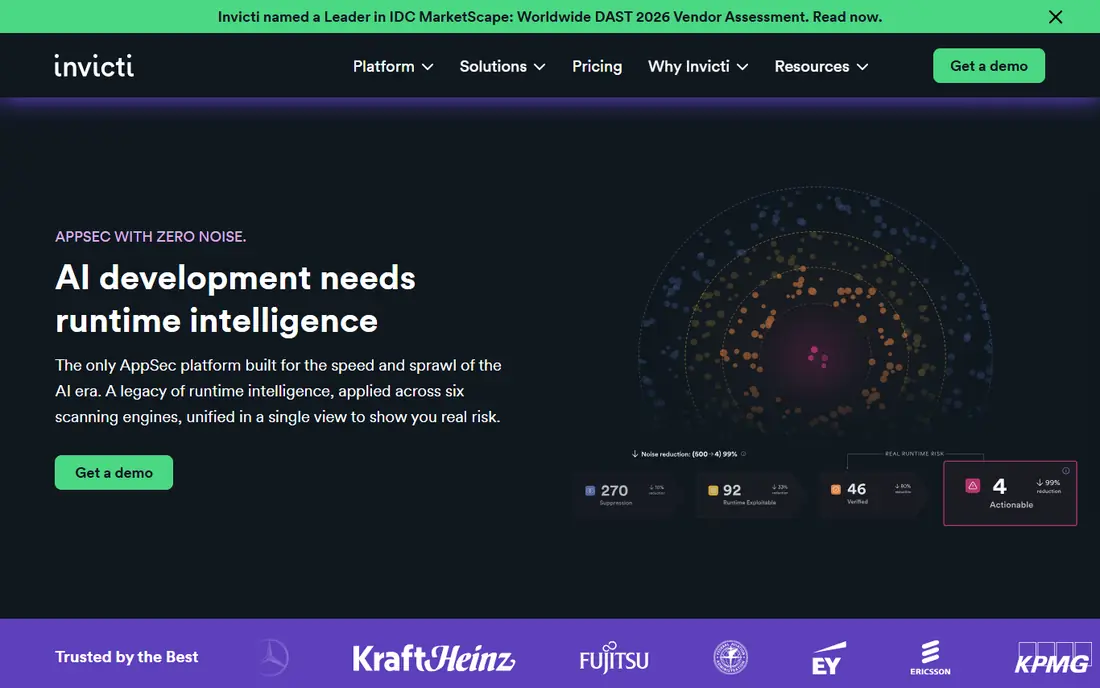
Invicti suits larger teams that scan many cloud apps and need results they can send to engineering without long triage. Its proof-based approach tries to confirm a finding before reporting it, which reduces wasted time on false alarms. It handles JavaScript-heavy apps, API definitions and complex authentication better than most free tools.
The price model is the barrier for small teams. Invicti is sold by quote, usually per target, and entry costs run well above a single tester tool. If you manage a handful of apps and have a small budget, start with ZAP or StackHawk. If you manage dozens of apps and need audit-ready reports, Invicti is worth a sales conversation.
- Proof-based checks cut false positives
- Strong API scanning
- Compliance reporting
- Quote-based pricing
- Heavier setup for small teams
Acunetix, part of the Invicti family, targets mid-size teams that want guided scans and reports without enterprise complexity. Its login recorder handles form-based authentication, and its reports map findings to common compliance frameworks, which helps when security work must be shown to auditors or customers. Scan speed is good on typical cloud apps.
The trade-off is depth for manual testers. Acunetix is an automated scanner first, so it will not replace Burp for hands-on testing of business logic. Pricing is per target, so count your apps and APIs before you budget. For a team that wants regular scans with little tuning, it is a solid middle option.
- Fast scans
- Built-in login recording
- Clear compliance reports
- Per-target pricing
- Less manual testing depth than Burp
StackHawk wraps proven scanning into a developer-friendly pipeline tool, and its pricing is refreshingly clear for this market. The entry plan starts at $10 per user per month, with no per-app charge, which makes budgeting simple for a small team. Scans run in CI, findings link back to the code change, and the docs assume a developer reader rather than a security specialist.
The limit is enterprise scale. Large teams that need deep compliance reporting, complex multi-team permissions or very large scan volumes may outgrow StackHawk. For a product team that wants a scan on every deployment and a fix list engineers will actually read, it is our pick in this price range.
- Built for CI pipelines
- Clear per-user pricing
- Good docs for developers
- Less enterprise reporting than Invicti
- Smaller feature set for large estates
Bright Security focuses on the API-heavy cloud apps that now make up much of modern software. It scans web apps and APIs from definitions and recorded traffic, and it generates tests for logic issues that simple crawlers miss. The workflow is built for developers, with findings tied to requests and clear steps to reproduce them.
The main check is pricing transparency. Paid plans are quote-led for larger use, so small teams should use the trial to confirm cost before building a pipeline around it. If your cloud app is mostly APIs, Bright is worth testing beside StackHawk. If your app is mostly classic web pages, the older tools may fit better.
- Strong API scanning
- AI-assisted test generation
- Developer-focused workflow
- Quote-led pricing for larger use
- Newer brand than Burp or Invicti
Qualys Web App Scanning makes most sense when Qualys already covers your cloud assets, vulnerabilities and compliance work. Adding web app scans keeps results in one console and one reporting flow, which helps large teams that report to security leadership. Scheduled scans and asset grouping suit estates with many apps.
On its own, Qualys is not the friendliest first DAST tool. The console assumes enterprise security staff, and pricing is by quote. Teams that do not already use Qualys will usually find a simpler tool faster to adopt. Teams that do use Qualys gain consistency by staying in the same platform.
- Fits existing Qualys programs
- Broad asset coverage
- Scheduled scans
- Interface feels enterprise-heavy
- Pricing by quote
Tenable Web App Scanning fits teams that already track exposure across cloud, network and identity in Tenable. Web findings sit beside other risk data, which helps prioritize a critical app flaw over a low-risk issue elsewhere. Dashboards are clear, and scheduled scans run without much daily care.
The same caveat as Qualys applies: if you do not already use Tenable, the value of staying in one platform is smaller. Pricing is by quote, and manual testing depth is limited. As a pipeline scanner for a Tenable shop, it is a natural fit. As a standalone first tool, StackHawk or ZAP is simpler.
- Ties web findings to exposure data
- Good scheduling
- Clear dashboards
- Quote-based pricing
- Less manual depth than Burp
Detectify pairs app scanning with external attack surface monitoring, which suits cloud teams that worry about forgotten subdomains and exposed services as much as app flaws. Its checks draw on a crowdsourced ethical hacker network, so new vulnerability patterns appear faster than in a purely automated engine. Setup is quick, and the first scans need little tuning.
Depth is the limit. Detectify is not a manual testing toolkit, so complex business logic flaws still need a tester with Burp or ZAP. Pricing is by quote, so use the trial to confirm the cost for your domain count. For teams that want outside-in coverage of their public cloud footprint, it is a useful complement to a pipeline scanner.
- Crowdsourced checks from ethical hackers
- External surface monitoring
- Easy setup
- Less deep than Burp for manual work
- Pricing by quote
How we picked these
We compared official product pages, pricing pages and docs for DAST tools that scan running web and cloud apps, support API scanning and offer CI or scheduled scans in October 2026. We favored tools with clear lawful-use terms, documented scope controls and a track record in production use. We excluded tools built for attacking systems without permission, and we did not include general network scanners that do not test app logic. Prices marked as See website are quote-based or vary by target count, so we did not invent a number for them.
How to choose a DAST tool for a cloud app
Start with scope and permission. Write down exactly which domains, APIs and environments you will scan, and keep production scans passive or in a staging copy unless you have approval for active testing. Active scans send attack payloads, so they can change data, trigger alerts or affect other tenants if the scope is wrong.
Match the tool to the team
A solo developer needs a pipeline scan that runs on its own and reports in plain language. A security team needs proof-checked results and compliance reports. A tester needs manual control. Buying an enterprise scanner for a three-person team wastes money, while asking a free scanner to cover a hundred apps wastes time. Pick the tool that matches who will read the results and fix the findings.
Run scans where they help most
Put a baseline scan in the pipeline for every change, and run a deeper scan on a schedule for the full app. Fix authentication and injection findings first, because those flaws expose data directly. Review false positives with the team that owns the app, and tune the scan scope before you add more tools.
FAQ
What is dynamic security testing for cloud apps?
Dynamic testing scans a running app from the outside, sending requests and checking responses for flaws such as injection, broken access control and misconfiguration. It complements code review and static testing, which look at source code rather than the deployed app.
Is it legal to run these tools?
It is legal when you test an app you own or have written permission to test, within the agreed scope. It is not legal to scan apps, APIs or cloud accounts that belong to someone else without permission, even if the tool is freely available. Get permission in writing and keep scans inside the agreed domains.
Can DAST replace penetration testing?
No. DAST finds many common flaws on a regular schedule, but a human penetration test finds business logic issues, chained flaws and context-specific risks that automated scans miss. Use DAST for routine coverage and a penetration test for high-risk releases.
Should I scan production or staging?
Staging is safer for active scans, because payloads can change data or trigger downstream effects. If you must scan production, use passive checks first, limit the scope, agree a time window with the app owner and watch logs during the scan.
How often should cloud apps be scanned?
Run a baseline scan on every deployment and a deeper scan at least monthly, plus a full scan after major changes to authentication, APIs or cloud configuration. Cloud apps change often, so a yearly scan leaves long gaps.