Best DevSecOps Services for Cloud in 2026: 8 Tools Compared
Compare the best DevSecOps services for cloud teams in 2026, with pricing, free plans, cloud coverage and honest trade-offs for every platform. today.
- Editor's choice
 Snyk
Developer-first code checks
Starts atFreeVisit snyk.ioFull review - Great alternative
 Wiz
Cloud risk visibility
Starts atSee websiteVisit wiz.ioFull review - Also consider
 GitLab
Security inside pipelines
Starts atSee websiteVisit about.gitlab.comFull review
TL;DR:
- Snyk and SonarQube are the easiest starting points for teams that want code and dependency checks inside their normal workflow.
- Wiz and Orca Security suit cloud-heavy teams that need a broad view across accounts, containers and workloads.
- GitLab and Aqua Security work well when security checks need to live close to pipelines and container delivery.
- Most of these tools price by usage or by quote, so a trial on your own code and cloud accounts matters more than a headline price.
Quick comparison
| Tool | Best for | Starts at | Free plan? | |
|---|---|---|---|---|
| Snyk | Developer-first code checks | Free | Yes | Visit |
| Wiz | Cloud risk visibility | See website | Free trial | Visit |
| GitLab | Security inside pipelines | See website | Free trial | Visit |
 Aqua Security | Container and cloud workload protection | See website | Free trial | Visit |
 Checkmarx | Application security testing at scale | See website | Free trial | Visit |
 SonarQube | Code quality and security scanning | Free | Yes | Visit |
 Veracode | Enterprise application testing | See website | Free trial | Visit |
 Orca Security | Agentless cloud security | See website | Free trial | Visit |
The best DevSecOps services for cloud
Cloud teams need security that keeps pace with fast releases, and these eight tools cover code, containers and cloud accounts in different ways.
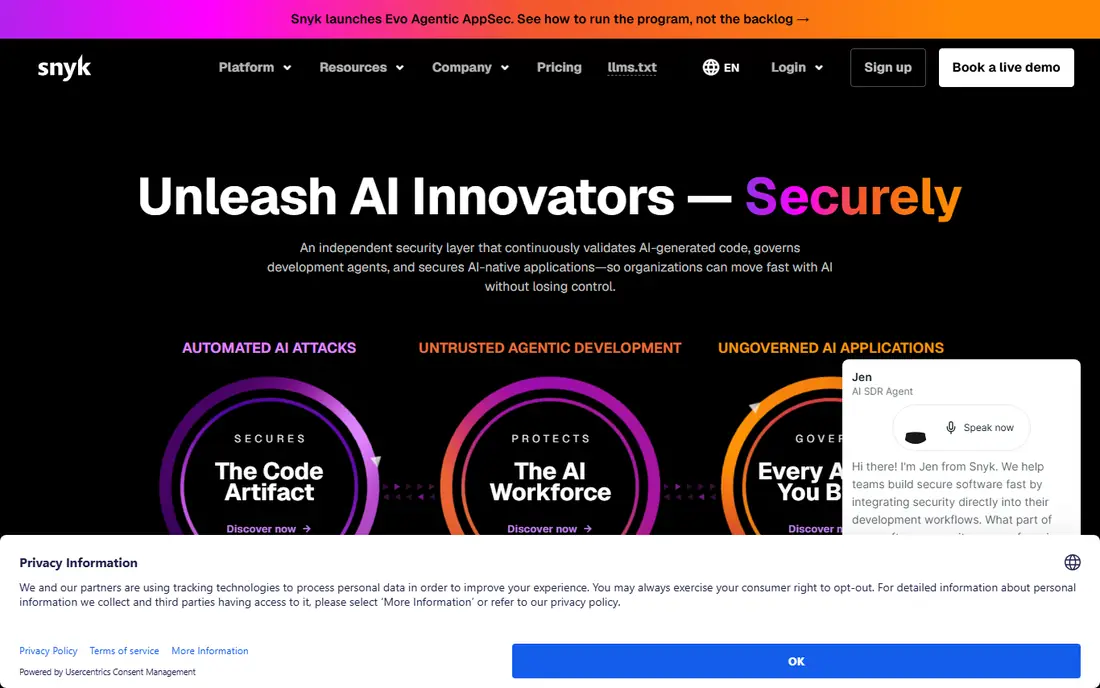
Snyk is a natural first pick for teams that want developers to fix security problems without leaving their usual tools. It scans open source dependencies, your own code, containers and infrastructure as code, then points to the exact file and line that needs attention. That direct link between a finding and a fix is what makes it useful day to day, rather than a report that sits unread in a separate dashboard.
The trade-off is scale. A small team can start free and learn the workflow quickly, but larger organisations with many projects and containers will move into paid tiers and need to watch how usage is counted. We like Snyk most for teams that already use GitHub, GitLab or Bitbucket and want security feedback at the point where code is written and reviewed.
- Finds issues in code, dependencies and containers
- Fits into pull requests
- Clear fix guidance
- Costs rise with usage
- Some advanced features need paid plans
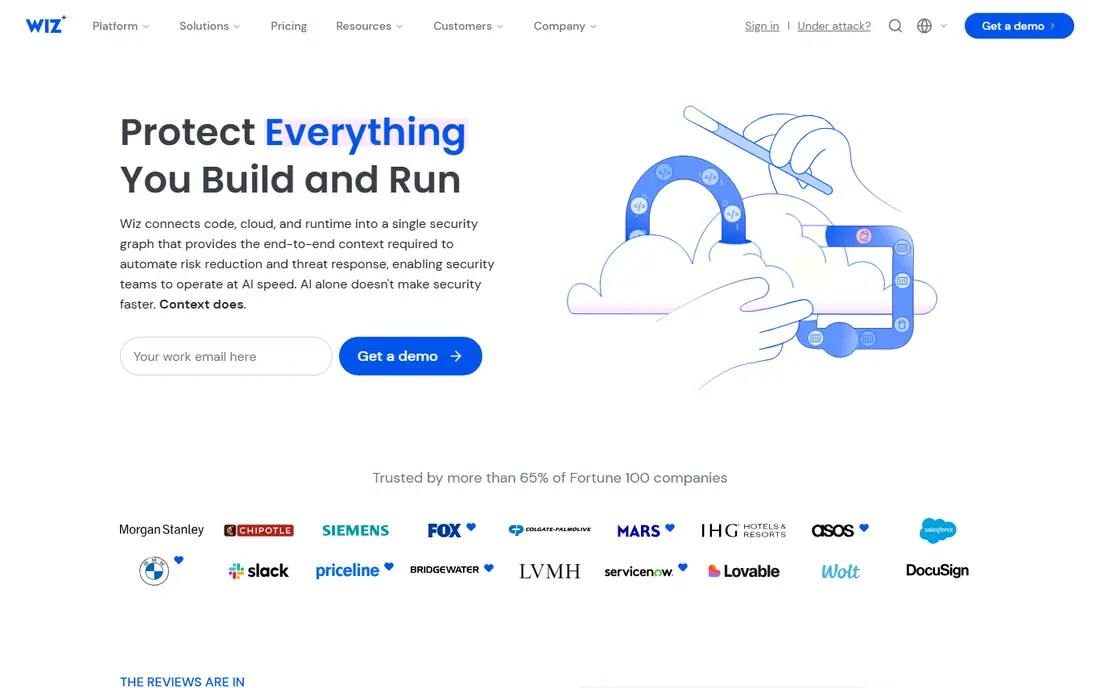
Wiz connects to cloud accounts and builds a picture of what is actually exposed, misconfigured or vulnerable, rather than listing every finding in isolation. For a team running several AWS, Azure or Google Cloud accounts, that context saves time. You can see which issues sit on internet-facing resources and fix those first, instead of working through a long list in random order.
The catch is that Wiz is built for organisations with real cloud scale, and its pricing reflects that. Small teams may find the sales-led process slow compared with a self-serve sign-up. If your cloud estate is growing fast and your main problem is knowing where risk sits, Wiz is one of the strongest options here.
- Broad view across cloud accounts
- Links issues to the resources that matter
- Strong container coverage
- Quote-based pricing
- Can feel large for a very small team
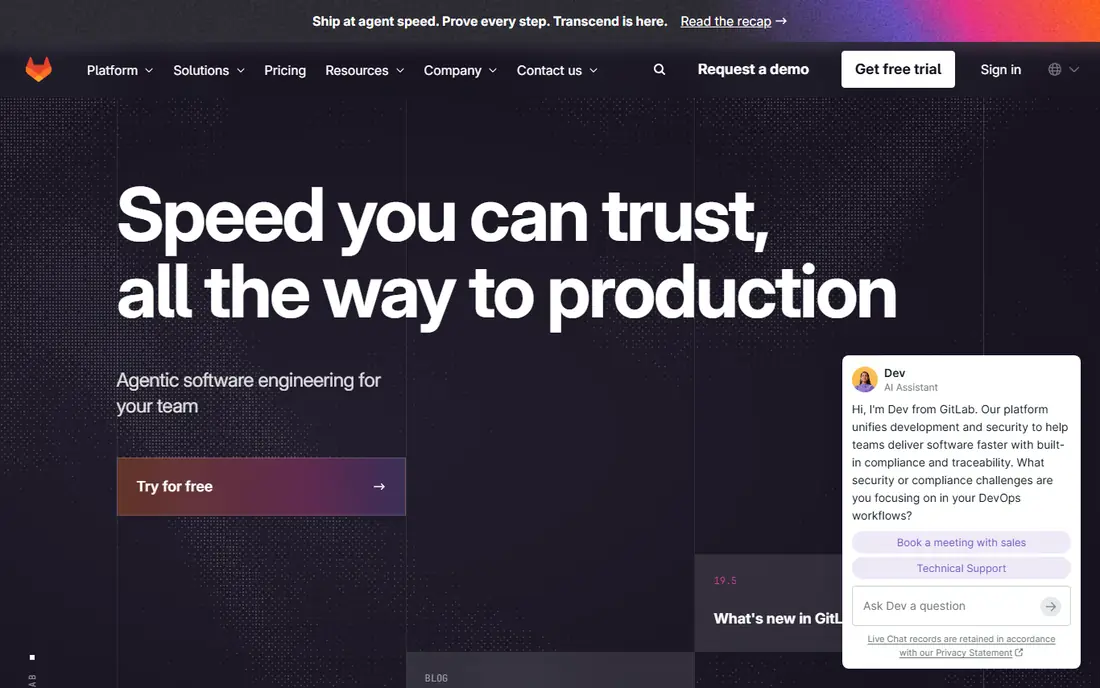
GitLab suits teams that want security checks in the same place as code, issues and deployments. Its Ultimate tier adds static and dynamic scanning, dependency checks, container scanning and security policies that can block a risky release. When the pipeline already runs in GitLab, adding those checks feels natural and avoids stitching together several separate tools.
The honest limit is cost and complexity. Teams on lower tiers will not get the full set, and configuring policies well takes time. We would pick GitLab when a team is already committed to it for development and wants security to follow the same workflow, rather than as a standalone scanner for a team that lives elsewhere.
- Security scanning built into DevOps pipelines
- One platform for code and delivery
- Policy controls
- Full security features need higher tiers
- Setup takes planning
Aqua Security focuses on the workloads that actually run in the cloud, especially containers and Kubernetes. It scans images before deployment, checks Kubernetes settings, and can watch running workloads for unusual behaviour. That runtime view matters because a clean image at build time can still be misconfigured or attacked once it is live.
For a team that ships mostly containers, Aqua is a strong fit. For a team with little container use, much of its value will go unused, and a simpler code scanner may be enough. Expect a guided trial and a quote, and test it against your own clusters before committing.
- Deep container and Kubernetes coverage
- Runtime protection
- Cloud workload controls
- Broad feature set can overwhelm small teams
- Pricing by quote
Checkmarx brings together static testing, software composition analysis, API security and related checks under one roof. Large teams like that coverage because it reduces the number of vendors they must manage, and it supports many languages and frameworks. Its reporting and policy tools also suit regulated teams that need audit trails.
The downside is the usual enterprise pattern. Pricing is by quote, onboarding takes effort, and early scans can produce many findings that need tuning before developers trust them. We recommend Checkmarx for larger engineering groups that need breadth and governance, not for a startup that wants a quick free scan.
- Wide range of testing types in one platform
- Strong for large codebases
- Enterprise controls
- Enterprise pricing
- Tuning needed to reduce noise
SonarQube has long been a staple for teams that want code checked for bugs, security hotspots and maintainability in one pass. The free Community Build covers many languages and runs well in pipelines, which makes it an easy trial. Developers tend to accept its findings because the rules are explained in plain terms and linked to the code in question.
It is not a full cloud security platform, so do not expect the same account-wide view you get from Wiz or Orca. Pair it with a cloud scanner if you run a large cloud estate. As a code-level starting point, though, SonarQube is hard to beat for value and clarity.
- Free community option
- Clear code quality and security rules
- Wide language support
- Cloud and infrastructure coverage is narrower
- Enterprise features are paid
Veracode is a long-standing choice for organisations that need formal application testing with clear policies and reports. It covers static analysis, dynamic testing, software composition and manual penetration testing services, which helps teams that must show evidence for audits or customer security reviews. Its workflow is built around policies, so teams can define what must pass before release.
Newer, developer-first tools feel faster to adopt, and Veracode can feel more formal by comparison. Pricing is by quote and the sales process suits larger buyers. We would shortlist Veracode when compliance reporting and mature governance matter as much as finding bugs.
- Mature static and dynamic testing
- Policy and reporting for compliance
- Broad language support
- Quote-based pricing
- Less developer-led than newer tools
Orca Security scans cloud workloads without installing agents, using snapshots of virtual machines, containers and storage. That approach appeals to teams that cannot easily deploy agents everywhere, or that want fast coverage across many accounts. Its platform then ranks risks by context, so an exposed workload with a known vulnerability rises above a similar issue on an isolated resource.
Like Wiz, Orca is priced by quote and aimed at organisations with meaningful cloud spend. Smaller teams may prefer a self-serve code scanner first. If agentless coverage and fast onboarding across accounts are your priorities, Orca deserves a trial alongside Wiz.
- Agentless scanning across cloud assets
- Clear risk prioritisation
- Broad workload coverage
- Quote-based pricing
- Best value at cloud scale
How we picked these
We compared official feature pages, pricing pages, documentation and public reviews for tools that cover code, containers or cloud accounts in October 2026. We favoured products that are actively maintained, work with common cloud providers and pipelines, and give developers clear fix guidance rather than raw finding lists. We did not claim hands-on testing. Prices shown are starting points from vendor sites, and we used See website where a vendor prices by quote.
What to check before you buy
Start with where your risk actually sits. A team that writes a lot of code and ships few containers needs strong code and dependency scanning first. A team running many cloud accounts needs account and workload visibility first. Trying to buy both at once often leads to overlapping tools and alert fatigue.
Run a trial on your own systems
Use your own repositories and a non-production cloud account for the trial. Check how many findings are real, how clear the fix steps are, and how long a developer needs to act on them. A tool that looks strong in a demo can still produce noise on your codebase.
Agree on who fixes what
Decide which team owns code findings, container findings and cloud misconfigurations before you sign. Without that agreement, findings pile up and nobody acts. Look for tools that assign findings to the right owner automatically and track them to closure.
Watch the pricing model
Some tools charge per developer, some per workload and some by quote based on cloud size. Model the cost at your current size and at twice that size, so growth does not turn a good tool into a surprise bill.
FAQ
Which DevSecOps service is best for cloud teams starting out?
Snyk or SonarQube are good starting points because both offer free options and fit into normal developer workflows. Add a cloud scanner such as Wiz or Orca once you run several cloud accounts and need account-wide visibility.
What is the best DevSecOps service for cloud containers?
Aqua Security is built around containers and Kubernetes, with image scanning and runtime protection. Wiz and Orca also cover containers well as part of broader cloud security, so the right pick depends on whether containers are your main workload or one part of a larger estate.
Do I need both code scanning and cloud scanning?
Many teams do, because they find different problems. Code scanning catches vulnerable dependencies and insecure code before release, while cloud scanning catches misconfigured accounts, exposed storage and running workloads. Start with the area where you have the most risk, then add the other.
How much do DevSecOps tools cost?
Free tiers exist for code scanning, but most cloud platforms price by usage or by quote. Expect to request a quote for Wiz, Aqua, Checkmarx, Veracode and Orca, and to budget based on developers, workloads or cloud accounts rather than a single flat fee.
Can these tools slow down releases?
They can if policies are too strict at first. Start with warnings rather than hard blocks, tune noisy rules, and only enforce blocking checks once developers trust the findings. That approach keeps security useful instead of turning it into a bottleneck.