Best DevOps Software for Remote Teams (2026): 5 Picks Checked on Vendor Pages
Searching for the best DevOps software for remote teams? Here are 5 options with prices and free plans. Details on cost, catches and fit. Pick by budget.
- Editor's choice
 GitLab
Governed lifecycle orchestration
Starts at$29 per user a monthVisit about.gitlab.comFull review - Great alternative
 CircleCI
Managed continuous validation
Starts at$15 a monthVisit circleci.comFull review - Also consider
 PagerDuty
Incident response and on-call
Starts at$21 per user a monthVisit pagerduty.comFull review
Direct answer
GitLab leads the list, best for governed lifecycle orchestration. Listed starting prices: GitLab from $29 per user a month, CircleCI from $15 a month and PagerDuty from $21 per user a month. For a different need, CircleCI covers managed continuous validation and PagerDuty covers incident response and on-call. The other 2 tools in the list cover narrower or pricier cases.
TL;DR:
- The list opens with GitLab, aimed at governed lifecycle orchestration.
- Only 4 of the 5 tools have a free plan (GitLab, CircleCI, PagerDuty, GitHub), so check the caps.
- Starting prices begin at $4 per user per month with GitHub.
- One limit worth knowing about GitLab: wide scope can take time to configure.
- GitHub fits code hosting and collaboration.
Last checked November 2026. Prices and plan details were read from the vendors' own pages in November 2026; vendors change plans often, so confirm the current price on the vendor site before you buy.
Quick comparison
| Tool | Best for | Starts at | Free plan? | |
|---|---|---|---|---|
| GitLab | Governed lifecycle orchestration | $29 per user a month | Yes | Visit |
| CircleCI | Managed continuous validation | $15 a month | Yes | Visit |
| PagerDuty | Incident response and on-call | $21 per user a month | Yes | Visit |
 Datadog | Cloud monitoring across services | $8 per committer a month | Free trial | Visit |
 GitHub | Code hosting and collaboration | $4 per user per month | Yes | Visit |
DevOps Software for Remote Teams profiles
Choosing DevOps software for remote teams usually comes down to price, fit and limits. This LinkVetted guide sets 5 tools side by side on those three points, with the facts kept short and checkable.
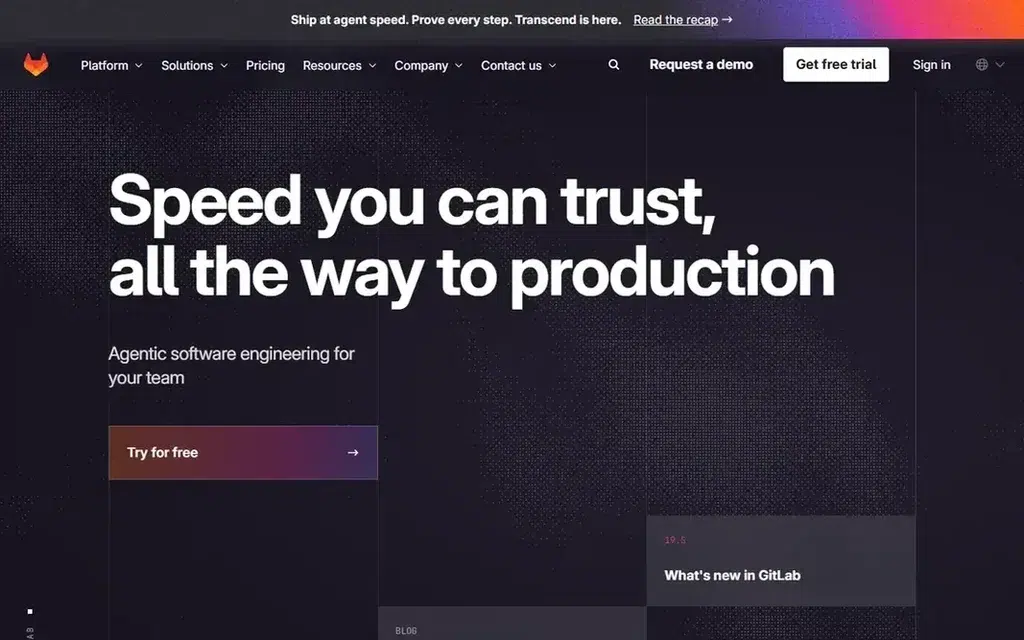
GitLab targets governed lifecycle orchestration. Remote teams that want planning, code, testing and delivery under one governed roof can keep processes consistent across locations.
Points against: May be more product than small teams need.
It fits organizations that value control and traceability as much as speed. The starting price for GitLab: $29 per user per month. GitLab offers a free plan.
- Supports teams working with agents
- Emphasis on context and governance
- Wide scope can take time to configure
CircleCI was built for managed continuous validation. CircleCI helps modern teams validate, test and ship every change with intelligent automation, positioning itself around autonomous validation for the AI era.
Where it is weaker: Less handy if you need full code hosting.
CircleCI pricing: $15 per month. CircleCI includes a free tier.
- Focus on validating and testing every change
- Geared toward modern software teams
- Pipeline setup still needs care
Where PagerDuty fits: incident response and on-call. PagerDuty describes its AI-first operations system as a way to turn incidents into intelligence, automating, resolving and preventing critical issues from detection to resolution.
Limits to weigh: Value relies on clear on-call processes.
Remote teams that require dependable escalation and on-call coverage across time zones can centralize incident handling here. PagerDuty does not host code or run pipelines, so it works alongside delivery tools instead of replacing them. PagerDuty starts at: $21 per user per month. You can start on PagerDuty without paying.
- AI-first operations product
- Automates detection through resolution
- Not a code or build product
Datadog makes the most sense for cloud monitoring across services. Teams whose central gap is alerting and on-call response may pair it with PagerDuty, which centres on incident workflows.
Trade-offs to know: Monitoring only, not delivery automation.
Datadog cost at the entry level: $8 per committer per month. Free access: Free trial.
- Helps distributed teams share visibility
- Cloud monitoring as a service
- Setup across numerous services takes planning
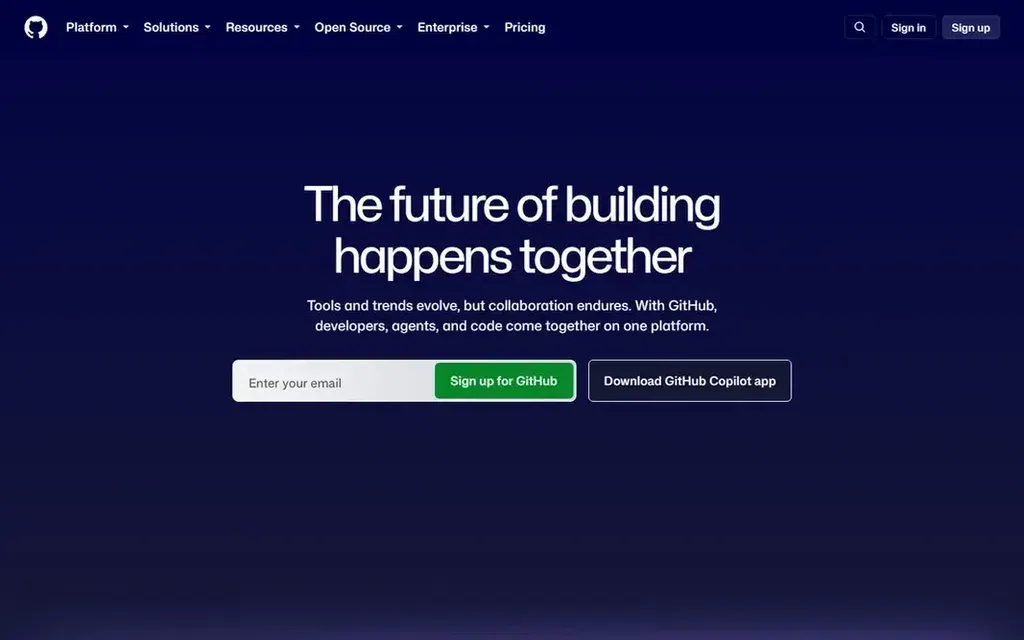
GitHub is built with code hosting and collaboration in mind. GitHub is an AI-powered developer product where developers and firms build software together, and it hosts a large open source community.
Limits to weigh: Wide feature set may overwhelm small teams.
Beyond that, since the system spans plenty of features, smaller teams may find parts of it more than they need, and workflow configuration takes some planning. More specifically, for remote teams it works as a shared home for repositories, pull request review and automatic workflows, so distributed contributors can follow the same process regardless of time zone. Entry price for GitHub: $4 per user per month. GitHub offers a free plan.
What GitHub does well: Large open source community.
- Automation built into the product
- Review and issues
- Advanced automation can need setup effort
What went into this list
LinkVetted looked at what each vendor publishes: pricing, plan limits, feature coverage for DevOps software for remote teams and stated drawbacks. No hands-on testing is claimed. Plan names, prices and limits change often. Treat the figures here as a starting point and verify them with the vendor. The sequence is a judgement call: typical use case first, then pricing transparency, then free access. Use the profiles to check fit.
Pre-purchase checklist
- Confirm the entry price on the vendor page: GitHub starts at $4 per user per month, but seat counts and billing terms change the total.
- Read the fine print on the free plans from GitLab, CircleCI, PagerDuty and GitHub; seat, project and feature caps differ.
- Take the trial from Datadog and push a live task through it before you pay.
- Before choosing GitLab, weigh its main limit: wide scope can take time to configure.
- Ask PagerDuty which support channels and response times come with the plan you would buy.
- Read the plan comparison for GitLab carefully; key features often start on a higher tier.
FAQ
What is the cheapest option for DevOps software for remote teams in this list?
On published monthly entry prices, GitHub is the lowest here at $4 per user per month. Entry price is only part of the cost, because seats, add-ons and billing terms can change the total. Each of the 5 options in this DevOps software for remote teams guide has its own card above with the price, free plan and limits.
Which options for DevOps software for remote teams have a free plan?
On this list, GitLab, CircleCI, PagerDuty and GitHub include a free plan. Caps on seats, usage or features are common, so test the free plan against your real workload. One other tool offers a trial instead.
How are the tools for DevOps software for remote teams ordered?
The order follows typical fit for DevOps software for remote teams, with GitLab first and GitHub last, then price clarity and free access. It is editorial judgement, not a score, so another team could rank the tools differently.
Is GitLab the right pick for everyone comparing DevOps software for remote teams?
No single tool suits every team. GitLab comes first because it fits governed lifecycle orchestration, while CircleCI suits managed continuous validation and PagerDuty suits incident response and on-call. Match the tool to your own size, budget and workflow before deciding.
Do remote teams need both monitoring and incident tools?
They serve different purposes: Datadog supplies visibility into metrics across apps and services, whereas PagerDuty coordinates detection, response and prevention of incidents.
Sources
- https://about.gitlab.com
- https://circleci.com
- https://www.pagerduty.com
- https://www.datadoghq.com
- https://github.com