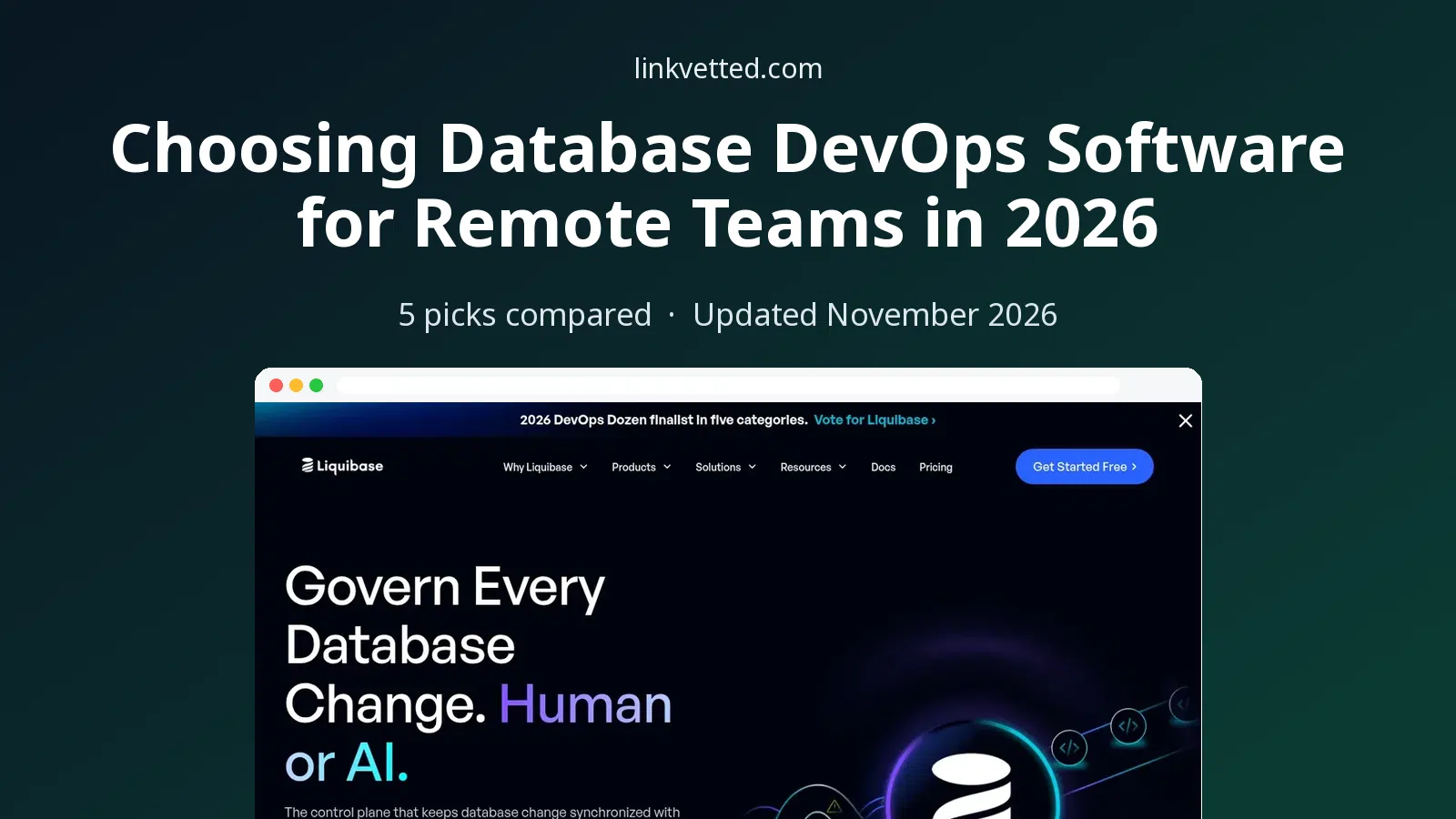
Choosing Database DevOps Software for Remote Teams in 2026: 5 Options Compared
Best database DevOps software for remote teams, compared. 5 tools with published prices, free plans and limits. Verdicts stay brief and factual. Details below.
- Editor's choice
 StrongDM
Policy-based database access control
Starts atPricing on requestVisit strongdm.comFull review - Great alternativedbForge Studio for SQL Server
All-in-one SQL Server IDE work
Starts atPricing on requestVisit devart.comFull review - Also considerLiquibase
Governed, audit-ready schema change
Starts atPricing on requestVisit liquibase.comFull review
Direct answer
StrongDM leads the list, best for policy-based database access control. dbForge Studio for SQL Server fits all-in-one SQL Server IDE work; Liquibase fits governed, audit-ready schema change. All 5 tools are compared below on fit, free plan and limits. None of these vendors publish plan prices, so pricing is on request for every option.
TL;DR:
- StrongDM takes the first slot, best suited to policy-based database access control.
- Before buying dbForge Studio for SQL Server, weigh this: concentrated on SQL Server and Azure SQL.
- Redgate SQL Toolbelt suits SQL Server teams wanting one toolkit.
- Pricing across the list, from StrongDM to Redgate SQL Toolbelt, is by quote only.
- None of the 5 tools, from StrongDM to Redgate SQL Toolbelt, has a free plan, so budget for a subscription or use a trial.
Last checked November 2026. Pricing on request: vendors did not publish plan prices when this guide was last checked (November 2026), so ask each vendor for a written quote.
Quick comparison
| Tool | Best for | Starts at | Free plan? | |
|---|---|---|---|---|
| StrongDM | Policy-based database access control | Pricing on request | Not stated | Visit |
| dbForge Studio for SQL Server | All-in-one SQL Server IDE work | Pricing on request | Not stated | Visit |
| Liquibase | Governed, audit-ready schema change | Pricing on request | Not stated | Visit |
| Flyway | Version-controlled migrations with fast setup | Pricing on request | Free trial | Visit |
| Redgate SQL Toolbelt | SQL Server teams wanting one toolkit | Pricing on request | Free trial | Visit |
Every option for database DevOps software for remote teams explained
If you are comparing database DevOps software for remote teams, this page covers 5 tools in one place: what each is best for, what it costs to start, whether it has a free plan, and the main limit to know about.
Pick StrongDM if this describes you: policy-based database access control. StrongDM centres on identity security, with context-aware, policy-based authorization and support for ephemeral and credential-based access models. For remote database teams, that means centralized control over who can reach production and other sensitive data keeps without distributing credentials widely.
Limits to weigh: Access control, not migrations.
It is an access control layer, not a migration or schema change tool, so it complements instead of replaces database DevOps systems. In daily use, teams seeking only migration automation should start elsewhere; choose StrongDM when access governance is the gap. StrongDM shows no starting price here, so confirm the cost on the vendor site. On free options: Not stated.
- Supports ephemeral access models
- Centralizes access policy
- Policy design needs planning
dbForge Studio for SQL Server
Best for: All-in-one SQL Server IDE work
dbForge Studio for SQL Server targets all-in-one SQL Server IDE work. Consider it when daily SQL Server development work dominates.
Where it is weaker: Concentrated on SQL Server and Azure SQL.
Where dbForge Studio for SQL Server stands out: Schema compare and sync. Beyond that, since it is GUI-centric, pipeline-first teams may prefer migration products that plug straight into CI/CD. dbForge Studio for SQL Server does not show a starting price in this comparison, so check the vendor site for current pricing. Free plan details: Not stated.
- Build
- Cross-platform support
- GUI-centric instead of pipeline-first
Liquibase
Best for: Governed, audit-ready schema change
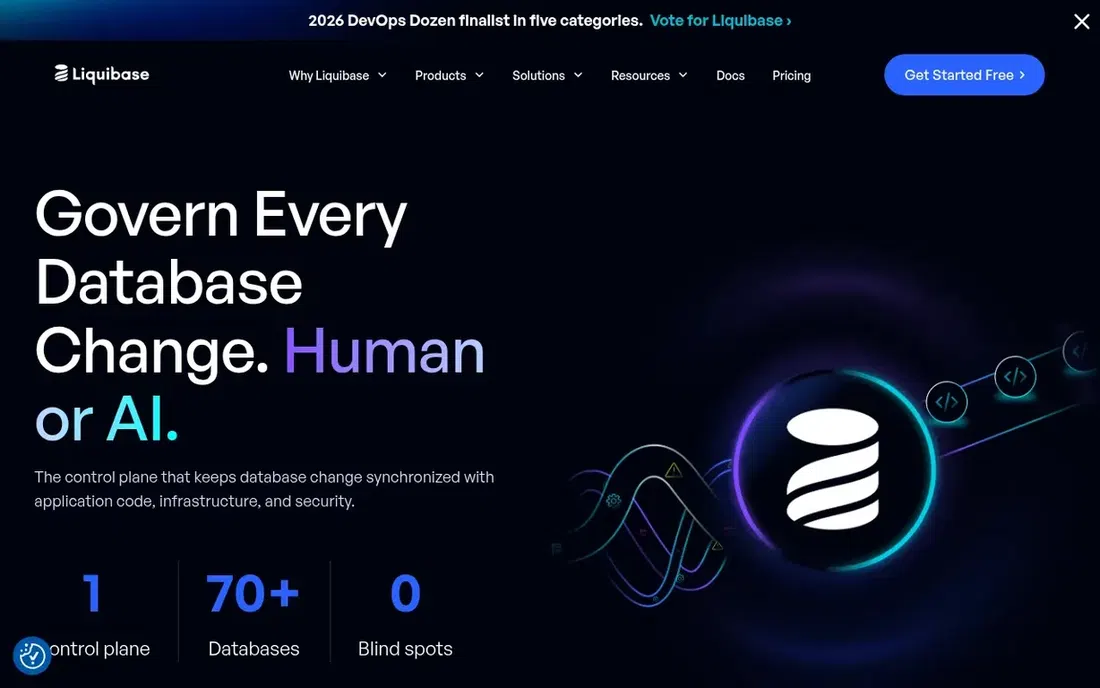
Liquibase targets governed, audit-ready schema change. Liquibase presents itself as a database change governance system designed for safe, automatic and audit-ready schema change.
Downsides: Governance setup takes effort.
It supports a wide range of databases and is meant to align with existing CI/CD workflows, which fits distributed teams that require a consistent, reviewable record of every change. No starting price is listed for Liquibase here; confirm pricing on the vendor site. As for free access: Not stated.
- Works across plenty of databases
- Aligns with CI/CD workflows
- May be heavy for small teams
Flyway
Best for: Version-controlled migrations with fast setup
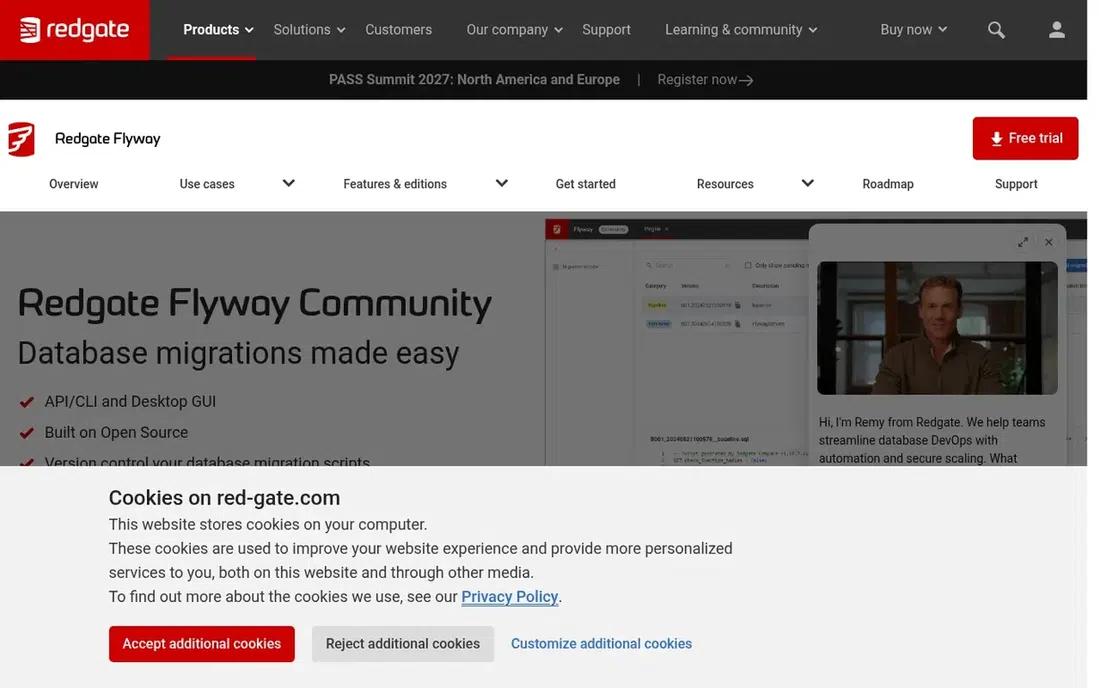
Flyway is a good fit for version-controlled migrations with fast setup. It is fast to download and start, which fits remote teams that want migrations tracked in the same repository as application code.
Trade-offs to know: Fewer governance features.
It suits developers who prefer a straightforward, code-first migration workflow without heavy process. Pricing for Flyway is not stated here, so ask the vendor for current figures. Free options: Free trial.
- Migrations driven by version control
- Quick to download and start
- Advanced needs push to Redgate edition
Redgate SQL Toolbelt
Best for: SQL Server teams wanting one toolkit
Redgate SQL Toolbelt is designed for SQL Server teams wanting one toolkit. Teams working across several database engines should pair it with migration tools that include other products.
Limits to weigh: Large suite to learn.
The suite is SQL Server focused and wide enough that onboarding takes time, which can outweigh the benefit for small or non-SQL Server teams. No starting price is listed for Redgate SQL Toolbelt here; confirm pricing on the vendor site. On free options: Free trial.
- AI-assisted coding support
- Version control and testing included
- SQL Server focused
Selection criteria
We compared the tools on published pricing, free plan or trial availability, feature coverage for database DevOps software for remote teams, and the limits each vendor documents. Where a price is missing, the vendor does not list one publicly or ties it to a quote. Always confirm before budgeting. Tools are placed by general fit for database DevOps software for remote teams, with price clarity and free access as tie-breakers. A different team can reasonably rank them differently.
What to check before you buy
- Confirm the entry price with every vendor: no tool from StrongDM to Redgate SQL Toolbelt shows a fixed starting price.
- Take the trial from Flyway and Redgate SQL Toolbelt and push a live task through it before you pay.
- Before choosing StrongDM, weigh its main limit: access control, not migrations.
- Before you load data into StrongDM, check what an export looks like and who can run it.
- Compare total cost, not headline price: for Redgate SQL Toolbelt, add extra seats, add-ons and any usage-based charges.
FAQ
Does any tool for database DevOps software for remote teams here have a free plan?
A permanent free plan is not offered by StrongDM, Redgate SQL Toolbelt or the other tools here. Flyway, Redgate SQL Toolbelt offer a trial. Plan a short evaluation period instead.
How are the tools for database DevOps software for remote teams ordered?
The order follows typical fit for database DevOps software for remote teams, with StrongDM first and Redgate SQL Toolbelt last, then price clarity and free access. It is editorial judgement, not a score, so another team could rank the tools differently.
Is StrongDM the right pick for everyone comparing database DevOps software for remote teams?
No single tool suits every team. StrongDM comes first because it fits policy-based database access control, while dbForge Studio for SQL Server suits all-in-one SQL Server IDE work and Liquibase suits governed, audit-ready schema change. Match the tool to your own size, budget and workflow before deciding.
Do these tools publish their prices?
No. None of the tools, from StrongDM to Redgate SQL Toolbelt, shows a fixed starting price here, so budget time for quotes.
Sources
- https://www.strongdm.com
- https://www.devart.com/dbforge/sql/studio
- https://www.liquibase.com
- https://flywaydb.org
- https://www.red-gate.com/products/sql-development/sql-toolbelt