Best DevOps Platforms in 2026: 8 Platforms Compared
Compare the best DevOps platforms for 2026, with 8 tools for CI/CD, GitOps, deployment, monitoring and team delivery compared for teams of every size today.
- Editor's choice
 GitLab
All-in-one DevOps
Starts atFreeVisit about.gitlab.comFull review - Great alternative
 GitHub Actions
GitHub-native CI/CD
Starts atFreeVisit github.comFull review - Also consider
 Jenkins
Custom self-hosted CI/CD
Starts atFreeVisit jenkins.ioFull review
TL;DR:
- GitLab is our pick for most teams that want one platform for code, CI/CD, security, and deployment.
- GitHub Actions is best for teams already on GitHub, with fast setup and a large marketplace of actions.
- Jenkins remains best for maximum customization and self-hosted control, if you have staff to maintain it.
- Azure DevOps suits Microsoft shops, while CircleCI suits cloud-native teams that prize build speed.
- Total cost includes seat prices, build minutes, and maintenance time, so model all three before you choose.
Quick comparison
| Tool | Best for | Starts at | Free plan? | |
|---|---|---|---|---|
| GitLab | All-in-one DevOps | Free | Yes | Visit |
| GitHub Actions | GitHub-native CI/CD | Free | Yes | Visit |
| Jenkins | Custom self-hosted CI/CD | Free | Yes | Visit |
 Azure DevOps | Microsoft stack teams | Free | Yes | Visit |
 CircleCI | Fast cloud builds | Free | Yes | Visit |
 Argo CD | GitOps for Kubernetes | Free | Yes | Visit |
 Harness | AI-led software delivery | Free | Yes | Visit |
 Spinnaker | Multi-cloud deployments | Free | Yes | Visit |
The best DevOps platforms
These platforms range from full lifecycle suites to focused deployment tools, so pick by your stack, your hosting needs, and your team size.
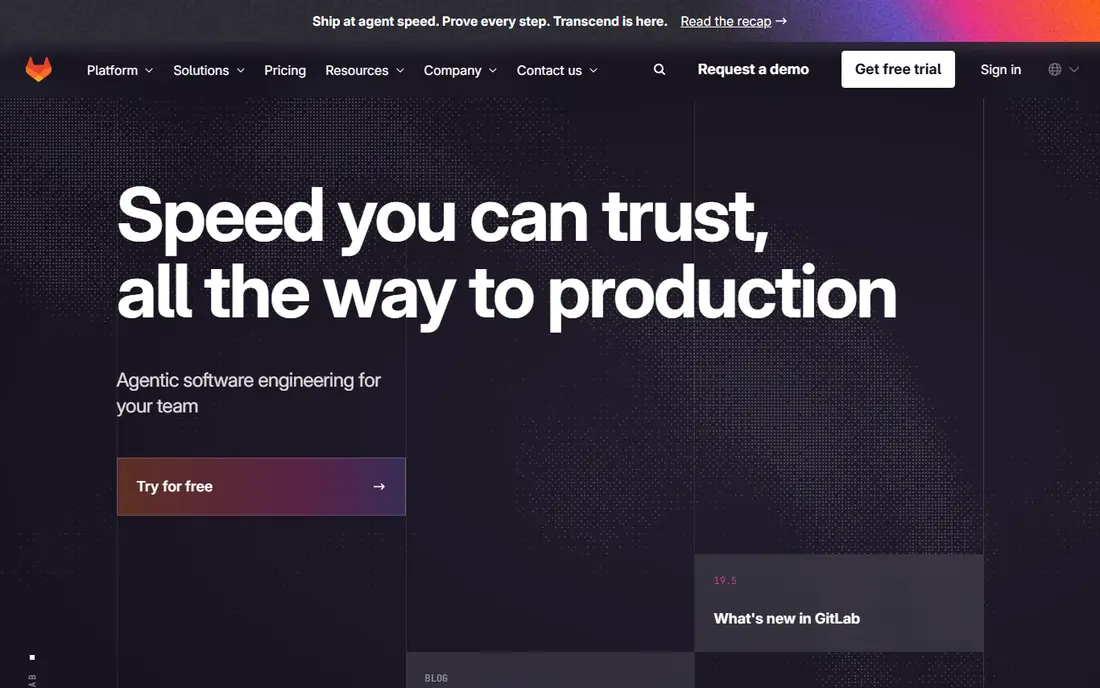
GitLab is the most complete DevOps platform on this list, because it covers the whole lifecycle in one place: source control, issues, CI/CD, container registry, security scanning, and deployment. A team can move from a merge request to a tested, scanned, and deployed release without stitching together five tools. That consolidation also helps compliance, since policies, approvals, and audit trails sit in the same system.
The cost is tiering. The free tier covers small teams, but Premium starts at $29 per user per month and Ultimate at $99, with advanced security and compliance features reserved for higher tiers. Small teams may find GitLab heavy compared with GitHub Actions. For a team that wants one platform, one login, and one bill, GitLab is still our pick, especially when security scanning and self-hosting matter.
- One platform for repos, CI/CD, security scanning, and deployment
- Self-hosted and cloud options
- Strong compliance and policy features
- Premium starts at $29 per user per month, Ultimate at $99
- Platform can feel heavy for small teams
- Some features need higher tiers
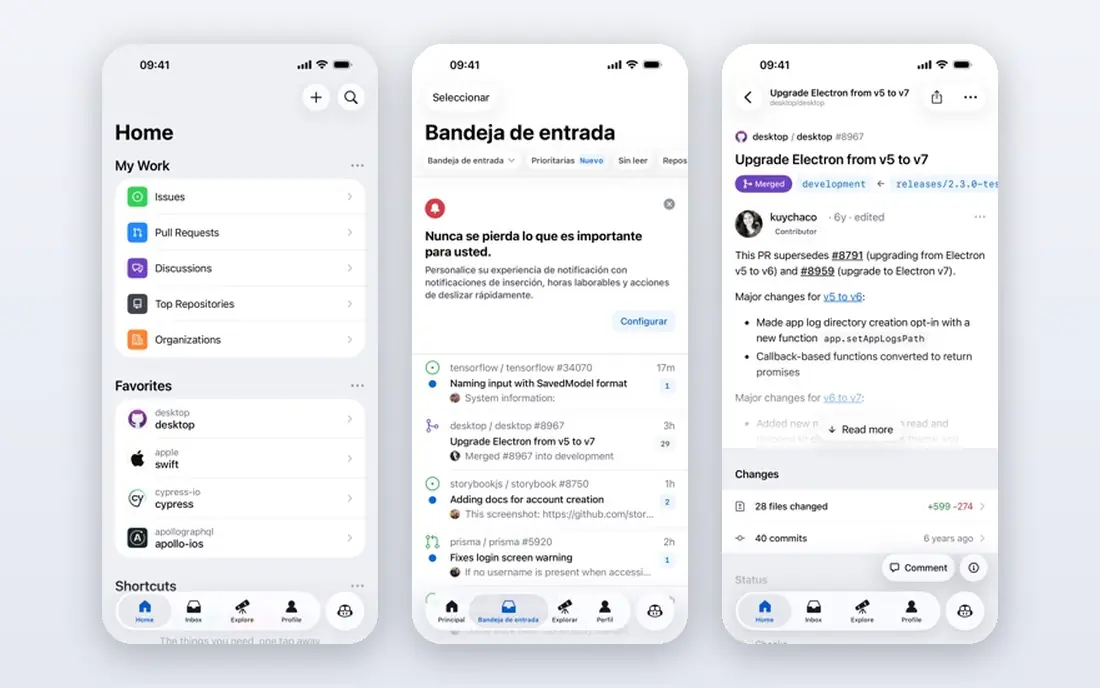
GitHub Actions is the fastest path to CI/CD for any team whose code already lives on GitHub. Workflows live alongside code in YAML, triggers run on pushes and pull requests, and the marketplace offers thousands of reusable actions for testing, building, and deploying. For a small or mid-size team, you can have a working pipeline in an afternoon, with no separate CI server to maintain.
The limits are scope and metered cost. GitHub Actions is excellent for CI/CD, but it is not a full DevOps suite with the same depth of security, compliance, and deployment governance as GitLab Ultimate. Free minutes cover public repos and a limited allowance for private repos, with Team from $4 per user per month and extra minutes billed separately. Choose Actions when GitHub is already home. Choose GitLab when you need a broader platform.
- Native to GitHub repos
- Huge marketplace of reusable actions
- Free minutes for public repos and a free tier for private repos
- Team plan from $4 per user per month
- Extra minutes and larger runners add cost
- Less complete as a full DevOps suite than GitLab
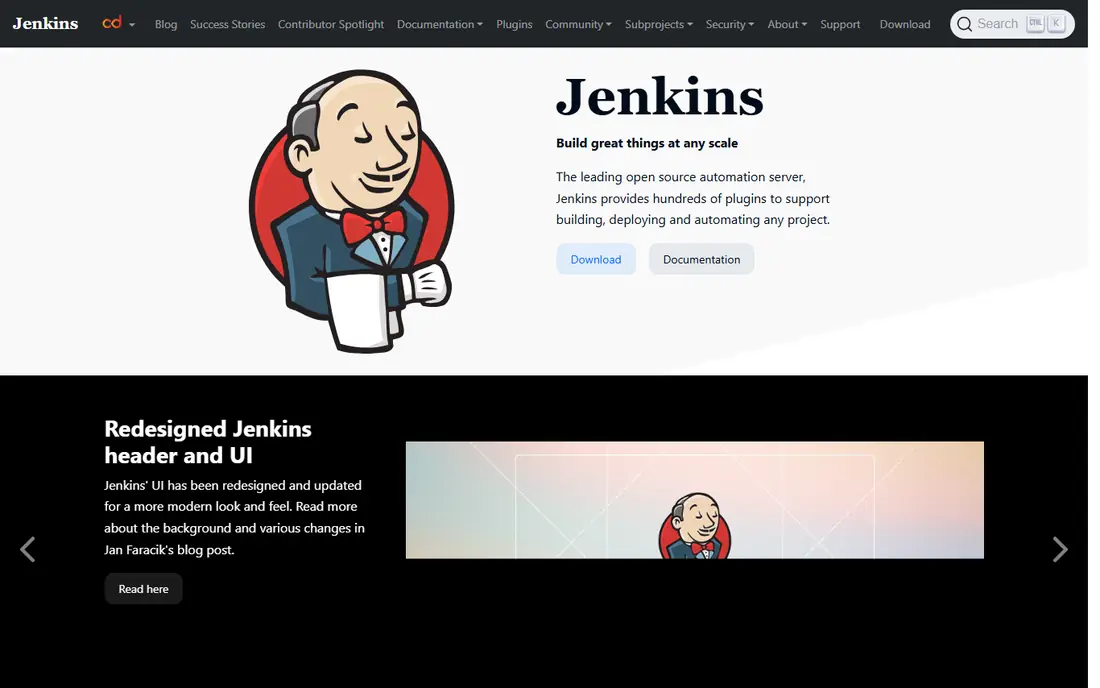
Jenkins remains the most flexible CI/CD tool, because it is free, open source, and supported by a vast plugin library. If you need to build for legacy systems, air-gapped networks, or unusual hardware, Jenkins can usually be adapted to fit, where a cloud-only tool cannot reach. Self-hosting also gives full control over data, security, and runner placement.
That freedom has a price in staff time. Plugin updates, security patches, agent scaling, and pipeline maintenance can consume a meaningful share of a platform engineer week, and teams without dedicated DevOps staff often underestimate that cost. Jenkins suits organizations with platform capacity and special hosting needs. For most small teams, a managed tool will cost less in total, even with a monthly subscription.
- Free and open source
- Huge plugin library for almost any integration
- Full control over hosting and security
- Maintenance burden falls on your team
- Plugin updates and scaling take real engineering time
- Interface feels dated
Azure DevOps is the natural DevOps platform for teams already building on Microsoft tools. It bundles Boards for planning, Repos for code, Pipelines for CI/CD, Test Plans, and Artifacts, with deep integration into Visual Studio, Azure, and Microsoft 365. A team shipping .NET services to Azure will find the path from code to cloud unusually smooth.
Outside the Microsoft stack, its advantage shrinks, and the interface can feel heavy for a small team that only needs CI/CD. The free tier covers up to five users and one parallel job in recent comparisons, with extra parallel jobs at $40 per month each. Choose Azure DevOps when your stack is Microsoft-first. Choose GitHub Actions or GitLab when your stack is mixed or open source.
- Boards, Repos, Pipelines, Test Plans and Artifacts in one suite
- Strong Visual Studio and Azure integration
- Free tier for small teams
- Extra parallel jobs cost $40 per month each in recent comparisons
- Interface can feel enterprise-heavy
- Best value inside Microsoft stack
CircleCI earns its place on build speed. Its cloud runners, parallelism, test splitting, and caching help teams with large test suites ship faster, and its orbs system lets you reuse configuration for common languages and services. For a cloud-native team where build time directly affects developer productivity, that speed is worth paying for.
Pricing needs care. The free tier includes monthly credits, while Performance plans start from $15 per month in recent comparisons, plus per-user costs and extra credits as usage grows. Monitor credit use in the first month, and use caching and test splitting to keep bills down. CircleCI suits teams that value speed and already run in the cloud. Jenkins or GitLab may suit teams that need self-hosting more than raw speed.
- Fast cloud builds with parallelism and caching
- Orbs for reusable configuration
- Free tier with monthly credits
- Performance plans start from $15 per month plus user costs
- Credit-based pricing needs monitoring
- Self-hosted runner setup takes work
Argo CD is the standard GitOps tool for Kubernetes, and it works differently from a CI tool. Instead of pushing changes to a cluster, Argo CD watches a Git repository as the source of truth and syncs the cluster to match it, showing drift, sync status, and history in a clear dashboard. That model makes rollbacks simple: revert the Git commit, and the cluster follows.
The limit is scope. Argo CD deploys to Kubernetes, but it does not build code, run unit tests, or manage non-Kubernetes targets on its own, so you still need a CI tool such as GitHub Actions or GitLab CI for the build stage. Setup, access controls, and multi-cluster management also need Kubernetes expertise. Choose Argo CD when Kubernetes is your deployment target and GitOps is your model. Choose a full suite when you need CI plus CD in one tool.
- Free and open source
- Declarative GitOps for Kubernetes
- Clear sync status and rollback from Git history
- Kubernetes-only, so not a general CI tool
- Setup and RBAC need expertise
- Needs a separate CI tool for building images
Harness focuses on the delivery half of DevOps: getting a tested build safely into production. It supports canary, blue-green, and rolling deployments, verifies releases against metrics, and can roll back automatically when a deployment looks unhealthy. Its AI features help explain failures and reduce manual triage, which matters when a team ships many times a day.
Pricing beyond the free tier is quote-based for Essentials and Enterprise in recent comparisons, so small teams should test the free tier and get a written quote before committing. The full platform also takes time to learn. Harness suits a team with a complex delivery pipeline and a need for safe, frequent releases. A small team with simple deploys will likely do fine with GitHub Actions or GitLab alone.
- Continuous delivery with deployment strategies and verification
- AI features for failure analysis
- Free tier for small teams
- Essentials and Enterprise tiers are quote-based
- Learning curve for full platform
- Best value for larger delivery pipelines
Spinnaker is built for large organizations that deploy across multiple clouds and need advanced strategies such as canary analysis, red-black deployments, and manual judgment stages. Originally built at Netflix, it handles complex, multi-environment pipelines that simpler CD tools struggle with, and it integrates with major clouds and Kubernetes.
That power comes with operational cost. Installation, upgrades, and day-to-day operation need dedicated platform engineers, and a small team will find it heavy for a single-cloud app. Choose Spinnaker when multi-cloud, large-scale delivery is a real requirement. Choose Argo CD or Harness when your deployment target is narrower and your team is smaller.
- Free and open source
- Advanced deployment strategies across clouds
- Strong for large, multi-cloud enterprises
- Complex installation and operation
- Needs dedicated platform staff
- Overkill for small teams or single-cloud deploys
How we picked these
We compared official pricing and feature pages for DevOps platforms available in October 2026, covering CI, CD, GitOps, and full lifecycle suites. We favored platforms with a working free tier or open source version, clear deployment strategies, and a distinct strength, from GitHub-native speed to multi-cloud depth. We excluded narrow build tools without a delivery story, since the topic is platforms, not single-purpose utilities.
How to choose a DevOps platform for your team
Start with your stack and your hosting constraints, because those narrow the list faster than feature comparisons.
Map code, cloud, and compliance first
List where code lives, where it deploys, and what compliance rules apply. A GitHub team should shortlist Actions, a Microsoft team should shortlist Azure DevOps, a Kubernetes team should shortlist Argo CD plus a CI tool, and a regulated team should shortlist GitLab or a self-hosted Jenkins setup. That map usually leaves two or three serious options.
Model total cost, not just seat price
Add seat prices, build minutes or credits, larger runner costs, and maintenance time. Jenkins software is free, but engineer time is not, while a managed tool charges monthly but saves that time. Run a pilot on one real service for two weeks, measure build time, failure rate, and bill, then decide on data rather than a demo.
Keep the pipeline boring where it counts
Favor declarative pipelines in Git, automated tests on every change, and a clear rollback path. A flashy deployment strategy helps only if tests, monitoring, and rollback work first. Document who owns the pipeline, how secrets are managed, and how a failed deploy is handled, before you scale to more services.
FAQ
Which platform is best for DevOps?
GitLab is best for most teams that want one DevOps platform for code, CI/CD, security, and deployment. GitHub Actions is best for teams already on GitHub, Azure DevOps is best for Microsoft shops, and Jenkins is best for maximum self-hosted customization. The best platform depends on your stack, hosting needs, and team size.
What is the best DevOps tool to learn?
GitHub Actions is the best DevOps tool to learn first for most developers, because it is free for public repos, uses YAML workflows, and has a large marketplace. GitLab CI is a strong second choice for learning a full platform, while Jenkins teaches self-hosted CI concepts. Start with the tool your target jobs use, and learn Git and Docker alongside it.
Is GitLab better than GitHub Actions?
GitLab is better as a complete DevOps platform, with deeper security, compliance, and deployment governance in one system. GitHub Actions is better for fast, GitHub-native CI/CD with a huge action marketplace and lower entry cost. Many teams use GitHub for code plus Actions for CI, and add Argo CD or Harness for deployment, rather than choosing one suite for everything.
Is Jenkins still used in 2026?
Yes, Jenkins is still widely used in 2026, especially in enterprises with legacy systems, air-gapped networks, or custom hosting needs. Its plugin library and self-hosted control remain unmatched, but maintenance burden is real. New teams without dedicated platform staff usually start with GitHub Actions, GitLab, or CircleCI instead.
What is GitOps in DevOps?
GitOps is a deployment model where a Git repository is the source of truth for what should run in production, and a tool such as Argo CD syncs the live system to match Git. Reverting a Git commit rolls back a deployment, and every change has an auditable history. GitOps suits Kubernetes best, and it pairs with a CI tool that builds and tests code before Git is updated.
How much do DevOps platforms cost?
Many platforms have a free tier or open source version, including GitLab, GitHub Actions, Jenkins, CircleCI, Argo CD, and Spinnaker. Paid entry prices include GitHub Team from $4 per user per month, GitLab Premium from $29, and CircleCI Performance from $15 per month, plus build minutes or credits. Enterprise tiers for GitLab, Harness, and Azure DevOps are higher or quote-based, so model total cost for your team size.