Best Drag and Drop App Builder Software for Enterprise in 2026: Prices, Free Plans and 5 Picks
Best drag and drop app builder software for enterprise: 5 tools compared on price, free plans and fit. Each profile ends with a plain caveat. Choose faster.
- Editor's choice
 Pega Platform
Enterprise transformation and workflow automation
Starts atSee websiteVisit pega.comFull review - Great alternative
 Retool
Quick internal tools and admin panels
Starts at$10 per builder per monthVisit retool.comFull review - Also consider
 OutSystems
Modernizing legacy systems and custom apps
Starts atSee websiteVisit outsystems.comFull review
Direct answer
Pega Platform leads the list, best for enterprise transformation and workflow automation. Listed starting prices: Retool from $10 per builder per month. Retool fits quick internal tools and admin panels; OutSystems fits Modernizing legacy systems and custom apps. All 5 tools are compared below on price, free plan and limits.
TL;DR:
- Pega Platform is the opening pick, best for enterprise transformation and workflow automation.
- Before buying Microsoft Power Apps, weigh this: best value inside the Microsoft ecosystem.
- Retool is the lowest-priced starter here at $10 per builder per month.
- A free plan is available from 2 of the 5 tools: Retool, Microsoft Power Apps.
- Appian fits process orchestration across the enterprise.
Last checked November 2026. Prices and plan details were read from the vendors' own pages in November 2026; vendors change plans often, so confirm the current price on the vendor site before you buy.
Quick comparison
| Tool | Best for | Starts at | Free plan? | |
|---|---|---|---|---|
| Pega Platform | Enterprise transformation and workflow automation | See website | Not stated | Visit |
| Retool | Quick internal tools and admin panels | $10 per builder per month | Yes | Visit |
| OutSystems | Modernizing legacy systems and custom apps | See website | Not stated | Visit |
 Microsoft Power Apps | Low-code apps inside Microsoft environments | See website | Yes | Visit |
 Appian | Process orchestration across the enterprise | See website | Not stated | Visit |
Tool-by-tool breakdown
LinkVetted compared 5 tools for drag and drop app builder software for enterprise. The goal is a practical shortlist: published prices, free plan facts, best-fit use cases and honest limits for every entry.
Think of Pega Platform for enterprise transformation and workflow automation. Its homepage flags automating workflows, personalizing customer experiences and modernizing legacy systems, and notes that influential organizations trust the system.
The main drawbacks: Wide scope needs specialist skills.
It suits large enterprises pursuing transformation programs that span operations, customer engagement and legacy systems. This comparison lists no price for Pega Platform; ask the vendor. Free access: Not stated.
- Workflow automation
- Legacy modernization messaging
- Implementation needs careful planning
Retool was built for quick internal tools and admin panels. Retool is positioned around building internal software better with AI.
Its homepage describes building, deploying and managing internal tools with a unified engine that links to any database, API or LLM, and using AI throughout the business. Complicated applications still benefit from developer involvement. Retool cost at the entry level: $10 per builder per month. Retool offers a free plan.
Downsides: Complicated apps need developer involvement.
- AI applied across internal software
- APIs and LLMs
- Internal tool focus instead of wide transformation
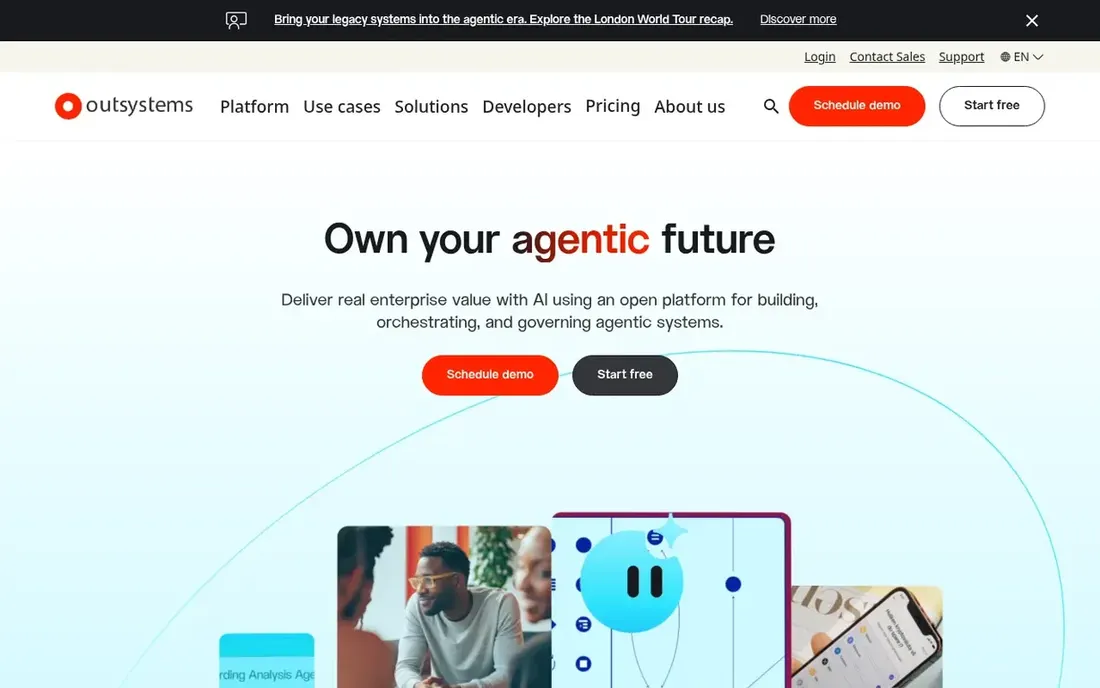
Choose OutSystems for Modernizing legacy systems and custom apps. OutSystems presents itself as a product for building apps and AI agents with confidence. Its homepage emphasizes helping enterprises modernize legacy systems and run custom applications and AI agents to meet the demands of customers and regulators.
The system's breadth can mean a steeper ramp-up time and more setup for governance and lifecycle management. More specifically, smaller teams with straightforward internal tools may find it more than they need. Pricing for OutSystems is not stated here, so ask the vendor for current figures. Trial and free access: Not stated.
Where it is weaker: Product depth may need training.
- Enterprise confidence messaging
- Custom app and AI agent delivery
- Governance setup takes planning
Microsoft Power Apps
Best for: Low-code apps inside Microsoft environments
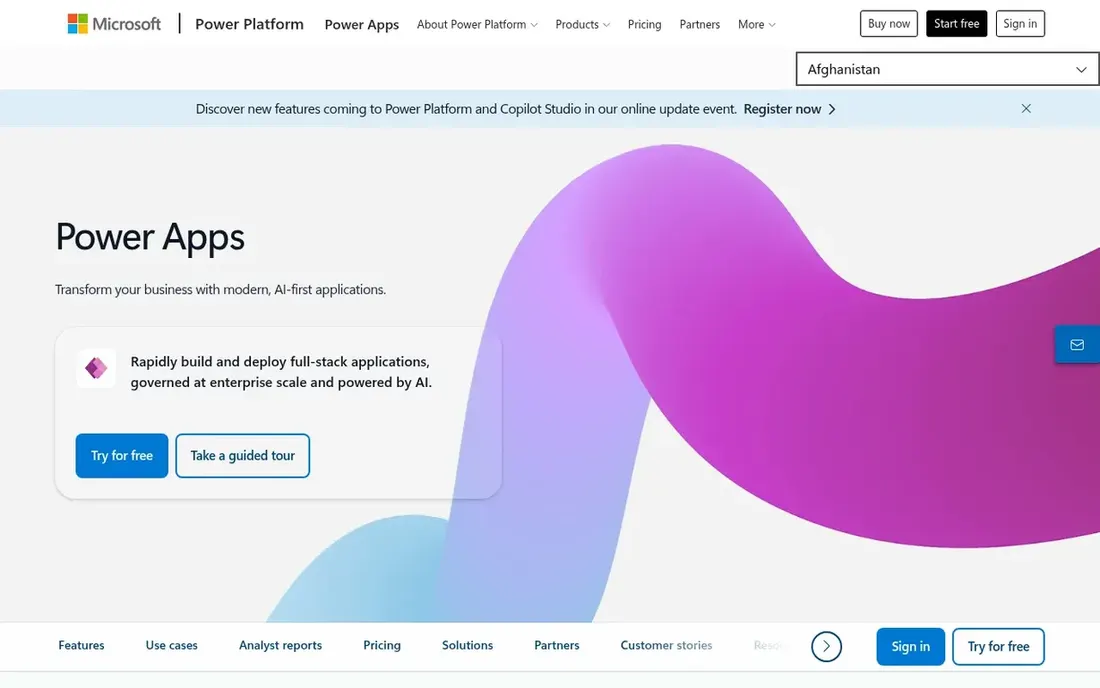
Microsoft Power Apps targets low-code apps inside Microsoft environments. Microsoft Power Apps is a low-code app builder meant to help organizations produce custom business apps that simplify processes and boost productivity.
Drawbacks to consider: Best value inside the Microsoft ecosystem.
Teams looking for a familiar environment for forms, workflows and data-driven tools will find it a practical starting point. From a buyer's view, since it is positioned around low-code productivity, very complicated or highly customized applications may still need professional developers and careful governance. Pricing for Microsoft Power Apps is not stated here, so ask the vendor for current figures. Microsoft Power Apps has a free plan.
- Aims to simplify business processes
- Suits Microsoft-centric organizations
- Complicated needs may need developer input
Choose Appian for process orchestration across the enterprise. Its homepage describes AI automation for critical processes, orchestrating AI agents, systems and people on an enterprise system without replacing existing systems.
Retool or Power Apps may be more straightforward for light apps that do not span plenty of systems. Since the emphasis is on process orchestration, teams wanting fast ad hoc internal tools may find it heavier than necessary. Appian shows no starting price here, so confirm the cost on the vendor site. Free options: Not stated.
Honest limits: Configuration requires planning.
- Systems and people
- AI-powered process automation
- Process-first focus may not suit all apps
How these tools were picked
LinkVetted looked at what each vendor publishes: pricing, plan limits, feature coverage for drag and drop app builder software for enterprise and stated drawbacks. No hands-on testing is claimed. Plan names, prices and limits change often. Treat the figures here as a starting point and verify them with the vendor. The sequence is a judgement call: typical use case first, then pricing transparency, then free access. Use the profiles to check fit.
What to check before you buy
- Confirm the entry price on the vendor page. For Pega Platform, OutSystems, Microsoft Power Apps and Appian that means a quote rather than a fixed price.
- Look at free plan limits closely: Retool and Microsoft Power Apps have one, and the caps decide whether it is usable for real work.
- Read the limits listed for Pega Platform first: wide scope needs specialist skills.
- A short pilot of OutSystems with your real workflow tells you more than a feature table.
- Check the support hours and onboarding help Pega Platform offers; smaller vendors vary a lot here.
FAQ
What should we check before committing to a product?
Also review deployment choices and vendor support terms. A short pilot with a representative app can reveal practical constraints before a wider rollout.
Do these tools publish their prices?
Not all of them. Pega Platform, OutSystems, Microsoft Power Apps and Appian publish no starting price, so expect a quote request for those. The rest, Retool included, show a starting price, though seats and billing terms still change the final cost.
Which options for drag and drop app builder software for enterprise have a free plan?
On this list, Retool and Microsoft Power Apps include a free plan. Caps on seats, usage or features are common, so test the free plan against your real workload.
How are the tools for drag and drop app builder software for enterprise ordered?
Pega Platform sits first and Appian last because the order follows typical fit for drag and drop app builder software for enterprise, then price clarity and free access. It is a judgement call, so read each profile for fit and limits.
What is the cheapest option for drag and drop app builder software for enterprise in this list?
On published monthly entry prices, Retool is the lowest here at $10 per builder per month. Entry price is only part of the cost, because seats, add-ons and billing terms can change the total.
How do process-focused products differ from internal tool builders?
Systems like Appian and Pega emphasize orchestrating processes, systems and people across the enterprise. Retool concentrates on building internal tools rapidly on top of existing data sources.
Sources
- https://www.pega.com
- https://retool.com
- https://www.outsystems.com
- https://powerapps.microsoft.com
- https://appian.com