5 Document Management Software for Healthcare Clinics Worth Shortlisting in 2026
5 best document management software for healthcare clinics, compared on pricing, free plans and best-fit use. Caveats come with every verdict. Updated for 2026.

- Editor's choice
 Laserfiche
Forms, workflows and analytics
Starts at$42 per user a monthVisit laserfiche.comFull review - Great alternative
 Box
Secure internal and external sharing
Starts atSee websiteVisit box.comFull review - Also consider
 M-Files
Context-based document organization
Starts at€65 per seat a monthVisit m-files.comFull review
Direct answer
Laserfiche comes first here, mainly for forms, workflows and analytics. Listed starting prices: Laserfiche from $42 per user a month and M-Files from €65 per seat a month. Box fits secure internal and external sharing; M-Files fits context-based document organization. All 5 tools are compared below on price, free plan and limits.
TL;DR:
- Laserfiche sits first on this list: forms, workflows and analytics.
- DocuWare is the one to check for workflow-driven document processing.
- Laserfiche has the lowest monthly starting price in this list: $42 per user per month.
- A fair warning about OnBase: enterprise orientation may exceed small clinic needs.
Last checked November 2026. Prices and plan details were read from the vendors' own pages in November 2026; vendors change plans often, so confirm the current price on the vendor site before you buy.
Quick comparison
| Tool | Best for | Starts at | Free plan? | |
|---|---|---|---|---|
| Laserfiche | Forms, workflows and analytics | $42 per user a month | Not stated | Visit |
| Box | Secure internal and external sharing | See website | Not stated | Visit |
| M-Files | Context-based document organization | €65 per seat a month | Not stated | Visit |
| OnBase | Enterprise content management | See website | Not stated | Visit |
 DocuWare | Workflow-driven document processing | See website | Not stated | Visit |
Document Management Software for Healthcare Clinics, one by one
Short on time? The summary and table above give the quick view of 5 document management software for healthcare clinics, and the profiles that follow give the detail behind each entry.

Laserfiche targets forms, workflows and analytics. The product spans multiple capabilities, so clinics that only need storage and sharing may be paying attention to features they will not use.
Where it falls short: Best value comes from using automation features.
More specifically, ask the vendor how forms and analytics would apply to your specific clinic processes. Price to start with Laserfiche: $42 per user per month. Free access: Not stated.
- Process automation and workflows
- Analytics on top of content
- Wide feature set can mean a longer rollout
Where Box fits: secure internal and external sharing. Box is built around content management and collaboration instead of clinical recordkeeping, so clinics needing deep document workflows should check how far configuration goes.
Trade-offs to know: Workflow depth varies by configuration.
This comparison lists no price for Box; ask the vendor. Trial and free access: Not stated.
- Collaboration with external parties
- Protection for sensitive data
- Clinical record features are not the focus
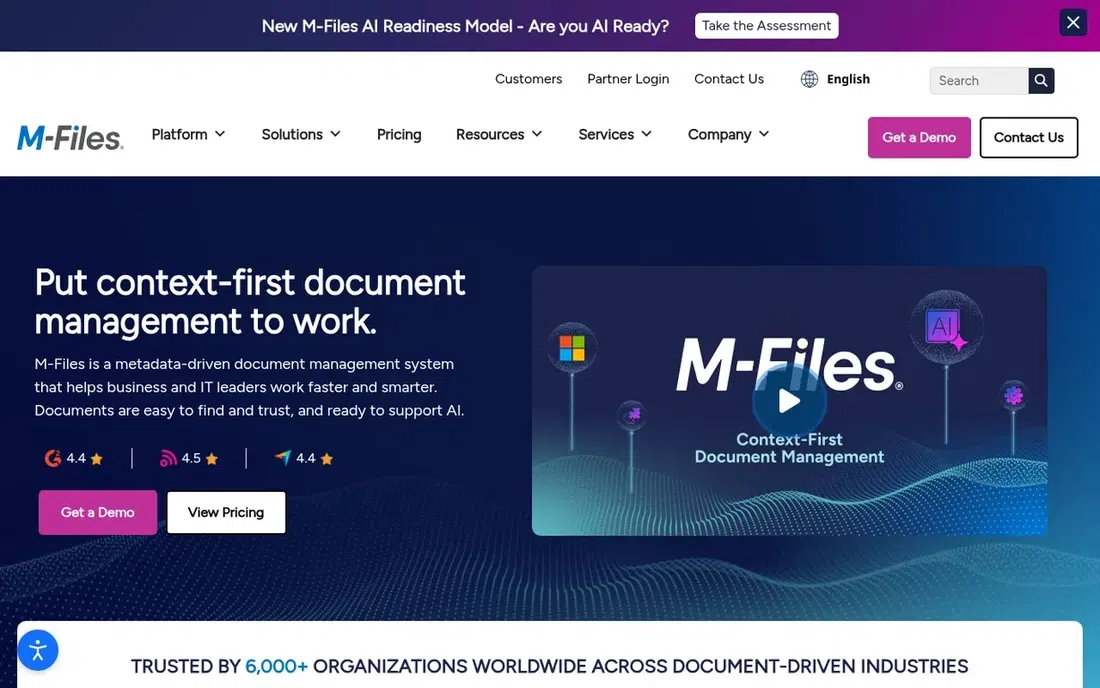
In short, M-Files is for context-based document organization. The context-based model means documents are tied to the matter, patient file or process they belong to instead of to folder paths alone.
That fits clinics that want structured retrieval and automatic routing across administrative and clinical paperwork. M-Files cost at the entry level: €65 per seat per month. Free options: Not stated.
Drawbacks to consider: May be more than small clinics need.
- Secure document management focus
- AI-powered automation
- Metadata-driven approach needs setup discipline
OnBase
Best for: Enterprise content management
In short, OnBase is for enterprise content management. OnBase by Hyland is a content management product positioned to run information and simplify business processes.
Points against: Enterprise orientation may exceed small clinic needs.
OnBase is described in enterprise content management terms, so a small clinic wanting straightforward file organization may find it heavier than necessary. Beyond that, compare more straightforward collaboration products if your needs are largely storage and sharing. OnBase shows no starting price here, so confirm the cost on the vendor site. On free options: Not stated.
- Part of the Hyland product family
- Content management for business processes
- Implementation scope can be substantial
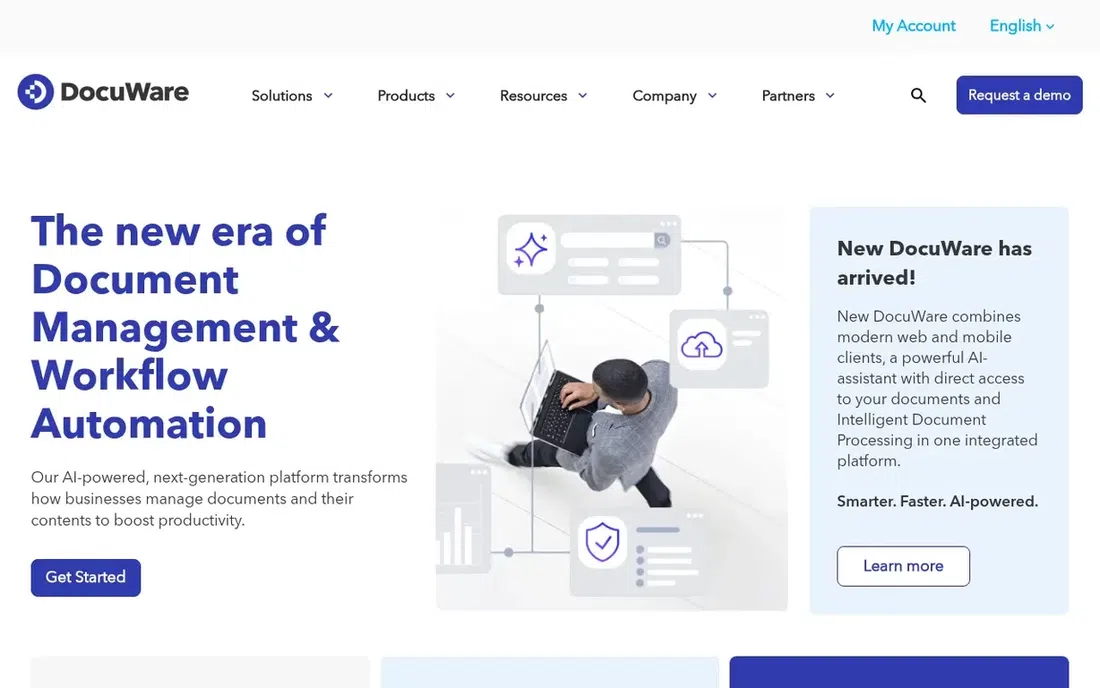
DocuWare works best for workflow-driven document processing. Its vendor describes it as a provider of document management software and options targeted at improving document processing with workflow automation.
Worth adding: for clinics, that combination suits organizations that want to capture paperwork, route it through defined steps and keep records in one managed system instead of scattered across shared drives. Pricing for DocuWare is not stated here, so ask the vendor for current figures. As for free access: Not stated.
Where it falls short: Less suited to teams wanting only straightforward file sharing.
- Workflow automation for document processing
- Positioned for improving processing speed
- Configuration effort may be needed for clinic workflows
How the list was put together
For each of the 5 tools we noted price, free plan or trial, fit for document management software for healthcare clinics and the main limit, using vendor pages and documentation. Seat minimums, billing terms and add-ons can move the real cost, so the starting prices here are a guide and not a quote. The sequence is a judgement call: typical use case first, then pricing transparency, then free access. Use the profiles to check fit.
Questions to settle before buying
- Confirm the entry price on the vendor page. For Box, OnBase and DocuWare that means a quote rather than a fixed price.
- Read the limits listed for Laserfiche first: wide feature set can mean a longer rollout.
- Before rolling out Box, verify the integrations your workflow depends on.
- Map your must-have features to a specific OnBase plan before you compare prices.
- Test how quickly M-Files answers a pre-sales question; it hints at how support will feel later.
FAQ
Do these tools publish their prices?
Not all of them. Box, OnBase and DocuWare publish no starting price, so expect a quote request for those. The rest, Laserfiche included, show a starting price, though seats and billing terms still change the final cost.
Can I try these tools before paying?
Not by default. None of the tools, from Laserfiche to DocuWare, lists a free plan or a free trial here, so ask each vendor for a demo before committing.
Is Laserfiche the right pick for everyone comparing document management software for healthcare clinics?
No single tool suits every team. Laserfiche comes first because it fits forms, workflows and analytics, while Box suits secure internal and external sharing and M-Files suits context-based document organization. Match the tool to your own size, budget and workflow before deciding.
What should a healthcare clinic look for in document management software?
Prioritize controlled access, audit trails, retention handling and workflow support for intake and administrative processes. Also check how the system connects with tools your staff already use, since adoption relies on fitting existing routines.
Can these tools support document workflows beyond simple storage?
Multiple do. DocuWare, M-Files, Laserfiche and OnBase all describe workflow or process automation as part of their offerings, and Box bundles workflow automation too. In daily use, confirm the specific workflow steps you need with each vendor before deciding.
How are the tools for document management software for healthcare clinics ordered?
Laserfiche sits first and DocuWare last because the order follows typical fit for document management software for healthcare clinics, then price clarity and free access. It is a judgement call, so read each profile for fit and limits.
Sources
- https://www.laserfiche.com
- https://www.box.com
- https://www.m-files.com
- https://www.hyland.com/en/solutions/products/onbase
- https://start.docuware.com
Related guides
- The 5 Best Digital Asset Management Software for Veterinary Clinics in 2026, Ranked
- Best Absence Management Software for Healthcare Staff in 2026: 5 Tools Compared
- 5 Best Contract Lifecycle Management Software for Healthcare for 2026, Vetted and Compared
- 6 Best Data Management Platforms for Healthcare Options for 2026