5 Dental Treatment Planning Software for Implant Dentists Worth Shortlisting in 2026
5 best Dental treatment planning software for Implant dentists, compared on pricing, free plans and best-fit use. Each pick lists its main limit. Facts only.

- Editor's choiceDTX Studio Implant
Integrated implant planning workflow
Starts atPricing on requestVisit dtxstudio.comFull review - Great alternativeCarestream Dental Imaging Software
Imaging-led implant diagnostics
Starts atPricing on requestVisit carestreamdental.comFull review - Also considerDentalCAD
Adaptable CAD design for implant cases
Starts atPricing on requestVisit exocad.comFull review
Direct answer
This list puts DTX Studio Implant first for integrated implant planning workflow. For a different need, Carestream Dental Imaging Software covers Imaging-led implant diagnostics and DentalCAD covers adaptable CAD design for implant cases. Details and limits for the rest of the 5 tools are below. None of these vendors publish plan prices, so pricing is on request for every option.
TL;DR:
- Number one here is DTX Studio Implant, a fit for integrated implant planning workflow.
- Exoplan fits CAD/CAM implant restoration planning.
- No starting price is shown for any of the 5 tools, DTX Studio Implant and exoplan included, so plan time for sales calls.
- DTX Studio Implant, exoplan and the 3 others all need a premium plan or a trial, since no free plan is listed.
- A fair warning about 3Shape Implant Studio: broad ecosystem can feel complex.
Last checked November 2026. Pricing on request: vendors did not publish plan prices when this guide was last checked (November 2026), so ask each vendor for a written quote.
Quick comparison
| Tool | Best for | Starts at | Free plan? | |
|---|---|---|---|---|
| DTX Studio Implant | Integrated implant planning workflow | Pricing on request | Not stated | Visit |
| Carestream Dental Imaging Software | Imaging-led implant diagnostics | Pricing on request | Not stated | Visit |
| DentalCAD | Adaptable CAD design for implant cases | Pricing on request | Not stated | Visit |
| 3Shape Implant Studio | Guided implant surgery planning | Pricing on request | Not stated | Visit |
| exoplan | CAD/CAM implant restoration planning | Pricing on request | Not stated | Visit |
Dental Treatment Planning Software for Implant Dentists compared in detail
This LinkVetted guide covers 5 Dental treatment planning software for Implant dentists. Each profile lists a starting price, free plan details, strengths and drawbacks, so you can drop poor fits quickly.
DTX Studio Implant
Best for: Integrated implant planning workflow
DTX Studio Implant targets integrated implant planning workflow. DTX Studio Implant is implant planning software within a connected digital dentistry suite, built around implant case workflows that bring imaging, planning and restoration steps together. As for the details, how much the software provides relies on which modules and devices are in use.
Where it falls short: Ecosystem dependencies affect setup.
So the effective feature set varies by configuration. Clinics with mixed equipment brands may find a more vendor-neutral planning tool simpler to fit into existing workflows. DTX Studio Implant shows no starting price here, so confirm the cost on the vendor site. Free options: Not stated.
- Implant-focused planning environment
- Designed around implant case workflows
- Feature depth varies by configuration
Carestream Dental Imaging Software
Best for: Imaging-led implant diagnostics
Carestream Dental Imaging Software is a good fit for Imaging-led implant diagnostics. Carestream Dental Imaging Software spans imaging systems and connected options, from intraoral X-ray and sensors to extraoral and CBCT imaging.
Watch-outs: Not a dedicated implant design tool.
For implant dentists, it is most relevant as the diagnostic layer, giving the scans and imaging views that feed into treatment planning decisions before surgery. No starting price is listed for Carestream Dental Imaging Software here; confirm pricing on the vendor site. Trial and free access: Not stated.
- Intraoral and extraoral imaging in one family
- CBCT imaging for diagnostic review
- Planning depth varies by module
DentalCAD
Best for: Adaptable CAD design for implant cases
DentalCAD serves adaptable CAD design for implant cases. Teams without CAD experience should expect a ramp-up time, and clinics wanting one integrated planning-to-surgery package may prefer a dedicated implant planner.
Limits to weigh: Design-centric instead of planning-centric.
For implant dentistry it supports restoration design that follows implant planning, making it a solid fit for labs and clinicians who design implant-supported crowns and frameworks in house or with a partner lab. Pricing for DentalCAD is not stated here, so ask the vendor for current figures. As for free access: Not stated.
- Adaptable design for varied indications
- Complete CAD/CAM design environment
- Steep ramp-up time for newcomers
3Shape Implant Studio
Best for: Guided implant surgery planning
3Shape Implant Studio is designed for guided implant surgery planning. Practices that only occasionally place implants, or that already depend on another imaging suite, may prefer a narrower planning product instead.
Drawbacks to consider: Not targeted at non-digital practices.
3Shape Implant Studio shows no starting price here, so confirm the cost on the vendor site. Free access: Not stated.
- Supports guided surgery workflows
- Ties into scanners and lab software
- Wide ecosystem can feel complicated
exoplan
Best for: CAD/CAM implant restoration planning
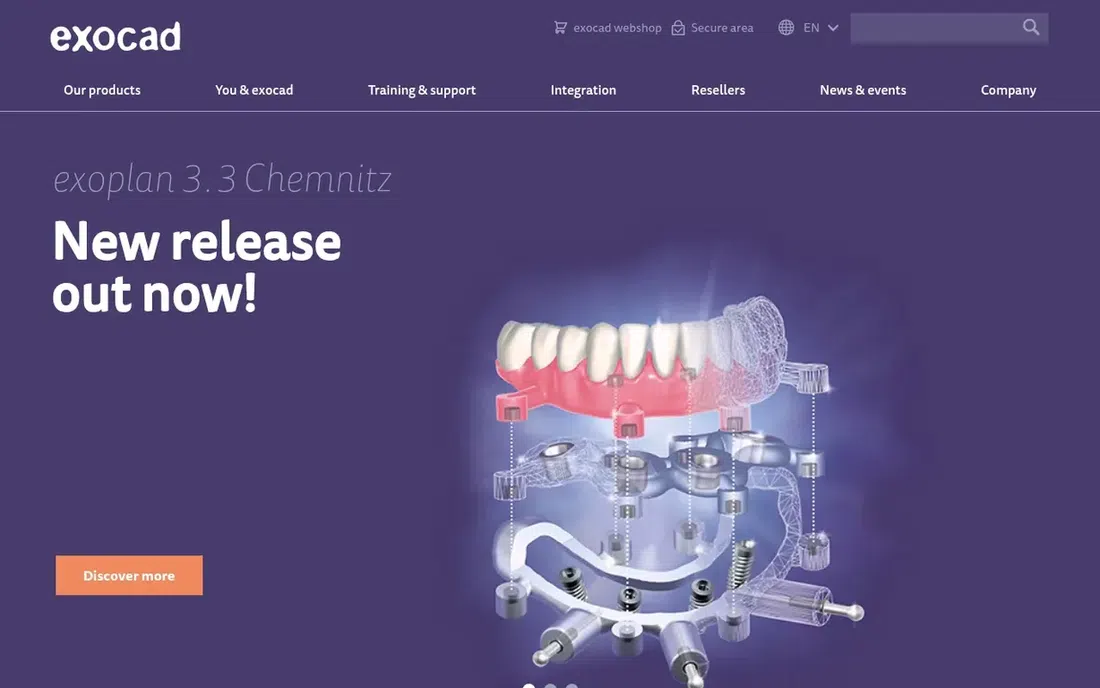
Where exoplan fits: CAD/CAM implant restoration planning. exoplan is exocad's CAD/CAM software for dental applications, positioned for the OEM market and pitched at advanced, complete digital design.
Points against: Needs CAD/CAM familiarity.
Its OEM focus means it is often embedded in partner systems instead of sold as a straightforward chairside tool, and it assumes solid CAD/CAM knowledge. exoplan shows no starting price here, so confirm the cost on the vendor site. Free access: Not stated.
- Made for OEM and lab integration
- Advanced CAD/CAM design for dental applications
- OEM orientation may not suit solo clinics
How we built this list
Each tool was reviewed on what its vendor publishes: price, plan limits, core features and stated drawbacks. We did not run hands-on tests. Prices and plan limits come from vendor pages and can change, so confirm them on the vendor site before you buy. The order reflects how well each tool fits the most common buying scenario for Dental treatment planning software for Implant dentists, then price clarity, then free plan access. It is a starting point, not a verdict.
Before you commit
- Confirm the entry price with every vendor: no tool from DTX Studio Implant to exoplan shows a fixed starting price.
- Before choosing DTX Studio Implant, weigh its main limit: ecosystem dependencies affect setup.
- Ask whether DTX Studio Implant integrates with your current software, and whether that comes standard or as an add-on.
- Ask DentalCAD which support channels and response times come with the plan you would buy.
- Look at which plan of 3Shape Implant Studio unlocks the features you need; entry tiers are often cut down.
FAQ
Does any tool for Dental treatment planning software for Implant dentists here have a free plan?
A permanent free plan is not offered by DTX Studio Implant, exoplan or the other tools here. Plan a short evaluation period instead.
How are the tools for Dental treatment planning software for Implant dentists ordered?
DTX Studio Implant sits first and exoplan last because the order follows typical fit for Dental treatment planning software for Implant dentists, then price clarity and free access. It is a judgement call, so read each profile for fit and limits.
Do these tools publish their prices?
No. None of the tools, from DTX Studio Implant to exoplan, shows a fixed starting price here, so budget time for quotes.
Is CAD/CAM design software enough for implant planning?
Typically not on its own. Products like exoplan and DentalCAD excel at designing restorations, but implant position planning and guided surgery usually come from dedicated planning software, so most teams combine both.
Can I try these tools before paying?
Not by default. None of the tools, from DTX Studio Implant to exoplan, lists a free plan or a free trial here, so ask each vendor for a demo before committing.
Do I need separate imaging and planning software?
Not always, but plenty of clinics pair an imaging suite like Carestream Dental Imaging Software with a dedicated planner. Integrated suites can cut handoffs, whereas separate tools may offer deeper features in each area.
Sources
- https://www.dtxstudio.com
- https://www.carestreamdental.com
- https://www.exocad.com
- https://www.3shape.com
- https://www.exoplan.com