Document Management Software for Medical Practices in 2026: The 6 Best Options Side by Side
6 best document management software for medical practices, compared on pricing, free plans and best-fit use. Read the caveats before you buy. Start here.
- Editor's choice
 M-Files
Metadata-driven document organization
Starts at€65 per seat per monthVisit m-files.comFull review - Great alternative
 Revver
General document management and workflow
Starts at$25 per user per monthVisit revverdocs.comFull review - Also consider
 Box
Secure content management and external collaboration
Starts atSee websiteVisit box.comFull review
Direct answer
M-Files comes first here, mainly for metadata-driven document organization. Listed starting prices: M-Files from €65 per seat per month, Revver from $25 per user per month and Laserfiche from $42 per user a month. Alternatives: Revver for general document management and workflow, and Box for secure content management and external collaboration. All 6 tools are compared below on price, free plan and limits.
TL;DR:
- The list opens with M-Files, aimed at metadata-driven document organization.
- Starting prices begin at $25 per user per month with Revver.
- M-Files, OnBase and the 4 others all need a premium plan or a trial, since no free plan is listed.
- What to know about Revver first: restricted public information on medical-specific features.
Last checked November 2026. Prices and plan details were read from the vendors' own pages in November 2026; vendors change plans often, so confirm the current price on the vendor site before you buy.
Quick comparison
| Tool | Best for | Starts at | Free plan? | |
|---|---|---|---|---|
| M-Files | Metadata-driven document organization | €65 per seat per month | Not stated | Visit |
| Revver | General document management and workflow | $25 per user per month | Free trial | Visit |
| Box | Secure content management and external collaboration | See website | Not stated | Visit |
 Laserfiche | Process automation and electronic forms | $42 per user a month | Not stated | Visit |
 DocuWare | Workflow automation and document capture | See website | Not stated | Visit |
| OnBase | Enterprise content management in healthcare | See website | Not stated | Visit |
The 6 tools in detail
LinkVetted compared 6 document management software for medical practices. The goal is a practical shortlist: published prices, free plan facts, best-fit use cases and honest limits for every entry.
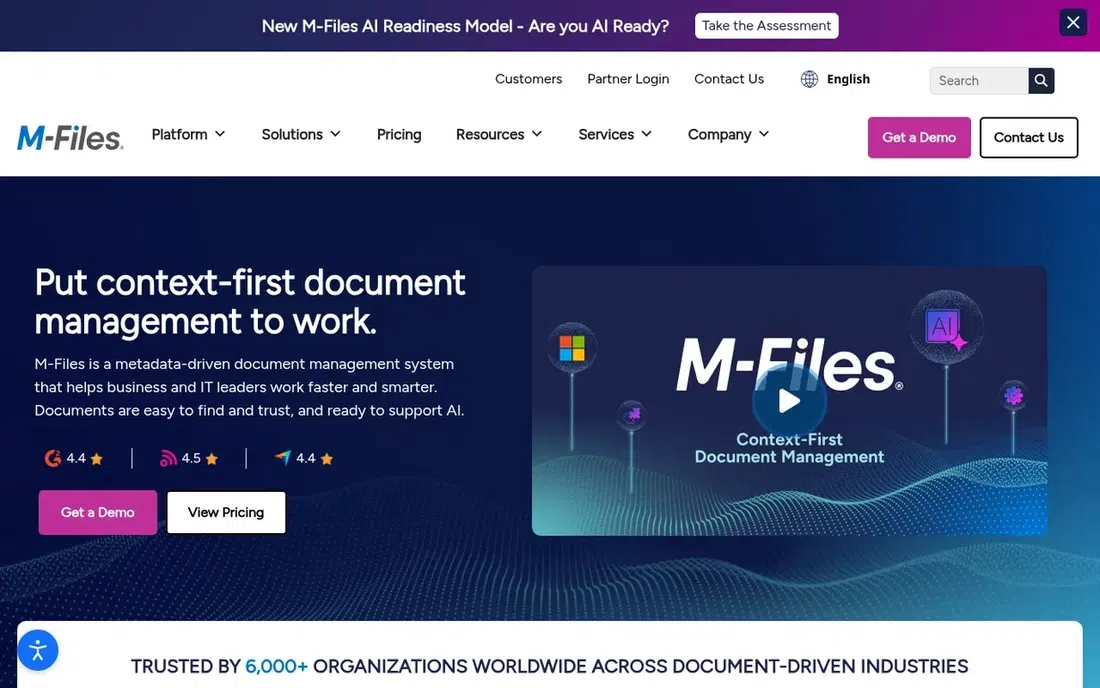
M-Files was built for metadata-driven document organization. M-Files is an AI-powered document management system that organizes documents in context using metadata instead of traditional folders. This approach helps ensure documents are filed correctly and are simple to retrieve, which can benefit medical practices dealing with varied document types and compliance requirements.
It also automates workflows and aims to cut risk through secure document handling. If you need a more straightforward, more traditional document management setup, other choices may be more appropriate. From a buyer's view, the metadata-driven model may need training for staff accustomed to folder-based systems. The product can be complicated for very small practices. M-Files pricing: €65 per seat per month. As for free access: Not stated.
Best features of M-Files: AI-powered automation. Where it falls short: Can be complicated for small practices.
- Organizes documents by context and metadata
- Cuts reliance on folder structures
- Metadata approach may need user training
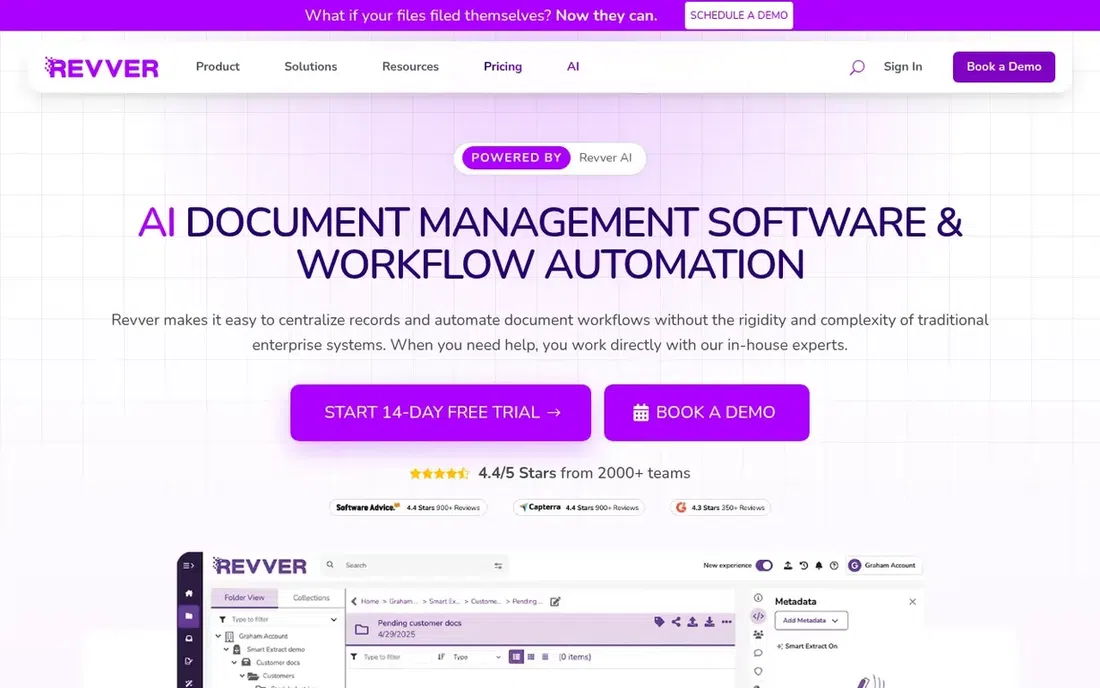
In short, Revver is for general document management and workflow. Revver is a document management product that supplies workflow automation and cloud-based access.
Honest limits: Restricted public information on medical-specific features.
It is built to help organizations store, handle, and share documents efficiently. If you need deep integration with electronic health records or specialized medical templates, you may need to explore other choices. Revver starts at: $25 per user per month. Free access: Free trial.
- Document management and workflow features
- Supports process automation
- May need customization for clinical use
Box was built for secure content management and external collaboration. Box is an AI-powered content management system that centres on workflow automation, collaboration, and data protection.
Honest limits: Can need customization for clinical workflows.
It allows internal and external collaboration on sensitive documents, which can be handy for medical practices coordinating with labs, specialists, or billing services. On top of that, Box offers a secure environment for storing and sharing documents, with automation to simplify processes. Check the vendor site for Box pricing; none is listed in this comparison. Free plan details: Not stated.
- Workflow automation and collaboration
- Capable data protection features
- May lack medical-specific templates
Laserfiche is built with process automation and electronic forms in mind. If you primarily need straightforward document storage and sharing, a lighter option might be more appropriate. As for the details, Laserfiche supplies AI-powered document management and process automation, including electronic forms, workflows, and analytics.
It is meant to accelerate work by digitizing and automating document-centric processes. For everyday use, Laserfiche's wide feature set may need training and configuration to completely use. It could be more than a small practice needs. Price to start with Laserfiche: $42 per user per month. Free options: Not stated.
Drawbacks to consider: Can be overkill for entry-level needs.
- Electronic forms and workflows
- AI-powered document management
- May need training for full utilization
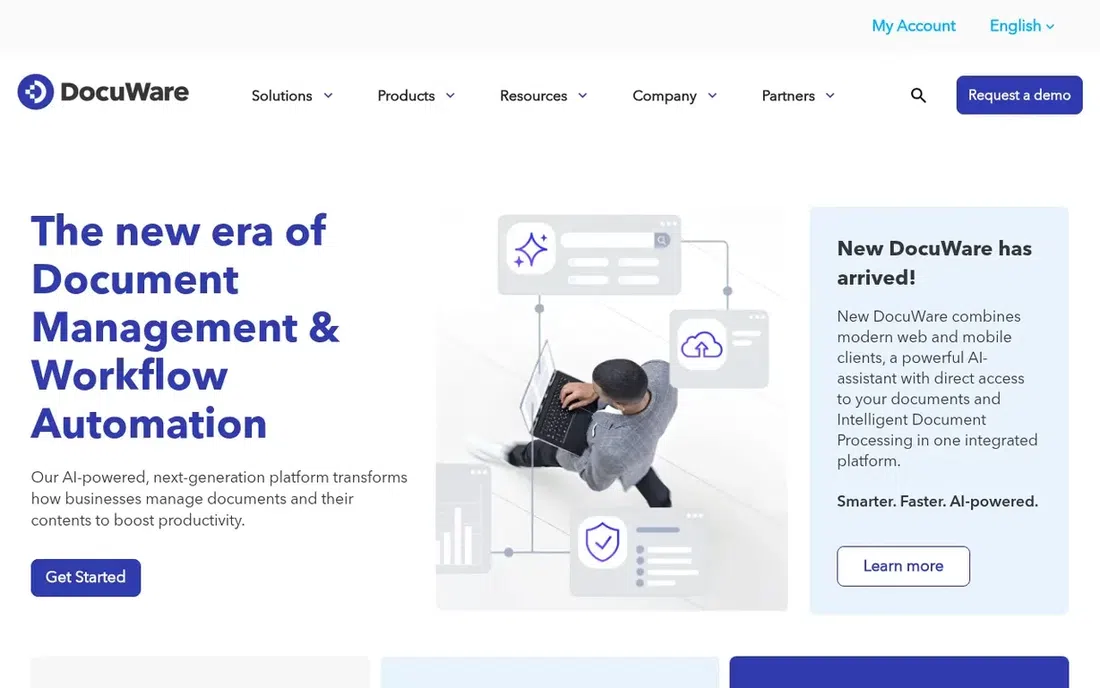
DocuWare works best for workflow automation and document capture. Practices with very straightforward document storage needs might find it more than necessary. In daily use, DocuWare is a document management and workflow automation product designed to boost document processing.
It records, indexes, and routes documents through automatic workflows, which can help medical practices run patient records, referrals, and administrative paperwork more efficiently. DocuWare's workflow and capture features may need initial configuration and possibly vendor support to tailor to specific medical office processes. This comparison lists no price for DocuWare; ask the vendor. Free access: Not stated.
Points against: Setup may need vendor assistance.
- Document capture and indexing
- Cloud or on-premises deployment
- Advanced features can add complexity
OnBase
Best for: Enterprise content management in healthcare
OnBase is a good fit for enterprise content management in healthcare. OnBase by Hyland is a content management option meant to run information and simplify business processes.
It is commonly used in healthcare settings to manage patient records, claims, and administrative documents. The system centres on efficiency and process optimization, making it suitable for medical practices that require solid content management and workflow capabilities. No starting price is listed for OnBase here; confirm pricing on the vendor site. Free options: Not stated.
Downsides: May be complicated for small practices.
- Full content management
- Simplifies business processes
- Implementation can need significant resources
How we compared the tools
For each of the 6 tools we noted price, free plan or trial, fit for document management software for medical practices and the main limit, using vendor pages and documentation. Where a price is missing, the vendor does not list one publicly or ties it to a quote. Always confirm before budgeting. The sequence is a judgement call: typical use case first, then pricing transparency, then free access. Use the profiles to check fit.
What to check before you buy
- Confirm the entry price on the vendor page. For Box, DocuWare and OnBase that means a quote rather than a fixed price.
- Take the trial from Revver and push a live task through it before you pay.
- Before choosing M-Files, weigh its main limit: metadata approach may need user training.
- Ask M-Files whether prices are locked for the first term and what happens at renewal.
- Confirm that Laserfiche connects to the apps your team already uses, on the plan you would actually buy.
FAQ
Can Box be used for sharing sensitive patient documents?
Box provides secure file sharing and data protection features, making it right for sharing sensitive documents with external parties when configured correctly.
What should a medical practice look for in document management software?
Key considerations bundle compliance with healthcare regulations, secure access controls, workflow automation for typical documents like referrals and intake forms, and integration with existing systems for example EHRs. Simplicity and vendor support are also important.
How does DocuWare help with medical document workflows?
This can cut manual handling of patient records, referrals, and administrative paperwork, helping staff process documents more efficiently and with fewer errors.
How are the tools for document management software for medical practices ordered?
The order follows typical fit for document management software for medical practices, with M-Files first and OnBase last, then price clarity and free access. It is editorial judgement, not a score, so another team could rank the tools differently.
Can I try these tools before paying?
Often, yes. Revver offers a free trial. Use your own data and a real task during the test, and check what the free tier or trial limits before you rely on it.
What is the cheapest option for document management software for medical practices in this list?
On published monthly entry prices, Revver is the lowest here at $25 per user per month. Entry price is only part of the cost, because seats, add-ons and billing terms can change the total.
Sources
- https://www.m-files.com
- https://www.revverdocs.com
- https://www.box.com
- https://www.laserfiche.com
- https://start.docuware.com
- https://www.hyland.com/en/solutions/products/onbase
Related guides
- Best Medical Billing Software for Small Practices in 2026: 8 Tools Compared
- AI Receptionist Software for Dental Practices in 2026: The 5 Best Options Side by Side
- Analytics Software for Healthcare Practices in 2026: The 5 Best Options Side by Side
- 5 Booking Software for Dental Practices Worth Shortlisting in 2026