Best Secure Document Sharing Software for Healthcare (2026): 5 Picks Checked on Vendor Pages
Best secure document sharing software for healthcare, compared. 5 tools with published prices, free plans and limits. The catches are listed up front. No hype.
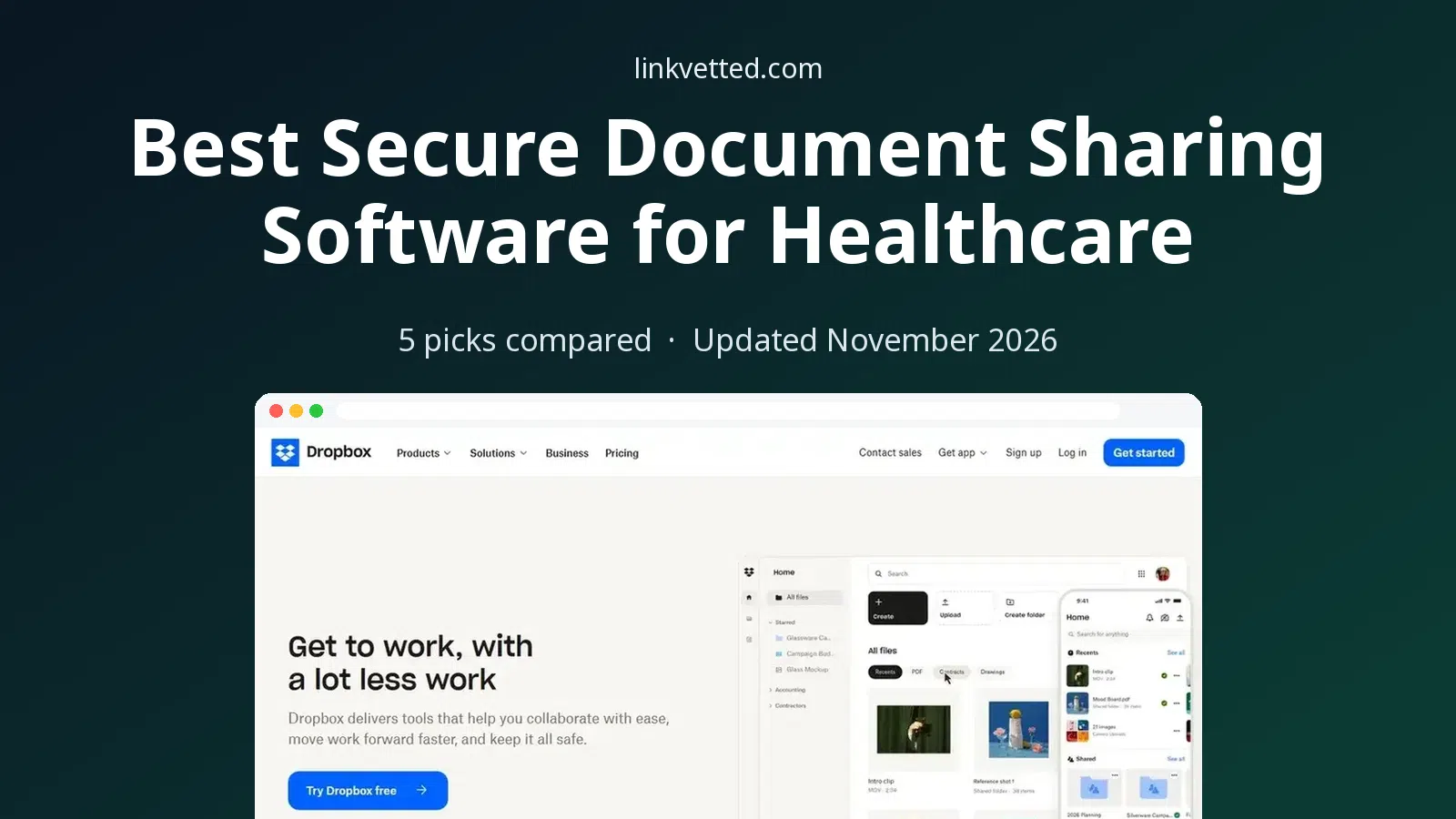
- Editor's choice
 Dropbox Business
Cloud storage with sharing and eSignature
Starts atSee websiteVisit dropbox.comFull review - Great alternative
 Box
Content management with workflow automation
Starts atSee websiteVisit box.comFull review - Also consider
 Virtru
End-to-end encryption for email and files
Starts at$119 per monthVisit virtru.comFull review
Direct answer
If you need cloud storage with sharing and eSignature, Dropbox Business is the first tool to look at here. Listed starting prices: Virtru from $119 per month, ShareFile from $16.50 per user a month and Egnyte from $22 per user a month. Box is the stronger choice for content management with workflow automation, while Virtru suits end-to-end encryption for email and files. The other 2 tools in the list cover narrower or pricier cases.
TL;DR:
- Top of the list is Dropbox Business, which targets cloud storage with sharing and eSignature.
- Egnyte fits enterprise content governance and large file collaboration.
- Neither Dropbox Business nor Egnyte, nor any of the other 3 tools, has a permanent free plan; trials and quotes are the norm.
- ShareFile has the lowest monthly starting price in this list: $16.50 per user per month.
- A fair warning about Virtru: primarily an encryption layer, not full storage.
Last checked November 2026. Prices and plan details were read from the vendors' own pages in November 2026; vendors change plans often, so confirm the current price on the vendor site before you buy.
Quick comparison
| Tool | Best for | Starts at | Free plan? | |
|---|---|---|---|---|
| Dropbox Business | Cloud storage with sharing and eSignature | See website | Not stated | Visit |
| Box | Content management with workflow automation | See website | Not stated | Visit |
| Virtru | End-to-end encryption for email and files | $119 per month | No | Visit |
 ShareFile | Secure document workflows in regulated industries | $16.50 per user a month | Free trial | Visit |
 Egnyte | Enterprise content governance and large file collaboration | $22 per user a month | Free trial | Visit |
The best secure document sharing software for healthcare
Choosing secure document sharing software for healthcare usually comes down to price, fit and limits. This LinkVetted guide sets 5 tools side by side on those three points, with the facts kept short and checkable.
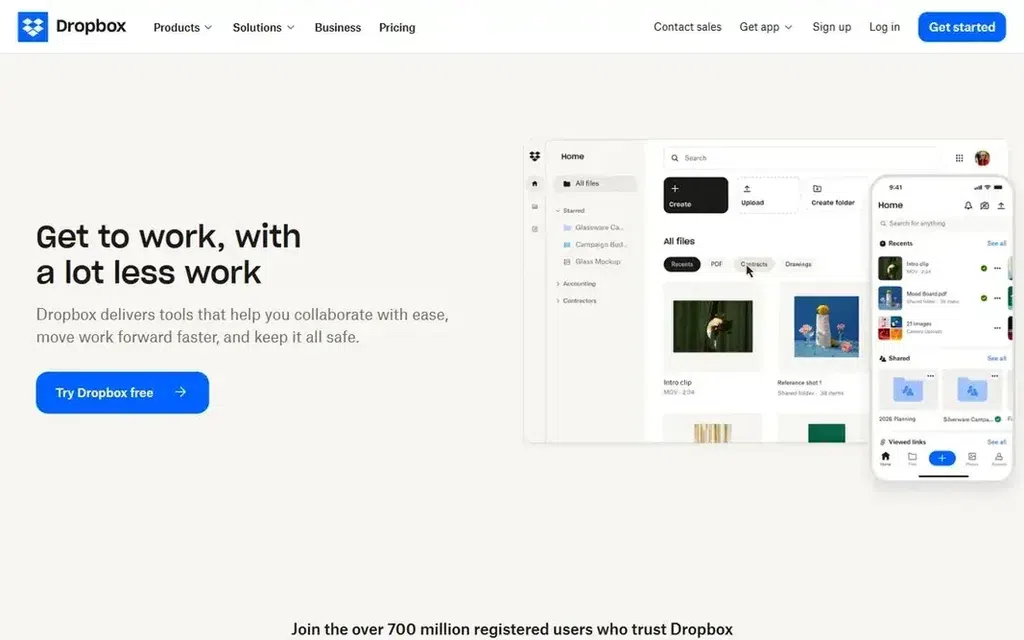
Dropbox Business makes the most sense for cloud storage with sharing and eSignature. Dropbox Business supplies cloud storage and sharing along with eSignature, document tracking, and backup tools. It is a practical choice for healthcare teams that want a familiar file-sharing experience with added productivity features.
In practice, Dropbox Business is not purpose-built for healthcare, so organizations with strict regulatory requirements may have to configure settings carefully or look for a specialized product. It performs well for general secure sharing but may lack some of the deep workflow and compliance features found in dedicated healthcare tools. In practice, the product helps ease work by keeping documents accessible and enabling collaboration, whereas offering controls to protect sensitive files. No starting price is listed for Dropbox Business here; confirm pricing on the vendor site. On free options: Not stated.
Downsides: Healthcare-specific compliance features may need extras.
- Merges storage, sharing, eSignature
- Contains document tracking features
- Advanced controls need configuration
Box is built with content management with workflow automation in mind. Box is an AI-powered content management system that helps teams automate workflows, collaborate internally and externally, and protect sensitive data. The system is well suited to organizations that require to handle large volumes of content and enforce consistent security policies across departments.
Its strength lies in content management and automation, so teams seeking an entry-level secure sharing tool might find it heavy. Beyond that, choose Box when you need a solid platform to govern content and integrate sharing into broader workflows. Beyond that, for healthcare, it can serve as a central repository for documents with access controls and workflow automation, reducing manual steps. Pricing for Box is not stated here, so ask the vendor for current figures. As for free access: Not stated.
The main drawbacks: May be complicated for entry-level sharing needs.
- Automates workflows for efficiency
- Guards sensitive data with controls
- Needs planning to align with healthcare policies
Think of Virtru for end-to-end encryption for email and files. Virtru Data Harbor Platform offers end-to-end encryption and access control for email, files, and apps. It is built to protect sensitive data throughout its lifecycle, making it a solid choice for healthcare organizations that need to secure communications and documents.
Virtru can be integrated with existing tools to add encryption and control without replacing them. In daily use, organizations looking for a complete sharing option may need to pair it with a storage or collaboration tool. Virtru pricing: $119 per month. Virtru has no permanent free option.
What to check first: May need integration with existing tools.
- Gives you access control for email and files
- Provides end-to-end encryption
- Primarily an encryption layer, not full storage
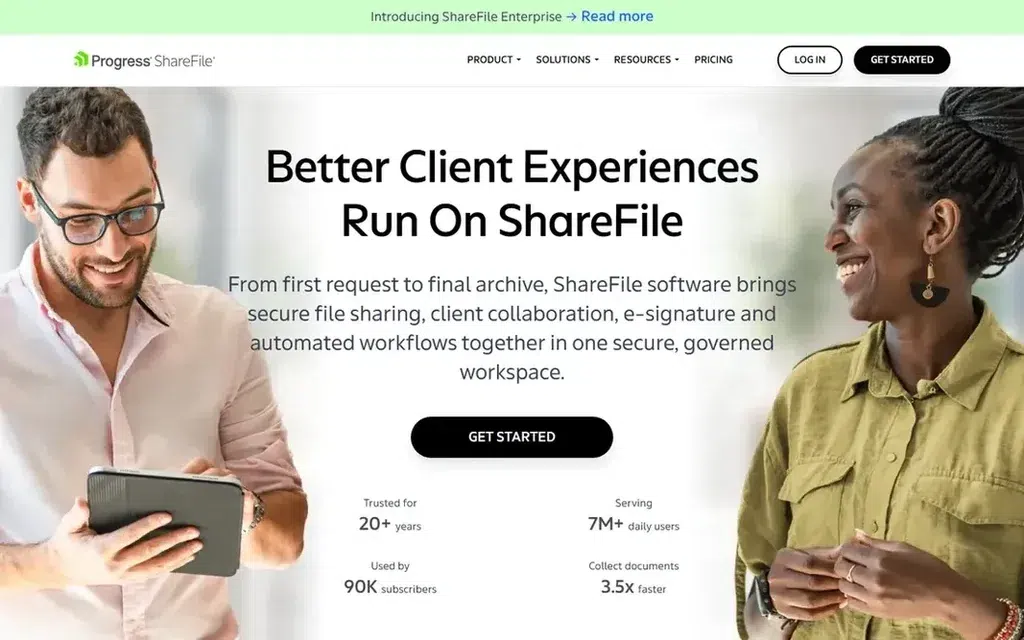
Choose ShareFile for secure document workflows in regulated industries. It merges sharing, collaboration, and workflow tools in one environment, making it a fit for healthcare organizations that require to control access and track document activity.
As for the details, consider ShareFile when secure sharing and document processes are central to your operations. Also, organizations already using more straightforward storage tools might prefer a lighter option except when they require in-depth workflow controls. ShareFile pricing: $16.50 per user per month. On free options: Free trial.
Honest limits: May need configuration for healthcare-specific rules.
- Emphasizes secure sharing and collaboration
- Supports document workflow automation
- Advanced features could add complexity
Egnyte was built for enterprise content governance and large file collaboration. Organizations seeking a straightforward sharing tool might find its governance features excessive.
In practice, choose Egnyte when you need solid content governance and the capacity to deal with large files in a secure environment. Price to start with Egnyte: $22 per user per month. Trial and free access: Free trial.
Watch-outs: Enterprise focus could mean higher overhead.
- Concentrates on governance of sensitive content
- Supports collaboration on large files
- May be complicated for small practices
What went into this list
For each of the 5 tools we noted price, free plan or trial, fit for secure document sharing software for healthcare and the main limit, using vendor pages and documentation. Prices and plan limits come from vendor pages and can change, so confirm them on the vendor site before you buy. Order on the page follows fit for the typical buyer first, then price transparency and free access. Your own requirements should decide the final pick.
What to check before you buy
- Confirm the entry price on the vendor page. For Dropbox Business and Box that means a quote rather than a fixed price.
- Run a trial of ShareFile and Egnyte with real work before paying for a year; your own workflow is the best test.
- Before choosing Dropbox Business, weigh its main limit: healthcare-specific compliance features may need extras.
- Price Virtru for your actual team size; headline prices rarely include add-ons or overage.
- Involve the people who will use Box daily; a short pilot beats a long feature checklist.
FAQ
Can I use Dropbox Business for healthcare document sharing?
It is a solid fit for teams that require a familiar interface and productivity features. For stricter compliance, consider a specialized product like ShareFile.
What should healthcare organizations look for in document sharing software?
Healthcare organizations should prioritize encryption, access controls, audit trails, and compliance with regulations like HIPAA. It is also important to consider integration with existing systems and simplicity for staff.
How are the tools for secure document sharing software for healthcare ordered?
Dropbox Business sits first and Egnyte last because the order follows typical fit for secure document sharing software for healthcare, then price clarity and free access. It is a judgement call, so read each profile for fit and limits.
What is the cheapest option for secure document sharing software for healthcare in this list?
On published monthly entry prices, ShareFile is the lowest here at $16.50 per user per month. Entry price is only part of the cost, because seats, add-ons and billing terms can change the total. Prices, free plan details and limits for all 5 tools in this secure document sharing software for healthcare roundup sit on the individual cards above.
How does Virtru differ from other tools in this list?
It can add a layer of security to your existing tools. Beyond that, other choices like Box or Egnyte offer broader content management and collaboration features.
Do these tools publish their prices?
Not all of them. Dropbox Business and Box publish no starting price, so expect a quote request for those. The rest, Virtru included, show a starting price, though seats and billing terms still change the final cost.
Sources
- https://www.dropbox.com/business
- https://www.box.com
- https://www.virtru.com
- https://www.sharefile.com
- https://www.egnyte.com