The 5 Best DNS Filtering Software for School Districts in 2026, Ranked
Best DNS filtering software for school districts: 5 contenders ranked by fit, with entry costs and free tiers. Prices and drawbacks included. Choose faster.
- Editor's choiceWebTitan
Layered security with DNS filtering
Starts atSee websiteVisit titanhq.comFull review - Great alternativeDNSFilter
Straightforward DNS filtering for organizations
Starts at$1.00 per license per monthVisit dnsfilter.comFull review - Also considerContentKeeper
Education-focused web filtering and student safety
Starts atSee websiteVisit contentkeeper.comFull review
Direct answer
WebTitan comes first here, mainly for layered security with DNS filtering. Listed starting prices: DNSFilter from $1.00 per license per month. Alternatives: DNSFilter for straightforward DNS filtering for organizations, and ContentKeeper for education-focused web filtering and student safety. Prices, free plans and limits for all 5 tools follow.
TL;DR:
- Top of the list is WebTitan, which targets layered security with DNS filtering.
- Linewize Filter suits building safe digital communities in schools.
- WebTitan, Linewize Filter and the 3 others all need a premium plan or a trial, since no free plan is listed.
- Starting prices begin at $1.00 per license per month with DNSFilter.
- What to know about DNSFilter first: may lack education-specific features.
Last checked November 2026. Prices and plan details were read from the vendors' own pages in November 2026; vendors change plans often, so confirm the current price on the vendor site before you buy.
Quick comparison
| Tool | Best for | Starts at | Free plan? | |
|---|---|---|---|---|
| WebTitan | Layered security with DNS filtering | See website | Not stated | Visit |
| DNSFilter | Straightforward DNS filtering for organizations | $1.00 per license per month | Free trial | Visit |
| ContentKeeper | Education-focused web filtering and student safety | See website | Not stated | Visit |
 Cisco Umbrella | Enterprise-level DNS security for districts | See website | Not stated | Visit |
| Linewize Filter | Building safe digital communities in schools | See website | Not stated | Visit |
The best DNS filtering software for school districts
LinkVetted compared 5 DNS filtering software for school districts. The goal is a practical shortlist: published prices, free plan facts, best-fit use cases and honest limits for every entry.
WebTitan
Best for: Layered security with DNS filtering
Where WebTitan fits: layered security with DNS filtering. Districts looking for an integrated security system may find it a solid fit.
From a buyer's view, WebTitan is not tailored specifically for education, so it may lack features like student safety monitoring or classroom management. This comparison lists no price for WebTitan; ask the vendor. Free access: Not stated.
Where it falls short: Not education-specific.
- SaaS system for simple management
- Layered security approach
- May need extra configuration for schools
DNSFilter
Best for: Straightforward DNS filtering for organizations
DNSFilter is a good fit for straightforward DNS filtering for organizations. DNSFilter is a DNS filtering service used by plenty of organizations to block malicious content and enforce policies. It supplies a straightforward way to add a layer of security at the DNS level, making it a solid fit for districts that require entry-level filtering without broad complexity.
Its simplicity and wide adoption make it a dependable choice for general DNS security. On top of that, whereas effective for general DNS filtering, DNSFilter may not contain the education-specific features like classroom management or student safety tools that some districts need. Starting cost for DNSFilter: $1.00 per license per month. Free plan details: Free trial.
What to check first: May lack education-specific features.
- Widely used by organizations
- Straightforward DNS filtering service
- Less tailored to student safety
ContentKeeper
Best for: Education-focused web filtering and student safety
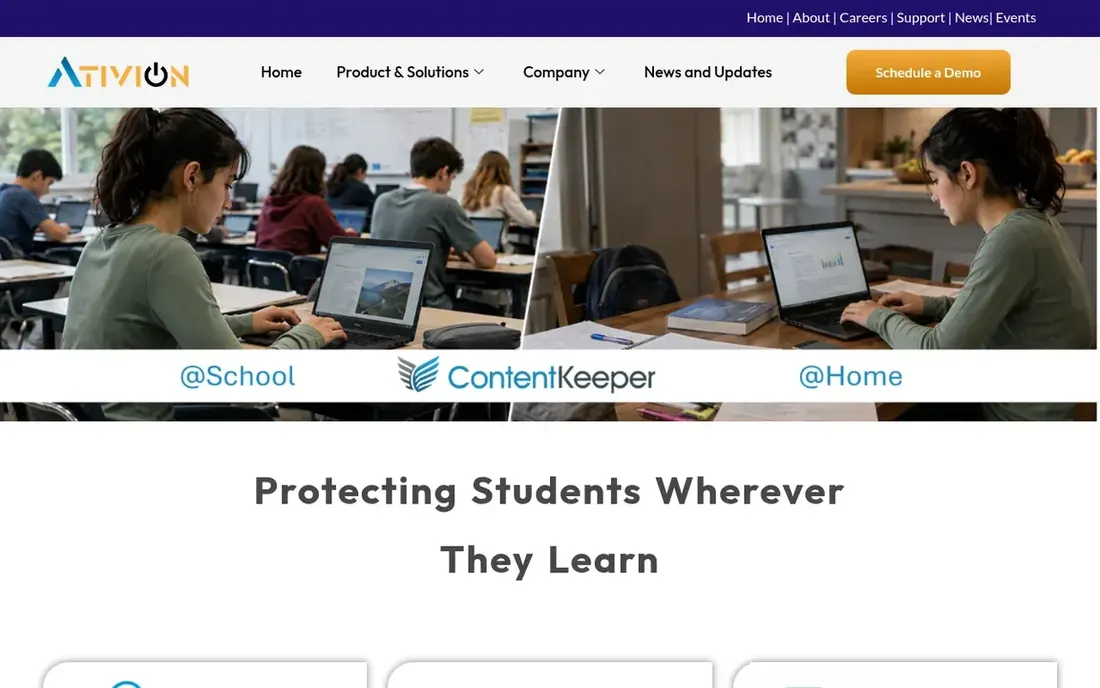
In short, ContentKeeper is for education-focused web filtering and student safety. ContentKeeper is a web filter built for the education sector, focusing on protecting students whereas supporting their use of diverse technologies in the classroom. It aims to supply a smooth learning experience by balancing security with access to educational resources.
What to check first: May be less known outside education.
In practice, if you need integrated threat protection beyond web filtering, consider Cisco Umbrella or DNSFilter. From a buyer's view, districts looking for a filter tailored to student safety and classroom needs will find it a capable candidate. Check the vendor site for ContentKeeper pricing; none is listed in this comparison. Free access: Not stated.
- Adaptable filtering for diverse technologies
- Enhances classroom technology use
- Needs configuration for optimal results
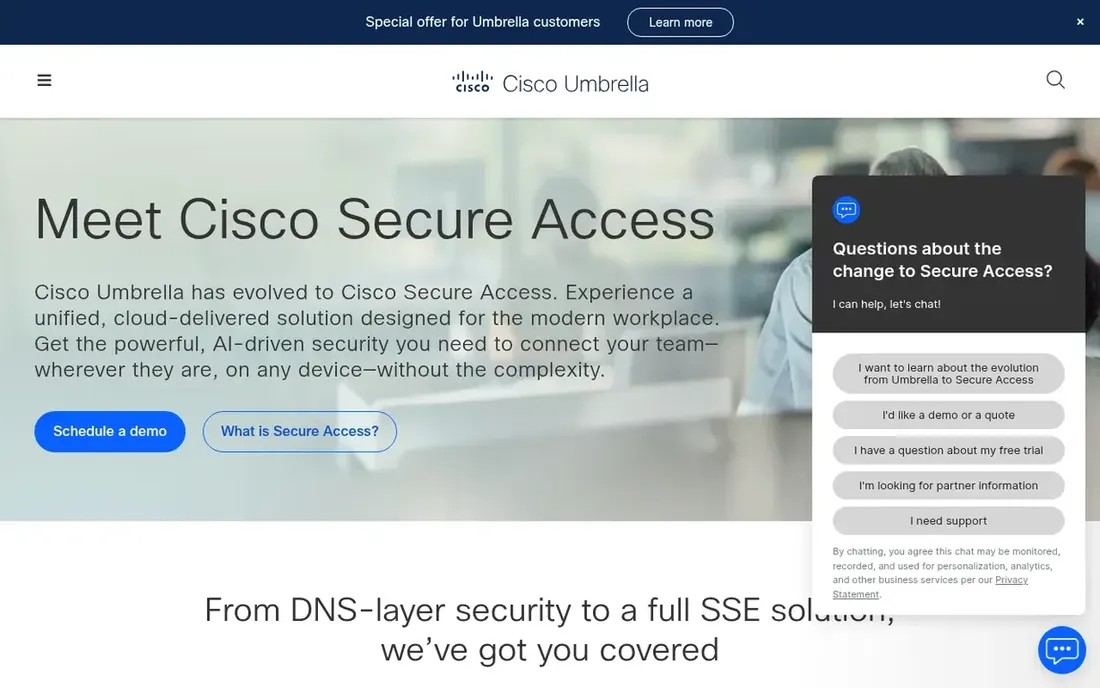
Cisco Umbrella targets enterprise-level DNS security for districts. The option brings together several security functions into a single cloud service. Cisco Umbrella is a cloud-delivered security system that supplies DNS-layer protection and advanced threat defense.
Where it falls short: Can be complicated for smaller districts.
It is made for organizations that require solid, scalable security, making it a good fit for school districts with complicated network environments and dedicated IT teams. From a buyer's view, Umbrella's enterprise focus means it may be more complicated and expensive than education-specific filters, and districts without dedicated security staff might find it challenging to run. No starting price is listed for Cisco Umbrella here; confirm pricing on the vendor site. Trial and free access: Not stated.
- Unified cloud-delivered security
- Scales for large networks
- May need technical expertise
Linewize Filter
Best for: Building safe digital communities in schools
Linewize Filter is aimed squarely at building safe digital communities in schools. Districts looking to foster a safer online environment for students will find it a suitable choice. Also, if you need solid threat protection alongside filtering, consider Cisco Umbrella or DNSFilter.
The main drawbacks: May be less feature-rich than enterprise tools.
In daily use, Linewize Filter is built to help schools build safe and smart digital communities by protecting and supporting students in their digital lives. It goes beyond entry-level filtering to address the broader needs of student safety and digital citizenship. From a buyer's view, while capable in student safety, Linewize may lack some advanced DNS security features found in enterprise solutions. Check the vendor site for Linewize Filter pricing; none is listed in this comparison. On free options: Not stated.
- Focus on student digital safety
- Helps schools advance beyond entry-level filtering
- Primarily concentrated on education
What went into this list
What to confirm before you sign up
- Ask WebTitan, ContentKeeper, Cisco Umbrella and Linewize Filter for a written quote, since no starting price is shown.
- Use real work to test the free trial from DNSFilter, rather than a demo project.
- Before choosing WebTitan, weigh its main limit: not education-specific.
- Ask the daily users to test Cisco Umbrella on a live task before you roll it out to everyone.
- Check whether Linewize Filter bills monthly or annually, and what cancelling early costs.
FAQ
What is the cheapest option for DNS filtering software for school districts in this list?
On published monthly entry prices, DNSFilter is the lowest here at $1.00 per license per month. Entry price is only part of the cost, because seats, add-ons and billing terms can change the total.
Is WebTitan the right pick for everyone comparing DNS filtering software for school districts?
No single tool suits every team. WebTitan comes first because it fits layered security with DNS filtering, while DNSFilter suits straightforward DNS filtering for organizations and ContentKeeper suits education-focused web filtering and student safety. Match the tool to your own size, budget and workflow before deciding.
Do these tools publish their prices?
Not all of them. WebTitan, ContentKeeper, Cisco Umbrella and Linewize Filter publish no starting price, so expect a quote request for those. The rest, DNSFilter included, show a starting price, though seats and billing terms still change the final cost.
Can DNS filtering tools filter by user or device?
Plenty of DNS filtering options allow policies to be applied based on user identity or device type. This is handy for school districts to apply different rules for students, staff, and guests.
What should school districts consider when choosing a DNS filter?
Districts should consider ease of management, integration with existing systems, reporting capabilities, and whether the tool provides education-specific features like student safety monitoring. Scalability and support are also important.
Does any tool for DNS filtering software for school districts here have a free plan?
No tool in this list, WebTitan and Linewize Filter included, has a permanent free plan. DNSFilter offer a trial. Trials and quotes are the usual route, so plan a short evaluation period.
Sources
- https://www.titanhq.com
- https://www.dnsfilter.com
- https://www.contentkeeper.com
- https://umbrella.cisco.com
- https://www.linewize.com