URL Filtering Software in 2026: The 5 Best Options Side by Side
5 tools for the best URL filtering software, compared on pricing, free plans and best-fit use. Trade-offs are spelled out for each entry. Jump to the table.
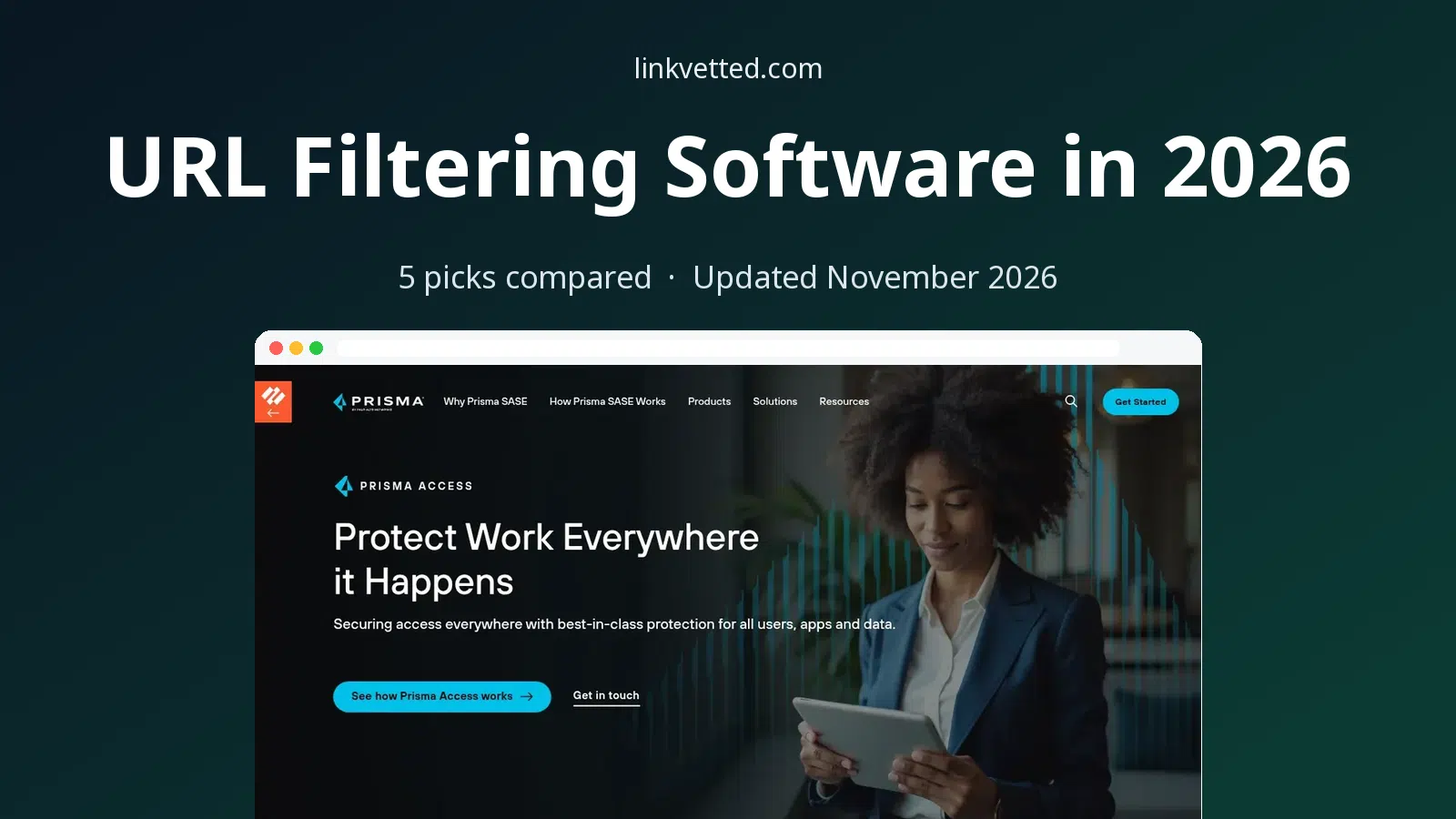
- Editor's choiceWebTitan
DNS filtering with AI threat protection
Starts atSee websiteVisit titanhq.comFull review - Great alternative
 Palo Alto Networks Prisma Access
Secure remote access for hybrid workforces
Starts atSee websiteVisit paloaltonetworks.comFull review - Also consider
 Cisco Umbrella
DNS-layer security and cloud protection
Starts atSee websiteVisit umbrella.cisco.comFull review
Direct answer
If you need DNS filtering with AI threat protection, WebTitan is the first tool to look at here. Listed starting prices: DNSFilter from $1.00 per license per month. If your case is different, Palo Alto Networks Prisma Access suits secure remote access for hybrid workforces and Cisco Umbrella suits DNS-layer security and cloud protection. Prices, free plans and limits for all 5 tools follow.
TL;DR:
- This list starts with WebTitan, which is built for DNS filtering with AI threat protection.
- For straightforward DNS filtering and security, DNSFilter is worth a look.
- A fair warning about Cisco Umbrella: may need Cisco ecosystem familiarity.
- DNSFilter has the lowest monthly starting price in this list: $1.00 per license per month.
- None of the 5 tools, from WebTitan to DNSFilter, has a free plan, so budget for a subscription or use a trial.
Last checked November 2026. Prices and plan details were read from the vendors' own pages in November 2026; vendors change plans often, so confirm the current price on the vendor site before you buy.
Quick comparison
| Tool | Best for | Starts at | Free plan? | |
|---|---|---|---|---|
| WebTitan | DNS filtering with AI threat protection | See website | Not stated | Visit |
| Palo Alto Networks Prisma Access | Secure remote access for hybrid workforces | See website | Not stated | Visit |
| Cisco Umbrella | DNS-layer security and cloud protection | See website | Not stated | Visit |
 Netskope | Unified visibility and SASE protection | See website | Not stated | Visit |
| DNSFilter | Straightforward DNS filtering and security | $1.00 per license per month | Free trial | Visit |
URL Filtering Software, one by one
Choosing URL filtering software usually comes down to price, fit and limits. This LinkVetted guide sets 5 tools side by side on those three points, with the facts kept short and checkable.
WebTitan
Best for: DNS filtering with AI threat protection
WebTitan is designed for DNS filtering with AI threat protection. It bundles AI threat protection and is made for simplicity across networks.
What to check first: May lack advanced inline inspection.
If you need advanced threat inspection beyond DNS, consider a SASE product. Pricing for WebTitan is not stated here, so ask the vendor for current figures. Free options: Not stated.
- AI threat protection
- Blocks harmful domains at DNS level
- Limited to DNS-layer filtering
Palo Alto Networks Prisma Access
Best for: Secure remote access for hybrid workforces
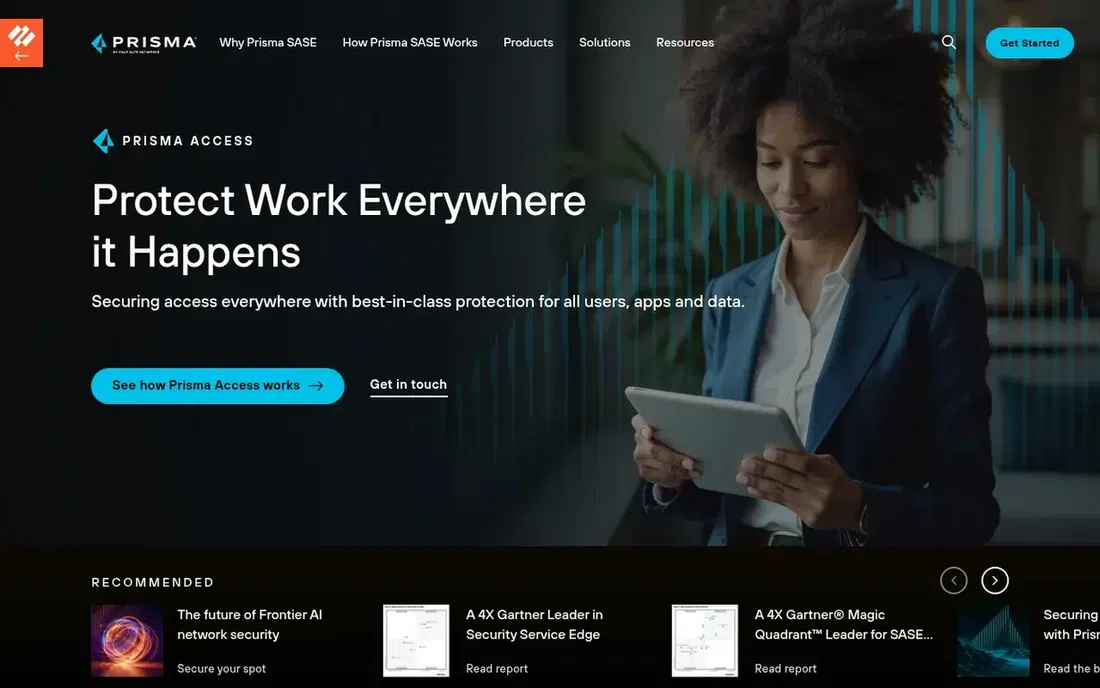
Palo Alto Networks Prisma Access is aimed squarely at secure remote access for hybrid workforces. Prisma Access is a cloud-delivered security platform from Palo Alto Networks that gives you secure remote access for the hybrid workforce. It extends enterprise-grade protection to users and devices regardless of location.
Drawbacks to consider: May need Palo Alto ecosystem knowledge.
This tool is a strong match for organizations with a distributed workforce needing consistent security policies. For everyday use, Prisma Access is aimed at enterprises and may be too complicated for small companies without dedicated security teams. If you need straightforward URL filtering without full SASE, a more straightforward option may be more appropriate. Palo Alto Networks Prisma Access does not show a starting price in this comparison, so check the vendor site for current pricing. As for free access: Not stated.
- Secure remote access
- Cloud-delivered security system
- Complex deployment for small teams
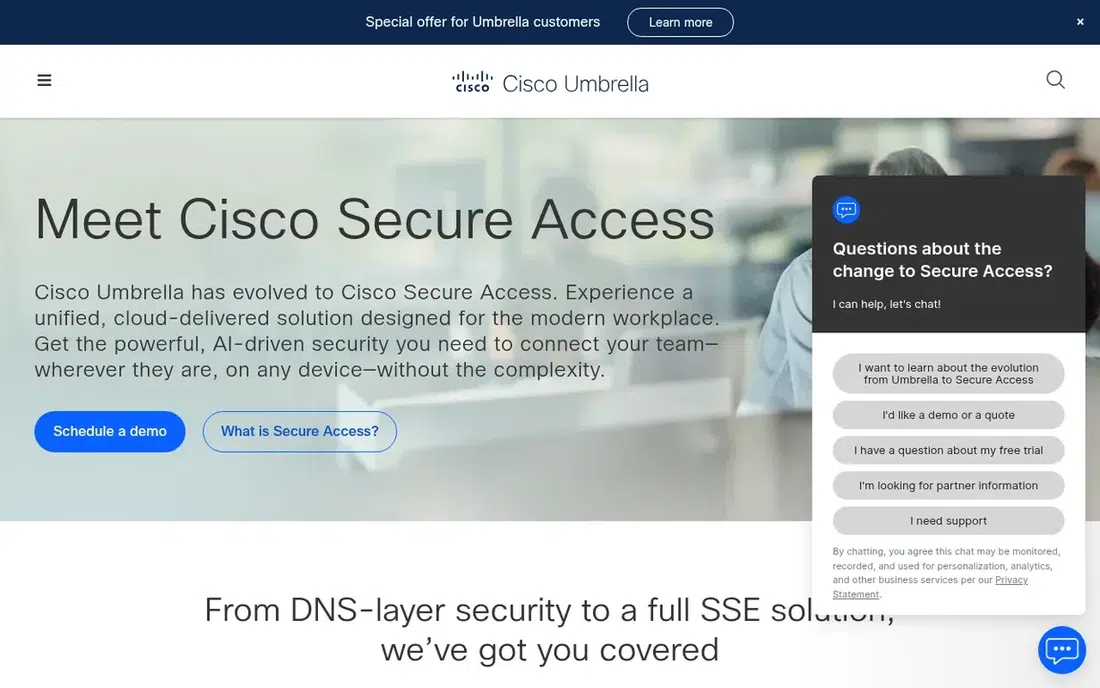
Cisco Umbrella is designed for DNS-layer security and cloud protection. For more straightforward DNS filtering, consider a dedicated DNS filter. Cisco Umbrella is an enterprise network security option that offers advanced protection through a unified, cloud-delivered product.
Points against: Enterprise-focused complexity.
It centres on DNS-layer security, blocking malicious domains before connections are established. Configuration and management can be complicated, and it is most useful for organizations already using Cisco products. This comparison lists no price for Cisco Umbrella; ask the vendor. Free plan details: Not stated.
- Unified cloud-delivered option
- Aimed at modern workplaces
- May need Cisco ecosystem familiarity
Netskope is a good fit for unified visibility and SASE protection. Netskope's wide feature set may be more than needed for straightforward URL filtering, and deployment needs planning.
What to check first: Needs careful policy planning.
It helps secure and accelerate cloud, data, and AI usage. For entry-level filtering, consider a focused DNS filter. Check the vendor site for Netskope pricing; none is listed in this comparison. Free plan details: Not stated.
- Unified visibility across cloud and web
- Optimized performance
- Complicated for small teams
DNSFilter
Best for: Straightforward DNS filtering and security
DNSFilter is aimed squarely at straightforward DNS filtering and security. DNSFilter is a DNS filtering service that gives you DNS security for organizations. It blocks malicious domains and enforces acceptable use policies at the DNS layer.
This tool is a strong match for companies and schools looking for a straightforward, effective filtering option that is simple to deploy and handle. DNSFilter's protection is centered on DNS, so it may not include all inline threats. What you pay to start with DNSFilter: $1.00 per license per month. Free plan details: Free trial.
Trade-offs to know: Primarily DNS-layer protection.
- Simple to deploy
- DNS filtering service
- May lack advanced inline features
Our selection method
The comparison looks at four things: starting price, free access, how well the feature set matches URL filtering software, and the main limit of each tool. Figures are shown as the vendors publish them. Billing terms, seat minimums and add-ons can change the real cost. Tools are placed by general fit for URL filtering software, with price clarity and free access as tie-breakers. A different team can reasonably rank them differently.
A buyer's checklist
- Get a written quote from WebTitan, Palo Alto Networks Prisma Access, Cisco Umbrella and Netskope; the list shows no starting price for them.
- Use real work to test the free trial from DNSFilter, rather than a demo project.
- Before choosing WebTitan, weigh its main limit: restricted to DNS-layer filtering.
- Ask DNSFilter whether prices are locked for the first term and what happens at renewal.
- Confirm that WebTitan connects to the apps your team already uses, on the plan you would actually buy.
FAQ
How does DNS filtering differ from full secure web gateway?
DNS filtering blocks domains at the DNS resolution stage, which is light and simple to deploy. DNS filtering is more straightforward but less granular than a secure web gateway.
Do these tools publish their prices?
Not all of them. WebTitan, Palo Alto Networks Prisma Access, Cisco Umbrella and Netskope publish no starting price, so expect a quote request for those. The rest, DNSFilter included, show a starting price, though seats and billing terms still change the final cost.
Can I try these options before paying?
Often, yes. DNSFilter offers a free trial. Use your own data and a real task during the test, and check what the free tier or trial limits before you rely on it.
How are the tools for URL filtering software ordered?
WebTitan sits first and DNSFilter last because the order follows typical fit for URL filtering software, then price clarity and free access. It is a judgement call, so read each profile for fit and limits.
Does any tool for URL filtering software here have a free plan?
A permanent free plan is not offered by WebTitan, DNSFilter or the other tools here. DNSFilter offer a trial. Plan a short evaluation period instead.
Which URL filtering tool is a good match for schools?
This list starts with WebTitan, which fits DNS filtering with AI threat protection. For other needs, Palo Alto Networks Prisma Access is aimed at secure remote access for hybrid workforces, and Cisco Umbrella at DNS-layer security and cloud protection. Check each tool's price and main limit first.
Sources
- https://www.titanhq.com/webtitan
- https://www.paloaltonetworks.com/prisma/access
- https://umbrella.cisco.com
- https://www.netskope.com
- https://www.dnsfilter.com