Best Disaster Recovery Software for Enterprise in 2026: Prices, Free Plans and 5 Picks
Compare 5 picks for the best disaster recovery software for enterprise, with prices, free plans and who each fits. Weak spots flagged for every entry. No hype.
- Editor's choice
 Commvault Cloud
AI-driven recovery and cyber resilience
Starts atPricing on requestVisit commvault.comFull review - Great alternative
 Cohesity DataProtect
AI-powered threat detection and recovery
Starts atPricing on requestVisit cohesity.comFull review - Also considerDell PowerProtect Data Manager
Integrated protection for Dell environments
Starts atPricing on requestVisit dell.comFull review
Direct answer
For AI-driven recovery and cyber resilience, Commvault Cloud is where this list starts. Cohesity DataProtect fits AI-powered threat detection and recovery; Dell PowerProtect Data Manager fits integrated protection for Dell environments. Free plan facts and limits for all 5 tools follow. None of these vendors publish plan prices, so pricing is on request for every option.
TL;DR:
- Top of the list is Commvault Cloud, which targets AI-driven recovery and cyber resilience.
- Check the limits for Cohesity DataProtect before you commit: may need ecosystem extras.
- Neither Commvault Cloud nor Veeam Backup & Replication, nor any of the other 3 tools, has a permanent free plan; trials and quotes are the norm.
- For cyber-resilient backup and replication, Veeam Backup & Replication is worth a look.
- Commvault Cloud, Veeam Backup & Replication and the 3 others all sell by quote; expect sales conversations before you see a price.
Last checked November 2026. Pricing on request: vendors did not publish plan prices when this guide was last checked (November 2026), so ask each vendor for a written quote.
Quick comparison
| Tool | Best for | Starts at | Free plan? | |
|---|---|---|---|---|
| Commvault Cloud | AI-driven recovery and cyber resilience | Pricing on request | Not stated | Visit |
| Cohesity DataProtect | AI-powered threat detection and recovery | Pricing on request | Not stated | Visit |
| Dell PowerProtect Data Manager | Integrated protection for Dell environments | Pricing on request | Not stated | Visit |
| Azure Site Recovery | Cloud-based disaster recovery in Azure | Pricing on request | Free trial | Visit |
| Veeam Backup & Replication | Cyber-resilient backup and replication | Pricing on request | Not stated | Visit |
The 5 tools in detail
If you are comparing disaster recovery software for enterprise, this page covers 5 tools in one place: what each is best for, what it costs to start, whether it has a free plan, and the main limit to know about.
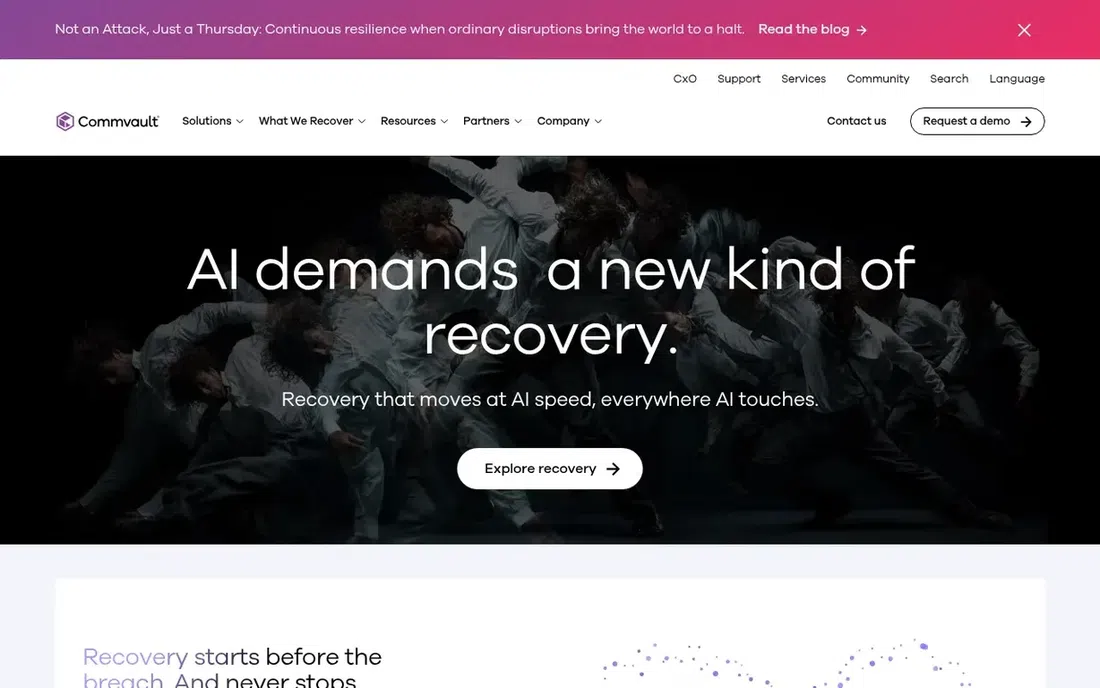
Where Commvault Cloud fits: AI-driven recovery and cyber resilience. Commvault Cloud is an AI-focused recovery and cyber resilience system. For everyday use, organizations with more straightforward needs might consider lighter alternatives.
What users get: Spots compromise as it happens.
From a buyer's view, deployment and continuing management can demand specialized expertise, and smaller teams may find the feature set overwhelming. More specifically, Commvault Cloud is a good match for those prioritizing AI-driven detection and clean recovery. Check the vendor site for Commvault Cloud pricing; none is listed in this comparison. As for free access: Not stated.
Limits to weigh: May need specialized skills.
- Restores clean data
- Apps and identity
- Can be complicated to deploy
Cohesity DataProtect makes the most sense for AI-powered threat detection and recovery. The tool is built for enterprises that want to consolidate protection and management whereas gaining proactive threat detection.
For everyday use, Cohesity DataProtect is a solid fit for enterprises prioritizing AI-driven detection and consolidated data management. In daily use, Cohesity DataProtect merges data security and data management. No starting price is listed for Cohesity DataProtect here; confirm pricing on the vendor site. Free access: Not stated.
Trade-offs to know: May need ecosystem extras.
- AI-based early threat detection
- Rapid data recovery
- Can be complicated for small teams
Dell PowerProtect Data Manager
Best for: Integrated protection for Dell environments
Dell PowerProtect Data Manager works best for integrated protection for Dell environments. Dell PowerProtect Data Manager is a data protection option that plugs into Dell storage and infrastructure.
What to check first: Best value within Dell ecosystem.
It provides centralized management for backup and recovery across diverse workloads. No starting price is listed for Dell PowerProtect Data Manager here; confirm pricing on the vendor site. Free plan details: Not stated.
- Centralized management
- Links up with Dell infrastructure
- May lack some advanced AI features
Azure Site Recovery
Best for: Cloud-based disaster recovery in Azure
Azure Site Recovery targets Cloud-based disaster recovery in Azure. Consider Azure Site Recovery when Azure is central to your infrastructure and DR planning. The service is most beneficial for Azure-centric environments, and organizations with multi-cloud or on-premises-first strategies may find it less suitable.
What to check first: A good match for Azure-centric strategies.
Worth adding: Azure Site Recovery is a cloud service that orchestrates replication, failover and recovery for Azure and hybrid workloads. It is aimed at organizations using Microsoft Azure as part of their disaster recovery strategy. This comparison lists no price for Azure Site Recovery; ask the vendor. Free access: Free trial.
- Supports hybrid scenarios
- Orchestrates replication and failover
- Needs Azure expertise
Veeam Backup & Replication
Best for: Cyber-resilient backup and replication
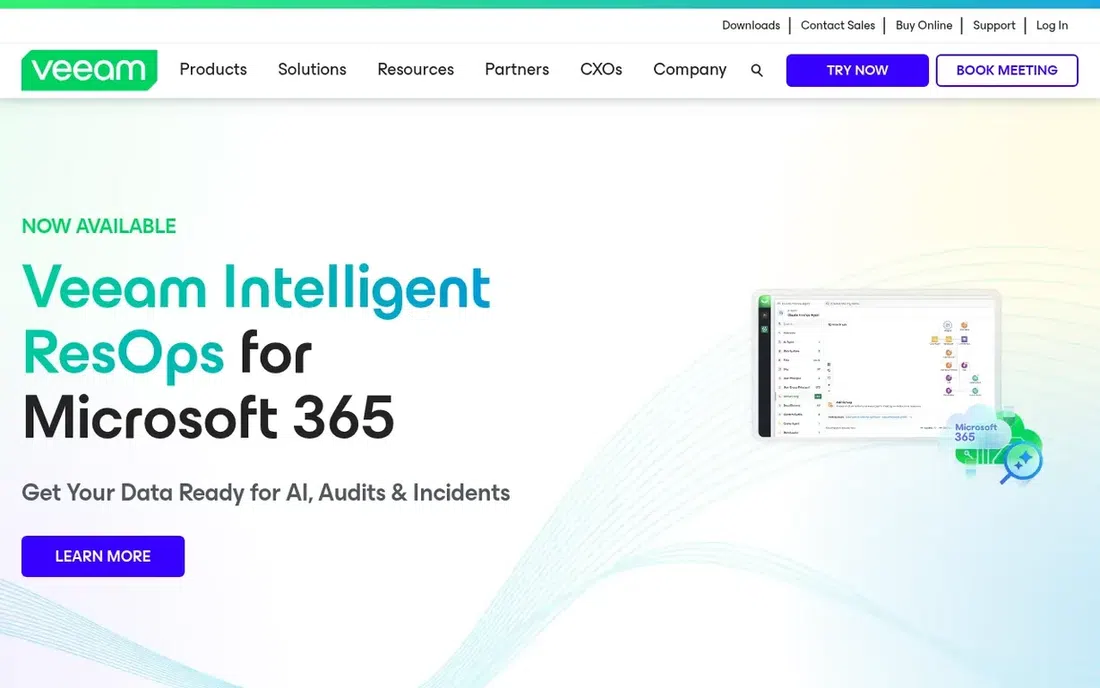
Pick Veeam Backup & Replication if this describes you: cyber-resilient backup and replication. Veeam Backup & Replication is a widely used product for backup and replication across virtual, physical and cloud environments. It emphasizes cyber resilience, helping organizations see risk, move data securely and stay compliant.
The product can become complicated to configure and handle at scale, and some advanced capabilities may need extra components. Otherwise, Veeam is a solid choice for diverse workloads. Organizations seeking a completely managed cloud-native service might prefer a different choice. This comparison lists no price for Veeam Backup & Replication; ask the vendor. Free plan details: Not stated.
The main drawbacks: May need extra modules for full coverage.
- Supports virtual
- Physical and cloud workloads
- Complicated setup for large environments
Selection criteria
Selection started from tools commonly considered for disaster recovery software for enterprise, then narrowed to 5 that have clear pricing information or a clear quote process. Where a price is missing, the vendor does not list one publicly or ties it to a quote. Always confirm before budgeting. The sequence is a judgement call: typical use case first, then pricing transparency, then free access. Use the profiles to check fit.
What to confirm before you sign up
- Request quotes from Commvault Cloud, Veeam Backup & Replication and the others; the list shows no fixed prices.
- Use real work to test the free trial from Azure Site Recovery, rather than a demo project.
- Read the limits listed for Commvault Cloud first: can be complicated to deploy.
- Before you load data into Veeam Backup & Replication, check what an export looks like and who can run it.
- List the apps you already depend on and check that Dell PowerProtect Data Manager supports each one on the plan you would buy.
FAQ
How does immutable backup help with ransomware?
Immutable backups cannot be altered or deleted during a retention period, making them resistant to ransomware encryption or tampering. This helps ensure clean data is available for recovery after an attack.
Do these tools publish their prices?
No. None of the tools, from Commvault Cloud to Veeam Backup & Replication, shows a fixed starting price here, so budget time for quotes.
How are the tools for disaster recovery software for enterprise ordered?
The order follows typical fit for disaster recovery software for enterprise, with Commvault Cloud first and Veeam Backup & Replication last, then price clarity and free access. It is editorial judgement, not a score, so another team could rank the tools differently.
Does any tool for disaster recovery software for enterprise here have a free plan?
A permanent free plan is not offered by Commvault Cloud, Veeam Backup & Replication or the other tools here. Azure Site Recovery offer a trial. Plan a short evaluation period instead.
What is the difference between backup and disaster recovery?
Backup concentrates on copying data for restoration, whereas disaster recovery encompasses the broader process of restoring IT operations after an outage, including applications, networks and infrastructure. Disaster recovery software frequently contains both backup and orchestration capabilities.
Can I try these tools before paying?
Often, yes. Azure Site Recovery offers a free trial. Use your own data and a real task during the test, and check what the free tier or trial limits before you rely on it. For the full picture, the cards above cover all 5 entries of this disaster recovery software for enterprise list, including price, free plan and limits.
Sources
- https://www.commvault.com
- https://www.cohesity.com
- https://www.dell.com
- https://azure.microsoft.com
- https://www.veeam.com