Best Design Software for ADA Compliant Websites (2026): 6 Picks Checked on Vendor Pages
6 best design software for ADA compliant websites, with entry costs, free tiers and the buyer each one serves. Weaknesses are named for every tool. No hype.
- Editor's choice
 Figma
Collaborative design and developer handoff
Starts at$3 a monthVisit figma.comFull review - Great alternative
 Adobe Dreamweaver
Hand-coded responsive HTML and CSS work
Starts atSee websiteVisit adobe.comFull review - Also consider
 Axure RP
In-depth prototypes and specifications
Starts at$29 per user a monthVisit axure.comFull review
Direct answer
Start with Figma if you need collaborative design and developer handoff. Listed starting prices: Figma from $3 a month, Axure RP from $29 per user a month and Framer from $10 a month. Adobe Dreamweaver is the stronger choice for hand-coded responsive HTML and CSS work, while Axure RP suits in-depth prototypes and specifications. All 6 tools are compared below on price, free plan and limits.
TL;DR:
- Figma is the opening pick, best for collaborative design and developer handoff.
- Before buying Adobe Dreamweaver, weigh this: less suited to purely visual designers.
- Starting prices begin at $3 per month with Figma.
- A free plan is available from 2 of the 6 tools: Framer, Webflow.
Last checked November 2026. Prices and plan details were read from the vendors' own pages in November 2026; vendors change plans often, so confirm the current price on the vendor site before you buy.
Quick comparison
| Tool | Best for | Starts at | Free plan? | |
|---|---|---|---|---|
| Figma | Collaborative design and developer handoff | $3 a month | Not stated | Visit |
| Adobe Dreamweaver | Hand-coded responsive HTML and CSS work | See website | Not stated | Visit |
| Axure RP | In-depth prototypes and specifications | $29 per user a month | Not stated | Visit |
 Framer | Launching designed sites with built-in hosting | $10 a month | Yes | Visit |
 Webflow | Design and accessible publishing in one place | $15 per month | Yes | Visit |
 Sketch | Focused interface design and handoff | $12 per editor per month | Free trial | Visit |
Every option for design software for ADA compliant websites explained
If you are comparing design software for ADA compliant websites, this page covers 6 tools in one place: what each is best for, what it costs to start, whether it has a free plan, and the main limit to know about.
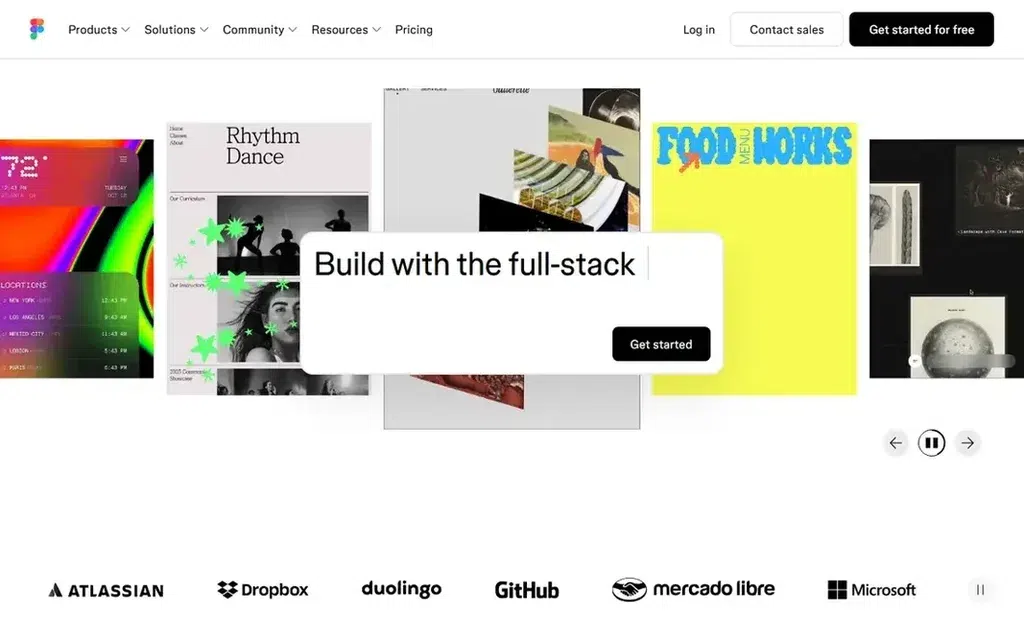
Figma is built with collaborative design and developer handoff in mind. Figma is a collaborative canvas where design, code and AI come together from first idea to shipped product. More specifically, choose a publishing platform alongside it if you have to ship and maintain the site itself.
Watch-outs: Accessibility relies on the build phase.
More specifically, for ADA compliant websites, it is handy for annotating contrast choices, focus states and reading order before anything is built, which keeps accessibility decisions visible to the entire team. More specifically, Figma produces designs, not live accessible markup, so compliance ultimately relies on how the design is implemented. Price to start with Figma: $3 per month. Free access: Not stated.
- Good for annotating accessibility intent
- Solid collaboration across teams
- Not a publishing product on its own
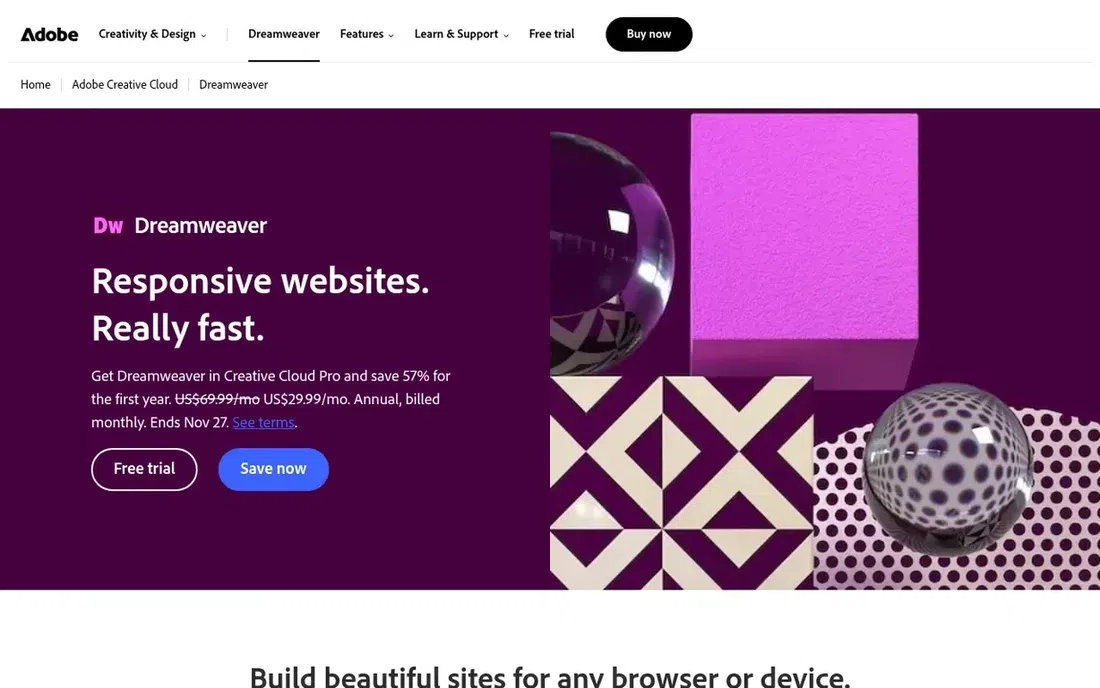
Adobe Dreamweaver serves hand-coded responsive HTML and CSS work. Dreamweaver assumes familiarity with code, so purely visual designers may find it slower than canvas-based tools. It also leaves accessibility testing and validation to your own process.
Downsides: Needs code knowledge for best results.
Highlights: CSS and JavaScript editing.
Pick something else if your priority is collaborative design exploration instead of markup editing. For ADA work, that code-level access helps teams control semantic structure, labels and focus behavior straight instead of relying on generated output. No starting price is listed for Adobe Dreamweaver here; confirm pricing on the vendor site. Free options: Not stated.
- Publish pages from within the tool
- Direct HTML
- Less suited to purely visual designers
Axure RP serves in-depth prototypes and specifications. For ADA compliant work, that specification strength helps capture requirements like focus handling and error messaging before implementation begins. In practice, Axure RP is an all-in-one design tool for prototypes, specifications and diagrams.
Reasons to shortlist it: Prototypes.
Where it is weaker: Heavy for straightforward marketing pages.
On top of that, Axure RP carries a steeper ramp-up time and can feel heavy for straightforward marketing pages. It does not publish accessible production sites on its own, so it pairs with a build system. Price to start with Axure RP: $29 per user per month. Free options: Not stated.
- Capable for documenting interaction logic
- Specs and diagrams together
- Steeper ramp-up time
Framer targets launching designed sites with built-in hosting. The editable output means accessibility fixes can be applied after launch instead of requiring a rebuild. From a buyer's view, teams that require full control of semantic markup frequently prefer a code-first editor.
Beyond that, Framer emphasizes speed and visual polish, so highly specific accessibility requirements may still need custom attention and testing. From a buyer's view, choose Framer when quick, editable publishing matters more than low-level HTML control. Framer cost at the entry level: $10 per month. Framer offers a free plan.
Drawbacks to consider: Less control over raw markup than code editors.
- Hosting, CMS
- Design agent moves ideas to launch
- Complicated accessibility needs may need custom work
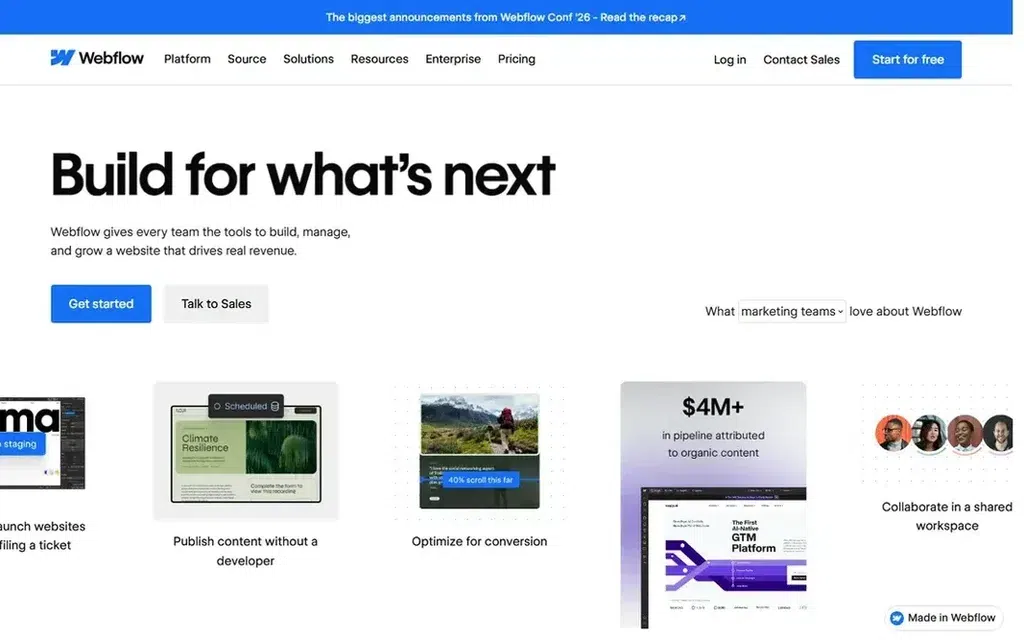
Webflow is built with design and accessible publishing in one place in mind. The system has a ramp-up time for advanced layouts and interactions, and visual builders still need deliberate attention to semantic markup and keyboard behavior. Also, choose Webflow when speed of publishing and integrated hosting matter most.
Drawbacks to consider: Custom accessibility audits still need outside checks.
If your team needs direct control over every line of HTML and CSS, a code-first editor may suit you better. For everyday use, Webflow is a visual web product that merges design, content management, hosting and optimization in one environment. Webflow pricing: $15 per month. Webflow includes a free tier. Where Webflow stands out: Supports structured.
- Semantic page building
- Enterprise-grade security and SEO features
- Ramp-up time for advanced interactions
Sketch serves focused interface design and handoff. Sketch does not publish websites, so accessibility in the final product relies on the development handoff. Its workflow is centered on Apple systems, which can limit mixed teams.
On top of that, Sketch is a design, prototyping, collaboration and handoff tool made by designers for designers. Consider a browser-based canvas if cross-platform collaboration is a priority. Price to start with Sketch: $12 per editor per month. Trial and free access: Free trial.
Limits to weigh: Mac-only workflow limits some teams.
Reasons to shortlist it: Handy for documenting component states.
- Prototype and handoff in one app
- Design
- No built-in hosting or publishing
How the list was put together
The comparison looks at four things: starting price, free access, how well the feature set matches design software for ADA compliant websites, and the main limit of each tool. Treat prices as a snapshot: vendors change plans often, so check the vendor site for the figure that applies today. The ranking is editorial: typical fit first, then clear pricing, then free access. If your needs are unusual, read the profiles rather than relying on position.
What to check before you buy
- Ask Adobe Dreamweaver for a written quote, since no starting price is shown.
- Look at free plan limits closely: Framer and Webflow have one, and the caps decide whether it is usable for real work.
- Take the trial from Sketch and push a live task through it before you pay.
- Read the limits listed for Figma first: not a publishing system on its own.
- See whether Axure RP offers onboarding or training, and whether it is included in the price.
- Check whether the features you need in Framer sit on the entry plan or only on higher tiers.
FAQ
Which options for design software for ADA compliant websites have a free plan?
Framer and Webflow offer a free plan in this list. Free plans usually cap users, projects or features, so check the limits on the vendor page. One other tool offers a trial instead.
Is Figma the right pick for everyone comparing design software for ADA compliant websites?
No single tool suits every team. Figma comes first because it fits collaborative design and developer handoff, while Adobe Dreamweaver suits hand-coded responsive HTML and CSS work and Axure RP suits detailed prototypes and specifications. Match the tool to your own size, budget and workflow before deciding.
How are the tools for design software for ADA compliant websites ordered?
The order follows typical fit for design software for ADA compliant websites, with Figma first and Sketch last, then price clarity and free access. It is editorial judgement, not a score, so another team could rank the tools differently.
What is the cheapest option for design software for ADA compliant websites in this list?
On published monthly entry prices, Figma is the lowest here at $3 per month. Entry price is only part of the cost, because seats, add-ons and billing terms can change the total. Prices, free plan details and limits for all 6 tools in this design software for ADA compliant websites roundup sit on the individual cards above.
Do I need coding skills to meet accessibility requirements?
Even so, code-level access in tools like Adobe Dreamweaver helps when you need precise control over semantics, labels and keyboard behavior. Plenty of teams combine both approaches.
Sources
- https://www.figma.com
- https://www.adobe.com/products/dreamweaver.html
- https://www.axure.com
- https://www.framer.com
- https://webflow.com
- https://www.sketch.com