The 5 Best Decision Intelligence Platform for Big Data in 2026, Ranked
Compare 5 picks for the best decision intelligence platform for big data, with prices, free plans and who each fits. Real limits included. Details below.
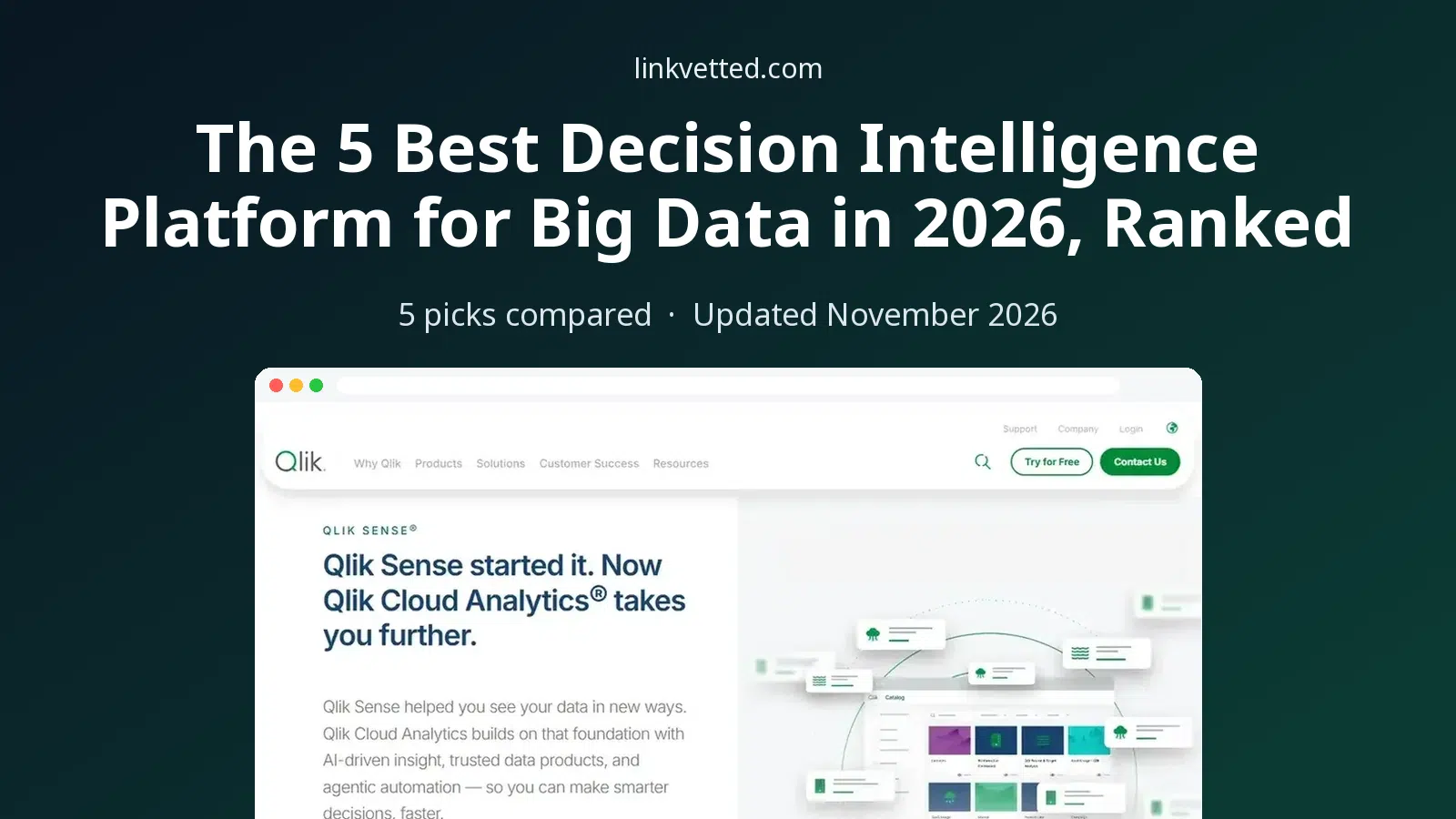
- Editor's choice
 Alteryx
Automating data workflows before analysis
Starts at$250 per user per monthVisit alteryx.comFull review - Great alternative
 Qlik Sense
Analytics combined with data integration
Starts atSee websiteVisit qlik.comFull review - Also consider
 Google Looker
Governed metrics with embedded analytics
Starts atSee websiteVisit cloud.google.comFull review
Direct answer
Alteryx is the first pick on this list for automating data workflows before analysis. Listed starting prices: Alteryx from $250 per user per month and Tableau from $15 per user a month. Look at Qlik Sense for Analytics combined with data integration, and at Google Looker for governed metrics with embedded analytics. Details, prices and limits for the rest of the 5 tools are below.
TL;DR:
- Number one here is Alteryx, a fit for automating data workflows before analysis.
- A fair warning about Qlik Sense: wide product set can be complicated.
- Tableau is the only tool of the 5 with a free plan.
- Tableau suits visual exploration of large datasets.
Last checked November 2026. Prices and plan details were read from the vendors' own pages in November 2026; vendors change plans often, so confirm the current price on the vendor site before you buy.
Quick comparison
| Tool | Best for | Starts at | Free plan? | |
|---|---|---|---|---|
| Alteryx | Automating data workflows before analysis | $250 per user per month | Free trial | Visit |
| Qlik Sense | Analytics combined with data integration | See website | Not stated | Visit |
| Google Looker | Governed metrics with embedded analytics | See website | Not stated | Visit |
 Domo | Connecting and moving data end to end | See website | Free trial | Visit |
 Tableau | Visual exploration of large datasets | $15 per user a month | Yes | Visit |
Decision Intelligence Platform for Big Data profiles
Choosing decision intelligence platform for big data usually comes down to price, fit and limits. This LinkVetted guide sets 5 tools side by side on those three points, with the facts kept short and checkable.
Alteryx works best for automating data workflows before analysis. Alteryx is most solid as a workflow and preparation engine, so organizations wanting polished executive dashboards may pair it with a dedicated BI system.
Trade-offs to know: Analytics presentation is secondary.
It suits analytics teams whose bottleneck is preparation and repetitive processing of large datasets, letting them clean and transform data before handing results to visualization or decision layers. Alteryx starts at: $250 per user per month. On free options: Free trial.
- Automates repetitive data workflows
- Connects with Snowflake and Databricks
- Workflow design needs skilled users
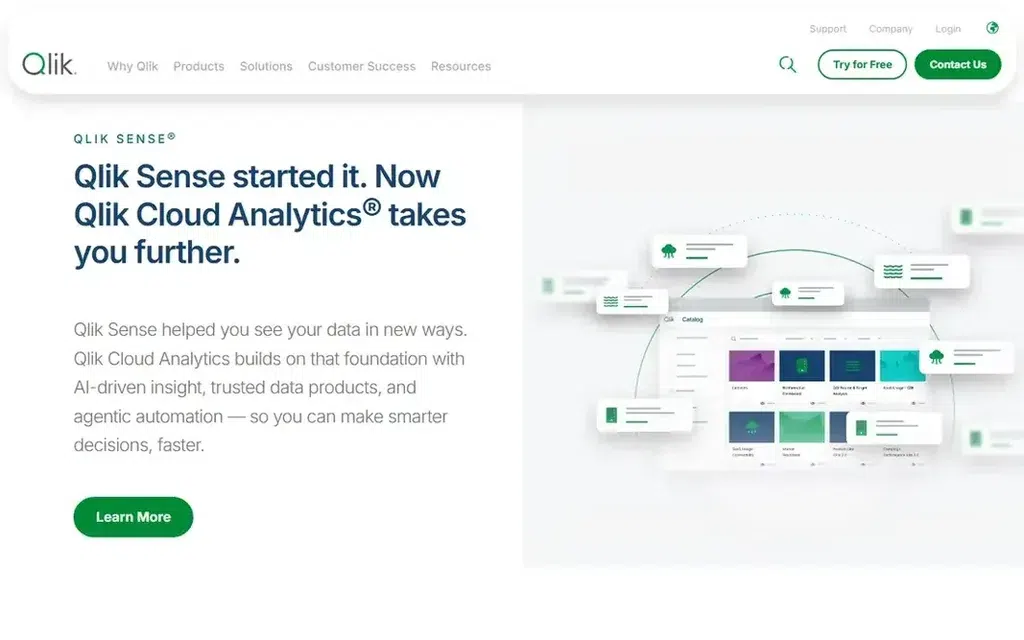
Qlik Sense is designed for Analytics combined with data integration. It suits organizations that want analytics and the data plumbing behind it from a single vendor, notably where several sources must be combined before decision makers see the results.
More specifically, the breadth of the portfolio means teams should map which products they actually need, since assembling the full stack takes planning. No starting price is listed for Qlik Sense here; confirm pricing on the vendor site. As for free access: Not stated.
Where it falls short: Governance setup needs planning.
- End-to-end integration and analytics
- Data quality capabilities included
- Wide product set can be complex
Google Looker is a good fit for governed metrics with embedded analytics. Looker is Google Cloud agentic business intelligence and embedded analytics, unifying metrics through a trusted semantic layer and Gemini agents.
Downsides: Tied closely to Google Cloud context.
Looker rewards teams willing to invest in semantic modeling, and that upfront discipline can slow fast exploratory projects. Beyond that, teams prioritizing drag-and-drop visual discovery may prefer Tableau, whereas those automating pipelines first may favor Alteryx. Google Looker does not show a starting price in this comparison, so check the vendor site for current pricing. On free options: Not stated.
- Embedded analytics for products
- Trusted semantic layer brings together metrics
- Semantic modeling demands discipline
Domo is aimed squarely at connecting and moving data end to end. That makes it a fit for organizations that want one environment spanning data movement, preparation and decision support instead of stitching separate tools together.
Downsides: Feature depth varies by use case.
- Accelerates business-critical insights
- Links data from any source
- Wide scope needs clear ownership
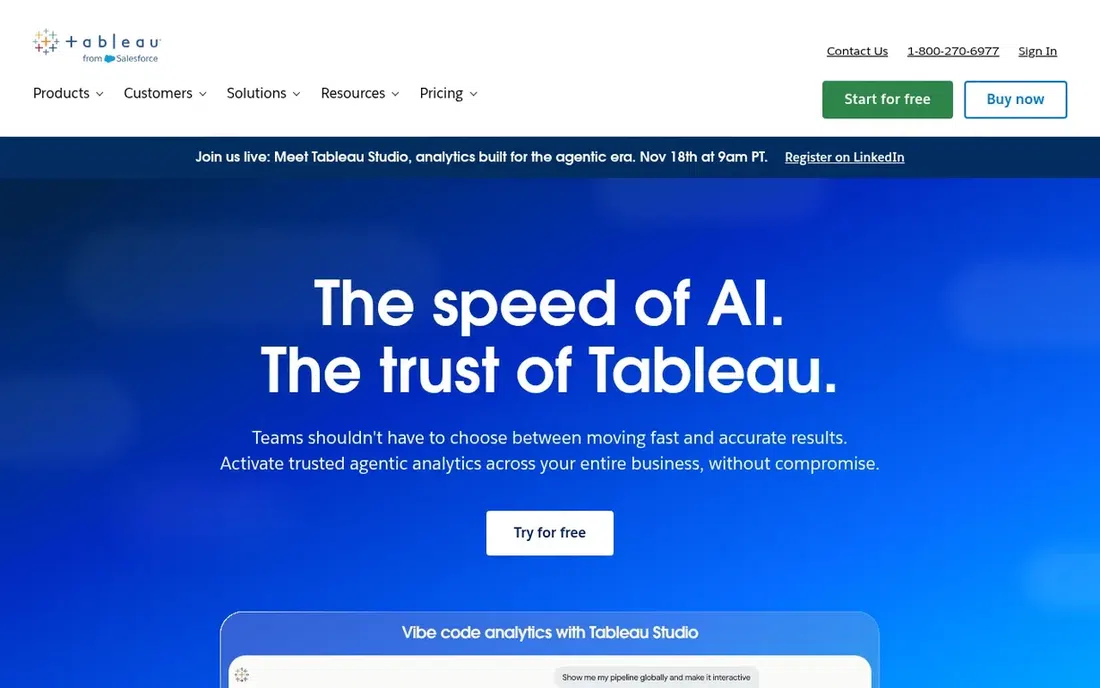
Tableau is designed for visual exploration of large datasets. It links to almost any database, lets users build visualizations by dragging and dropping, and shares results with a click.
Also, teams whose priority is a single governed semantic layer or automatic data workflows should weigh Looker or Alteryx instead. The starting price for Tableau: $15 per user per month. Free access exists with Tableau.
Trade-offs to know: Deep modeling may need additional tools.
- Links to almost any database
- Share dashboards with a click
- Complicated workbooks take effort to govern
How these tools were picked
The comparison looks at four things: starting price, free access, how well the feature set matches decision intelligence platform for big data, and the main limit of each tool. Seat minimums, billing terms and add-ons can move the real cost, so the starting prices here are a guide and not a quote. Position on the page reflects fit for a typical buyer first, with price clarity and free access breaking ties. Treat it as a guide, not a ruling.
What to confirm before you sign up
- Confirm the entry price on the vendor page. For Qlik Sense, Google Looker and Domo that means a quote rather than a fixed price.
- Look at the free plan from Tableau closely: its caps decide whether it is usable for real work.
- Take the trial from Alteryx and Domo and push a live task through it before you pay.
- Before choosing Alteryx, weigh its main limit: Analytics presentation is secondary.
- Ask Qlik Sense whether prices are locked for the first term and what happens at renewal.
- Test the integrations you rely on with Domo before committing; some connectors sit on upper tiers.
FAQ
Can I try these tools before paying?
Often, yes. Tableau has a free plan and Alteryx and Domo offer a free trial. Use your own data and a real task during the test, and check what the free tier or trial limits before you rely on it. Prices, free plan details and limits for all 5 tools in this decision intelligence platform for big data roundup sit on the individual cards above.
Is Alteryx the right pick for everyone comparing decision intelligence platform for big data?
No single tool suits every team. Alteryx comes first because it fits automating data workflows before analysis, while Qlik Sense suits Analytics combined with data integration and Google Looker suits governed metrics with embedded analytics. Match the tool to your own size, budget and workflow before deciding.
How are the tools for decision intelligence platform for big data ordered?
Alteryx sits first and Tableau last because the order follows typical fit for decision intelligence platform for big data, then price clarity and free access. It is a judgement call, so read each profile for fit and limits.
What is the cheapest option for decision intelligence platform for big data in this list?
On published monthly entry prices, Tableau is the lowest here at $15 per user per month. Entry price is only part of the cost, because seats, add-ons and billing terms can change the total. Each of the 5 options in this decision intelligence platform for big data guide has its own card above with the price, free plan and limits.
Sources
- https://www.alteryx.com
- https://www.qlik.com
- https://cloud.google.com/looker
- https://www.domo.com
- https://www.tableau.com