Top 6 Database for Statistics and Graphs for 2026 (Prices and Free Plans)
6 products for the best database for statistics and graphs, ranked by fit, with starting costs and free tiers. Prices and drawbacks included. Plain facts.
- Editor's choiceClickHouse
Live analytics on intensive workloads
Starts at$0.056 per unit per hourVisit clickhouse.comFull review - Great alternative
 PostgreSQL
Open source SQL analysis at modest scale
Starts atSee websiteVisit postgresql.orgFull review - Also considerMicrosoft Azure Synapse Analytics
Enterprise SQL and big data together
Starts atSee websiteVisit azure.microsoft.comFull review
Direct answer
For live analytics on intensive workloads, ClickHouse is where this list starts. Listed starting prices: ClickHouse from $0.056 per unit per hour. Look at PostgreSQL for open source SQL analysis at modest scale, and at Microsoft Azure Synapse Analytics for enterprise SQL and big data together. The other 3 tools in the list cover narrower or pricier cases.
TL;DR:
- ClickHouse is the opening pick, best for live analytics on intensive workloads.
- Check the limits for Microsoft Azure Synapse Analytics before you commit: complicated setup for small teams.
- Expect to ask for a quote from PostgreSQL, Microsoft Azure Synapse Analytics, Google BigQuery and others; the other tools show a starting price.
- Databricks suits unified data, analytics and AI work.
Last checked November 2026. Prices and plan details were read from the vendors' own pages in November 2026; vendors change plans often, so confirm the current price on the vendor site before you buy.
Quick comparison
| Tool | Best for | Starts at | Free plan? | |
|---|---|---|---|---|
| ClickHouse | Live analytics on intensive workloads | $0.056 per unit per hour | Free trial | Visit |
| PostgreSQL | Open source SQL analysis at modest scale | See website | Not stated | Visit |
| Microsoft Azure Synapse Analytics | Enterprise SQL and big data together | See website | Not stated | Visit |
 Google BigQuery | Large-scale managed analytics and AI | See website | Not stated | Visit |
 MongoDB | Adaptable application data with analytics | See website | Yes | Visit |
 Databricks | Unified data, analytics and AI work | See website | Not stated | Visit |
Database for Statistics and Graphs, one by one
Short on time? The summary and table above give the quick view of 6 database for statistics and graphs, and the profiles that follow give the detail behind each entry.
ClickHouse
Best for: Live analytics on intensive workloads
ClickHouse is a good fit for live analytics on intensive workloads. ClickHouse is an open, composable system for data-intensive workloads, spanning live analytics, observability and AI engineering.
Downsides: Requires operational knowledge.
It is optimized for analytical instead of transactional patterns, and running it well calls for some operational experience. More specifically, pick ClickHouse when query speed on high-volume analytical data is the primary requirement and you can invest in managing the deployment. Price to start with ClickHouse: $0.056 per unit per hour. As for free access: Free trial.
- Open and composable system
- Manages real-time analytics well
- Less suited to transactional workloads
PostgreSQL was built for open source SQL analysis at modest scale. PostgreSQL is the official site for the advanced open source relational database, widely used for structured data and SQL analysis.
Pick PostgreSQL when openness, SQL standards and control matter more than managed scale. PostgreSQL does not show a starting price in this comparison, so check the vendor site for current pricing. As for free access: Not stated.
Trade-offs to know: Scaling analytics needs planning.
- Solid SQL foundation
- Advanced open source database
- Manual operations on self-hosted setups
Microsoft Azure Synapse Analytics
Best for: Enterprise SQL and big data together
Microsoft Azure Synapse Analytics is aimed squarely at enterprise SQL and big data together. It suits bigger organizations that already run data warehouses and big data systems on Azure and want a single place to query both for statistical analysis and reporting.
Worth adding: the combined service model can be complicated to configure, and teams without Azure experience may find adoption slower. No starting price is listed for Microsoft Azure Synapse Analytics here; confirm pricing on the vendor site. Free plan details: Not stated.
The main drawbacks: Complicated setup for small teams.
- Geared toward enterprise data estates
- Accelerates insight across large systems
- Best fit within the Azure ecosystem
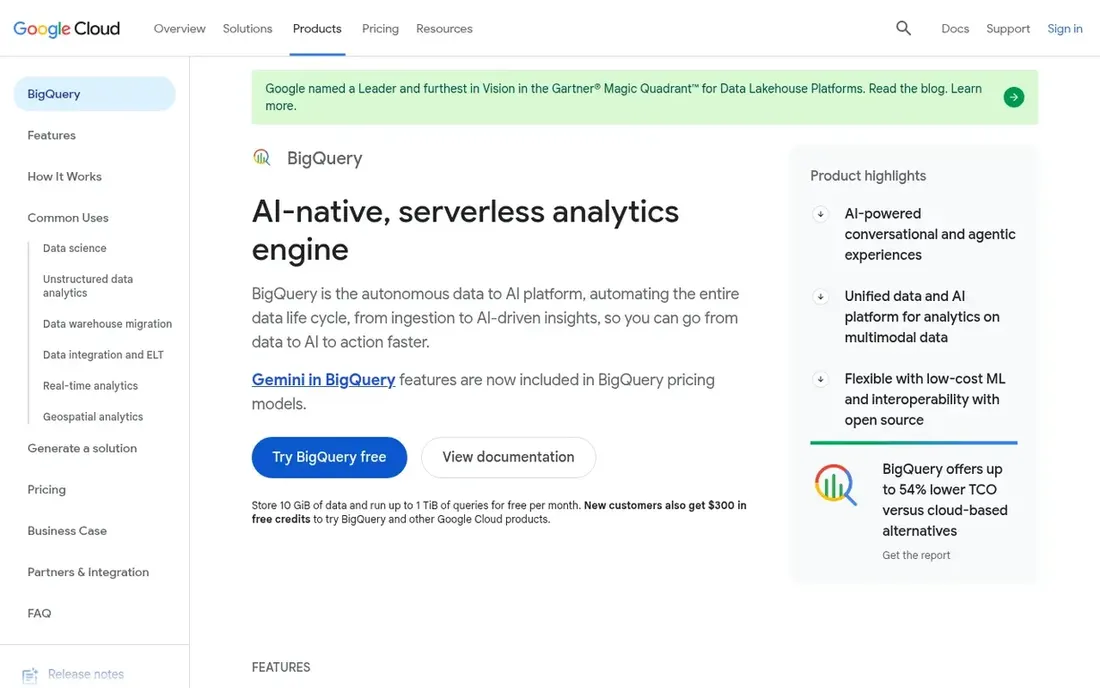
Think of Google BigQuery for large-scale managed analytics and AI. It pairs well with reporting and machine learning workflows built around structured data.
Since it is serverless and priced around usage, unpredictable query patterns can make costs harder to forecast. Teams wanting deep engine control may prefer a self-managed choice. This comparison lists no price for Google BigQuery; ask the vendor. Free options: Not stated.
Trade-offs to know: Less control over low-level tuning.
- Completely managed serverless warehouse
- Built-in analytics and AI tooling
- Costs can grow with heavy query volume
MongoDB makes the most sense for adaptable application data with analytics. MongoDB describes itself as an intelligent data product for the AI era, offering adaptable, live data that scales across any cloud.
On top of that, choose MongoDB when application data adaptability is central and analytics is a supporting need. Beyond that, analytical queries and aggregation can be less familiar to SQL-trained analysts, and heavy statistical workloads may call for a dedicated warehouse alongside it. MongoDB does not show a starting price in this comparison, so check the vendor site for current pricing. MongoDB includes a free tier.
Trade-offs to know: Statistical querying differs from SQL.
- Adaptable document data model
- Supports application and analytics use
- Complicated analytics may need additional tooling
Think of Databricks for unified data, analytics and AI work. Databricks gives you a unified system for data, analytics and AI, with a data-centric approach that eases ETL, data warehousing, governance and AI work.
Also, choose it when analytics and AI workloads genuinely share data and people. On top of that, the breadth of the system means a ramp-up time, and smaller teams doing straightforward statistical reporting may find it more than they need. Databricks shows no starting price here, so confirm the cost on the vendor site. Free options: Not stated.
Drawbacks to consider: Overhead for straightforward reporting needs.
- Analytics and AI
- Governance built into the product
- Broad feature set takes time to learn
How we compared the tools
Selection started from tools commonly considered for database for statistics and graphs, then narrowed to 6 that have clear pricing information or a clear quote process. Prices and plan limits come from vendor pages and can change, so confirm them on the vendor site before you buy. The ranking is editorial: typical fit first, then clear pricing, then free access. If your needs are unusual, read the profiles rather than relying on position.
Questions to settle before buying
- Get a written quote from PostgreSQL, Microsoft Azure Synapse Analytics, Google BigQuery and others; the list shows no starting price for them.
- Test the free plan from MongoDB against your real workload before relying on it.
- Take the trial from ClickHouse and push a live task through it before you pay.
- Read the limits listed for ClickHouse first: less suited to transactional workloads.
- Ask Microsoft Azure Synapse Analytics whether prices are locked for the first term and what happens at renewal.
- Ask Google BigQuery how an export works before you move any records in; an easy exit lowers the risk.
FAQ
Can these databases handle graph-style analysis?
Most of these products deal with graph-style queries through SQL or extensions instead of as dedicated graph databases. PostgreSQL is notably extensible, and warehouses like BigQuery and Redshift support analytical patterns over connected data.
Is ClickHouse the right pick for everyone comparing database for statistics and graphs?
No single tool suits every team. ClickHouse comes first because it fits real-time analytics on intensive workloads, while PostgreSQL suits open source SQL analysis at modest scale and Microsoft Azure Synapse Analytics suits enterprise SQL and big data together. Match the tool to your own size, budget and workflow before deciding.
Do these tools publish their prices?
Not all of them. PostgreSQL, Microsoft Azure Synapse Analytics, Google BigQuery and others publish no starting price, so expect a quote request for those. The rest, ClickHouse included, show a starting price, though seats and billing terms still change the final cost.
How are the database for statistics and graphs ordered?
ClickHouse sits first and Databricks last because the order follows typical fit for database for statistics and graphs, then price clarity and free access. It is a judgement call, so read each profile for fit and limits.
Which database for statistics and graphs have a free plan?
MongoDB is the only tool in this list with a free plan. Free plans usually cap users, projects or features, so check the limits on the vendor page. One other tool offers a trial instead.
Which database is a good match for statistics and graphs overall?
The first pick on this list is ClickHouse, because it suits live analytics on intensive workloads. PostgreSQL is better for open source SQL analysis at modest scale, and Microsoft Azure Synapse Analytics for enterprise SQL and big data together. Check price and limits against your own needs before choosing.
Sources
- https://clickhouse.com
- https://www.postgresql.org
- https://azure.microsoft.com/en-us/products/synapse-analytics
- https://cloud.google.com/bigquery
- https://www.mongodb.com
- https://www.databricks.com