The 5 Best Cross-Platform Testing Software in 2026, Ranked
Need the best Cross-Platform testing software? We compare 5 tools on cost, free access and who each suits. The catches are listed up front. Reviewed this month.
- Editor's choice
 Appium
Open-source mobile automation
Starts atSee websiteVisit appium.ioFull review - Great alternative
 Kobiton
Mobile testing on real devices
Starts at$83 a monthVisit kobiton.comFull review - Also consider
 Katalon Studio
End-to-end QA across web, mobile and API
Starts at$150 per seat a monthVisit katalon.comFull review
Direct answer
Appium is the first pick on this list for open-source mobile automation. Listed starting prices: Kobiton from $83 a month, Katalon Studio from $150 per seat a month and BrowserStack from $29 a month. For a different need, Kobiton covers mobile testing on real devices and Katalon Studio covers end-to-end QA across web, mobile and API. Details, prices and limits for the rest of the 5 tools are below.
TL;DR:
- Appium is the opening pick, best for open-source mobile automation.
- For the cheapest start, look at BrowserStack: $29 per month.
- For cross browser and real device coverage, BrowserStack is worth a look.
- None of the 5 tools, from Appium to BrowserStack, has a free plan, so budget for a subscription or use a trial.
Last checked November 2026. Prices and plan details were read from the vendors' own pages in November 2026; vendors change plans often, so confirm the current price on the vendor site before you buy.
Quick comparison
| Tool | Best for | Starts at | Free plan? | |
|---|---|---|---|---|
| Appium | Open-source mobile automation | See website | Not stated | Visit |
| Kobiton | Mobile testing on real devices | $83 a month | Free trial | Visit |
| Katalon Studio | End-to-end QA across web, mobile and API | $150 per seat a month | Free trial | Visit |
 TestComplete | Scriptless desktop, web and mobile testing | See website | Not stated | Visit |
 BrowserStack | Cross browser and real device coverage | $29 a month | Free trial | Visit |
Every option for Cross-Platform testing software explained
LinkVetted compared 5 tools for Cross-Platform testing software. The goal is a practical shortlist: published prices, free plan facts, best-fit use cases and honest limits for every entry.

Appium targets open-source mobile automation. It is well known among mobile engineers who want to write automation in their preferred language and keep control of the test code. From a buyer's view, if you want instant infrastructure and dashboards without writing code, a hosted system or a low-code tool is the better fit.
Where it shines: hybrid and mobile web apps.
Appium is a framework instead of a managed system, so setup, maintenance and device access are your responsibility. It gives you no built-in browser or device catalog. This comparison lists no price for Appium; ask the vendor. Free plan details: Not stated.
Where it is weaker: Needs coding and setup effort.
- Works across several programming languages
- Open-source and widely adopted
- No hosted device catalog of its own
Kobiton makes the most sense for mobile testing on real devices. It is pitched at teams whose primary quality concern is how apps behave on actual phones and tablets.
Points against: Less relevant for desktop-only projects.
Check device availability and integration needs against your release process. Also, organizations with wide multi-platform estates may prefer a suite that spans desktop, web and mobile. Price to start with Kobiton: $83 per month. Free options: Free trial.
- Suited to app-centric QA teams
- Centres on real device mobile testing
- Narrower scope than full web and desktop suites
Katalon Studio was built for end-to-end QA across web, mobile and API. Teams moving from manual testing toward automation frequently find the structure useful.
In daily use, the product spans a lot, so teams need onboarding and governance to use it well, and AI-generated tests should be reviewed carefully. Very small teams or pure code-first engineers may prefer a lighter framework. Price to start with Katalon Studio: $150 per seat per month. Free plan details: Free trial.
Downsides: Full system value relies on adoption across the team.
- API and desktop
- Spans web, mobile
- Wide feature set needs structured onboarding
TestComplete serves Scriptless desktop, web and mobile testing. TestComplete from SmartBear is a test automation tool for mobile, web and desktop applications. It is a commercial product, so budget and licensing need consideration, and the breadth of features means a ramp-up time.
Where it falls short: Large suites can take time to learn.
Beyond that, confirm object recognition support for your specific UI technologies before standardizing. Teams that only test mobile apps may find a device-focused product lighter. Check the vendor site for TestComplete pricing; none is listed in this comparison. Free options: Not stated.
- Web and mobile apps
- Supports scriptless and coded automation
- Commercial license required for full use
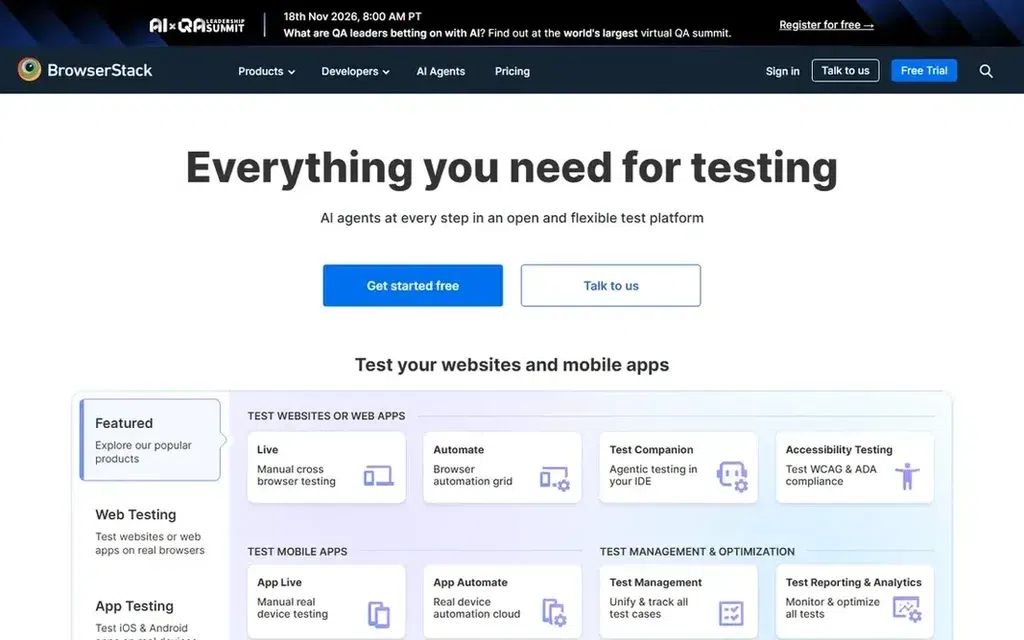
BrowserStack is designed for cross browser and real device coverage. BrowserStack is a cloud testing product built around instant access to a wide catalog of browsers and real iOS and Android devices.
Downsides: Cloud reliance may not fit offline or air-gapped teams.
Since it is a hosted service, teams with strict data residency or offline requirements may prefer a self-managed setup. BrowserStack cost at the entry level: $29 per month. Free plan details: Free trial.
What works well: Large browser and real device catalog.
- No local device lab needed
- Cloud based
- Breadth of choices can take time to configure
Our selection method
Things to verify first
- Get a written quote from Appium and TestComplete; the list shows no starting price for them.
- Use real work to test the free trial from Kobiton, Katalon Studio and BrowserStack, rather than a demo project.
- Before choosing Appium, weigh its main limit: needs coding and setup effort.
- Ask Katalon Studio whether prices are locked for the first term and what happens at renewal.
- Involve the people who will use BrowserStack daily; a short pilot beats a long feature checklist.
FAQ
What is the cheapest option for Cross-Platform testing software in this list?
On published monthly entry prices, BrowserStack is the lowest here at $29 per month. Entry price is only part of the cost, because seats, add-ons and billing terms can change the total.
How are the tools for Cross-Platform testing software ordered?
Appium sits first and BrowserStack last because the order follows typical fit for Cross-Platform testing software, then price clarity and free access. It is a judgement call, so read each profile for fit and limits.
Can I try these options before paying?
Often, yes. Kobiton, Katalon Studio and BrowserStack offer a free trial. Use your own data and a real task during the test, and check what the free tier or trial limits before you rely on it.
Is Appium the right pick for everyone comparing Cross-Platform testing software?
No single tool suits every team. Appium comes first because it fits open-source mobile automation, while Kobiton suits mobile testing on real devices and Katalon Studio suits end-to-end QA across web, mobile and API. Match the tool to your own size, budget and workflow before deciding.
Should I choose a hosted system or an open-source framework?
Open-source frameworks like Appium provide engineers full control of the test code but need setup, maintenance and separate device access. The right choice relies on team skills and infrastructure appetite.
Sources
- https://appium.io
- https://kobiton.com
- https://katalon.com
- https://smartbear.com/product/testcomplete
- https://www.browserstack.com