Best Construction Data Analytics Software for Startups in 2026: 6 Tools Compared
6 best construction data analytics software for startups, with entry costs, free tiers and the buyer each one serves. Clear notes on pricing gaps and limits.
- Editor's choiceInEight
Data-driven project management decisions
Starts atPricing on requestVisit ineight.comFull review - Great alternativeTrimble Viewpoint
Job costing and construction ERP reporting
Starts atPricing on requestVisit viewpoint.comFull review - Also consider
 Procore
Live visibility between site and office
Starts atPricing on requestVisit procore.comFull review
Direct answer
For data-driven project management decisions, InEight is where this list starts. Alternatives: Trimble Viewpoint for job costing and construction ERP reporting, and Procore for live visibility between site and office. The remaining 3 options are covered below with pricing notes and limits. None of these vendors publish plan prices, so pricing is on request for every option.
TL;DR:
- InEight is the opening pick, best for data-driven project management decisions.
- What to know about Procore first: full product may exceed early-stage needs.
- No starting price is shown for any of the 6 tools, InEight and nPlan included, so plan time for sales calls.
- InEight, nPlan and the 4 others all need a premium plan or a trial, since no free plan is listed.
Last checked November 2026. Pricing on request: vendors did not publish plan prices when this guide was last checked (November 2026), so ask each vendor for a written quote.
Quick comparison
| Tool | Best for | Starts at | Free plan? | |
|---|---|---|---|---|
| InEight | Data-driven project management decisions | Pricing on request | Not stated | Visit |
| Trimble Viewpoint | Job costing and construction ERP reporting | Pricing on request | Not stated | Visit |
| Procore | Live visibility between site and office | Pricing on request | Not stated | Visit |
 Autodesk Construction Cloud | Connected project data and team collaboration | Pricing on request | Not stated | Visit |
 Buildots | Verified site data and predictive insights | Pricing on request | Not stated | Visit |
| nPlan | AI forecasting and risk de-risking | Pricing on request | Not stated | Visit |
Construction Data Analytics Software for Startups profiles
If you are comparing construction data analytics software for startups, this page covers 6 tools in one place: what each is best for, what it costs to start, whether it has a free plan, and the main limit to know about.
InEight
Best for: Data-driven project management decisions
In short, InEight is for data-driven project management decisions. InEight supplies construction project management software that provides teams the data needed to make better decisions. It is positioned around project management and the information flows that support planning and control.
Choose InEight when project management and decision data have to live together. Startups that want analytics embedded in project management instead of bolted on may find the approach appealing as their portfolio grows. From a buyer's view, value depends on having processes in place to feed and act on the data. From a buyer's view, the platform is oriented toward established project controls, so a very small startup may not use its full depth. This comparison lists no price for InEight; ask the vendor. Free plan details: Not stated.
What users get: Aimed at construction workflows.
Where it is weaker: Adoption needs process discipline.
- Project management focus
- Data to support better decisions
- Feature depth may outpace small teams
Trimble Viewpoint
Best for: Job costing and construction ERP reporting
Trimble Viewpoint is aimed squarely at job costing and construction ERP reporting. Choose Viewpoint when job costing and reporting sit at the center of your operations.
Where it is weaker: Implementation demands planning time.
No starting price is listed for Trimble Viewpoint here; confirm pricing on the vendor site. Free options: Not stated.
Where it shines: people and profits.
- Links projects
- Made for contractor workflows
- ERP scope can be large for startups

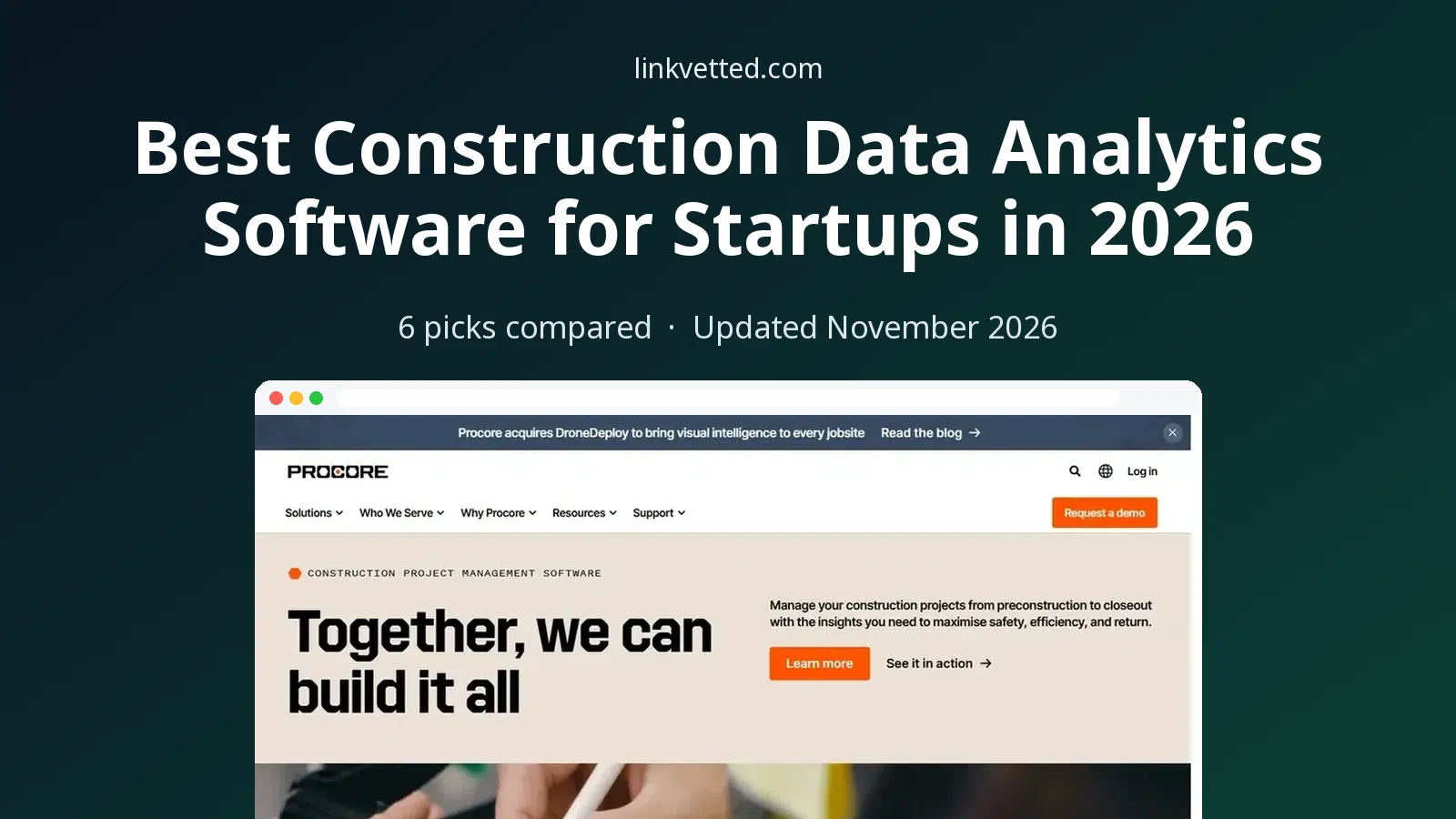
In short, Procore is for live visibility between site and office. Procore describes its product as connecting the site and the office, giving teams the live visibility needed to deliver quality projects on time.
Where it falls short: Needs consistent data entry to be handy.
The value relies on teams entering data consistently, and the product is wide relative to what a very small startup may need at first. Procore does not show a starting price in this comparison, so check the vendor site for current pricing. Free plan details: Not stated.
- Links field and office teams
- Quality-focused project delivery
- Full product may exceed early-stage needs
Autodesk Construction Cloud
Best for: Connected project data and team collaboration
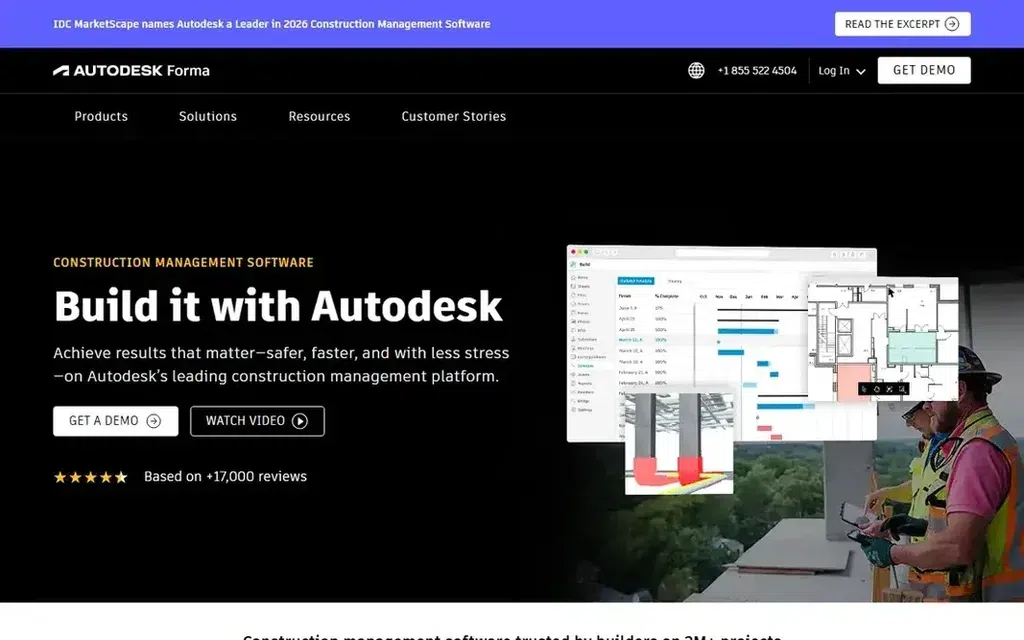
Pick Autodesk Construction Cloud if this describes you: connected project data and team collaboration. Now branded with Autodesk Forma, this system lets project teams collaborate securely and rapidly so work is delivered on time and on budget. As for the details, if your priority is a narrow analytics function for example schedule risk forecasting, a more focused tool may be the quicker route.
Downsides: Setup effort grows with project scope.
More specifically, the breadth of the system means a small startup may not need every capability at once, and configuration takes planning. Beyond that, teams already working in Autodesk design products will find the data flow notably natural. Beyond that, choose this when connected collaboration across design and construction is the core need. Check the vendor site for Autodesk Construction Cloud pricing; none is listed in this comparison. Free access: Not stated.
- Secure collaboration across project teams
- Links design and construction data
- Wide product can feel heavy for very small teams
Buildots is a good fit for verified site data and predictive insights. Buildots is a construction intelligence system that provides verified data and predictive insights to power efficient workflows. It appeals to startups that want an analytics layer grounded in what is actually happening on site instead of self-reported updates.
Also, getting value relies on consistent site data capture. Teams centred on progress tracking and workflow efficiency are the natural audience. This comparison lists no price for Buildots; ask the vendor. Trial and free access: Not stated.
Watch-outs: Needs site data capture discipline.
- Verified data from the site
- Construction intelligence focus
- Centred on progress intelligence
nPlan
Best for: AI forecasting and risk de-risking
nPlan works best for AI forecasting and risk de-risking. nPlan applies AI to forecast and de-risk construction projects, looking ahead so teams can tackle risks before they become issues. From a buyer's view, for startups that want analytics concentrated on schedule risk instead of wide project administration, this focused approach can be attractive.
Trade-offs to know: Narrower than full project systems.
On top of that, teams needing field, cost and document management in one place should look elsewhere or pair tools. Also, pick nPlan when risk forecasting is the specific gap you want to close. nPlan does not show a starting price in this comparison, so check the vendor site for current pricing. Free plan details: Not stated.
- Forecasts project outcomes
- Surfaces risks early
- Relies on quality schedule data
How we chose
For each of the 6 tools we noted price, free plan or trial, fit for construction data analytics software for startups and the main limit, using vendor pages and documentation. Treat prices as a snapshot: vendors change plans often, so check the vendor site for the figure that applies today. The sequence is a judgement call: typical use case first, then pricing transparency, then free access. Use the profiles to check fit.
Things to verify first
- Confirm the entry price with every vendor: no tool from InEight to nPlan shows a fixed starting price.
- Before choosing InEight, weigh its main limit: feature depth may outpace small teams.
- Verify that exporting from Procore is possible on your plan and covers all your records.
- Price nPlan for your actual team size; headline prices rarely include add-ons or overage.
- Confirm the exact Buildots plan that includes your must-have features.
FAQ
Can I try these tools before paying?
Not by default. None of the tools, from InEight to nPlan, lists a free plan or a free trial here, so ask each vendor for a demo before committing.
Do these tools publish their prices?
No. None of the tools, from InEight to nPlan, shows a fixed starting price here, so budget time for quotes.
Do startups need a full construction ERP for analytics?
ERP products for example Trimble Viewpoint tie job costing and reporting together, which helps as you scale, but smaller teams may start with project-level analytics and add ERP depth later. As for the details, consider your accounting and reporting needs before committing.
How are the tools for construction data analytics software for startups ordered?
InEight sits first and nPlan last because the order follows typical fit for construction data analytics software for startups, then price clarity and free access. It is a judgement call, so read each profile for fit and limits.
Is InEight the right pick for everyone comparing construction data analytics software for startups?
No single tool suits every team. InEight comes first because it fits data-driven project management decisions, while Trimble Viewpoint suits job costing and construction ERP reporting and Procore suits real-time visibility between site and office. Match the tool to your own size, budget and workflow before deciding.
How does AI forecasting differ from project management analytics?
AI forecasting tools like nPlan focus on predicting outcomes and surfacing risks from schedule data, whereas project management systems organize daily data across teams. Plenty of startups pair a forecasting tool with a broader product instead of choosing one.
Sources
- https://www.ineight.com
- https://www.viewpoint.com
- https://www.procore.com
- https://construction.autodesk.com
- https://www.buildots.com
- https://www.nplan.io