Best Computers for Software Developers in 2026: 6 Tools Compared
Best computers for software developers: 6 contenders ranked by fit, with entry costs and free tiers. Plain-spoken summaries throughout. Read the profiles.
- Editor's choiceSurface Laptop Studio 2
Adaptable 2-in-1 development and note-taking
Starts at$1,199.99Visit microsoft.comFull review - Great alternativeDell XPS 15
Windows developers wanting a large screen
Starts atSee websiteVisit dell.comFull review - Also considerRazer Blade 16
High-performance gaming and development
Starts atSee websiteVisit razer.comFull review
Direct answer
Surface Laptop Studio 2 is the first pick on this list for adaptable 2-in-1 development and note-taking. Listed starting prices: Surface Laptop Studio 2 from $1,199.99. Dell XPS 15 fits Windows developers wanting a large screen; Razer Blade 16 fits high-performance gaming and development. Prices, free plans and limits for all 6 tools follow.
TL;DR:
- The list opens with Surface Laptop Studio 2, aimed at adaptable 2-in-1 development and note-taking.
- The main caution on HP ZBook Firefly: may cost more than consumer laptops.
- Dell XPS 15, Razer Blade 16, HP ZBook Firefly and others: pricing is by quote only, so plan time for a sales conversation.
- A permanent free plan is missing from all 6 tools, Surface Laptop Studio 2 and MacBook Pro included; plan for a trial or a premium start.
Last checked November 2026. Prices and plan details were read from the vendors' own pages in November 2026; vendors change plans often, so confirm the current price on the vendor site before you buy.
Quick comparison
| Tool | Best for | Starts at | Free plan? | |
|---|---|---|---|---|
| Surface Laptop Studio 2 | Adaptable 2-in-1 development and note-taking | $1,199.99 | Not stated | Visit |
| Dell XPS 15 | Windows developers wanting a large screen | See website | Not stated | Visit |
| Razer Blade 16 | High-performance gaming and development | See website | Not stated | Visit |
| HP ZBook Firefly | Slim mobile workstation for professionals | See website | Not stated | Visit |
| Purism Librem 14 | Privacy-focused Linux development | See website | Not stated | Visit |
| MacBook Pro | MacOS development and creative work | See website | Not stated | Visit |
Our 6 computers for software developers
Short on time? The summary and table above give the quick view of 6 computers for software developers, and the profiles that follow give the detail behind each entry.
Surface Laptop Studio 2
Best for: Adaptable 2-in-1 development and note-taking
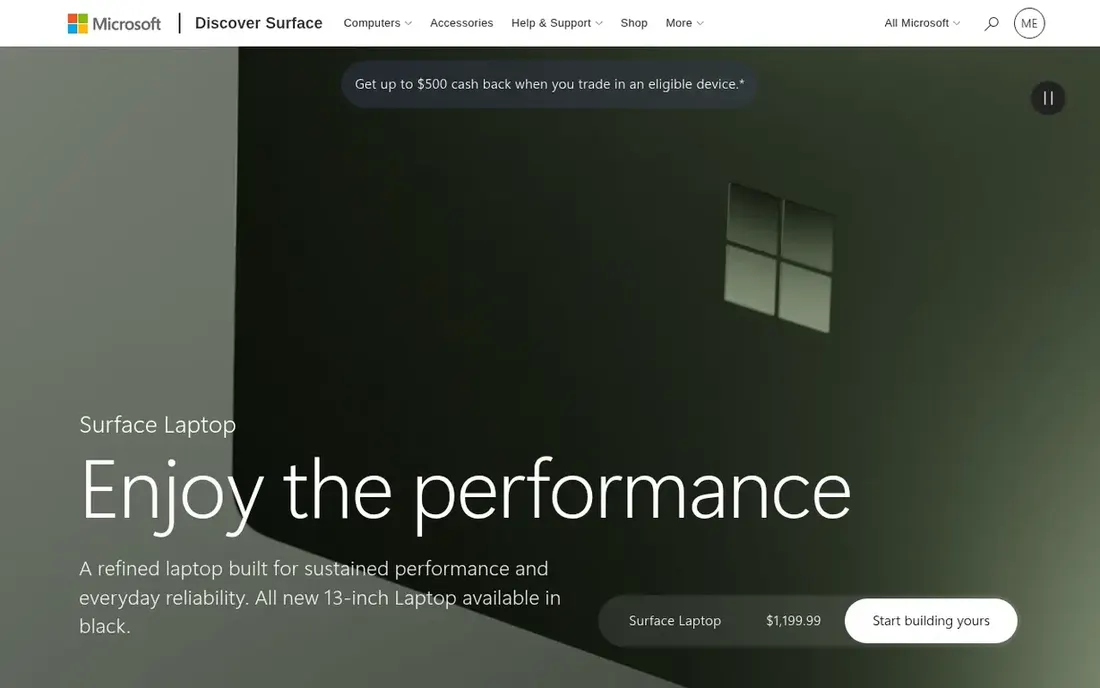
Pick Surface Laptop Studio 2 if this describes you: adaptable 2-in-1 development and note-taking. The PixelSense display is sharp and responsive, and the device runs full Windows for development tools.
Where it is weaker: Performance may lag behind bulkier workstations.
Worth adding: since it prioritizes adaptability, it may not match the sustained performance of thicker workstations under heavy compile or virtual machine loads. Surface Laptop Studio 2 pricing: $1,199.99. Free plan details: Not stated.
- Versatile touchscreen design
- Supports pen input
- Restricted repairability
Dell XPS 15
Best for: Windows developers wanting a large screen
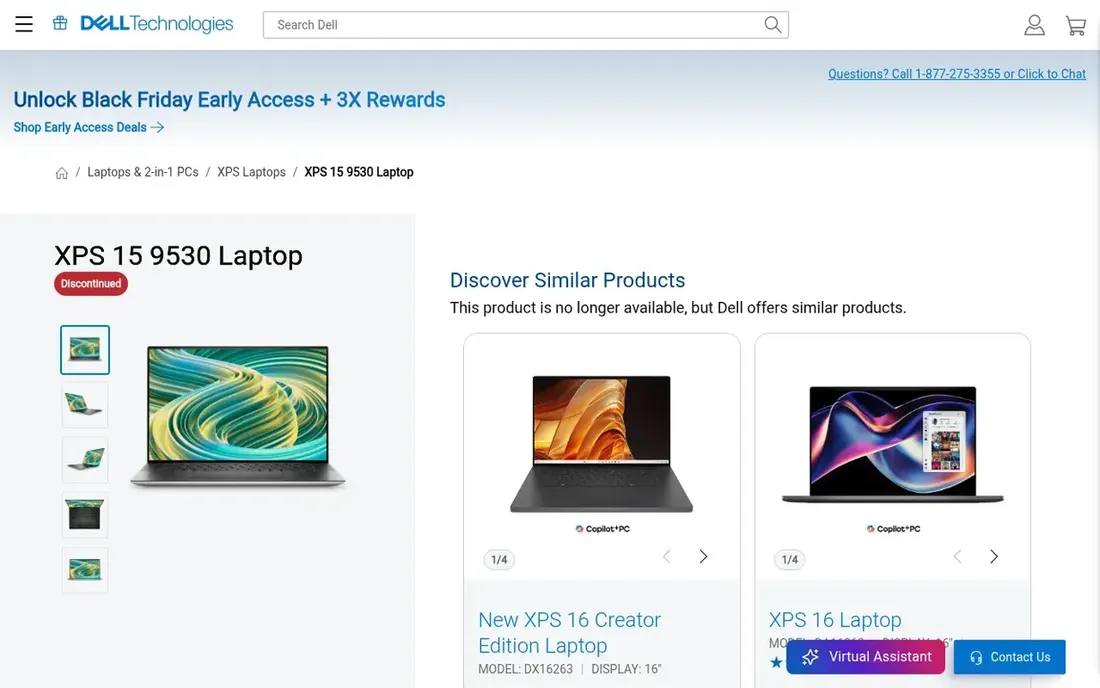
Dell XPS 15 targets Windows developers wanting a large screen. The Dell XPS 15 is a Windows laptop with a focus on performance and a spacious display, making it a solid fit for developers who want more screen real estate for code editors and terminals. It generally provides discrete graphics and quick processors, so it can manage local virtual machines, builds, and light creative work.
Worth adding: some configurations can run warm during sustained loads, and the port selection may need adapters. In practice, if you need a lighter laptop or prefer macOS, the MacBook Pro or a thinner Windows model might be a better match. Dell XPS 15 shows no starting price here, so confirm the cost on the vendor site. Free plan details: Not stated.
Where it is weaker: Restricted port selection.
- Premium build quality
- Capable performance components
- Can get warm under load
Razer Blade 16
Best for: High-performance gaming and development
Choose Razer Blade 16 for high-performance gaming and development. The Razer Blade 16 is a gaming laptop with top-tier components, including high-end graphics and quick processors. It appeals to developers who also game or need GPU power for machine learning and rendering.
From a buyer's view, if you need long battery life for all-day coding, a MacBook Pro or a business laptop may be more suitable. As for the details, gaming laptops frequently prioritize performance over battery life. The Blade 16 can get loud and warm under heavy use. The thin chassis and high-refresh display make it a portable choice for demanding workloads. Razer Blade 16 shows no starting price here, so confirm the cost on the vendor site. As for free access: Not stated.
The main drawbacks: Fan noise under load.
Reasons to shortlist it: Sleek.
- High refresh rate display
- Portable design
- Premium price
HP ZBook Firefly
Best for: Slim mobile workstation for professionals
HP ZBook Firefly is built with slim mobile workstation for professionals in mind. The HP ZBook Firefly is a mobile workstation that balances portability with professional-grade components.
What to check first: May cost more than consumer laptops.
It is geared toward developers and engineers who require dependable performance in a slim chassis, with certifications for professional software and security features for corporate environments. Workstation-class machines commonly carry a price premium, and the Firefly line may offer less feature-rich graphics than bigger workstations. Pricing for HP ZBook Firefly is not stated here, so ask the vendor for current figures. Free options: Not stated.
- ISV certifications for professional apps
- Light design
- Graphics choices can be restricted
Purism Librem 14
Best for: Privacy-focused Linux development
Pick Purism Librem 14 if this describes you: privacy-focused Linux development. Performance is modest compared with high-end workstations, and the hardware may not deal with heavy virtual machines or large builds as rapidly.
Check the vendor site for Purism Librem 14 pricing; none is listed in this comparison. Free access: Not stated.
Where it is weaker: Restricted availability.
- Runs Linux from day one
- Hardware kill switches
- Lower performance than mainstream laptops
MacBook Pro
Best for: MacOS development and creative work
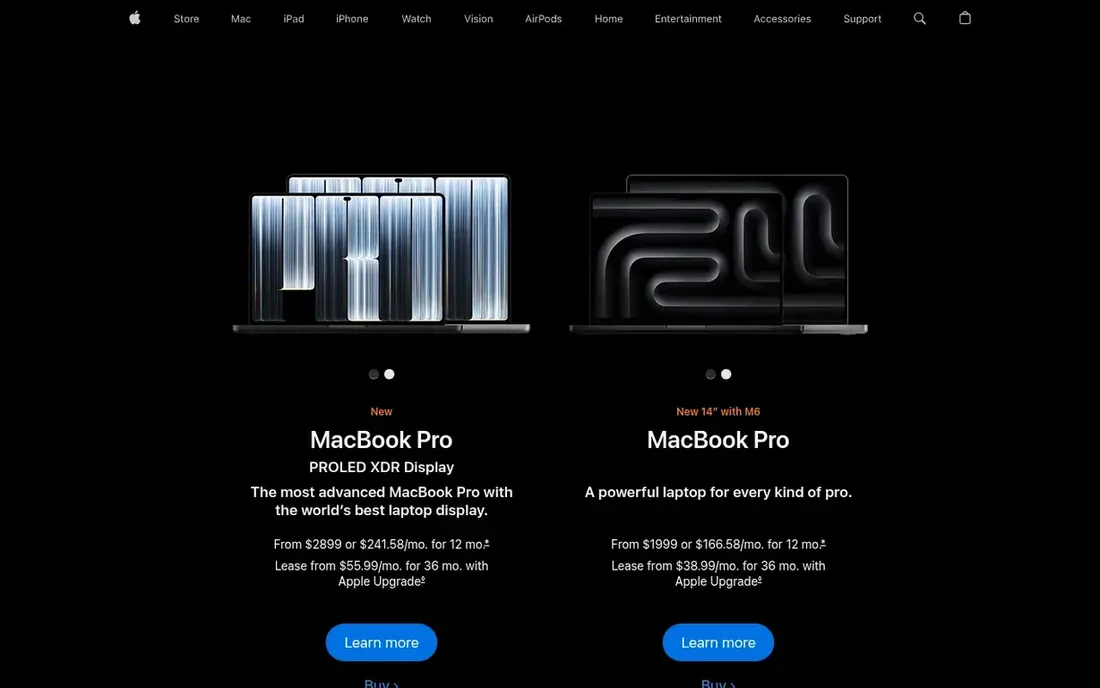
Think of MacBook Pro for macOS development and creative work. The MacBook Pro is Apple's professional laptop, available with a Liquid Retina XDR display and capable Apple silicon chips.
On top of that, the unified memory architecture benefits workflows that depend on tight hardware and software integration. In practice, if you need native Windows or Linux tools or prefer a repairable laptop, consider a Windows workstation or a Linux-focused model instead. This comparison lists no price for MacBook Pro; ask the vendor. On free options: Not stated.
Where it falls short: Higher cost for higher configurations.
- Very good display quality
- Solid performance for coding and builds
- Restricted upgradeability
How we built this list
We compared the tools on published pricing, free plan or trial availability, feature coverage for computers for software developers, and the limits each vendor documents. Plan names, prices and limits change often. Treat the figures here as a starting point and verify them with the vendor. The order reflects how well each tool fits the most common buying scenario for computers for software developers, then price clarity, then free plan access. It is a starting point, not a verdict.
Questions to settle before buying
- Ask Dell XPS 15, Razer Blade 16, HP ZBook Firefly and others for a written quote, since no starting price is shown.
- Read the limits listed for Surface Laptop Studio 2 first: performance may lag behind bulkier workstations.
- Involve the people who will use Razer Blade 16 daily; a short pilot beats a long feature checklist.
- Get the contract term, renewal terms and any onboarding fees from HP ZBook Firefly in writing.
- List the apps you already depend on and check that MacBook Pro supports each one on the plan you would buy.
FAQ
Does any tool for computers for software developers here have a free plan?
No tool in this list, Surface Laptop Studio 2 and MacBook Pro included, has a permanent free plan. Trials and quotes are the usual route, so plan a short evaluation period.
Do these tools publish their prices?
Not all of them. Dell XPS 15, Razer Blade 16, HP ZBook Firefly and others publish no starting price, so expect a quote request for those. The rest, Surface Laptop Studio 2 included, show a starting price, though seats and billing terms still change the final cost.
How are the tools for computers for software developers ordered?
Surface Laptop Studio 2 sits first and MacBook Pro last because the order follows typical fit for computers for software developers, then price clarity and free access. It is a judgement call, so read each profile for fit and limits.
Is Surface Laptop Studio 2 the right pick for everyone comparing computers for software developers?
No single tool suits every team. Surface Laptop Studio 2 comes first because it fits flexible 2-in-1 development and note-taking, while Dell XPS 15 suits Windows developers wanting a large screen and Razer Blade 16 suits high-performance gaming and development. Match the tool to your own size, budget and workflow before deciding.
What is the best computer for software developers?
Surface Laptop Studio 2 is the pick this page puts first, mainly for flexible 2-in-1 development and note-taking. If your situation differs, Dell XPS 15 suits Windows developers wanting a large screen, and Razer Blade 16 suits high-performance gaming and development. Compare price and limits before you decide.
Sources
- https://www.microsoft.com/en-us/surface/devices/surface-laptop-studio-2
- https://www.dell.com/en-us/shop/dell-laptops/xps-15-laptop/spd/xps-15-9530-laptop
- https://www.razer.com/gaming-laptops/razer-blade-16
- https://www.hp.com/us-en/workstations/zbook-firefly.html
- https://puri.sm/products/librem-14
- https://www.apple.com/macbook-pro