Best Computer Monitoring Software in 2026: 8 Tools Compared
Compare the best computer monitoring software for employer and own-device use in 2026, with clear consent, privacy controls and productivity insights.
- Editor's choice
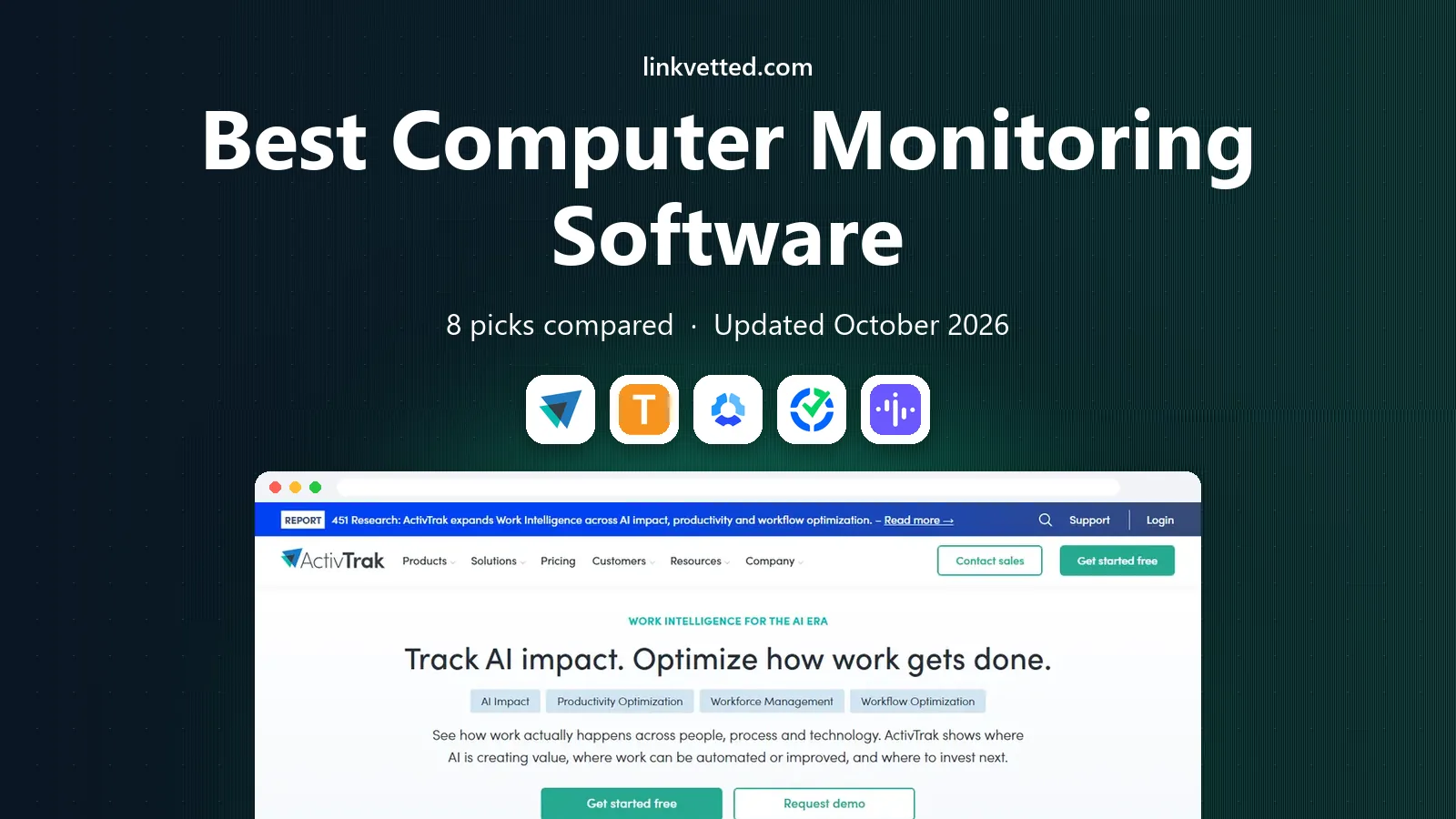
 ActivTrak
employers that want productivity insights with privacy controls
Starts atSee websiteVisit activtrak.comFull review - Great alternative
 Teramind
businesses that need detailed activity and security monitoring on work devices
Starts atSee websiteVisit teramind.coFull review - Also consider
 Hubstaff
remote teams that want time tracking with activity levels
Starts atSee websiteVisit hubstaff.comFull review
TL;DR:
- Our pick for most readers is ActivTrak, because it covers the core computer monitoring tools for employers job well without forcing a complex setup.
- If price is the main concern, check the free or trial options first, since several tools on this list offer a free plan or a free trial.
- The best choice depends on your size and workflow, so test the top two on a real task before you commit to a yearly plan.
- Watch for quote-based pricing and add-ons, since the headline price often excludes features you will actually need.
- Our pick for most employers is ActivTrak, used with a clear written policy and staff notice. Note: this article covers legitimate employer and own-device use only, with consent and privacy controls, and does not recommend covert spyware.
Quick comparison
| Tool | Best for | Starts at | Free plan? | |
|---|---|---|---|---|
| ActivTrak | employers that want productivity insights with privacy controls | See website | Free trial | Visit |
| Teramind | businesses that need detailed activity and security monitoring on work devices | See website | Free trial | Visit |
| Hubstaff | remote teams that want time tracking with activity levels | See website | Free trial | Visit |
 Time Doctor | remote teams that want time and productivity tracking | See website | Free trial | Visit |
 Insightful | employers that want workforce analytics with transparency | See website | Free trial | Visit |
 DeskTime | small teams that want simple time and productivity tracking | See website | Free trial | Visit |
 Controlio | businesses that need employee monitoring with clear controls | See website | Free trial | Visit |
 Workpuls | teams that want time tracking and productivity analytics | See website | Free trial | Visit |
The best Computer Monitoring Software
We compared official feature pages, pricing pages and public reviews for computer monitoring tools for employers, and we focused on tools that exist and work today. The list below mixes well-known leaders with strong smaller options, so you can find a fit whether you are a solo user or a larger team.
ActivTrak
Best for: employers that want productivity insights with privacy controls
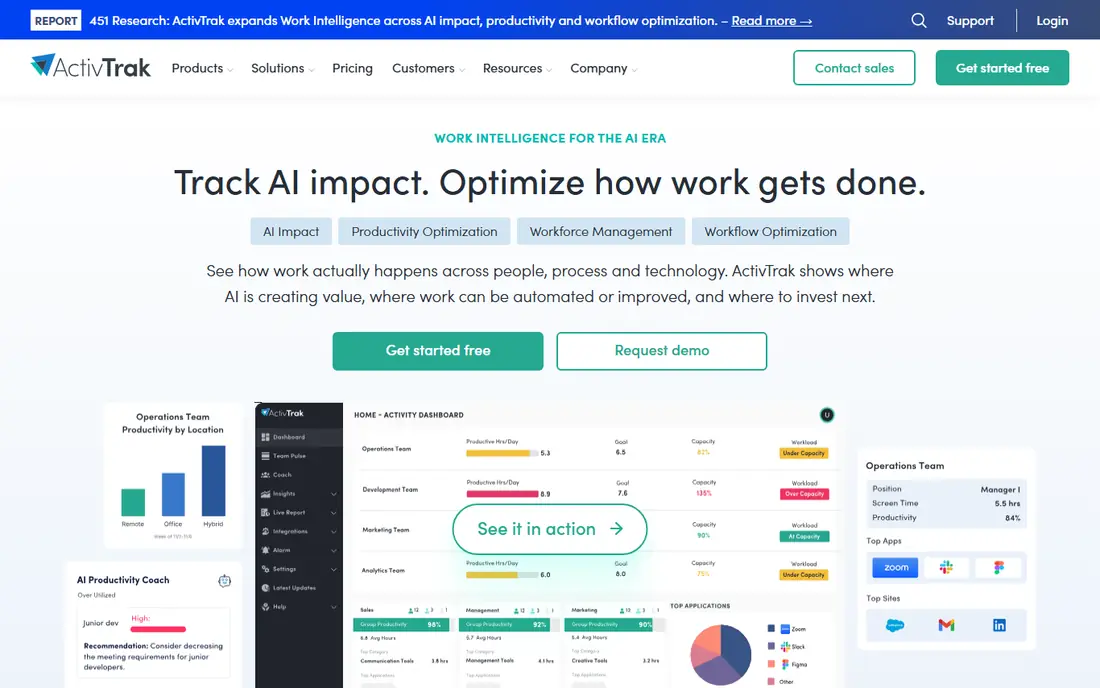
ActivTrak gives employers a view of how work time is spent, with activity summaries and team reports that can guide coaching. Its privacy controls matter, because employers should limit what is collected and tell staff clearly what is monitored and why. It covers productivity insights, activity summaries, team reports and privacy controls, which keeps the main workflow in one place rather than spread across several tools.
Used without clear notice, any monitoring tool damages trust, so set a written policy, limit collection to work devices and work hours, and review who can see the data. ActivTrak suits a manager who wants patterns across a team, not minute-by-minute surveillance of one person.
- Productivity insights and activity summaries
- Privacy controls and data limits
- Coaching and team reports
- Detailed monitoring settings need care to stay proportionate
- Pricing is quote based on some plans
Teramind
Best for: businesses that need detailed activity and security monitoring on work devices
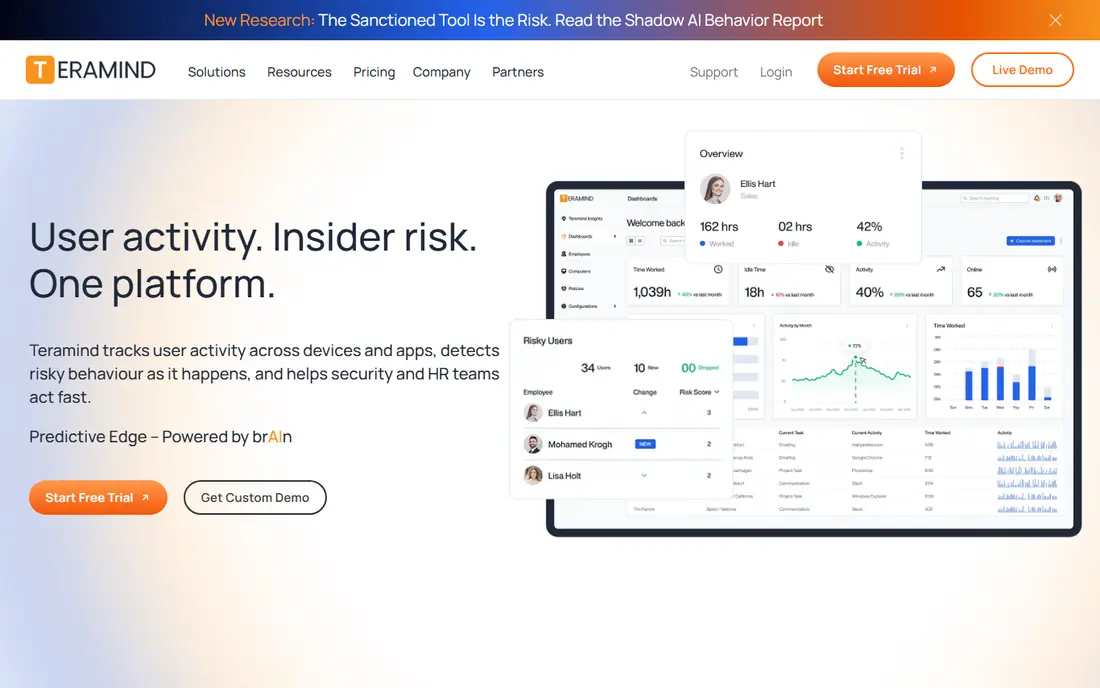
Teramind is a detailed monitoring and security tool for work devices, with activity tracking, alerts for risky behaviour and policy controls. It is best used where security or compliance genuinely requires it, with a clear policy and staff notice. It covers activity monitoring, security alerts, policy controls and session records, which keeps the main workflow in one place rather than spread across several tools.
The depth of its features is also its risk, because collecting more than needed creates privacy and legal problems. Use it only on company devices, with written notice, a lawful basis and limits on who can view records.
- Detailed activity tracking and security alerts
- Policy controls for sensitive data
- Session records for investigations
- Powerful features need strict governance
- Overuse can harm trust if staff are not told clearly
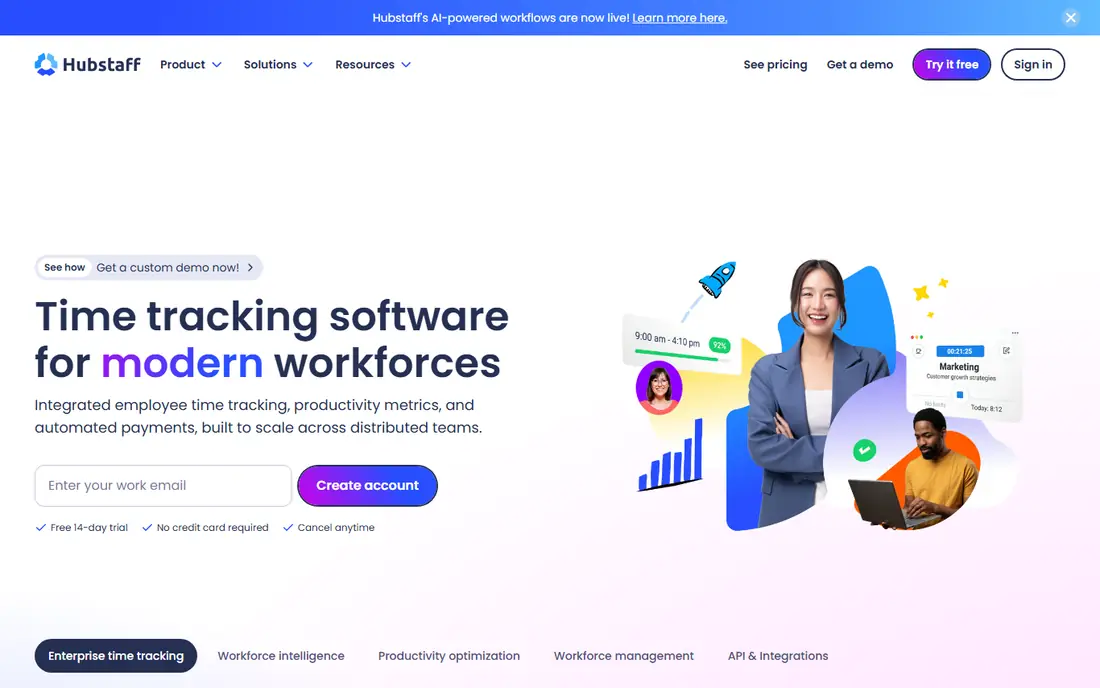
Hubstaff combines time tracking with optional activity measures, which helps remote teams and agencies bill by time and see project progress. Screenshots and activity levels are optional, and teams should agree their use openly before switching them on. It covers time tracking, activity levels, project reports and payroll links, which keeps the main workflow in one place rather than spread across several tools.
If screenshots are used without agreement, trust falls quickly, so many teams use time tracking alone and leave screenshots off. Hubstaff works best for teams that already bill by time and want that record, not as a general surveillance tool.
- Time tracking with activity levels and screenshots on request
- Payroll and invoicing links
- Team and project reports
- Screenshot features must be used with consent
- Some staff find activity tracking intrusive
Time Doctor tracks time and gives productivity reports for remote teams, with gentle alerts when a user drifts to distracting sites. It is designed for teams that want to understand work patterns and improve focus, not to watch every keystroke. It covers time tracking, productivity reports, distraction alerts and integrations, which keeps the main workflow in one place rather than spread across several tools.
As with any monitoring tool, the key is consent and a clear policy that explains what is tracked, on which devices and for what purpose. Time Doctor suits remote teams that already track time for clients and want productivity context beside it.
- Time tracking with productivity reports
- Distraction alerts
- Payroll and project integrations
- Monitoring features can feel intrusive if not explained
- Pricing is per user
Insightful, formerly Workpuls, focuses on workforce analytics, showing how teams spend time and where bottlenecks appear. It can help a manager rebalance work, but only when staff know what is collected and why. It covers workforce analytics, time tracking, team trends and privacy settings, which keeps the main workflow in one place rather than spread across several tools.
The analytics are useful at team level, and that is where they should stay, rather than being used to single out individuals without context. Start with team trends and a written policy, and review data access regularly.
- Workforce analytics and time tracking
- Productivity trends by team
- Privacy settings for sensitive data
- Advanced analytics need careful setup
- Screenshot options should be agreed with staff first
DeskTime tracks time automatically and sorts apps and sites into productive, unproductive or neutral categories. Small teams can see where the day goes without manual timesheets, and managers get simple project reports. It covers automatic time tracking, productivity categories, project reports and team dashboards, which keeps the main workflow in one place rather than spread across several tools.
It is lighter than enterprise monitoring tools, which is a benefit for a small team that does not want heavy surveillance. Agree the productivity categories with the team first, since a site that is distracting for one role may be essential for another.
- Automatic time tracking with productivity categories
- Project time reports
- Simple team dashboards
- Free tier is limited
- Monitoring depth is lighter than enterprise tools
Controlio
Best for: businesses that need employee monitoring with clear controls
Controlio offers employee monitoring with activity reports and optional live viewing, aimed at businesses that need oversight on work devices. Its controls let admins limit what is recorded, but those controls only help if they are actually used. It covers activity monitoring, productivity reports, live viewing controls and cloud access, which keeps the main workflow in one place rather than spread across several tools.
Live viewing is the feature most likely to damage trust, so reserve it for genuine security needs, with notice and a written policy. Controlio suits a business with a compliance reason to monitor, not a team that simply wants to check that staff are working.
- Employee monitoring with activity and productivity reports
- Live screen options with controls
- Cloud based access
- Live viewing features must be governed strictly
- Pricing is per user and adds up
Workpuls was built for time tracking and productivity analytics, and today it sits within Insightful, so buyers should confirm the current product name. It tracks time, shows productivity trends and handles attendance in the same system. It covers time tracking, productivity analytics, project reports and attendance, which keeps the main workflow in one place rather than spread across several tools.
The overlap with Insightful means new buyers will usually be shown Insightful, which carries the same approach forward. Check which name applies to your licence and support route before signing, so there is no confusion later.
- Time tracking with productivity analytics
- Employee and project reports
- Attendance and leave tracking
- Brand now sits within Insightful, so confirm current product details
- Advanced features need higher tiers
How we picked these
We started from the main keyword for this article and the related terms readers also search for, then we checked each vendor site for current features, pricing and free options. We kept only products that exist and work today and that truly fit computer monitoring tools for employers, and we left out tools that were discontinued, that did not fit the topic, or whose pricing we could not verify without inventing a number.
We also weighed who each tool is really for, not just its feature list. A tool that is excellent for a large team can be a poor fit for a small one, and the write-ups above try to make that distinction clear, including an honest weakness for each product.
How to choose computer monitoring software
Start with law and consent, not features. Check local employment law, tell staff in writing what is monitored, on which devices and for what purpose, and limit collection to work devices and work hours. Then choose the lightest tool that meets a genuine need, such as time tracking for billing or security alerts for sensitive data, and review who can see reports and how long data is kept. A tool that monitors personal devices or private activity without consent should not be on your shortlist.
Questions to ask before you pay
Ask about total cost at your actual size, including per-user fees and add-ons. Ask about contract length, data export and support hours, since those details matter when you need help or want to leave. Ask for a trial on your own data, because a demo with sample data can hide problems that show up on real work.
A practical shortlist method
Pick two finalists, run the same real task in both during a trial, and score them on ease of use, accuracy and total cost. Involve the people who will use the tool daily, since their adoption decides whether the purchase pays off. Keep notes from the trial, so the final decision rests on evidence rather than a sales demo.
FAQ
What is the best computer monitoring software for employers?
ActivTrak suits most employers for its productivity insights and privacy controls, while Hubstaff and Time Doctor suit remote teams that track time.
Is computer monitoring software legal?
It can be legal on company devices with notice, a lawful purpose and proportionate collection, but rules vary by location, so check local law and get advice for your situation.
Should employers tell staff they are monitored?
Yes. Clear written notice about what is monitored and why protects trust and is required in many places, even where the law does not demand it in so many words.
What is the difference between monitoring and spyware?
Legitimate monitoring is open, limited to work devices and used for a stated business purpose, while covert spyware hides collection and invades personal privacy.
Can I monitor my own devices?
Yes, monitoring your own devices for your own productivity is a legitimate use, and tools like DeskTime work well for that purpose.