Best Business Card Scanner App in 2026: 9 Apps Compared
Compare the best business card scanner app for iPhone and Android, with scan accuracy, CRM exports, pricing and free plans explained for busy teams in 2026.
- Editor's choice
 CamCard
Classic scanning and contact management
Starts at$9.99 per monthVisit camcard.comFull review - Great alternative
 ABBYY Business Card Reader
Accurate iPhone scanning
Starts at$7.99 per monthVisit abbyy.comFull review - Also consider
 ScanBizCards
Simple scanning with CRM export
Starts at$100 per user per yearVisit scanbizcards.comFull review
TL;DR:
- CamCard and ABBYY Business Card Reader remain the classic scanning picks, with strong text recognition and contact exports.
- Covve, ScanBizCards and HiHello suit professionals who want scanning plus contact management and follow-up tools.
- Habsy offers unlimited free scanning with batch capture, which is rare and useful after large events.
- Sansan and Popl suit teams and events, with CRM connections and lead capture that go beyond a single contact list.
Quick comparison
| Tool | Best for | Starts at | Free plan? | |
|---|---|---|---|---|
| CamCard | Classic scanning and contact management | $9.99 per month | Yes | Visit |
| ABBYY Business Card Reader | Accurate iPhone scanning | $7.99 per month | Free trial | Visit |
| ScanBizCards | Simple scanning with CRM export | $100 per user per year | Yes | Visit |
 Covve | Scanning plus contact management | $119 per year | Free trial | Visit |
 Sansan | Company-wide contact management | See website | No | Visit |
 HiHello | Digital cards plus scanning | $6 per month | Yes | Visit |
 Blinq | Digital cards and lead capture | $9.99 per month | Yes | Visit |
 Popl | Event lead capture for teams | Free | Yes | Visit |
 Habsy | Unlimited free batch scanning | Free | Yes | Visit |
The best business card scanner app
A good card scanner should read a card accurately, let you fix errors quickly, and send the contact where you need it, such as your phone contacts, email or CRM. We compared official app store listings, pricing pages, feature descriptions and public reviews for apps actively available in 2026, focusing on scan accuracy, batch scanning, exports and follow-up tools.
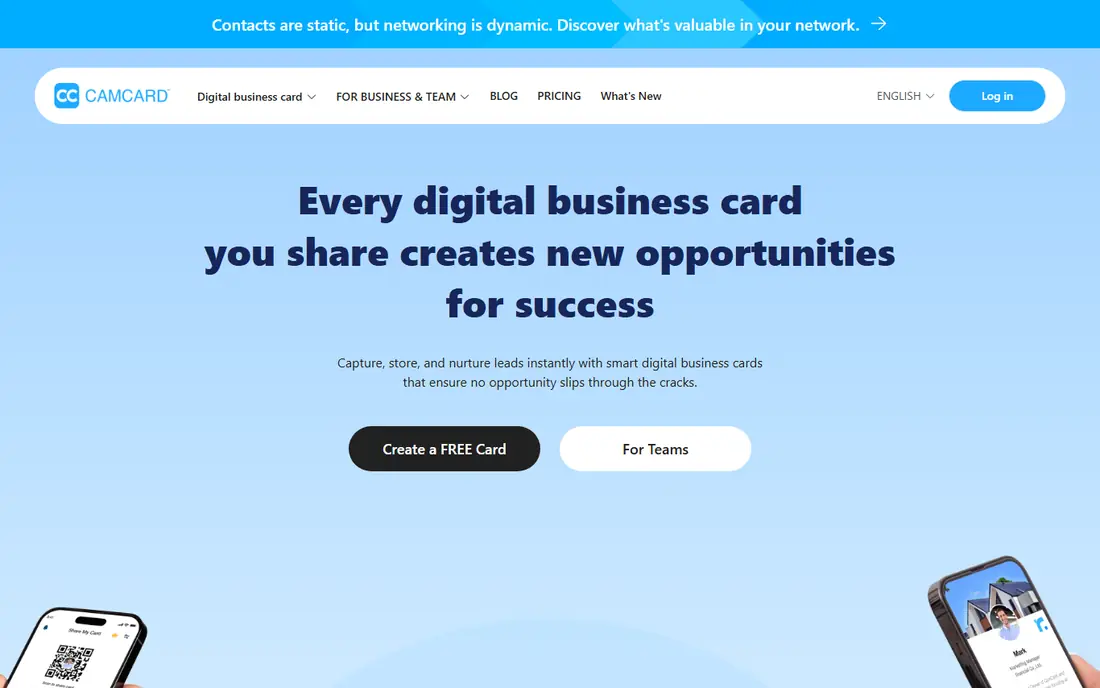
CamCard is the veteran in this category, and it shows in its recognition. You can photograph several cards first and let the app process them one by one, which helps after a conference when your pocket is full of cards. Editing is practical too, with the card photo shown next to each field so you can check a phone number or email at a glance.
The free plan covers a limited number of scans, and business features such as team sharing and CRM sync need a paid plan. For an individual who scans cards regularly and wants reliable recognition, CamCard remains a safe and familiar choice.
- Long history of card recognition
- Batch photo capture
- Exports to phone contacts and CRM tools
- Pricing varies by plan and region
- Some advanced features need a business plan
- Interface feels dated in places
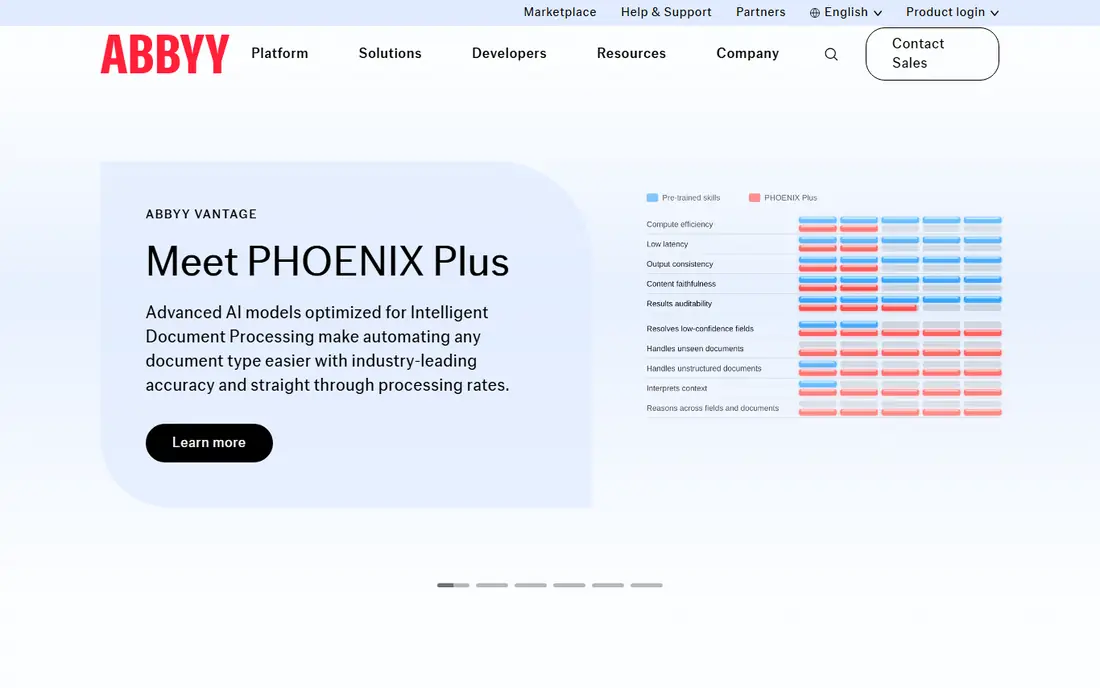
ABBYY Business Card Reader focuses on doing one job well: reading a card accurately and turning it into a contact. Its OCR technology, built by a company known for document recognition, handles varied layouts and fonts better than many general camera apps. For iPhone users who only want contacts, not a full CRM, that focus is a benefit.
The main limit is platform. The Android version was discontinued, so Android users should choose another app in this list. ABBYY also does little after the scan, so if you want follow-up reminders or CRM pipelines, Covve or Popl will fit better.
- Accurate text recognition from ABBYY
- Clean contact editing
- Easy export to contacts
- Android app was discontinued, so it is iPhone-focused now
- Limited features beyond scanning and export
- Subscription needed for full use
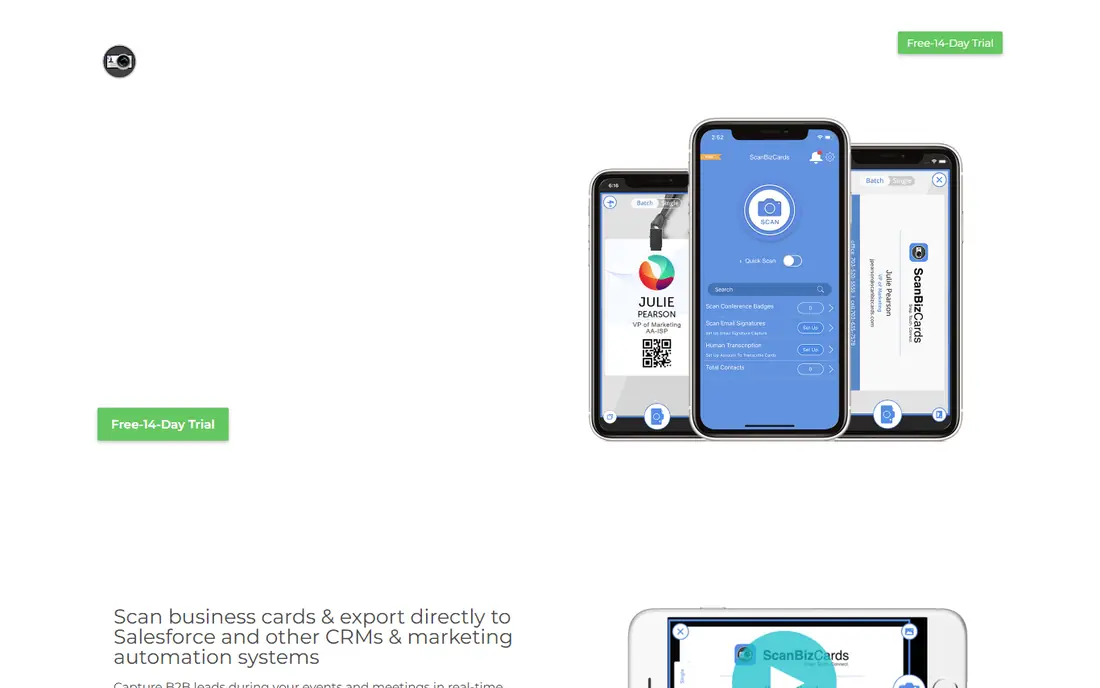
ScanBizCards suits professionals who scan at events and need contacts in a CRM quickly. The workflow is simple: scan, review, export, with connections to major CRM platforms and contact apps. That focus on export matters, because a scanned contact that stays only in the scanner app is of limited use to a sales team.
Pricing is yearly, which makes the entry cost feel higher than a monthly app, even though the yearly total is comparable. The design is functional rather than stylish, but for event scanning and CRM export, ScanBizCards does the job reliably.
- Simple scanning workflow
- Exports to Salesforce, HubSpot and other CRMs
- Batch and event features
- Paid plans are yearly rather than monthly
- Interface is functional rather than polished
- Free plan has limits
Covve goes beyond scanning by helping you manage the people you meet. After a scan, you can add notes, set follow-up reminders, and see contact details in a clean address book that works across devices. That makes it useful for networkers who meet many people and need to remember context, not just a phone number.
Covve Scan is the scanning part of a broader contact app, so users who only want quick scans may find extra features they do not need. Pricing is yearly, and Pro features add cost, but for professionals who network often, the follow-up tools justify the price.
- Scanning plus smart contact management
- Reminders and notes for follow-up
- Business card and CRM features
- Yearly pricing
- Scanning is part of a larger contact app
- Some features need the Pro plan
Sansan is built for companies, not solo networkers. It digitizes business cards for a whole organization, shares contacts across teams, and keeps a single, searchable contact database with access controls. A dedicated scanner can process many cards quickly, which helps after trade shows and large meetings.
The trade-off is scale and price. Sansan is priced by quote, with a minimum user count and an annual contract, so small teams and individuals should look elsewhere. For a mid-size or large company that wants to stop contacts living only in individual phones, Sansan is a strong enterprise choice.
- Company-wide contact sharing
- Fast batch scanning with a dedicated scanner
- Strong data and compliance controls
- Priced by quote with a minimum user count
- Built for larger companies, not individuals
- Setup takes coordination
HiHello bridges paper and digital cards. You can create a digital card to share by link, QR code or email, and you can also scan paper cards you receive into the same contact list. That combination suits professionals who are moving to digital cards but still meet people who hand over paper.
The free plan allows only a few scans per month, so heavy scanners need a paid plan. HiHello is best when digital sharing matters as much as scanning, rather than for pure high-volume paper scanning after events.
- Digital business cards plus paper card scanning
- Easy sharing by link or QR code
- Team card management
- Free plan caps monthly scans
- Advanced branding needs a business plan
- Scanning is secondary to digital cards
Blinq is primarily a digital business card platform, with scanning and lead capture built around it. You can share a card by QR code, capture leads at events, and send enriched contact data to a CRM, which helps sales and marketing teams track event results. The app feels modern and fast for sharing at a booth or meeting.
For pure paper scanning, Blinq is less focused than CamCard or ABBYY, and event capture can cost extra beyond the standard plan. Choose Blinq when digital sharing and team lead capture matter most, and paper scanning is a supporting feature.
- Digital cards with QR and link sharing
- Lead capture at events
- CRM connections for teams
- Scanning is part of a digital card platform
- Event lead pricing is separate
- Free card features are limited
Popl helps teams turn in-person meetings into CRM leads. Digital cards can be shared by NFC tap or QR code, badges and paper cards can be captured, and leads can sync to Salesforce, HubSpot and other CRMs with context from the event. That workflow suits exhibitors and sales teams who measure event return.
Individual users may find Popl more than they need, and team pricing for lead capture is not always published. For a team that exhibits often, though, Popl's combination of digital sharing, capture and CRM sync is hard to match with a simple scanner alone.
- Free digital card to start
- NFC, QR and badge capture
- Strong CRM integrations for teams
- Team and lead features are paid
- Pricing is by quote for some team plans
- Scanning is tied to lead capture workflow
Habsy stands out for its free plan: unlimited scanning with no monthly cap, plus batch scanning that can process many cards in minutes. It also captures QR codes, LinkedIn QR codes, digital cards and event badges, which covers most ways people share contact details today. For a job seeker, student or frequent networker on a budget, that free offer is remarkable.
Habsy is newer than CamCard or ABBYY, so its brand recognition and CRM ecosystem are smaller. Paid plans add business features, but the core scanning is already strong for free. If cost is your main barrier, start with Habsy and upgrade only when team features become necessary.
- Unlimited free scanning with no monthly cap
- Batch scanning of many cards
- QR and NFC badge capture
- Newer and less well known than rivals
- Paid business features cost extra
- CRM depth trails larger team platforms
How we picked these
We compared official app store listings, pricing pages and feature descriptions for card scanner apps actively available in 2026. We favored apps with real card scanning, not only digital cards, plus clear export options and current pricing. We excluded apps that have been retired from major app stores, including Microsoft Lens, which was retired from iOS in early 2026, and we excluded generic camera apps that only copy text without building contacts.
How to choose a business card scanner app
Test the app on your hardest cards, not clean ones. Foil logos, white text on dark cards, small fonts and vertical layouts reveal recognition errors that clean samples hide. Check the field that matters most, usually email, because a wrong email silently loses a lead.
Check accuracy, then export
Scan ten real cards, count errors per field, and time how long fixes take. Then test export to your phone contacts, email and CRM. If export is clumsy, the app will create a second contact list you never use, no matter how good the scan looks.
Match the app to your volume
Occasional scanners can use a free plan from Habsy, HiHello or Popl. Event-heavy users need batch scanning and CRM sync from ScanBizCards, Popl or Sansan. Team users should check sharing, permissions and CRM pricing before choosing, because individual prices rarely reflect team totals.
Protect contact privacy
Cards contain personal data, so check what the app stores, where data is processed, and how you can delete scanned cards. Business users should also check whether the app meets their company privacy and data retention rules before scanning client cards at scale.
FAQ
What is the best business card scanner app overall?
CamCard is the best classic choice for reliable scanning and contact management, while Habsy is the best free option with unlimited scanning. Teams that need CRM lead capture should look at Popl or ScanBizCards, and companies should consider Sansan.
Is there a free business card scanner app?
Yes, Habsy offers unlimited free scanning, and CamCard, HiHello, Blinq and Popl offer free tiers with limits. Free plans usually cap scans, exports or team features, so check the limits against how many cards you scan each month.
Can a scanner app export to my CRM?
Many apps in this list export to Salesforce, HubSpot, Google Contacts and Outlook, with ScanBizCards, Popl and Sansan offering the strongest CRM connections. Test export with a few real contacts before committing, because field mapping varies by CRM.
How accurate are business card scanner apps?
Accuracy is good for clean, standard cards, but drops for foil, dark backgrounds, unusual fonts and vertical layouts. Always review name, email and phone fields before saving, because a single wrong character in an email address can lose a contact.
Do I still need paper cards if I use a scanner app?
No, but many people still carry paper cards, and digital cards from HiHello, Blinq and Popl let you share without paper. A scanner app helps you handle the paper cards you receive, even if you share your own details digitally.
What happened to Microsoft Lens?
Microsoft retired Lens from iOS starting in early 2026, and it is no longer supported as a card scanning option. If an older guide still recommends it, choose a current app from this list instead, because retired apps stop receiving fixes and may disappear from app stores.