Best Business Card Reader App in 2026: 8 Apps Compared
Find the best business card reader app in 2026. CamCard, ABBYY, HiHello, Blinq and more compared on scanning, accuracy and CRM sync for every networker.
- Editor's choice
 CamCard
Standalone scanning in many languages
Starts at$9.99 per monthVisit camcard.comFull review - Great alternative
 ABBYY Business Card Reader
iPhone users who want accurate OCR and clean exports
Starts at$7.99 per monthVisit abbyy.comFull review - Also consider
 HiHello
Digital business cards plus occasional scanning
Starts atFreeVisit hihello.comFull review
TL;DR:
- CamCard remains the best standalone scanner for most users, with strong OCR and batch scanning in many languages.
- HiHello and Blinq suit networkers who also want a digital card, not just a scan-to-contact tool.
- ABBYY Business Card Reader suits iPhone users who want accurate OCR and simple exports without social features.
- Scan accuracy matters more than speed: a wrong email is worse than a missing field you can fill in by hand.
- Check export options before you pay: contacts that are hard to move to a CRM or address book lose value fast.
Quick comparison
| Tool | Best for | Starts at | Free plan? | |
|---|---|---|---|---|
| CamCard | Standalone scanning in many languages | $9.99 per month | Yes | Visit |
| ABBYY Business Card Reader | iPhone users who want accurate OCR and clean exports | $7.99 per month | Yes | Visit |
| HiHello | Digital business cards plus occasional scanning | Free | Yes | Visit |
 Blinq | Digital cards, lead capture and team sharing | Free | Yes | Visit |
 Covve | Enriched contacts with follow-up reminders | See website | Free trial | Visit |
 ScanBizCards | Team scanning with CRM export | See website | Yes | Visit |
 Haystack | Free unlimited scanning for individuals | Free | Yes | Visit |
 Popl | Tap, QR and digital card sharing at events | See website | Yes | Visit |
The best business card reader app
A business card reader app turns a paper card into a contact in seconds, using OCR to read name, title, company, email and phone. The best free business card app for a casual networker differs from the best app to scan business cards at a trade show, where batch scanning and CRM sync matter. We compared official app pages, pricing, scan limits and export options.
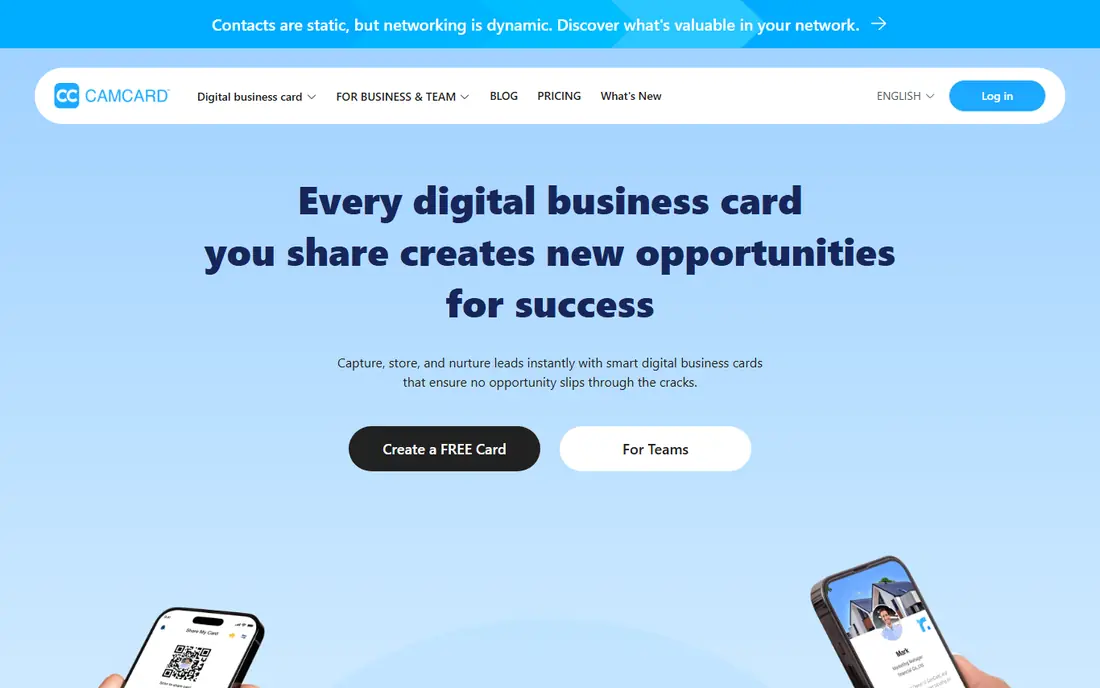
CamCard is our pick for most people who want the best business card reader app without extra workflow tools. Point the camera at a card, review the fields, and save the contact with a photo of the card attached. Batch scanning helps after a conference, and cloud sync keeps contacts across phone and tablet. Language support across 16 languages also helps international networkers.
The free plan is limited, and recent comparisons note a cap on free scans, so heavy event users will need a paid plan. CamCard also lacks the deep CRM enrichment of Blinq or Covve. For pure scanning accuracy and speed, CamCard remains hard to beat.
- Strong OCR in 16 languages
- Batch scanning
- Cloud sync across devices and digital card creation
- Paid plan at $9.99 per month or $49.99 per year on app stores
- Free plan has scan limits
- CRM sync is lighter than enterprise tools
ABBYY Business Card Reader
Best for: iPhone users who want accurate OCR and clean exports
ABBYY Business Card Reader is a no-frills scanner built on OCR expertise. It reads cards quickly, lets you review fields before saving, and exports cleanly to contacts, Excel or CSV. For a professional who scans cards and then works from a spreadsheet or address book, that simplicity is a strength.
The platform limit is real: Android users should not choose ABBYY as a primary scanner, because the Android app was discontinued. It also offers little beyond scanning, with no digital card or lead follow-up tools. For iPhone users who value accuracy and exports, ABBYY is a top pick.
- Strong OCR from a document technology specialist
- Supports 25 languages in some listings
- Excel and CSV export
- Android app was discontinued in 2023, so iPhone is the main platform
- Limited features after the scan
- Subscription or one-time purchase costs add up
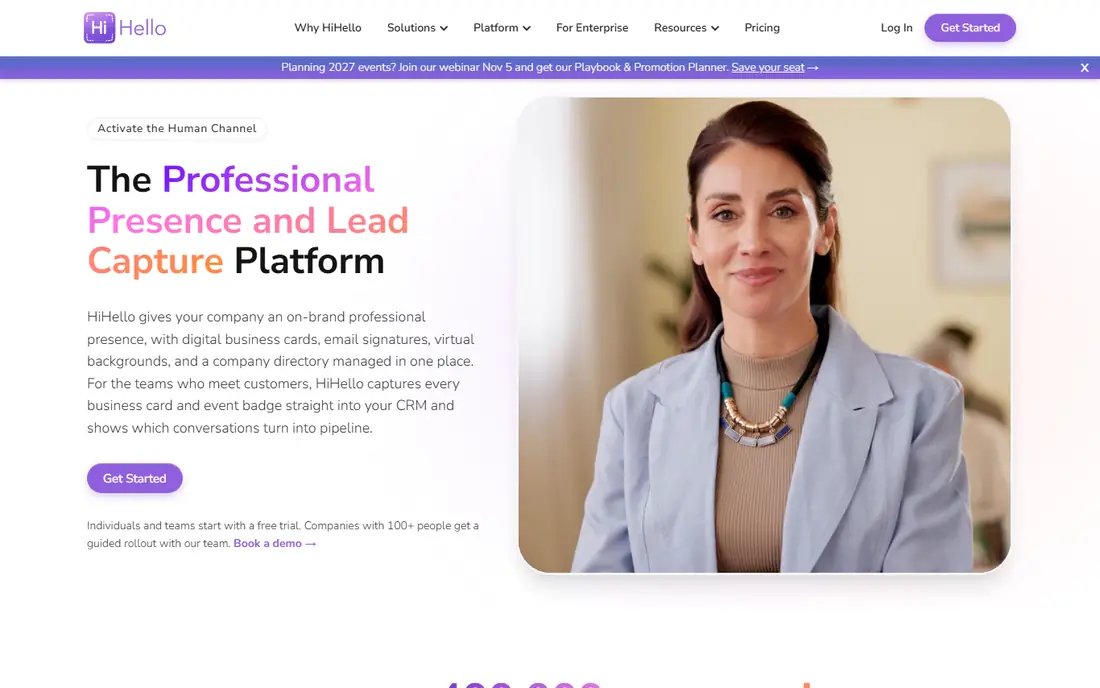
HiHello combines two tools: a digital business card you can share by QR code or link, and a scanner for paper cards you receive. That pairing suits modern networkers who meet people both in person and online. The free plan covers a digital card and a few scans a month, while Pro at $6 per month in recent comparisons adds more scans and features.
Event-heavy users will hit the free scan limit fast, and batch scanning of about 100 cards sits on paid plans. For a professional who mainly shares a digital card and scans a handful of cards each month, HiHello is the best free business card app in this list.
- Free digital card creation
- 5 free scans a month on the free plan
- Pro and Business plans for teams
- Free scan limit is low for event use
- Batch scanning needs a paid plan
- Enrichment is lighter than Covve
Blinq started as a digital card platform and now covers scanning and lead capture for events. Recipients do not need the app to receive your details, because sharing works by QR code or link. Teams can manage cards, track exchanges and capture leads at events, which suits sales and marketing staff.
The broader platform can feel like more than a simple scanner needs. Premium pricing at $9.99 per month and event capture fees add up for a solo user who only scans occasionally. For a team that values digital cards and lead capture together, Blinq is a strong choice.
- Free digital card
- QR sharing without the recipient needing the app
- Premium and Business plans for teams
- Premium at $9.99 per month for individuals
- Event lead capture can cost extra per lead
- Scanner is part of a broader platform
Covve, formerly Covve Scan, goes beyond OCR by enriching contacts with company and social details and reminding you to follow up. That makes it useful for relationship-driven roles such as sales, recruiting and business development, where a card is the start of a follow-up, not just an address book entry. Pro pricing in recent comparisons sits around $119 per year, with a CRM add-on extra.
Casual users may find Covve expensive for occasional scanning. The app also asks you to manage contacts inside its system, which takes more habit change than a simple scanner. For networkers who want enrichment and reminders, Covve justifies its price.
- Smart scan plus contact enrichment
- Reminders to stay in touch
- CRM add-on options
- Higher yearly price than simple scanners
- Pro and CRM add-ons add cost
- Scanning is part of a contact manager, not a standalone tool
ScanBizCards is a practical choice for teams that scan at trade shows and need contacts in a CRM quickly. It supports batch scanning, exports to common CRM systems and address books, and offers team plans for shared use. That workflow focus suits sales teams that return from an event with hundreds of cards.
Pricing is less transparent than HiHello or Blinq, so check the current plan page and app store listing before committing. The interface also feels more functional than modern digital card apps. For a team that values export and batch work over design, ScanBizCards is reliable.
- Batch scanning and team features
- Exports to CRM, Excel and address books
- Long track record in business scanning
- Pricing varies by plan and platform
- Interface feels older than newer rivals
- Free plan has limits
Haystack is widely cited as the best free business card app for individuals because its base version offers unlimited scanning and cloud storage without a monthly fee. Scanned cards keep a visual image beside the digital fields, and Smart Fill can find missing details such as a website or logo from public sources. For a freelancer or solo professional, that free value is hard to match.
Team features are thinner than Blinq, HiHello Business or ScanBizCards, and lead routing for large events is limited. Haystack is best for an individual who scans regularly and wants a simple, free, reliable record. Heavy team users should shortlist a paid team tool instead.
- Unlimited free scans in the base version
- Cloud storage and visual card images
- Automatic gap-filling for missing details
- Team and lead routing features are limited
- Enrichment is simpler than Covve or Blinq
- Fewer enterprise controls
Popl suits networkers who prefer to share a digital card rather than hand out paper. A tap, QR scan or link shares contact details instantly, and event lead capture helps sales teams collect and follow up with new contacts. Team plans add management, branding and CRM connections for larger organizations.
Popl is not primarily a paper scanner, so users with a stack of paper cards should pair it with CamCard or Haystack. Business pricing is also quote-based in many cases, so a solo user should check the free plan limits first. For digital-first networking, Popl is a modern alternative to paper.
- Digital card sharing by tap, QR or link
- Lead capture for events
- Team management tools
- Pricing is quote-based for many business plans
- Scanning is secondary to digital sharing
- Hardware accessories cost extra
How we picked these
We compared official app pages, app store listings, pricing, scan limits, language support and export options, and we favoured apps that are active on iPhone or Android in 2026. We included standalone scanners, digital card platforms and team tools, because business card needs differ by role. We left out apps that had been retired from app stores, including Microsoft Lens, which was retired from iOS in early 2026.
We also weighed accuracy over features. A scanner that adds social links but misreads an email can lose a lead, while a simpler scanner with careful field review protects the contact. That principle shaped the order of this list.
How to get accurate scans every time
Photograph the card well
Use good light, a flat surface and a steady hand, and capture the full card including edges. Glossy, foil or dark cards scan less reliably, so retake a poor photo rather than accepting a bad read. A second photo often fixes a misread field faster than manual correction later.
Review fields before saving
Check name spelling, email and phone number on every scan, especially for cards with unusual names or small type. A blank field is easy to fill, but a confidently wrong email will bounce silently. Save the card image with the contact so you can check the original later.
Export and back up promptly
Export scanned contacts to your phone address book, CRM or a CSV file after an event, and do not leave hundreds of contacts only inside one app. Test the export format before a major event, because a format that loses notes or custom fields will cost time later.
Follow up while the conversation is fresh
Add a note about where you met, what you discussed and the next step, then send a short follow-up within a day or two. A scanner only creates value when the contact leads to a conversation, so pair scanning with a simple follow-up routine.
FAQ
What is the best business card reader app?
CamCard is the best standalone business card reader app for most users, thanks to strong OCR, batch scanning and language support. HiHello and Blinq are better if you also want a digital card, while ABBYY suits iPhone users who want accurate OCR and clean exports. The best app to scan business cards for you depends on volume, platform and CRM needs.
What is the best free business card app?
Haystack offers unlimited free scans in its base version, making it the best free option for individuals. HiHello and Blinq also offer free digital cards, but their free scan limits are lower. Check scan caps, export options and platform support before relying on a free plan for a large event.
How accurate are business card scanner apps?
Accuracy is high on clean, standard cards and lower on foil, dark, vertical or densely designed cards. OCR plus AI field mapping helps, but you should still review name, email and phone before saving. Apps such as CamCard and ABBYY are known for strong OCR, while newer apps add AI to assign fields correctly.
Can business card apps export to a CRM?
Yes, most apps in this list export to address books, CSV or Excel, and several offer native CRM sync. ScanBizCards, Blinq, Covve and Popl offer team or CRM features, while CamCard and ABBYY focus on simpler exports. Test the export with a few cards before a trade show to confirm fields map correctly.
Do business card scanner apps work on both iPhone and Android?
Most do, with two exceptions to note: ABBYY Business Card Reader is mainly an iPhone app after its Android version was discontinued, and some features vary by platform. CamCard, HiHello, Blinq, Covve, ScanBizCards, Haystack and Popl all support iPhone and Android in their current listings, subject to app store availability in your region.
Should I use a digital card instead of scanning paper cards?
Many networkers now use both: a digital card for sharing their own details, and a scanner for paper cards they receive. Digital cards avoid scanning errors for your own details, while a scanner remains essential at events where contacts still hand out paper. HiHello, Blinq and Popl cover digital sharing, while CamCard and Haystack cover paper scanning.