Best Business Card Scanning Software in 2026: 8 Apps Compared
We compare the best business card scanning software, from CamCard and ABBYY to Covve and HiHello, with prices, accuracy notes, and export options in 2026.
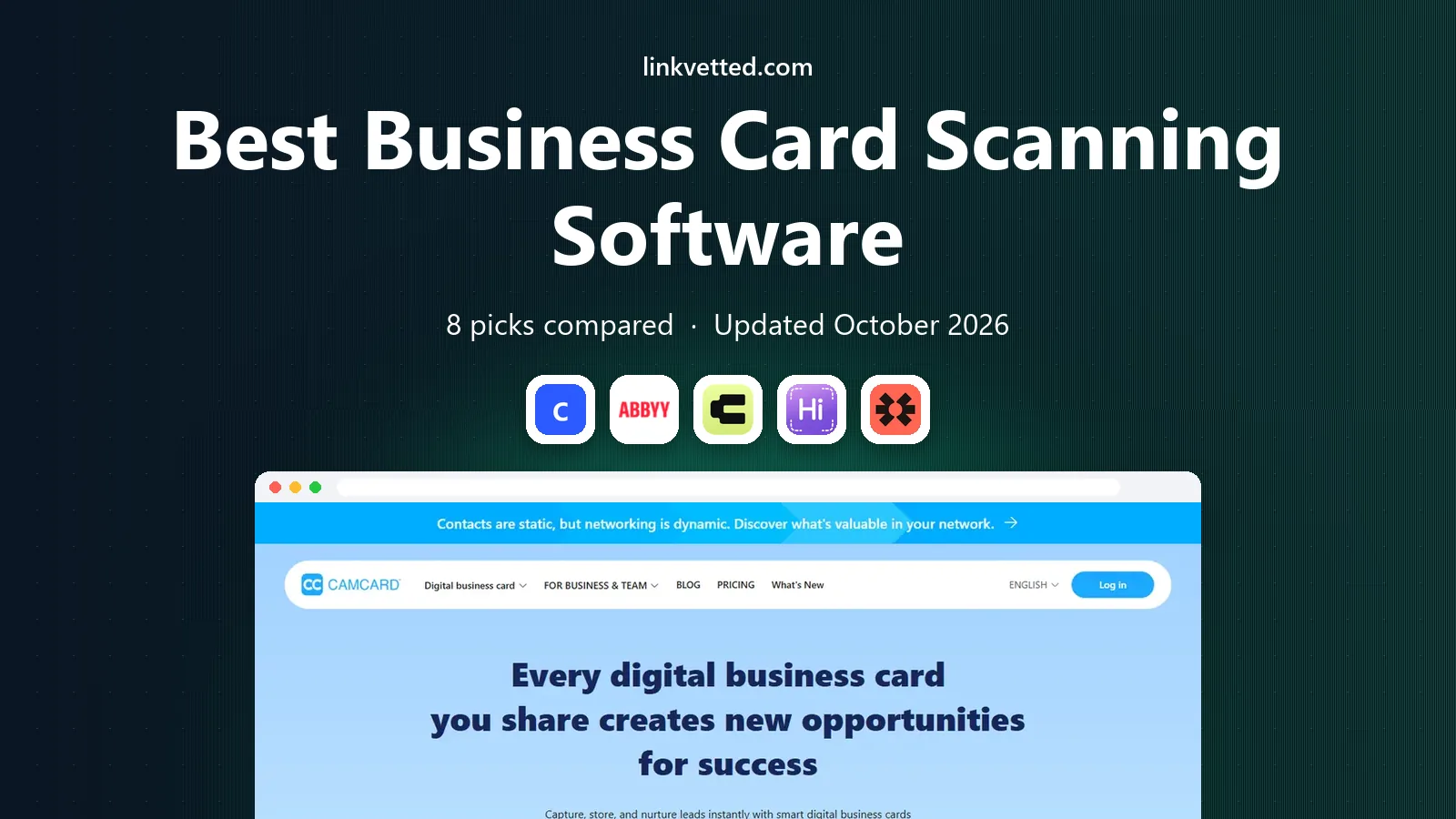
- Editor's choice
 CamCard
Accurate scanning for large card piles
Starts atSee websiteVisit camcard.comFull review - Great alternative
 ABBYY Business Card Reader
Accurate OCR for iPhone users
Starts atSee websiteVisit abbyy.comFull review - Also consider
 Covve
Scanning plus contact enrichment
Starts atSee websiteVisit covve.comFull review
TL;DR:
- CamCard and ABBYY suit people who mainly want accurate scanning and clean exports.
- Covve and HubSpot suit users who want enrichment or CRM follow-up after the scan.
- HiHello and Blinq suit networkers who also want a digital card to share.
- Check export options before you buy, since a locked contact list costs time later.
Quick comparison
| Tool | Best for | Starts at | Free plan? | |
|---|---|---|---|---|
| CamCard | Accurate scanning for large card piles | See website | Yes | Visit |
| ABBYY Business Card Reader | Accurate OCR for iPhone users | See website | Yes | Visit |
| Covve | Scanning plus contact enrichment | See website | Free trial | Visit |
 HiHello | Scanning plus digital cards | Free | Yes | Visit |
 Blinq | Digital cards with lead capture | Free | Yes | Visit |
 Haystack | Free unlimited scanning | Free | Yes | Visit |
 HubSpot Business Card Scanner | Scanning straight into HubSpot CRM | Free | Yes | Visit |
 BizConnect | Simple scanning and organisation | See website | Yes | Visit |
The best business card scanning software
A business card scanner should turn a paper card into a correct contact in seconds, then get that contact where you need it. Accuracy matters more than speed alone, since a wrong email address is a lead that never replies.

CamCard is a good match for people with many cards from trade shows and meetings. It reads cards in many languages and supports batch scanning, which helps after a busy event. Cloud sync keeps contacts available on phone, tablet, and web without manual transfers. A clear display matters more than a long feature list, because a result that is hard to check is hard to trust when a deadline is close.
The main catch is the free tier includes ads and limits. Scan in good light and check the email field before you leave the event, while corrections are still easy. Set up a small trial with real work, not sample data, and note how long each step takes from start to finish.
- Accurate reading in many languages
- Batch scanning
- Cloud sync across devices
- Ads in the free tier
- Some features sit behind a paid plan
ABBYY Business Card Reader is a good match for iPhone users who want reliable scanning and spreadsheet exports. It focuses on one job, reading cards accurately, and its batch export to Excel suits sales and admin work. The focused design means fewer distractions than social card apps. Price alone is a weak guide here, since the cheapest option can cost more time if it needs manual checking at every step.
The main catch is Android users should check current availability before relying on it. Test it on a foil or dark card, since hard cards reveal OCR limits faster than clean ones. Ask who will use the tool each week, since a tool that suits one specialist may slow down a wider team.
- Strong OCR accuracy
- Batch export to Excel
- Simple, focused scanning
- Android support is limited
- No digital card sharing focus

Covve is a good match for professionals who want contacts kept current over time. It scans cards and enriches contact details, then flags changes such as job moves. That upkeep helps when a contact list must stay useful for months, not just days. We found the shortlist easier to judge once we compared the same basics for every option: fit for the job, clarity of the results, and what the paid tier actually adds.
The main catch is the price is higher than simple scanners. Check which enrichment fields you actually use, since unused fields do not justify a higher plan. Before you commit, test the tool on a case you already know well, so you can judge its output against a result you trust.
- AI scanning
- Contact enrichment and updates
- Good export options
- Higher yearly cost
- Some features suit teams more than individuals
HiHello is a good match for networkers who want both scanning and a card to share. It pairs card scanning with digital cards you can share by link or QR code. That pair suits people who meet new contacts often and want a paper-free follow-up. A clear display matters more than a long feature list, because a result that is hard to check is hard to trust when a deadline is close.
The main catch is heavy scanners may hit the free monthly limit. Create your digital card before an event, so sharing takes seconds when you meet someone. Set up a small trial with real work, not sample data, and note how long each step takes from start to finish.
- Free scanning tier
- Digital business cards
- Easy sharing by link or QR code
- Free scan limit each month
- Advanced team features need paid plans
Blinq is a good match for event teams and networkers who capture leads in person. It centres on digital cards and lead capture, with scanning as part of event workflows. CRM links help sales teams move a new contact into follow-up without retyping details. Price alone is a weak guide here, since the cheapest option can cost more time if it needs manual checking at every step.
The main catch is people who only want simple scanning may prefer a focused app. Decide who owns follow-up before the event, so captured leads do not sit unread. Ask who will use the tool each week, since a tool that suits one specialist may slow down a wider team.
- Free digital card
- Lead capture at events
- CRM links for teams
- Scanning is part of a wider card platform
- Event pricing varies
Haystack is a good match for freelancers who want free, reliable scanning without a subscription. It offers unlimited scanning in its free tier and stores a photo of each card with the contact. That visual record helps when OCR misreads a name or title and you need to check the original. We found the shortlist easier to judge once we compared the same basics for every option: fit for the job, clarity of the results, and what the paid tier actually adds.
The main catch is team workflows and deep CRM links are limited. Keep the card photo, since it is the fastest way to fix a misread field later. Before you commit, test the tool on a case you already know well, so you can judge its output against a result you trust.
- Unlimited free scanning
- Visual card storage
- Simple contact sync
- Fewer team and CRM features
- Less focus on digital card design
HubSpot Business Card Scanner is a good match for HubSpot users who want scanned cards in their CRM at once. It is part of the HubSpot mobile app, so a scanned card becomes a CRM contact without a separate export step. Follow-up emails and tasks can start from that contact inside HubSpot. A clear display matters more than a long feature list, because a result that is hard to check is hard to trust when a deadline is close.
The main catch is users outside HubSpot gain little from it. Check duplicate handling in HubSpot first, since events often produce repeat contacts. Set up a small trial with real work, not sample data, and note how long each step takes from start to finish.
- Free scans
- Direct HubSpot CRM entry
- Follow-up automation in HubSpot
- Best only inside HubSpot
- Limited use outside that CRM
BizConnect is a good match for users who want a simple scanner without extra social features. It keeps scanning and organisation simple, which suits people who dislike feature-heavy apps. CSV export gives a straightforward path to spreadsheets and other tools. Price alone is a weak guide here, since the cheapest option can cost more time if it needs manual checking at every step.
The main catch is it lacks the enrichment and digital card depth of rivals. Export contacts weekly, so a phone change does not risk your whole card pile. Ask who will use the tool each week, since a tool that suits one specialist may slow down a wider team.
- Simple scanning
- Contact organisation
- Export to CSV
- Smaller feature set than leaders
- Less enrichment than Covve
How we picked these
We compared official app pages, pricing pages, and public reviews for each app. We checked scanning accuracy claims, language support, export formats, CRM links, and free limits. We did not claim hands-on testing, and we left out apps that have been retired or that only design digital cards without scanning paper cards.
What to check before you buy
Test accuracy on hard cards
Clean white cards flatter every scanner. Try foil logos, dark backgrounds, and small type, and check the email field most of all, since that field drives follow-up.
Check export before you scan hundreds of cards
Look for CSV or Excel export and CRM links that match your tools. A scanner without a clean export turns a contact list into manual work.
Decide if you need a digital card too
Some users only need scanning, while others want a card to share. Buying a full card platform for scanning alone wastes money, and buying a scanner alone disappoints if you also need sharing.
Watch free limits
Free tiers often limit scans per month or add ads. Estimate your event volume first, then pick a plan that covers your busiest month, not your average month.
FAQ
What is the best business card scanning software for accuracy?
ABBYY Business Card Reader and CamCard are strong choices for accuracy, based on their OCR focus and language support. Test any app on your hardest cards, since accuracy varies by card design and lighting.
Is there a free business card scanner app?
Yes. Haystack offers unlimited free scanning, and HiHello, CamCard, and HubSpot offer free tiers with limits or ads. Free tiers suit light use, while frequent event users often need a paid plan.
Can I export scanned cards to Excel?
Many apps support CSV or Excel export, including ABBYY, Covve, and BizConnect. Check the export format and field mapping before you scan a large batch, since a messy export needs manual cleanup.
Do business card scanners work with a CRM?
Some do, notably HubSpot for HubSpot users and Blinq and Covve for wider CRM links. If CRM entry matters, pick the scanner with a direct link to your CRM, not one that only exports files.
Should I keep the paper cards after scanning?
Keep them until you have checked the key fields and exported the contacts. A photo of the card inside the app can serve the same purpose for most users, once the export is safe.