Bug Tracking Software for Schools in 2026: The 6 Best Options Side by Side
Compare 6 best bug tracking software for schools, with prices, free plans and who each fits. Every profile names its biggest catch. See the full list.
- Editor's choice
 Azure DevOps
Schools running full software delivery pipelines
Starts atPricing on requestVisit azure.microsoft.comFull review - Great alternative
 MantisBT
Straightforward free web-based bug tracking
Starts atPricing on requestVisit mantisbt.orgFull review - Also consider
 GitHub Issues
Computer science classes already using repositories
Starts atPricing on requestVisit github.comFull review
Direct answer
Azure DevOps comes first here, mainly for schools running full software delivery pipelines. MantisBT is better for straightforward free web-based bug tracking, and GitHub Issues is better for computer science classes already using repositories. The other 3 tools in the list cover narrower or pricier cases. None of these vendors publish plan prices, so pricing is on request for every option.
TL;DR:
- Azure DevOps sits first on this list: schools running full software delivery pipelines.
- YouTrack fits all-in-one tracking with knowledge base.
- The main caution on Bugzilla: dated interface by modern standards.
- Azure DevOps, YouTrack and the 4 others all sell by quote; expect sales conversations before you see a price.
- None of the 6 tools, from Azure DevOps to YouTrack, has a free plan, so budget for a subscription or use a trial.
Last checked November 2026. Pricing on request: vendors did not publish plan prices when this guide was last checked (November 2026), so ask each vendor for a written quote.
Quick comparison
| Tool | Best for | Starts at | Free plan? | |
|---|---|---|---|---|
| Azure DevOps | Schools running full software delivery pipelines | Pricing on request | Not stated | Visit |
| MantisBT | Straightforward free web-based bug tracking | Pricing on request | Not stated | Visit |
| GitHub Issues | Computer science classes already using repositories | Pricing on request | Not stated | Visit |
 Bugzilla | Self-hosted open source bug tracking | Pricing on request | Not stated | Visit |
 Jira | Structured workflows across school IT and projects | Pricing on request | Not stated | Visit |
 YouTrack | All-in-one tracking with knowledge base | Pricing on request | Not stated | Visit |
The full bug tracking software for schools list
Choosing bug tracking software for schools usually comes down to price, fit and limits. This LinkVetted guide sets 6 tools side by side on those three points, with the facts kept short and checkable.
Think of Azure DevOps for schools running full software delivery pipelines. Azure DevOps Services from Microsoft merges agile planning, collaboration, CI/CD and AI-assisted tooling to help teams ship software quicker. Schools already using Microsoft tooling may find it aligns with their existing environment and administrative habits.
It is targeted at development workflows, so a school that only needs to track broken projectors or lab computers will find it excessive. On top of that, in education it fits departments teaching or running software projects that require work items, boards and build pipelines connected. Check the vendor site for Azure DevOps pricing; none is listed in this comparison. Trial and free access: Not stated.
Limits to weigh: Best fit for development-oriented teams.
- CI/CD and automation built in
- Agile planning tools alongside issue tracking
- Heavy for straightforward help desk use
Pick MantisBT if this describes you: simple free web-based bug tracking. For schools it gives you a low-cost way to provide teachers and lab staff a shared place to report and follow faults.
Honest limits: Basic project management features.
Its simplicity makes it approachable for small IT teams that primarily need a dependable issue list. No starting price is listed for MantisBT here; confirm pricing on the vendor site. Free options: Not stated.
- Works with typical databases
- Web-based and straightforward to learn
- Needs someone to host and maintain it
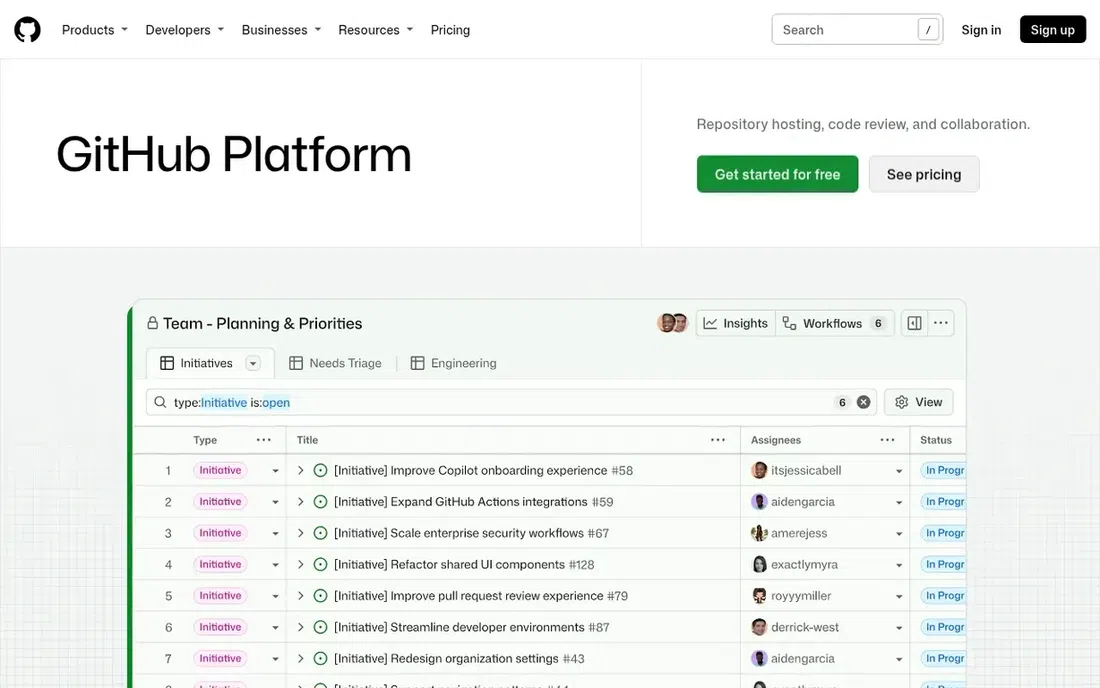
Choose GitHub Issues for computer science classes already using repositories. GitHub Issues is the issue tracking layer of GitHub, where teams host code, plan projects, review changes and automate workflows alongside AI agents and the open source community.
Pricing for GitHub Issues is not stated here, so ask the vendor for current figures. Free access: Not stated.
Points against: Less suited to non-technical fault reporting.
- Issues live beside code and pull requests
- Automation and workflow tooling included
- Best value only if the school already uses GitHub
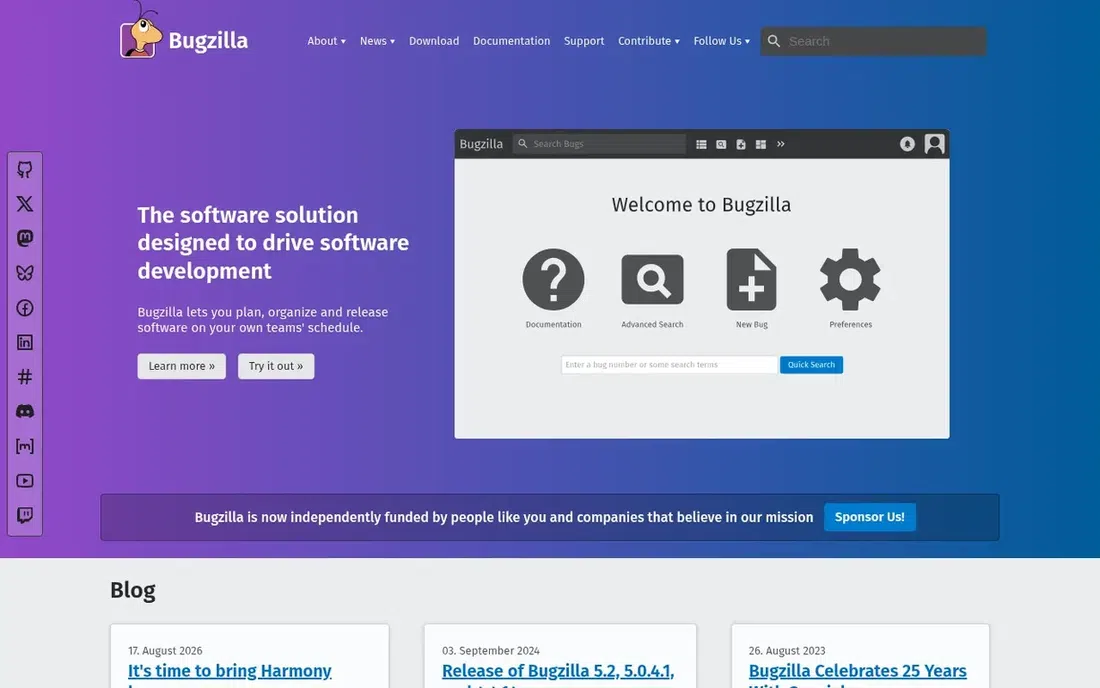
Where Bugzilla fits: self-hosted open source bug tracking. Schools that want full control over data and hosting can run it on their own infrastructure, which fits institutions with strict data policies or an experienced systems administrator.
Where it is weaker: Dated interface by modern standards.
As for the details, if nobody on staff can maintain a self-hosted service, a managed choice like YouTrack or Azure DevOps is simpler to operate. This comparison lists no price for Bugzilla; ask the vendor. On free options: Not stated.
- Runs on school-owned infrastructure
- Deep bug lifecycle and query choices
- Needs server administration
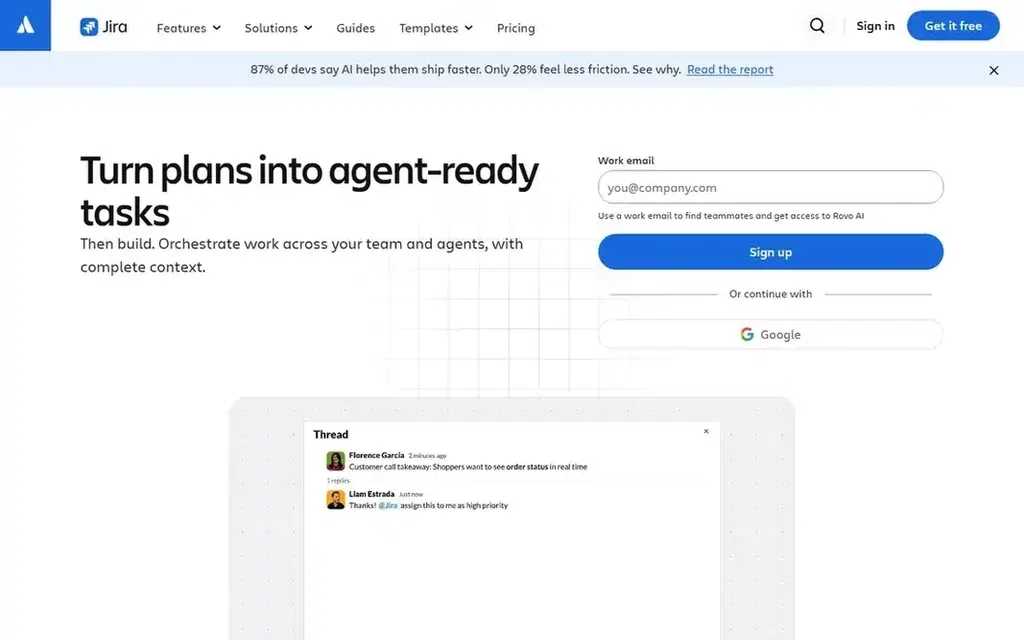
In short, Jira is for structured workflows across school IT and projects. If you want a straightforward tracker that a single teacher can run without setup effort, a lighter self-hosted choice for example MantisBT may be a better fit.
For schools it can serve a central IT help desk, facilities fault reporting, or oversight of student and staff projects in one place. Pricing for Jira is not stated here, so ask the vendor for current figures. As for free access: Not stated.
Downsides: Setup can feel heavy for small teams.
- Customizable workflows and boards
- Widely documented and supported
- Administration needs some technical comfort
YouTrack is designed for all-in-one tracking with knowledge base. YouTrack from JetBrains places task tracking, project management, a knowledge base and customer support in one place, built for every member of a team.
For a minimal tracker maintained in-house, MantisBT or Bugzilla keeps things more straightforward. In daily use, the breadth of features can overwhelm staff who only have to log and close faults, and occasional users may need onboarding. Pricing for YouTrack is not stated here, so ask the vendor for current figures. On free options: Not stated.
What YouTrack does well: projects and knowledge base together.
Where it is weaker: Ramp-up time for occasional users.
- Tasks
- Built for mixed teams
- More features than straightforward bug lists need
How we compared the tools
LinkVetted used vendor pricing pages and product documentation as the base, then compared plans, free access and documented limits for 6 tools. Plan names, prices and limits change often. Treat the figures here as a starting point and verify them with the vendor. Tools are placed by general fit for bug tracking software for schools, with price clarity and free access as tie-breakers. A different team can reasonably rank them differently.
What to check before you buy
- Confirm the entry price with every vendor: no tool from Azure DevOps to YouTrack shows a fixed starting price.
- Read the limits listed for Azure DevOps first: heavy for straightforward help desk use.
- Find out whether the entry plan of MantisBT covers your must-haves or only a trimmed-down version.
- Ask Azure DevOps how an export works before you move any records in; an easy exit lowers the risk.
- Let daily users try GitHub Issues on real work; their feedback beats any feature checklist.
FAQ
Does any tool for bug tracking software for schools here have a free plan?
No tool in this list, Azure DevOps and YouTrack included, has a permanent free plan. Trials and quotes are the usual route, so plan a short evaluation period. Each of the 6 options in this Bug tracking software for schools guide has its own card above with the price, free plan and limits.
Is Azure DevOps the right pick for everyone comparing bug tracking software for schools?
No single tool suits every team. Azure DevOps comes first because it fits schools running full software delivery pipelines, while MantisBT suits simple free web-based bug tracking and GitHub Issues suits computer science classes already using repositories. Match the tool to your own size, budget and workflow before deciding.
How are the tools for bug tracking software for schools ordered?
Azure DevOps sits first and YouTrack last because the order follows typical fit for bug tracking software for schools, then price clarity and free access. It is a judgement call, so read each profile for fit and limits.
Can I try these tools before paying?
Not by default. None of the tools, from Azure DevOps to YouTrack, lists a free plan or a free trial here, so ask each vendor for a demo before committing.
Sources
- https://azure.microsoft.com/en-us/products/devops
- https://mantisbt.org
- https://github.com/features/issues
- https://www.bugzilla.org
- https://www.atlassian.com/software/jira
- https://www.jetbrains.com/youtrack